Mindy
Transform your email into an AI-powered command center.
Key Takeaways
- What it is
- Transform your email into an AI-powered command center.
- Pricing
- Freemium · $20 per month
- Best for
- Email Integration
- Task Automation
- Customized Assistance
- Rating
- 4.6/5
What is Mindy?
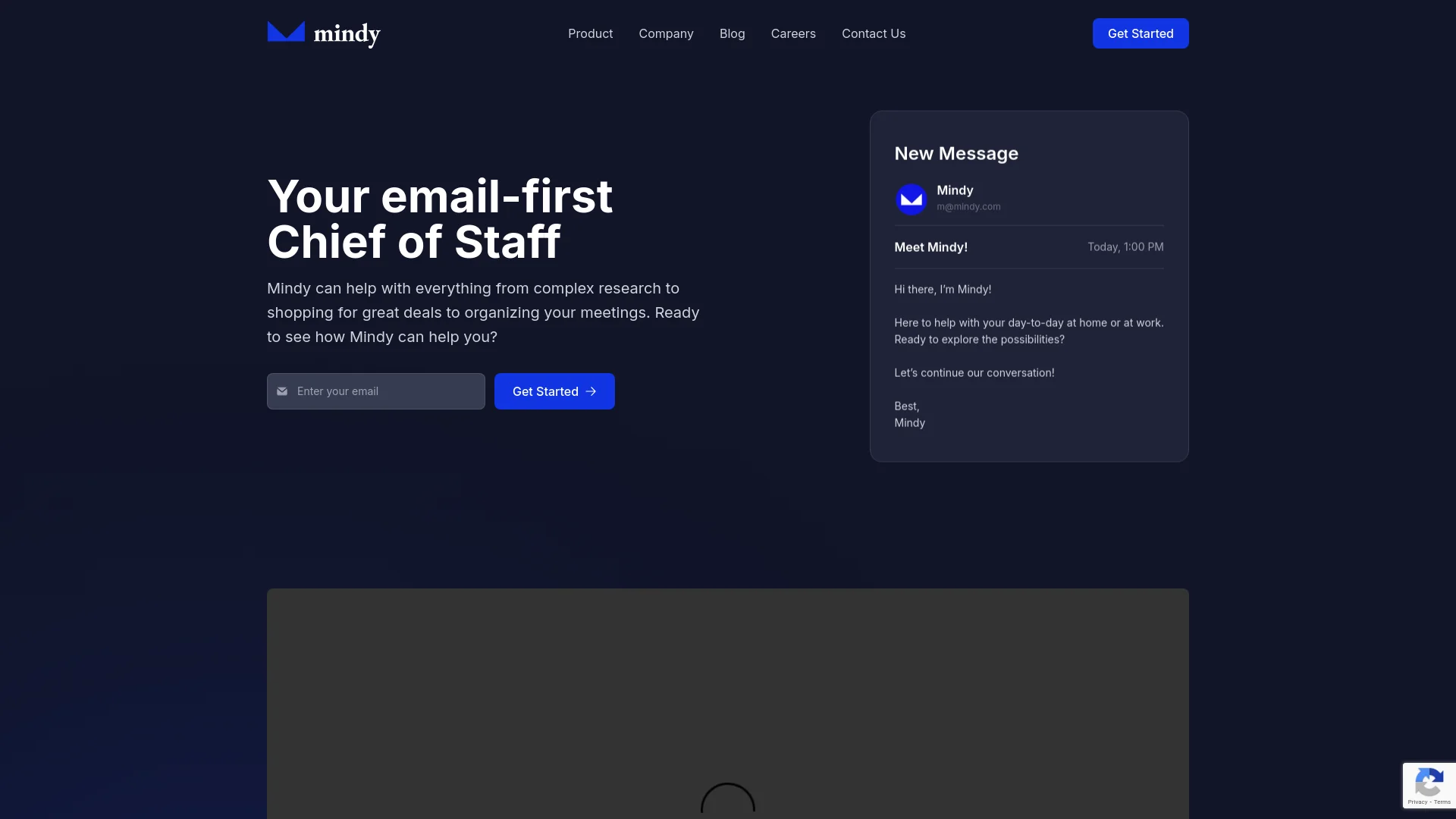
Mindy is a forward-thinking AI tool designed to function as your email-first Chief of Staff. By integrating seamlessly into your email environment, Mindy simplifies your workflow, handling tasks from complex research to organizing daily meetings. It’s designed for professionals and individuals who want to optimize time management and boost productivity by automating routine tasks and aiding in decision-making.
Mindy distinguishes itself by leveraging the email platform—an everyday tool—to manage a wide range of tasks and communications. Its integration within the email environment makes it accessible and easy to use, unlike other AI assistants that require separate platforms or applications.
Mindy excels in transforming email into a dynamic and powerful tool for managing tasks and communications. Its innovative approach to AI integration within an email interface offers a significant advantage for enhancing productivity without additional software. Ideal for professionals, businesses, and freelancers, Mindy provides a valuable solution for streamlining daily operations efficiently.
Who is Using Mindy?
Busy Professionals
Helps manage daily tasks and communications.
Small to Medium Enterprises
Handles administrative functions and customer interactions.
Freelancers
Assists with project tracking and deadlines.
Educational Institutions
Organizes administrative tasks and enhances staff productivity.
Uncommon Use Cases
Used by non-profits for event organization and donor communication; health clinics for scheduling and appointment confirmations.
Key Features
Rating Breakdown
Pricing Plans
Free Tier
Free
- Basic features available at no cost
Premium Tier
$20 per month
Which Mindy plan should you pick?
Start with the Free Trial to test Mindy's Slack-based image and video workflows; upgrade to Starter for regular individual or small-team use, Pro for higher-volume creation, or Enterprise for custom integrations and SSO.
Free Trial
Good for evaluating Mindy's image and video generation with limited trial credits.
Starter
Good for individuals or small teams needing recurring image and video generation.
Pro
Good for teams scaling content production with higher generation limits and priority support.
Enterprise
Good for larger organizations needing unlimited generation, custom integrations, dedicated support, and customized configuration.
Mindy Use Cases
Image creation
Generate original images or edit uploaded logos, product shots, sketches, and screenshots.
Outcome: Create brand-ready visual assets.
Video creation
Generate short clips from prompts or still images and apply simple scene transitions.
Outcome: Produce short social video content.
Slack workspace search
Ask Mindy about projects, topics, team updates, and public Slack history.
Outcome: Find answers without leaving Slack.
Google document summarization
Connect Google and summarize or discover documents linked in public Slack channels.
Outcome: Understand linked company documents faster.
Creator contests
Create or remix a video, post it to social media, and submit the public post link.
Outcome: Compete for contest prizes based on performance and creativity.
Workflow Ideas with Mindy
Create a branded visual
- 1Upload a logo, product shot, sketch, or screenshot
- 2Ask Mindy to generate or edit the visual
- 3Review and approve the resulting asset
Turn a Slack discussion into content
- 1Mention Mindy in a Slack channel
- 2Summarize the discussion or brainstorm a campaign concept
- 3Generate an image or video from the approved concept
Enter a creator contest
- 1Join a contest and choose Create Your Own or Remix
- 2Generate or customize the video
- 3Download it, post it socially, and submit the public post URL
How Mindy fits into your stack
Email Platforms
Compatible with major email services like Gmail, Outlook, and Yahoo Mail.
Calendar Integration
Syncs with Google Calendar and Outlook to manage schedules.
Task Management Tools
Integrates with Trello and Asana for task tracking.
Custom API
Provides API access for businesses to create customized integrations.
Pros
- +Increased Productivity: Frees up time by automating routine tasks and organizing your schedule.
- +User-Friendly: Features a straightforward, intuitive interface.
- +Cost-Effective: Reduces overhead costs by minimizing the need for additional staff or resources.
- +Scalable: Suits individuals, small businesses, and larger enterprises.
Cons
- −Dependency on Email: Primarily functions within an email environment, which may not integrate with other communication tools.
- −Learning Curve: New users may need time to familiarize themselves with all features.
- −Limited Offline Functionality: Requires internet connectivity for optimal performance.
Limitations & when to consider alternatives
Known limitations
- Video clips are limited to 10 seconds. Mindy's FAQ says longer videos must be assembled externally.
- Generated videos are silent. Audio is not included and must be added with another editor.
- Uploaded videos cannot be edited. Mindy can generate clips from images, but does not modify existing uploaded videos.
- Image text may be imperfect. Shorter text, larger fonts, and simpler shapes work better.
- Generated file links are temporary. Users must download or save files before the links expire.
Look elsewhere when
- You need a native mobile app
- You need longer, sound-enabled, or advanced 3D video editing
- You need an API for programmatic access
- You need uploaded-video editing
How to Use Mindy
- 1
Visit the Mindy website for a variety of tutorials covering basic setup and advanced features to help users fully utilize the tool’s capabilities.
Who is Mindy For?
Marketing teams
Mindy helps create, adapt, and approve visual assets for campaigns.
Product teams
Product teams can turn sketches, screenshots, and product shots into polished visuals.
Operations teams
Operations teams can use Slack-based summaries, collaboration, and content workflows.
Creators
Creators can make short videos, remix templates, and submit social posts to contests.
Frequently Asked Questions
What is Mindy?
Mindy describes itself as an AI-powered image and video creation suite embedded in Slack workflows.
What can Mindy's image and video tools do?
They generate images from prompts, edit uploaded images, and create short video clips from prompts or images.
Can Mindy analyze uploaded images?
Yes. It can describe or analyze uploaded images, read text, and summarize charts.
Can Mindy create videos with sound?
No. The documented video output is silent; audio must be added with an external editor.
Can Mindy make longer videos?
No. Individual clips are limited to 10 seconds, although clips can be combined externally.
Is there a Mindy mobile app?
The Mindy Creator FAQ says Mindy works in the browser and has no standalone mobile app.
Community reviews
Be the first to share your experience.
Sign in to leave a review for Mindy.
Mindy Alternatives
Looking for alternatives to Mindy? Here are similar tools in the same category: