MindsHub
Developers can switch AI providers through one API without rebuilding integrations.
Key Takeaways
- What it is
- Developers can switch AI providers through one API without rebuilding integrations.
- Pricing
- Freemium
- Best for
- MindsHub Inference
- MindsHub Agents
- Cowork schedules
- Rating
- 4.0/5
What is MindsHub?
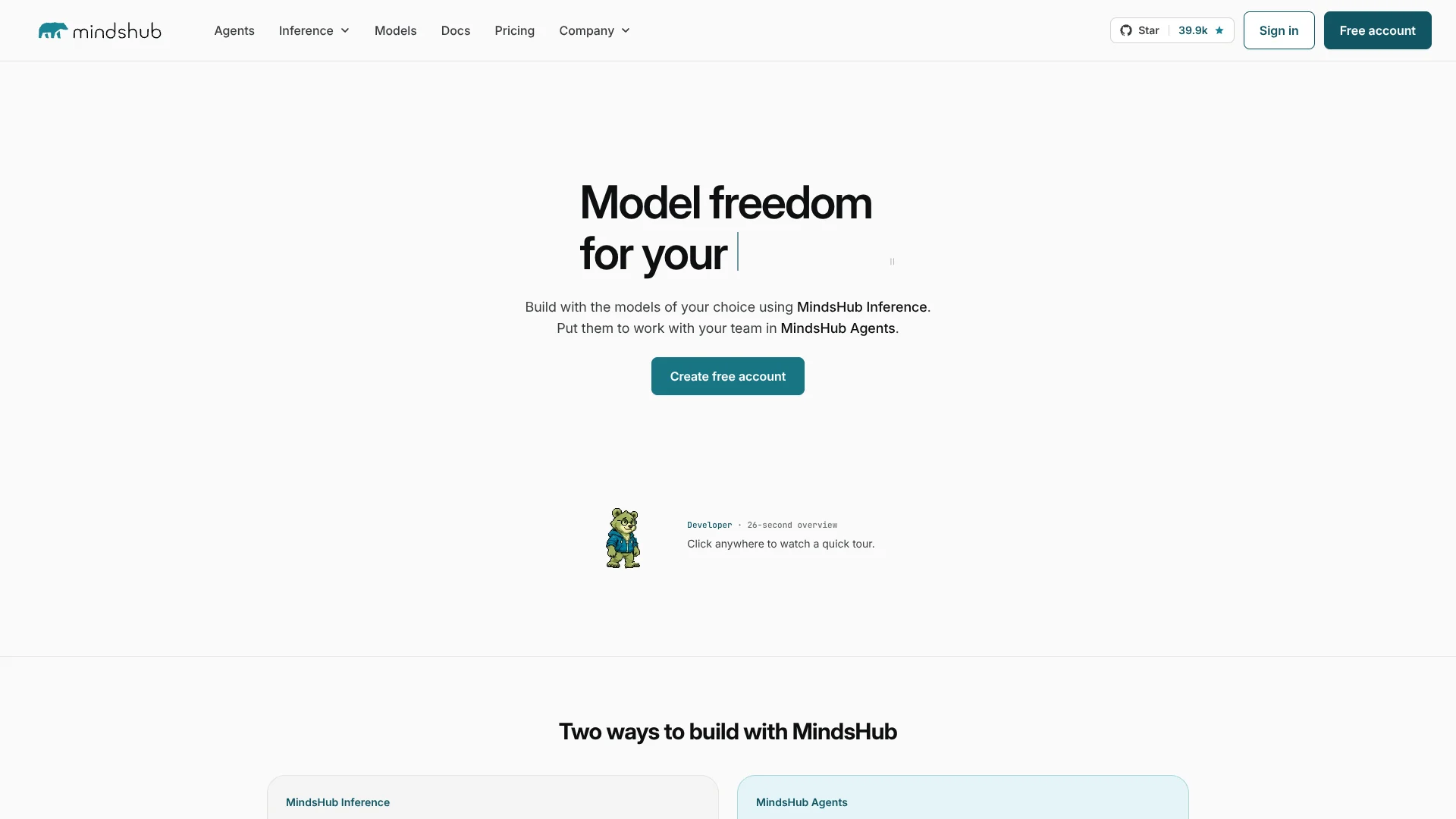
MindsHub brings AI models from providers such as Anthropic, OpenAI, and Google into one API, while MindsHub Agents handles work tasks and coding. Developers can change models without replacing their existing OpenAI or Anthropic SDK setup. Knowledge workers can delegate research, analysis, and content creation to Cowork.
A single MindsHub key can route requests to models across its catalog through OpenAI Chat Completions, OpenAI Responses, or Anthropic Messages. That lets a team compare or switch models while keeping one balance and usage view. Its Cowork workspace also turns tasks into shareable artifacts and can run scheduled work.
MindsHub fits developers comparing models, teams managing AI use, and knowledge workers with recurring research or reporting tasks. It is less suited to people who want one fixed model or a predictable subscription: model rates vary, and MindsHub Air can change its underlying model. Choose it when model choice and shared controls matter.
Who is Using MindsHub?
Software developers
A single API key and familiar request formats make it easier to compare models in an application.
Coding agent users
Claude Code and Codex can connect to MindsHub and use models from its catalog.
Marketing strategists
Scheduled research and content workflows can turn campaign information into reports and drafts.
Business analysts
Cowork can turn data and source material into recurring summaries and shareable reports.
Support and operations leads
Recurring monitoring and triage tasks can surface messages or issues that need attention.
Uncommon Use Cases
Turn meeting transcripts into action items; build an internal dashboard or web app from a task description.
Key Features
Rating Breakdown
Pricing Plans
Free
Free
- MindsHub Air is included within fair-use limits.
- No credit card required.
Pay as you go
- Paid model usage draws from a prepaid balance.
- MindsHub Air rates are $0.10 per million input tokens and $0.50 per million output tokens.
Which MindsHub plan should you pick?
Start with Free for everyday work on MindsHub Air, and add prepaid credits when you need other hosted models or more usage.
Free
Good for trying Cowork or the API with MindsHub Air within fair-use limits.
Pay as you go
Good for teams that need other models in the catalog and are comfortable with usage-based charges.
MindsHub Use Cases
Compare AI models
A developer can test different catalog models against the same application request through one API.
Outcome: Compare model responses while keeping the existing SDK setup.
Recurring business reports
Scheduled Cowork tasks can gather fresh data and prepare a regular written digest.
Outcome: A recurring report is created on the chosen schedule.
Research and analysis
Cowork can review source material and turn findings into a report or other artifact.
Outcome: A reviewable, shareable deliverable.
Meeting follow-up
A transcript or recording can be processed to identify notes and action items.
Outcome: Meeting information becomes follow-up tasks.
Coding tasks
Claude Code or Codex can use a MindsHub model while working in a developer's existing coding setup.
Outcome: Coding agent requests use the MindsHub key and balance.
Workflow Ideas with MindsHub
Weekly performance digest
- 1Connect the relevant data source in Cowork.
- 2Schedule a recurring task to review new figures.
- 3Share the generated summary with the team.
Model comparison for an app
- 1Create a MindsHub API key.
- 2Send the same test request to different model names.
- 3Compare responses and usage costs.
Meeting transcript to action list
- 1Attach or provide the meeting transcript.
- 2Have Cowork identify decisions and action items.
- 3Review and share the resulting artifact.
How MindsHub fits into your stack
Cowork workspace
Cowork is the workspace for assigning tasks, organizing work in projects, and reviewing artifacts.
Developer API
MindsHub Inference connects applications through OpenAI-compatible and Anthropic-compatible request formats.
Coding tools
Claude Code and Codex can use MindsHub models through their supported request formats.
Team administration
Organizations can manage members, teams, model access, API keys, and spending controls.
Desktop and browser
Cowork is available in a browser and as a desktop app for macOS, Windows, and Linux.
Pros
- +One API key: Reach models through OpenAI and Anthropic request formats without changing SDKs.
- +Model choice: Switch among providers by changing the model name in a request.
- +Recurring work: Schedule tasks such as reports and monitoring.
- +Shared oversight: Teams can manage model access, usage, and spending.
Cons
- −Variable bills: Pay-as-you-go costs depend on the model and token use.
- −Changing aliases: MindsHub Air can point to a different underlying model over time.
- −Multiple surfaces: Cowork, Code, and Inference serve different jobs and may take time to sort out.
Limitations & when to consider alternatives
Known limitations
- Free-tier fair-use limits. Free usage has daily limits; the free tier is intended for everyday knowledge work, not bulk or high-volume workloads.
- Model-specific capabilities. Image input, reasoning controls, and other capabilities depend on the underlying model.
- Rate limits. The documented default API limits are 60 requests per minute, 1,000,000 tokens per minute, and 20 concurrent requests per organization.
- MindsHub Air can change. Air is a rotating model alias, so the model behind it may change as MindsHub updates its selection.
Look elsewhere when
- You need a fixed monthly subscription instead of usage-based model billing.
- You need a mobile app or browser extension for this exact product.
- Your workflow depends on a specific model capability that the selected model does not support.
How to Use MindsHub
- 1
Choose your starting point
Use Cowork for knowledge work, Code for coding tasks, or Inference to connect your software to models.
- 2
Create an account and key
The free tier does not require a credit card; create an API key if you are connecting software or an agent.
- 3
Pick a model
Select a catalog model or alias. MindsHub Air is included within the free tier's limits.
- 4
Set up a task or request
In Cowork, describe the task and review its output; in the API, use the request format your code already supports.
- 5
Check usage
Review model usage and costs in your account, especially when using paid models.
- 6
Add credits if needed
Paid model usage draws from a prepaid balance; the pricing page lists rates by model.
Who is MindsHub For?
Developers
A shared API and model catalog help developers test models or connect existing coding agents.
Creators
Cowork can help turn briefs, transcripts, and long-form content into drafts and other deliverables.
Operators
Sales, support, finance, and engineering teams can automate recurring reports and task workflows.
Strategists
Analysts, founders, product teams, and researchers can summarize feedback and prepare research digests.
Teams managing AI access
Organizations can assign roles, group members into teams, and set model and spending controls.
Frequently Asked Questions
Is MindsHub free?
The Free tier costs $0 per month and does not require a credit card. MindsHub Air is included within fair-use limits; other hosted model usage is billed at published rates.
How is paid usage billed?
MindsHub uses a prepaid balance for hosted model use beyond included free usage. Rates vary by model and are listed per million tokens.
Can I use my existing OpenAI or Anthropic SDK?
Yes. MindsHub supports OpenAI Chat Completions and Responses formats, as well as Anthropic Messages.
Can I use my own model-provider API keys?
Yes. You can add provider keys and pay the provider directly for that usage.
Is there a desktop app?
Yes. Cowork is available as a desktop app for macOS, Windows, and Linux, as well as in a browser.
Can MindsHub run tasks on a schedule?
Yes. Cowork schedules can trigger tasks on a recurring cadence.
Community reviews
Be the first to share your experience.
Sign in to leave a review for MindsHub.
MindsHub Alternatives
Looking for alternatives to MindsHub? Here are similar tools in the same category: