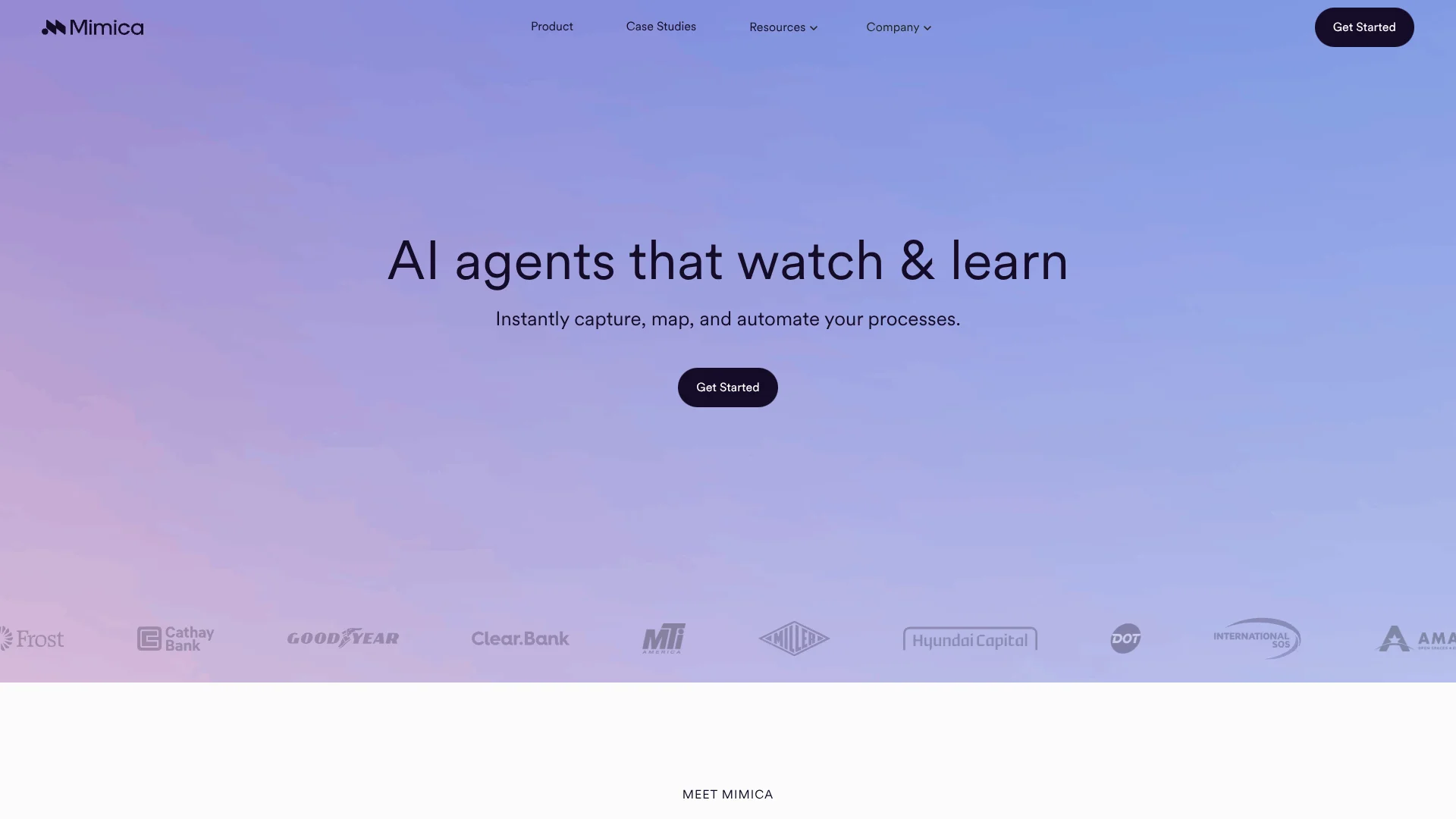
Mimica
Maps how enterprise teams work to uncover their best automation opportunities.
Key Takeaways
- What it is
- Maps how enterprise teams work to uncover their best automation opportunities.
- Pricing
- Freemium
- Best for
- Miner
- Mapper
- Measure
- Rating
- 4.2/5
What is Mimica?
Mimica records how enterprise teams work across desktop applications, including clicks, keystrokes, and screen actions, then uses that evidence to find inefficient workflows. Its Miner identifies automation opportunities, Mapper documents process variations, Measure tracks improvement, and Maker turns suitable workflows into production-ready agents.
Mimica can build automation from observed work instead of relying only on system event logs or interviews. Its agents are tested against real examples, reviewed before launch, and designed to hand unfamiliar cases to a person rather than guess.
Mimica is best for large organizations with complex Finance, Customer Support, Operations, IT, or Shared Services workflows. It is less suited to individuals or small teams seeking a self-serve AI app, since access and pricing are handled through Mimica's sales process. Its strength is showing how work actually happens before automation begins.
Who is Using Mimica?
Business transformation leaders
Cost-savings targets become easier to prioritize when workflow time, variation, and automation potential are visible.
Process analysts
Mapper replaces much of the manual observation and documentation involved in creating process maps.
Automation developers
Real process examples and generated agent code provide a stronger starting point for building automations.
Operations managers
Measure helps compare productivity, spot inconsistent work, and track whether process changes improve results.
IT and shared-services leaders
Cross-application desktop capture reveals manual work that may not appear in ERP or other system logs.
Uncommon Use Cases
Benchmarking how different teams perform the same process; creating training and onboarding material from observed work
Key Features
Rating Breakdown
Pricing Plans
Free Tier
Free
- Experience Mimica with a free trial to evaluate its capabilities
Which Mimica plan should you pick?
Start with Mimica's free 14-day proof of concept to validate process visibility, then move to a commercial deployment when the team has confirmed its automation priorities.
Free 14-day proof of concept
Good for transformation teams that need to test workflow capture and identify high-value automation opportunities.
Mimica Use Cases
Automation opportunity discovery
A ranked view of repetitive work shows which workflows deserve automation investment first.
Outcome: Higher-ROI automation priorities
End-to-end process mapping
Process variations, exceptions, and decision points become visible across the applications employees use.
Outcome: More accurate process documentation
Finance operations improvement
Accounts payable, invoice creation, payroll, and financial close workflows can be measured across teams.
Outcome: Identified time savings and cost-reduction opportunities
AI agent development
Observed work becomes the source material for agents that navigate systems, read documents, make decisions, and escalate exceptions.
Outcome: Production-ready agents for selected workflow steps
Productivity benchmarking
Teams can compare process performance against benchmarks and monitor the effect of standardization or retraining.
Outcome: Ongoing visibility into process improvement
Workflow Ideas with Mimica
Find the best automation candidates
- 1Record representative desktop work with Miner.
- 2Review workflow scores for frequency, time, and automatability.
- 3Select high-value candidates for mapping or automation.
Turn observed work into an agent
- 1Capture real examples of the process.
- 2Review the process map and choose suitable automation steps.
- 3Approve and test the Maker-generated agent before deployment.
Measure a process change
- 1Capture a baseline of time, variation, and productivity.
- 2Standardize, retrain, simplify, or automate the workflow.
- 3Use Measure to compare results against the original baseline.
How Mimica fits into your stack
Desktop work capture
The recorder sits at the start of the workflow and observes activity across the applications employees already use. PII anonymization and exclusion controls help limit sensitive data exposure.
Process documentation
Mapper turns captured activity into process maps with variants, exceptions, decision points, and measures such as time and application usage.
Automation planning
Miner's scoring helps teams choose where GenAI, OCR, IDP, RPA, or agentic automation may fit.
AI agent development
Maker generates and tests agent code from the discovered workflow, with human approval and escalation when cases fall outside observed behavior.
Automation handoff
Mimica exports insights as PDD, BPMN, or CSV files for automation development, workflow visualization, or custom analysis.
Pros
- +Real-work visibility: Captures desktop activity that traditional system logs can miss.
- +Automation prioritization: Scores workflows so transformation teams can focus on higher-value opportunities.
- +Fast discovery: The site says teams can generate process insights after observing work for as little as one week.
- +Agent review: Maker tests agents against observed examples and lets teams approve the planned behavior before launch.
- +Privacy controls: PII anonymization, recording controls, app exclusions, and later redaction support employee privacy.
Cons
- −Enterprise focus: The product is built for complex organizational workflows rather than casual individual use.
- −Sales-led access: Visitors are directed to request a demo or proof of concept instead of starting from a public checkout page.
- −Recording overhead: Teams need to install and run Mimica's recorder before the system can analyze their work.
Limitations & when to consider alternatives
Known limitations
- No public standard pricing. Mimica directs prospects to its product experts for pricing and product questions rather than listing subscription prices publicly.
- Free access is conditional. The site says free trials are available in some instances, and its contact page promotes a free 14-day proof of concept.
- Recorder required. Teams must receive an invitation, download the recorder, and observe work before Mimica can generate process insights.
- Unfamiliar cases need people. Maker escalates situations it has not seen before to a person instead of deciding how to handle them on its own.
Look elsewhere when
- You need a self-serve AI tool with public monthly pricing.
- You need a mobile app or browser extension for individual work.
- Your workflows do not involve enough repeated desktop activity to analyze.
How to Use Mimica
- 1
Start a proof of concept
Request Mimica's free 14-day proof of concept or ask the team about eligibility for a free trial.
- 2
Install the recorder
After receiving an invitation, download and launch the Mimica recorder on the participating team's computers.
- 3
Capture representative work
Record normal process activity for at least a week while employees retain control over when recording runs.
- 4
Review Miner findings
Use workflow scores and automation ratings to identify the processes with the strongest improvement potential.
- 5
Map and measure the process
Inspect variants and exceptions in Mapper, then establish benchmarks or compare future performance in Measure.
- 6
Build with Maker
Generate an agent for suitable workflow steps, review its blueprint, test it against observed examples, and approve deployment.
Who is Mimica For?
Large enterprises
Complex operations across departments give Mimica enough workflow variation and volume to produce useful process intelligence.
Transformation teams
Mimica provides evidence for deciding which processes to simplify, standardize, eliminate, or automate.
Automation programs
Miner and Mapper help automation teams find candidates and produce process documentation before development begins.
Shared Services
Finance, payroll, accounts payable, and similar centralized functions can compare how work varies across teams.
Organizations adopting agentic AI
Maker connects observed business processes with AI agents, deterministic automation, and human handoffs.
Frequently Asked Questions
Does Mimica have a free plan?
The site does not list a permanent free plan. It says free trials are available in some instances and promotes a free 14-day proof of concept.
How is Mimica priced?
Mimica does not publish standard plan prices on its public site. Prospective customers are directed to contact its product experts.
How long does Mimica need to analyze a process?
The site says insights can be generated after observing work for as little as one week, while its product page describes process discovery in as little as two weeks.
What does Mimica export?
Mimica can export insights in PDD, BPMN, and CSV formats for automation platforms, workflow visualization, or custom analysis.
How does Mimica protect employee privacy?
Mimica says it anonymizes personally identifiable information, lets employees start or stop recording, supports application and website exclusions, and allows later redaction.
What happens when a Maker agent sees something unfamiliar?
The agent escalates the case to a person rather than guessing. Teams review and approve the agent's planned behavior before it runs.
Community reviews
Be the first to share your experience.
Sign in to leave a review for Mimica.
Mimica Alternatives
Looking for alternatives to Mimica? Here are similar tools in the same category: