Mexty
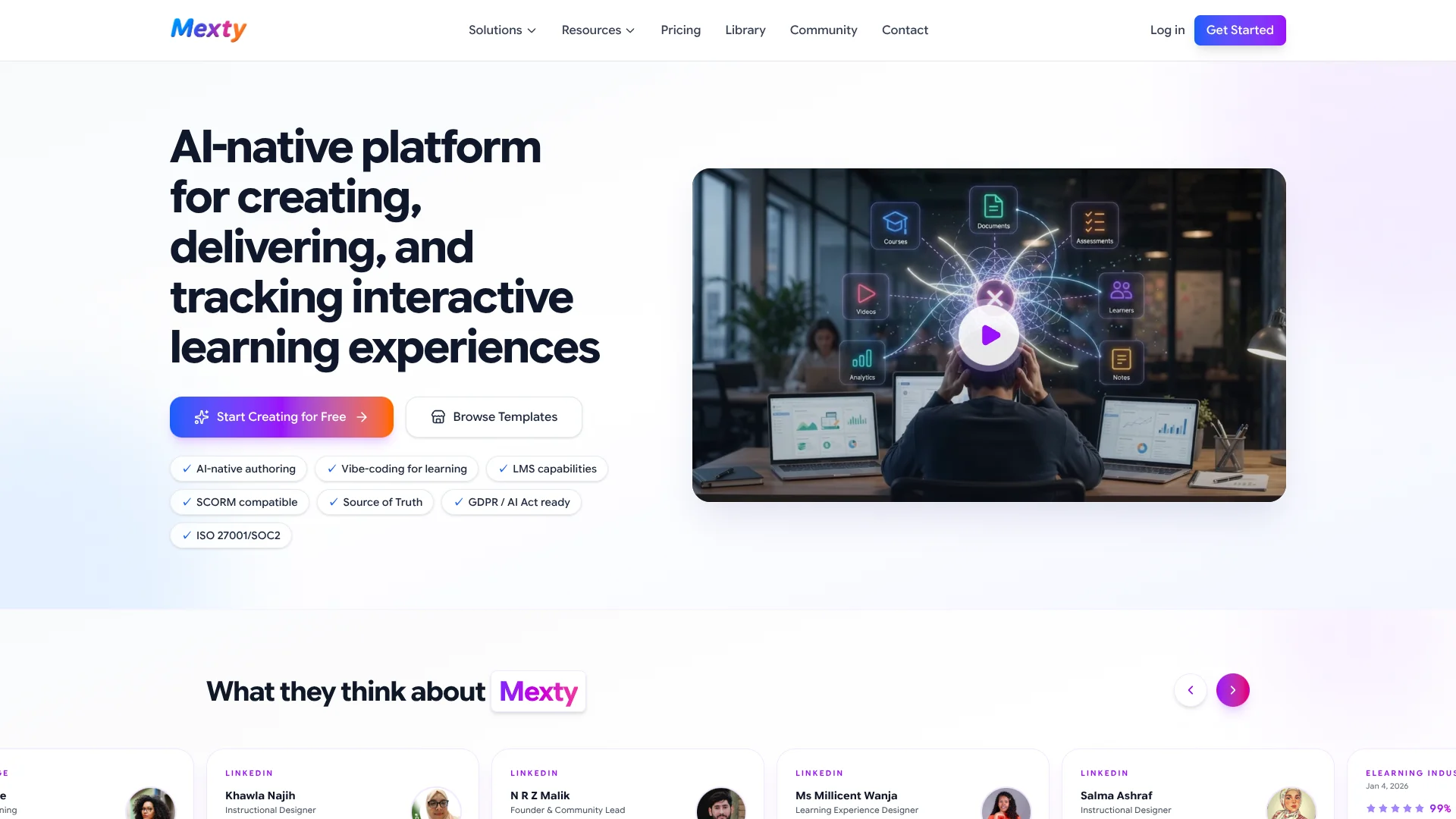
Turns approved training materials into interactive courses for learning teams.
Watch Mexty in Action
Key Takeaways
- What it is
- Turns approved training materials into interactive courses for learning teams.
- Pricing
- Freemium · $21.37 per creator per month · $1.12 per learner per month at volume
- Best for
- Mexty Chat
- Interactive Activities
- Source of Truth
- Rating
- 4.2/5
What is Mexty?
Mexty helps teachers, instructional designers, trainers, and learning teams turn a prompt or source document into editable courses, quizzes, simulations, and interactive activities. Its AI chat can build learning content without coding, while the authoring tools let you adjust text, media, layouts, interactions, and assessments before publishing.
Mexty can use a knowledge base as a Source of Truth, then create learning content grounded in approved documents instead of relying only on general AI knowledge.
It fits teams that need to create and deliver training, especially when SCORM export, learner tracking, and AI-generated activities matter. The free plan does not include HTML or SCORM export, and the platform is more focused on learning content than general-purpose content creation.
Who is Using Mexty?
Instructional Designers
Course structure, branching activities, evaluations, and reusable learning blocks come together in one authoring workspace.
Corporate Trainers
Onboarding, compliance, product training, and skills programs can be created from internal material and assigned to learners.
Teachers
Interactive lessons and practice activities give students more than static documents or slides.
L&D Managers
Learner groups, roles, analytics, and learning paths help track training across teams.
Compliance Teams
Policy documents can ground generated modules, while evaluations and completion tracking support audit preparation.
Uncommon Use Cases
Parents can create personalized homework and exam-prep activities; course creators can publish and sell training through the Mexty Library.
Key Features
Rating Breakdown
Pricing Plans
Free
Free
- 1 creator
- 20 AI credits, one time
- 1 learner
- No HTML or SCORM export
- Prices exclude VAT
Authoring
$21.37 per creator per month
- 100 AI credits per creator per month
- Unlimited creators at $21.37 each
- Unlimited HTML and SCORM exports
- Extra credits are $0.18 each
- Annual billing is €17.10 per creator per month, equivalent to about $19.24
- Converted from €19.00 per creator per month; Mexty does not list USD pricing
LMS
$1.12 per learner per month at volume
- First learner included
- Additional learners cost €5.00 each for learners 2 through 10, equivalent to about $5.62
- Learner pricing decreases by volume
- Learner charges are capped at €525 per month after 300 learners, equivalent to about $590.52
- Converted from €1.00 per learner per month at volume; Mexty does not list USD pricing
Authoring + LMS
$21.37 per creator per month
- Includes Authoring and LMS features
- Learner pricing follows the LMS volume bands
- Unlimited HTML and SCORM exports
- Extra credits are $0.18 each
- Plus learner charges converted from Mexty's €1.00-per-learner-at-volume pricing
- Converted from €19.00 per creator per month plus learner charges; Mexty does not list USD pricing
Enterprise
- Custom creator, learner, and credit volumes
- On-premise or private cloud deployment
- SSO and custom integrations
- Dedicated support and SLA
- Volume pricing
Which Mexty plan should you pick?
Start with Free to test AI course creation, choose Authoring for exportable content, choose LMS for learner delivery and tracking, and choose Authoring + LMS when you need both.
Free
Good for testing Mexty with one creator, one learner, and 20 one-time AI credits.
Authoring
Good for teachers and learning designers who create courses for delivery in Mexty or another LMS.
LMS
Good for teams that already have learning content and need learner enrollment, delivery, analytics, and tracking.
Authoring + LMS
Good for organizations that want to create, deliver, assess, and track learning in the same Mexty account.
Enterprise
Good for larger organizations needing private deployment, SSO, custom integrations, dedicated support, SLA coverage, and volume pricing.
Mexty Use Cases
Interactive Course Creation
A topic, audience, objective, and desired activity type become the starting point for an editable AI-generated course.
Outcome: A structured learning experience produced in minutes for simple projects.
Compliance Training
Policies, procedures, and internal documents provide the approved material for scenario-based modules and evaluations.
Outcome: Trackable training with pass/fail thresholds, completion records, and analytics.
Existing LMS Publishing
SCORM export places Mexty-created courses into compatible systems such as Moodle, Canvas, Blackboard, TalentLMS, and Docebo.
Outcome: Interactive courses delivered through an existing LMS.
Personalized Learning Paths
Courses, activities, and evaluations can be connected into programs based on learner progression, objectives, or skill gaps.
Outcome: A multi-step learning journey with branching and adaptive elements.
AI-Assisted Course Operations
Connected agents can read source material, create Mexty content, schedule events, and draft or send requested Gmail messages.
Outcome: A multi-step workflow that links learning content with Google Workspace tasks.
Workflow Ideas with Mexty
Policy to Compliance Course
- 1Upload policies, procedures, or training documents to a Mexty knowledge base.
- 2Ask Mexty Chat to create scenarios, questions, and a learning path.
- 3Publish in Mexty LMS or export the course as SCORM.
Course Prototype to LMS
- 1Describe the audience, learning objectives, and activity format.
- 2Review the generated course and edit the text, visuals, interactions, and assessments.
- 3Export HTML or SCORM and test the course in the target LMS.
Calendar to Learning Activity
- 1Connect Google Calendar and Google Drive through a Mexty connector.
- 2Have an agent read the requested schedule or source document.
- 3Create a Mexty activity and draft a learner message through Gmail.
How Mexty fits into your stack
Authoring and Content
Mexty sits where course design happens, turning prompts, templates, and source documents into interactive learning content.
Existing LMS
SCORM 1.2 and 2004 export lets Mexty feed courses into compatible systems such as Moodle, Canvas, Blackboard, Cornerstone, and TalentLMS.
Knowledge and Files
Knowledge bases and Google Drive connectors give AI agents approved material to read before creating or updating learning content.
Google Workspace
Optional Google connections support requested actions involving Drive, Calendar, and Gmail, including reading files, managing events, and drafting messages.
Automation
AI Agents and Scheduled Tasks can chain connected services with Mexty actions, such as reading a document, creating an activity, and emailing a class.
Pros
- +AI-native authoring: Turns plain-language ideas into editable courses and activities.
- +Learning workflow: Covers creation, delivery, assessments, learner tracking, and analytics.
- +SCORM support: Lets teams export content for existing LMS platforms.
- +Grounded generation: Uses knowledge bases to keep AI content aligned with approved material.
- +Flexible delivery: Supports a built-in LMS, HTML sharing, SCORM export, and course sales through the Mexty Library.
Cons
- −Credit-based generation: AI creation uses credits, so frequent generation can add usage costs.
- −Limited free plan: The free tier includes one creator, one learner, and one-time credits but no HTML or SCORM export.
- −Learning-specific focus: It is not a general writing, design, or productivity tool.
Limitations & when to consider alternatives
Known limitations
- Free export restriction. The Free plan includes authoring but does not include HTML or SCORM export.
- AI credit limits. Free includes 20 one-time credits, while Authoring plans include 100 credits per creator each month; extra credits cost more.
- Analytics plan requirement. Learner progress, detailed analytics, and engagement metrics require a paid LMS plan.
- No full code export. Mexty does not currently export all project code, although users can copy code or export a single HTML file.
- Enterprise-only controls. On-premise or private cloud deployment, SSO, custom integrations, dedicated support, and SLA coverage are listed for Enterprise.
Look elsewhere when
- You need a native mobile or desktop application.
- You need a documented developer API rather than Mexty MCP and connectors.
- You need to export an entire project codebase.
- Your work is general-purpose writing or productivity rather than learning content.
How to Use Mexty
- 1
Start with a learning brief
Describe the topic, audience, objectives, structure, and desired interactivity so Mexty has clear instructions for the first draft.
- 2
Add trusted source material
Place policies, documents, or other approved references in a knowledge base when accuracy and source alignment matter.
- 3
Refine in the editor
Review generated text, images, videos, layouts, questions, and interactions, then request changes through chat or edit them directly.
- 4
Test the learner experience
Preview the course on desktop, tablet, or mobile and check navigation, scoring, accessibility, and branching.
- 5
Choose a delivery method
Publish through the Mexty LMS, share HTML, embed a project, or export SCORM 1.2 or 2004 to another LMS.
- 6
Track learning results
On an LMS plan, review completion, time spent, scores, engagement, and drop-off points by course or learner group.
Who is Mexty For?
Teachers and Educators
Create interactive lessons, quizzes, and activities for classroom or remote learning.
Schools and Universities
Build learning programs, enroll learners, and track progress through an LMS.
HR and L&D Teams
Develop onboarding, compliance, skills, and workforce training with measurable learner activity.
Corporate Trainers
Turn internal knowledge and training material into reusable courses and simulations.
Instructional Designers
Prototype and refine interactive learning content while keeping control over pedagogy and presentation.
Frequently Asked Questions
Does Mexty have a free plan?
Yes. Free includes one creator, 20 one-time AI credits, one learner, and access to core authoring features. It does not include HTML or SCORM export.
Can Mexty replace an existing LMS?
Yes. Mexty includes LMS features for assigning courses, managing learners, tracking results, and viewing analytics. You can also use it as an authoring tool alongside another LMS.
Which LMS platforms work with Mexty?
Mexty supports SCORM 1.2 and 2004 export and lists Moodle, Canvas, Blackboard, TalentLMS, Docebo, Cornerstone, D2L Brightspace, and others as compatible platforms.
Can Mexty use my own documents?
Yes. Knowledge bases can hold source documents that ground AI-generated courses and activities. Google Drive can also be connected so an agent can read requested files.
Does Mexty support collaboration?
Yes. Mexty supports team co-creation, shared templates, version management, users, roles, and groups on supported LMS plans.
Does Mexty offer SSO?
SSO is listed as an Enterprise feature along with custom integrations, private deployment, dedicated support, and an SLA.
Community reviews
10 reviews from people who use Mexty.
Sign in to leave a review for Mexty.
Hanene Maupas
Melek Rekik
Aekkarit Surit
Celina Okili
HAl HALILA
Hubert Maupas
Alexandre Maupas
marva okili
Mounira Bouba
Dominika Kalisz
Mexty Alternatives
Looking for alternatives to Mexty? Here are similar tools in the same category: