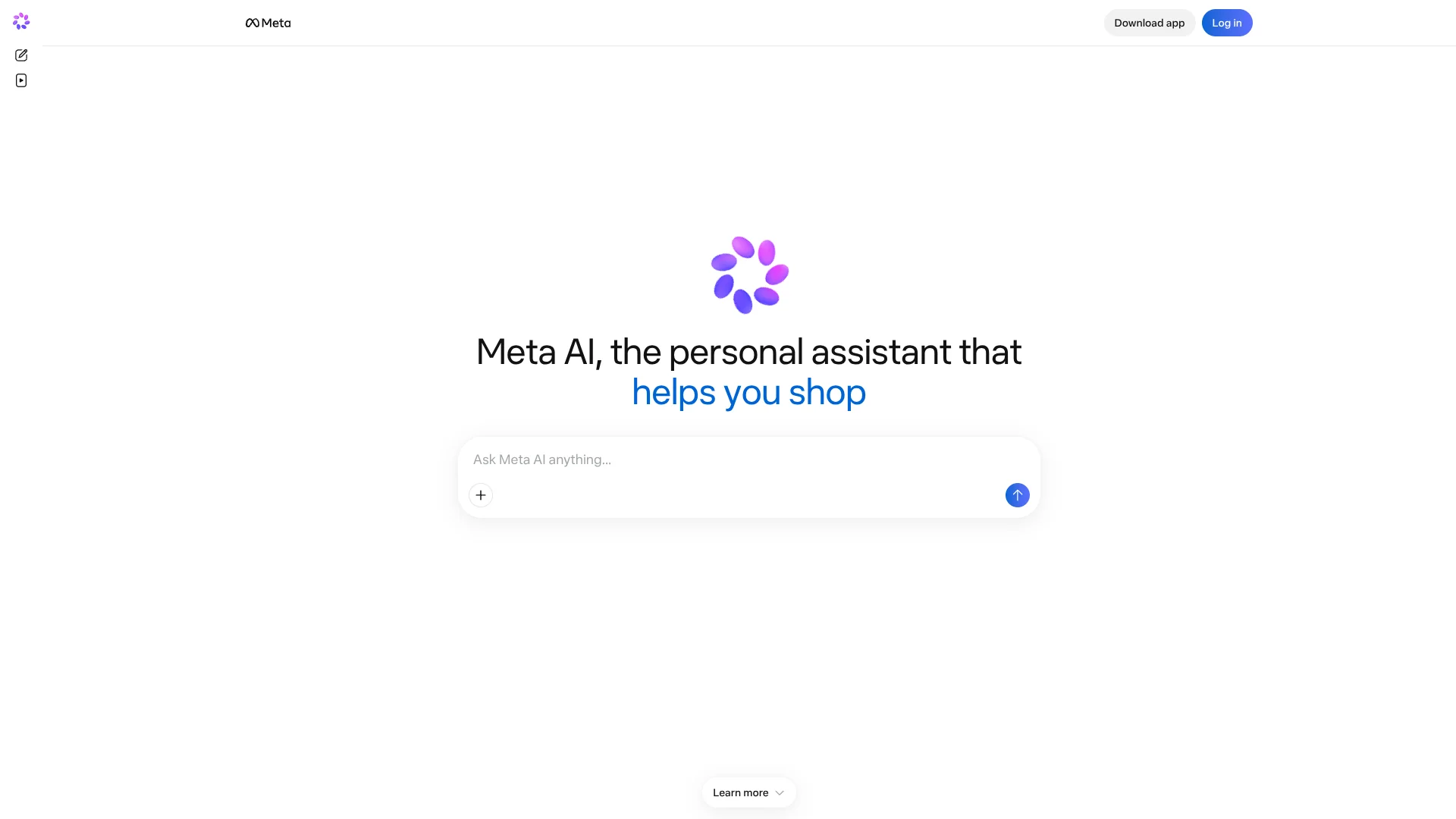
Meta AI
Get answers shaped by public posts across Facebook, Instagram, and Threads.
Key Takeaways
- What it is
- Get answers shaped by public posts across Facebook, Instagram, and Threads.
- Pricing
- $7.99 per month · $19.99 per month
- Best for
- Social-grounded answers
- Thinking mode
- File analysis
- Rating
- 4.2/5
What is Meta AI?
Meta AI can turn a photo, a question, or a spreadsheet into a useful next step: it answers with web and social context, creates or edits images, and works through files such as PDFs. It is available on meta.ai, in Meta's mobile app and social apps, and in a Mac desktop app. Its practical appeal is that answers can draw on public posts and local recommendations alongside web information.
Meta AI can cite public posts from Instagram, Facebook, and Threads in its answers, giving people a way to explore what communities are saying about a place or topic instead of relying only on general web results.
It suits people who already spend time in Meta's apps, especially creators and small-business owners who want help with content or business insights. Some features have usage limits or vary by country and language, so Meta AI is best viewed as a handy extension of those apps rather than a uniform service everywhere.
Who is Using Meta AI?
Small-business owner
Business insights and linked tools can help shape marketing ideas and review performance.
Social media manager
Research, image editing, and help with captions support day-to-day social content work.
Content creator
Image prompts and iterative edits help turn a visual idea into shareable material.
Researcher
Source-based reports and file comparisons can speed up early exploration of a topic.
Personal organizer
Connected email and calendar features, briefings, and reminders can help keep routine tasks in view.
Uncommon Use Cases
Comparing several product photos side by side; exploring room redesign ideas from a photo
Key Features
Rating Breakdown
Pricing Plans
Core
$7.99 per month
- Includes more Meta AI image and video generation.
- Also includes features across Instagram, WhatsApp, and Facebook.
Premium
$19.99 per month
- Includes everything in Core.
- Provides the most room to create content with Meta AI and across Meta's apps.
Which Meta AI plan should you pick?
Start with free everyday access, then choose Core for more frequent AI image and video creation or Premium if you want the most room to create across Meta's apps.
Core
Good for people who want more image and video generation with Meta AI, plus added features across Instagram, WhatsApp, and Facebook.
Premium
Good for frequent creators who want the most room for Meta AI content creation across Meta's apps.
Meta AI Use Cases
Explore a local destination
A question about where to eat or what to do can bring together recommendations, reviews, and relevant public posts.
Outcome: A shortlist with local context to help compare options.
Review several documents
Multiple files can be examined in one conversation to find differences or summarize key points.
Outcome: A summary or comparison based on the supplied files.
Create or revise an image
A prompt, photo, or drawn markup can guide an image creation or a targeted edit.
Outcome: A revised visual that can be downloaded or shared.
Research a topic
A broader question can prompt a search across sources and a structured report.
Outcome: A detailed research report.
Plan recurring tasks
Daily briefings, reminders, and connected email or calendar tools can support routine planning.
Outcome: Scheduled reminders or a briefing to help track tasks.
Workflow Ideas with Meta AI
Turn a visual idea into a post
- 1Describe the image or provide a photo.
- 2Refine the result with follow-up prompts or drawn edits.
- 3Download or share the finished image.
Compare files before making a decision
- 1Add the relevant documents or spreadsheets to a conversation.
- 2Ask Meta AI to summarize or compare their key points.
- 3Review the response against the original files.
Prepare a local outing
- 1Ask for places or activities that match your preferences.
- 2Review the recommendations, ratings, and public-post context.
- 3Compare the options and choose where to go.
How Meta AI fits into your stack
Web and Meta apps
Meta AI is available at meta.ai and inside Facebook, Instagram, WhatsApp, and Messenger, so answers and creative help can sit close to social content.
Files and research
The web and mobile experience can analyze documents, PDFs, spreadsheets, photos, and other files, and prepare reports from source searches.
Business tools
Business users can connect Instagram professional accounts, Meta Ads Manager, and Google Workspace for help reviewing performance and building presentations.
Mac desktop
The Mac app can work with a window on screen and dictate speech into text fields in other apps.
Mobile and AI glasses
The mobile app supports voice conversations and live AI, and also manages Meta AI glasses and their media.
Pros
- +Social context: Answers can draw on public posts and recommendations shared across Meta's apps.
- +Useful file support: Multiple documents can be compared or summarized in one conversation.
- +Visual editing: Images can be refined through follow-up requests or edits drawn directly on the picture.
- +Flexible access: The service is available on the web, mobile, Mac, and several Meta apps.
- +Everyday access is free: Core use is available without a subscription, with paid plans for more AI creation.
Cons
- −Usage limits: Some compute-heavy features have limits, and the free allowance is not published as a fixed amount.
- −Meta-centered features: The paid bundles pair higher AI use with features across Meta's social apps, which may matter less if you rarely use them.
- −Uneven availability: Some features depend on country, language, or gradual rollout.
Limitations & when to consider alternatives
Known limitations
- Feature availability varies. Meta says some features are available only in select countries and languages, and some roll out over time.
- Usage limits apply. Meta is testing limits on some compute-intensive features; the amount available can depend on the account and feature.
- Mac app is in beta. Meta labels its Mac desktop app as beta, so the desktop experience is still under testing.
- No general public API access. Meta has described model API access as a private preview for select partners rather than a public developer API.
Look elsewhere when
- You need a public developer API for your own software.
- Your team needs a shared workspace with roles and shared editing.
- You need the same feature set in every country and language.
How to Use Meta AI
- 1
Choose where to start
Open meta.ai, the Meta AI mobile app, a supported Meta app, or the Mac app; sign in with a Meta account.
- 2
Pick a mode for the task
Use a standard conversation for quick questions or Thinking mode when a problem needs more deliberate reasoning.
- 3
Add useful context
Attach a photo, PDF, spreadsheet, or other supported file when the answer depends on material you have.
- 4
Refine the response
Follow up with corrections or more detail; for image work, describe changes or mark them directly on the picture.
- 5
Connect tools when relevant
For supported business tasks, link tools such as Instagram professional accounts, Meta Ads Manager, or Google Workspace.
- 6
Check availability and limits
Feature access and usage limits can vary, so check the options shown in your account before relying on a particular capability.
Who is Meta AI For?
Everyday Meta app users
People who use Facebook, Instagram, WhatsApp, or Messenger can bring questions and creative tasks into apps they already use.
Creators
Image generation, editing, research, and social context can support content planning and production.
Small-business owners
Meta AI can help review business performance and develop content ideas using connected business tools.
People exploring products and places
Shopping recommendations and local suggestions can include public posts, reviews, and other context.
Frequently Asked Questions
Can I use Meta AI for free?
Yes. Everyday use is free, though some compute-intensive features have usage limits. Core and Premium subscriptions offer more AI media generation.
Where can I use Meta AI?
Meta AI is available on the web, in iOS and Android apps, in a Mac desktop app, and across supported Meta apps and AI glasses.
Can Meta AI read my documents or photos?
Yes. You can provide photos, videos, documents, PDFs, and spreadsheets for analysis. Multiple files can be handled together.
Does Meta AI connect to other tools?
For business tasks, Meta lists connections to Instagram professional accounts, Meta Ads Manager, and Google Workspace.
Does Meta AI work in every country and language?
No. Meta says some features are limited to select countries and languages, and availability may change as features roll out.
Community reviews
Be the first to share your experience.
Sign in to leave a review for Meta AI.
Meta AI Alternatives
Looking for alternatives to Meta AI? Here are similar tools in the same category: