MenuForma
Turn a restaurant’s existing menu into a live QR ordering page.
Key Takeaways
- What it is
- Turn a restaurant’s existing menu into a live QR ordering page.
- Pricing
- Freemium · $9.99 per month
- Best for
- AI Menu Import
- Table and Room QR Codes
- Menu Display Modes
- Rating
- 4.1/5
What is MenuForma?
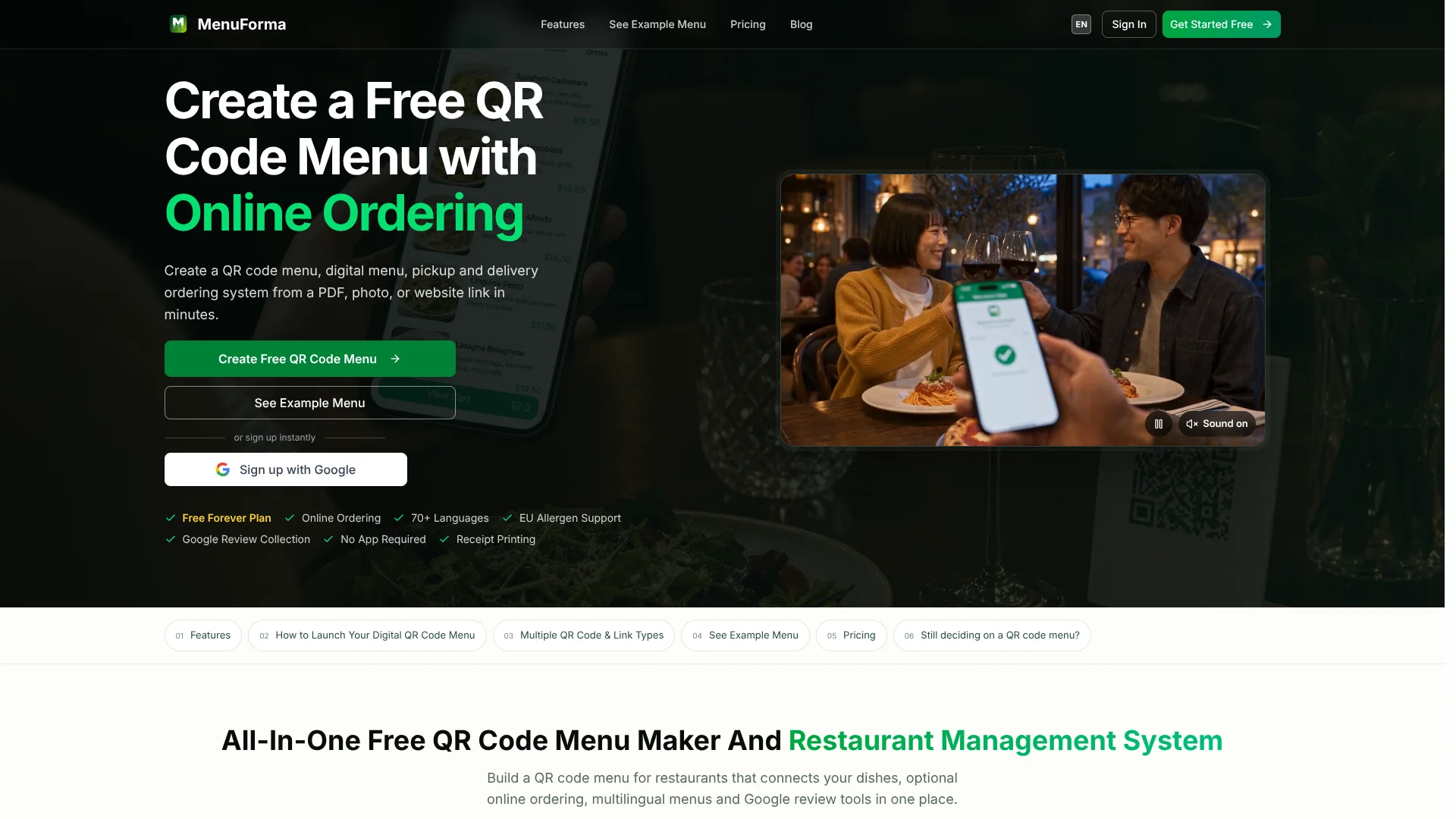
MenuForma turns an existing restaurant menu into an editable mobile menu and QR ordering page: AI can extract dishes, prices, and descriptions from a PDF, photo, or website link, then staff can review the draft before it goes live. Restaurant owners can update prices at the same QR destination, while diners browse or place table orders in a phone browser without installing an app.
Restaurants can assign separate QR links to tables or hotel rooms, so orders can carry a table reference or guests can request room service. View-only and self-select modes also let a business offer menu browsing without sending orders through the system.
It suits restaurants that want a menu they can update themselves, with QR ordering available when their service is ready for it. MenuForma needs an internet connection, and imported menu details require human review, so it works best as a browser-based menu and ordering tool rather than an offline or fully hands-off system.
Who is Using MenuForma?
Restaurant Owner
Keeping prices, dish availability, and the live menu current is easier when updates happen in one dashboard.
Menu Manager
AI import provides an editable draft from the restaurant’s existing menu, with details checked before publication.
Server or Host
Table-linked orders give staff a location reference when a guest submits a request.
Hotel Guest Services Manager
Room-specific QR links can support guest ordering, including scheduled room-service delivery.
Uncommon Use Cases
A view-only menu link for social profiles or review pages; a self-select menu for guests to show their choices to a waiter.
Key Features
Rating Breakdown
Pricing Plans
Free Forever
Free
- One restaurant and one primary-language menu
- Dine-in table ordering and basic black-and-white QR codes
- 30 free AI credits
Regular
$9.99 per month
- 150 AI credits per month; credits reset each billing period
- Multiple languages, restaurants, and menu display templates
- Delivery and takeaway ordering, online payments, and team accounts
- Annual billing advertises a 20% saving
- Stripe payments incur MenuForma’s 0.6% platform fee per transaction plus Stripe processing fees
Which MenuForma plan should you pick?
Start with Free Forever for one restaurant and dine-in table ordering; choose Regular when you need more languages, delivery or takeaway, multiple restaurants, or online payments.
Free Forever
Good for a restaurant that needs one primary-language menu and dine-in QR ordering without a subscription.
Regular
Good for restaurants that need multiple languages, delivery or takeaway ordering, multiple locations, or online payments.
MenuForma Use Cases
Turn a Current Menu into a QR Menu
An existing PDF, photo, or website menu becomes an editable mobile page that can be checked before publishing.
Outcome: A shareable menu with dishes and prices that the team can update.
Table-Based Dine-In Ordering
Table-specific QR links carry a table reference into the order flow.
Outcome: Staff can see which table submitted an order.
Menus for International Guests
Translated menu versions help guests read dish details in more than 70 languages.
Outcome: A menu that international diners can browse in a supported language.
Hotel Room-Service Requests
Room-specific links let hotel guests place an order for now or schedule a delivery time.
Outcome: Room-service requests associated with the guest’s room.
Browse-Only Digital Menu
A display-only link lets people view dishes without selecting items or submitting orders.
Outcome: A viewable menu for a website, social profile, or display.
Workflow Ideas with MenuForma
Publish an Existing Menu
- 1Import a PDF, photo, or website menu.
- 2Review extracted dish names, prices, and descriptions.
- 3Publish the menu and share its QR code or link.
Set Up Table Ordering
- 1Choose a table-based ordering mode.
- 2Create and label a QR code for each table.
- 3Test a sample order and check where it appears in the order dashboard.
Prepare a Multilingual Menu
- 1Check the primary-language menu and its allergen details.
- 2Translate the menu into the languages guests need.
- 3Review translated dishes and descriptions before sharing the menu.
How MenuForma fits into your stack
Menu Setup
The web dashboard turns existing PDFs, photos, or website menus into editable menu drafts. Staff can review the extracted content before it goes live.
Guest Menu Access
Diners open the menu from a QR code or shared link in a phone browser, without installing an app just to browse.
Restaurant Ordering
Table, pickup, delivery, room-service, and view-only flows fit different service needs, with availability depending on the plan.
Payments
Regular connects online checkout to a supported Stripe account. Stripe processing charges and MenuForma’s platform fee may apply.
Team Order Handling
Staff can monitor incoming orders through the dashboard and available notifications, then follow the restaurant’s preparation and service routine.
Pros
- +AI menu import: Starts from an existing PDF, photo, or website instead of a blank menu.
- +Editable QR destination: Price and dish updates can appear at the existing MenuForma link.
- +Guest access: Diners can browse in a phone browser without installing an app or creating an account.
- +Flexible service modes: Table ordering, room service, self-select, and view-only menus support different service styles.
Cons
- −MenuForma branding on the free plan: The free menu displays the product’s branding.
- −AI credit allowance: Menu imports and AI menu tasks draw on credits, so frequent use may require more.
- −Online payment fees: Stripe processing fees apply, along with MenuForma’s listed platform fee.
Limitations & when to consider alternatives
Known limitations
- Free Forever Covers One Restaurant and One Primary Language. Multiple restaurants, multiple menu languages, and delivery or takeaway ordering are Regular features.
- Guests Need Internet Access. The online menu opens in a browser and requires an internet connection, so it cannot serve as an offline menu.
- Imported Details Need Review. MenuForma describes AI import as a draft; the restaurant must check dish names, prices, options, and allergen information.
- Online Payments Require Stripe. Online payments need Regular and a supported, configured Stripe account; Stripe processing fees also apply.
Look elsewhere when
- You need guests to access the menu without an internet connection.
- You need a verified connection to a specific POS or restaurant system.
- Your team needs a native mobile app for managing the menu.
How to Use MenuForma
- 1
Start with a Plan
Free Forever covers one restaurant, one primary language, and dine-in table ordering; Regular adds multiple languages, delivery and takeaway, multiple restaurants, and online payments.
- 2
Import Your Menu
A PDF, photo, or website link can provide an AI-extracted draft, or dishes can be entered directly.
- 3
Check and Edit the Draft
Confirm dish names, prices, descriptions, options, availability, and allergen details before the menu is public.
- 4
Choose a Menu Mode
Select table ordering, room service, self-select, or display-only based on the way guests should use the menu.
- 5
Create and Share QR Links
Set up the relevant table or room links, then share or print the codes for guests.
- 6
Test the Guest and Staff Flow
Scan a printed code, follow the ordering steps, and check that staff can see and handle the order.
Who is MenuForma For?
Restaurants
A live QR menu lets the team update dishes and prices without replacing printed codes.
Cafés and Bakeries
Table or counter QR links can give guests a direct route to browse and order.
Hotels and Room Service
Room-specific QR links support immediate or scheduled room-service orders.
Food Trucks
A shared menu link gives customers a phone-friendly way to view the current offer.
Bars and Pubs
A QR menu can keep changing drink and food details accessible from tables or a shared link.
Frequently Asked Questions
Does MenuForma have a free plan?
Yes. Free Forever is not a time-limited trial and includes one restaurant, one primary-language menu, and dine-in table ordering.
How much does MenuForma cost?
The official site lists Free Forever at $0 per month and Regular at $9.99 per month. It also advertises a 20% saving with annual billing.
Do guests need to install an app?
No. Guests can open a public menu in a compatible phone browser without installing the MenuForma app or creating an account just to browse.
Can MenuForma translate a menu?
Yes. MenuForma supports menu translation into more than 70 languages; multiple languages are included with Regular.
How do online payments work?
Online payments require Regular and a supported, configured Stripe account. MenuForma lists a 0.6% platform fee per Stripe transaction, and Stripe processing fees may also apply.
Can the menu show allergen information?
Yes. Dishes can display the 14 EU allergen categories, but the restaurant is responsible for checking and maintaining accurate information.
Community reviews
Be the first to share your experience.
Sign in to leave a review for MenuForma.
MenuForma Alternatives
Looking for alternatives to MenuForma? Here are similar tools in the same category: