
Manus
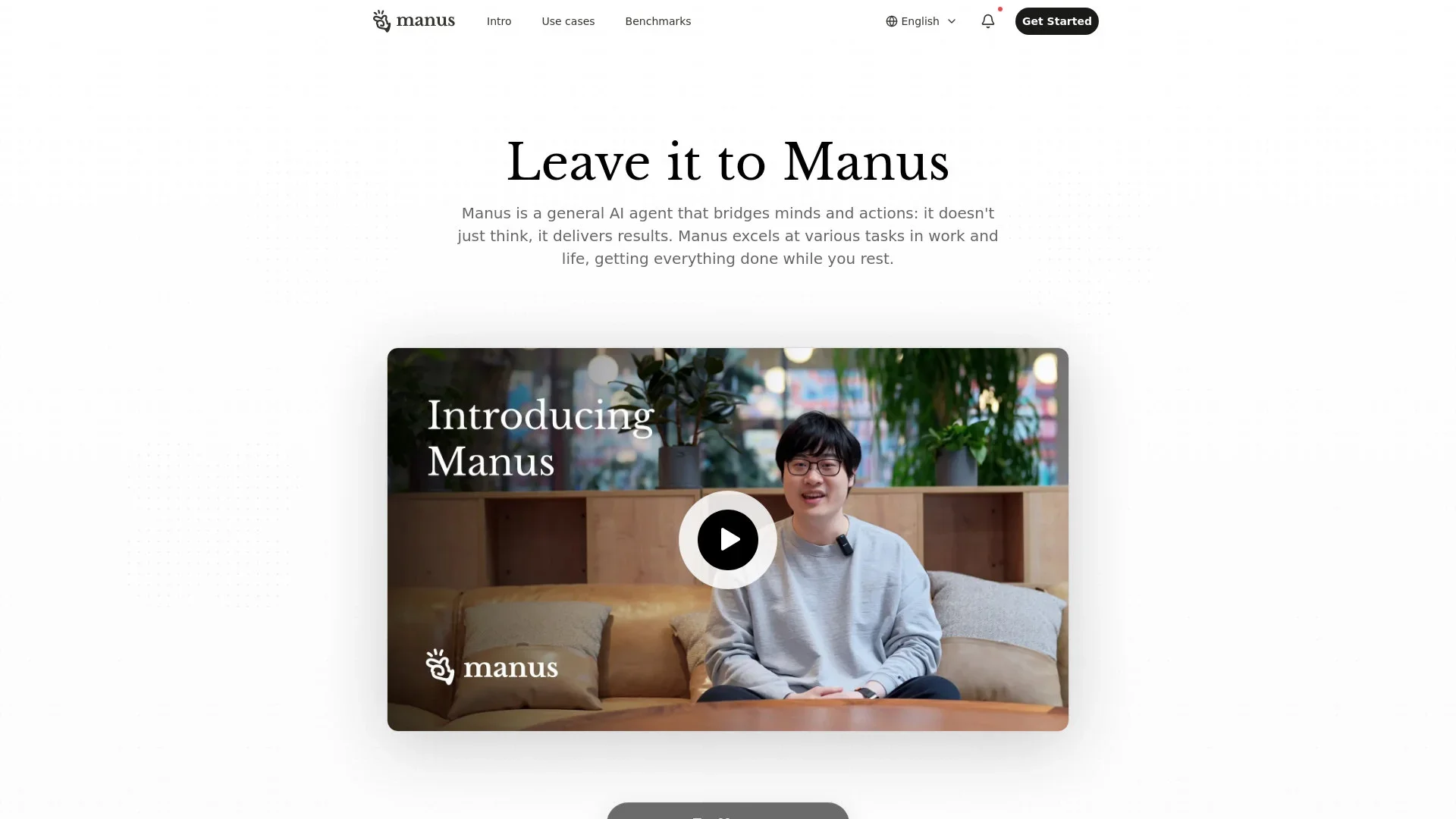
Transforms thoughts into actions, enhancing productivity and efficiency.
Key Takeaways
- What it is
- Transforms thoughts into actions, enhancing productivity and efficiency.
- Best for
- Comprehensive Task Handling
- User-Centric Design
- Visual Data Representation
- Rating
- 4.5/5
What is Manus?
Manus is a cutting-edge general AI agent that transforms thoughts into actions, offering a seamless blend of intelligence and execution. Manus is designed to tackle a wide range of tasks in both professional and personal spheres. Whether it's crafting personalized travel itineraries or conducting in-depth stock analyses, Manus is there to streamline processes and deliver tangible results, making it an indispensable tool for those looking to enhance productivity and efficiency in their daily lives.
Manus stands out with its ability to seamlessly convert user intents into actionable outputs, effectively bridging the gap between thought and execution. Its adaptability to handle both personal and professional tasks with precision and customization makes it a unique offering in the AI landscape. Additionally, Manus's capacity for generating visually appealing and data-rich presentations sets it apart, providing users with the tools they need to succeed.
Manus transforms the way tasks are approached, providing a sophisticated AI-driven solution that empowers users to achieve more with less effort. Its ability to deliver tailored, actionable results across a wide range of applications makes Manus a valuable asset for individuals and businesses alike, looking to harness the power of AI to drive efficiency and innovation.
Who is Using Manus?
Financial Analysts
Leveraging Manus for comprehensive stock market analysis and financial forecasting.
Travel Enthusiasts
Utilizing the tool to create detailed travel itineraries and personalized guides.
Educators
Employing Manus to develop interactive educational content and teaching materials.
B2B Procurement Managers
Using Manus for supplier sourcing and market research to optimize supply chains.
Uncommon Use Cases
Art curators employing Manus for cataloging and organizing art collections; Agricultural consultants using Manus for crop yield analysis and optimization strategies.
Key Features
Rating Breakdown
Pricing Plans
Closed Beta
- Currently not publicly available. Apply for early access through the official website—limited spots available
Which Manus plan should you pick?
Start with Free to test Chat Mode and Manus 1.6 Lite; upgrade to Pro for higher credits and advanced features, or Team for shared workspaces, administration, collaboration, and SSO.
Free
Good for individuals who need basic chat, light agent tasks, and daily refresh credits.
Pro
Good for individual users who need advanced research, professional website deployment, slides, Wide Research, and more concurrent tasks.
Team
Good for organizations that need pooled credits, shared projects and skills, usage analytics, access control, collaboration, and SSO.
Manus Use Cases
Build full-stack web applications
Describe an application and let Manus generate code, configure databases and authentication, and deploy it.
Outcome: A working web application with backend functionality and deployment.
Conduct wide research
Use parallel sub-agents to research a topic, synthesize findings, and produce a detailed report.
Outcome: A structured research report with synthesized findings.
Generate presentations
Give Manus a topic or source material and have it create a complete slide deck with structure, design, and content.
Outcome: A polished presentation ready to share or present.
Automate email and calendar work
Connect Gmail and Google Calendar to summarize email, draft responses, and manage schedules.
Outcome: Less manual context switching across communication and scheduling tools.
Generate and improve code
Provide a prompt or existing codebase and have Manus generate code, tests, debugging fixes, or refactors.
Outcome: Documented code and development changes aligned with project context.
Workflow Ideas with Manus
Research topic to presentation
- 1Ask Manus to research a topic using Wide Research.
- 2Have Manus synthesize the findings into an organized report.
- 3Ask Manus to turn the report into a polished slide deck.
Email-triggered task execution
- 1Configure approved senders and a Manus task email address.
- 2Send an email containing the request and relevant context.
- 3Manus creates and executes the task, then returns the deliverable.
Connected project-management reporting
- 1Connect GitHub, Linear, or monday.com through Manus Connectors.
- 2Ask Manus to review issues, activity, or project data.
- 3Have Manus generate release notes or a recurring project report.
How Manus fits into your stack
Browser
Manus operates as a web-based AI agent for research, writing, websites, slides, data analysis, and autonomous task execution.
Knowledge and files
Projects provide persistent workspaces with shared instructions, files, documents, skills, and reusable context for recurring work.
Team chat and tickets
The Slack integration lets teams tag @manus in threads, share context, review outputs, and iterate collaboratively.
Automation and APIs
The REST API supports programmatic tasks, files, projects, webhooks, agents, and connectors; Zapier can trigger Manus workflows.
Pros
- +Versatile Application: Suitable for a wide array of tasks, Manus adapts to diverse user needs, from personal planning to professional research.
- +Efficiency Booster: Automates complex processes, allowing users to focus on strategic decision-making rather than operational details.
- +Highly Customizable: Users can tailor outputs to meet specific requirements, ensuring relevance and applicability.
- +Interactive Learning: Supports educational initiatives by developing engaging presentations and courses, facilitating knowledge dissemination.
Cons
- −Initial Complexity: Users may encounter a learning curve when first engaging with Manus, particularly for intricate task setups.
- −Integration Limitations: While robust, the tool may have limited compatibility with certain niche platforms or software.
Limitations & when to consider alternatives
Known limitations
- Free-plan model access is limited. Free users have access to Chat Mode and Manus 1.6 Lite in Agent Mode; higher Manus models require a paid plan.
- Credits limit task execution. Tasks consume credits based on LLM tokens, virtual machines, third-party APIs, complexity, and duration.
- Uploaded API files expire. Files uploaded through the API are automatically deleted 48 hours after upload.
- API file size and storage limits apply. The API allows up to 512 MB per file and 10 GB total storage per account; executable and script files are disallowed.
- Collaboration can clear sandbox cookies. When the first collaborator joins a task, sandbox login cookies are cleared and users may need to log in again.
How to Use Manus
- 1
Choose a plan
Start with Free for basic testing, or select Pro or Team when you need higher credits and advanced controls.
- 2
Choose Chat Mode or Agent Mode
Use Chat Mode for instant discussion and file or image recognition; use Agent Mode for complex, multi-step execution.
- 3
Create a task with clear instructions
Describe the desired outcome, constraints, sources, and deliverable so Manus can plan and execute the work.
- 4
Add context and files
Upload documents, images, spreadsheets, or codebases when Manus needs source material or project context.
- 5
Connect external tools
Use Connectors to authenticate Gmail, calendars, GitHub, project tools, databases, or custom MCP/API services.
- 6
Review and share the result
Inspect generated reports, code, sites, slides, or media, then share deliverables or invite collaborators where appropriate.
Who is Manus For?
Individual users
The Free and Pro plans are designed for individuals who need basic assistance, research, reports, slides, or automation.
Teams and organizations
The Team plan provides shared credits, shared projects, skills, instructions, usage tracking, access control, SSO, and granular sharing permissions.
Developers
Developers can use the API, code-generation features, project files, webhooks, connectors, and custom skills.
Researchers and analysts
Wide Research, advanced research, data analysis, and report generation support intensive research workflows.
Operations and business users
Manus automates complex workflows and connects business tools such as email, calendars, project-management systems, and databases.
Frequently Asked Questions
Does Manus offer a free plan?
Yes. Manus offers a Free plan with Chat Mode, Manus 1.6 Lite in Agent Mode, and daily refresh credits.
What is the Manus API?
The Manus API provides REST endpoints for creating and managing agent tasks, projects, files, webhooks, skills, and agents.
Can Manus connect to external tools?
Yes. Connectors can integrate services such as Gmail, Google Calendar, GitHub, Linear, monday.com, Supabase, and Postgres.
Can teams collaborate in Manus?
Manus Collab lets task owners invite collaborators; each task supports up to 50 participants.
Can Manus analyze uploaded images and documents?
Chat Mode recognizes images, PDFs, and text files, while Slack and WhatsApp integrations support documents, images, and spreadsheets.
Can Manus generate code and applications?
Yes. Manus generates code in languages including Python, JavaScript, React, TypeScript, Java, C++, HTML/CSS, SQL, and shell scripting, and can build full-stack web apps.
Community reviews
Be the first to share your experience.
Sign in to leave a review for Manus.
Manus Alternatives
Looking for alternatives to Manus? Here are similar tools in the same category:
Learn to Master Manus
With Skill Leap courses
Get in-depth training on Manus and 50+ other AI tools with our expert-led video courses.
Start 7-Day Free Trial