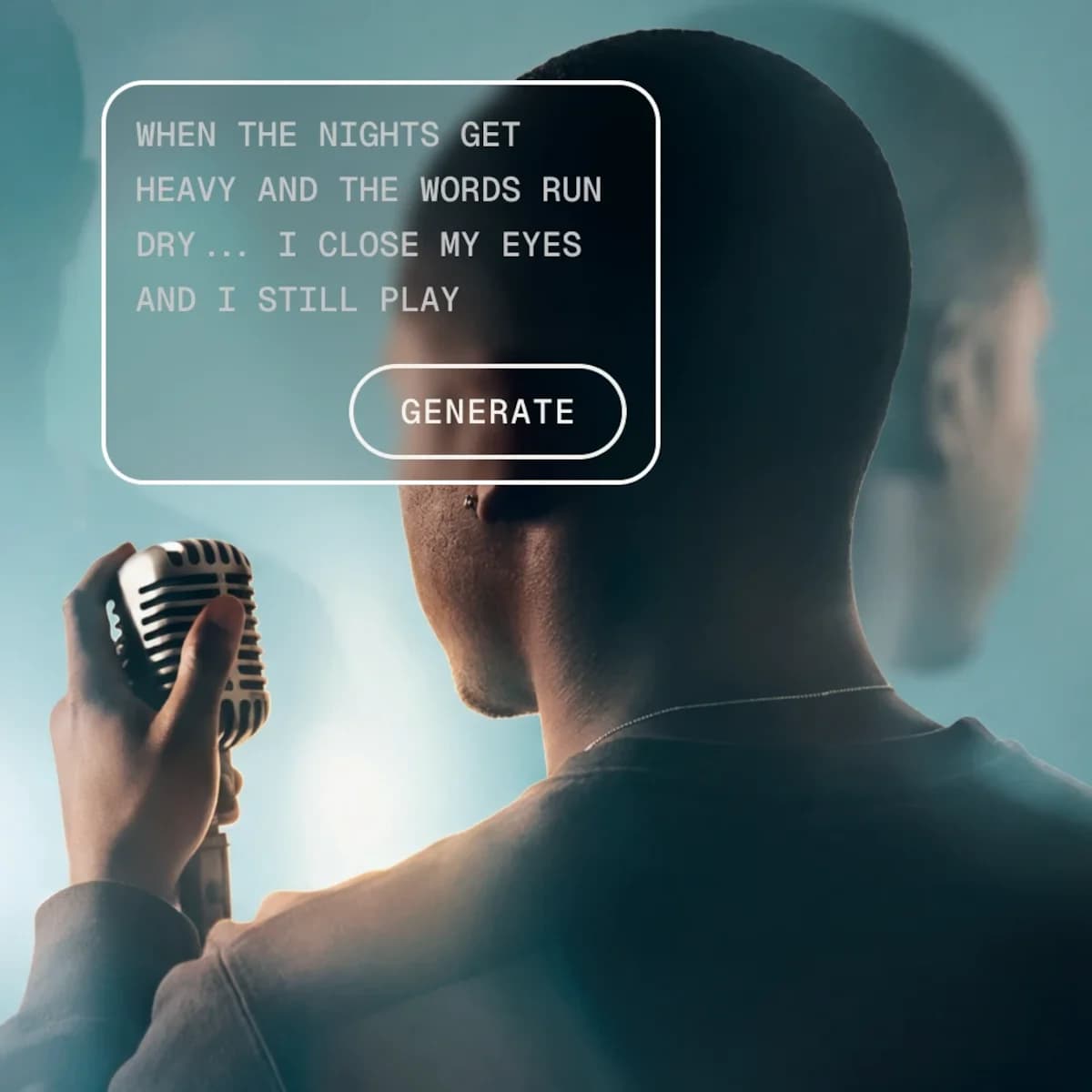
Magnific AI Voice Generator
Reusable cloned voices for creators making videos, podcasts, and games.
Key Takeaways
- What it is
- Reusable cloned voices for creators making videos, podcasts, and games.
- Pricing
- $20 per month · $45 per month · $110 per month
- Best for
- Text-to-Speech Voiceovers
- Voice Library
- Voice Cloning
- Rating
- 4.3/5
What is Magnific AI Voice Generator?
Magnific AI Voice Generator turns written scripts into downloadable voiceovers for videos, podcasts, ads, games, and apps. Choose from hundreds of voices, preview samples, select ElevenLabs v2, ElevenLabs v3, or Gemini 2.5 Pro, then adjust delivery settings such as speed, stability, and similarity boost. The tool also supports multi-speaker dialogue and voice cloning.
A cloned voice can be reused across Magnific's audio tools and adapted to the language in your script. Magnific supports 37+ languages for voice cloning and allows up to 100 custom voices per account.
It fits creators who need polished narration without recording every line themselves, especially video teams, podcasters, game developers, and app makers. The main limitation is credit-based usage for paid accounts, while free users face a 500-character daily script limit. Magnific stands out when voice generation needs to sit beside video, music, sound effects, and other creative work.
Who is Using Magnific AI Voice Generator?
Video producers
A finished script can become narration, then move directly into a Magnific video project.
Podcast producers
Two voices in one generation make scripted conversations and interview formats easier to produce.
Game audio designers
Voice categories, cloned voices, and multilingual output support character and world-building work.
App content designers
Short spoken instructions, alerts, and tutorials can be created without booking a recording session.
Localization teams
Gemini 2.5 Pro and voice cloning support narration in multiple languages.
Uncommon Use Cases
A consistent cloned voice for internal training modules; temporary character dialogue for storyboards and game prototypes
Key Features
Rating Breakdown
Pricing Plans
Premium
$20 per month
- 20,000 credits per month
- 240,000 credits per year when billed annually
- Commercial AI license
- Access to image, video, and audio models
Premium+
$45 per month
- 45,000 credits per month
- 600,000 credits per year when billed annually
- Unlimited generation on selected models
- Extra credits can be purchased
Pro Starter
$110 per month
- 112,500 credits per month
- 1.5 million credits per year when billed annually
- Everything in Premium+
- Merchandise License included
Which Magnific AI Voice Generator plan should you pick?
Start with Premium to test voice generation, move to Premium+ for frequent creative work and extra credits, and choose Pro Starter when production volume requires a larger allocation.
Premium
Good for individuals exploring Magnific's audio tools with 20,000 monthly credits.
Premium+
Good for creatives who need unlimited generation on selected models and 45,000 monthly credits.
Pro Starter
Good for professionals scaling production with 112,500 monthly credits and larger annual allocations.
Business
Good for teams that need shared credits, collaborative Projects and Spaces, centralized billing, and admin controls.
Magnific AI Voice Generator Use Cases
Video narration
A written script becomes a voice track that can be previewed and used in a video project.
Outcome: Downloadable narration ready for editing.
Podcast dialogue
Two labeled speakers can perform a conversation in one generated audio file.
Outcome: A multi-voice track with natural turn-taking.
Branded voice cloning
A real voice can be turned into a reusable custom voice from one to five audio samples.
Outcome: A repeatable voice for future scripts.
Multilingual narration
Gemini 2.5 Pro and cloned voices support scripts written in multiple languages.
Outcome: Localized voiceovers without recording each language manually.
Character and app voices
Different voice styles can give game characters, tutorials, and app alerts a distinct identity.
Outcome: Spoken audio tailored to the project's role and tone.
Workflow Ideas with Magnific AI Voice Generator
Narrated video
- 1Write or paste the final script into Voice Generator.
- 2Choose a voice and adjust speed or stability.
- 3Preview the audio and place it into a Magnific video project.
Two-person podcast segment
- 1Turn on Multi-speaker mode.
- 2Assign a different voice to Speaker 1 and Speaker 2.
- 3Add speaker labels, generate the track, and download the result.
Reusable brand voice
- 1Open My Voices and select Create Voice.
- 2Upload one to five clear recordings totaling up to three minutes.
- 3Name the voice and reuse it for future multilingual scripts.
How Magnific AI Voice Generator fits into your stack
Script to audio
Magnific sits after scriptwriting, turning finished text into narration, dialogue, or character audio.
Video production
Generated voices can be used directly in Magnific video projects alongside AI-generated visuals.
Sound design
Voiceovers can be paired with Magnific's music and sound effects tools for a fuller edit.
Creative applications
The Magnific API exposes platform tools through REST calls for products and production workflows.
Team workspace
Business plans add shared credits, collaborative Projects and Spaces, centralized billing, and admin controls.
Pros
- +Voice cloning: Reuse a custom voice across audio projects and support 37+ languages.
- +Model choice: ElevenLabs v2 suits fast batches, while ElevenLabs v3 and Gemini 2.5 Pro target higher-quality narration.
- +Dialogue support: Multi-speaker generation handles conversations, interviews, and podcast-style scripts in one file.
- +Creative workflow: Generated voices can pair with Magnific video, music, and sound effects tools.
- +Privacy position: Magnific says submitted text and generated voiceovers are not used to train or fine-tune its models.
Cons
- −Credit usage: Audio generations consume credits, and the cost depends on script length and model.
- −Free limit: Free users can create scripts up to 500 characters each day.
- −Voice cloning setup: Good results require clear samples with little background noise and up to three minutes of total audio.
Limitations & when to consider alternatives
Known limitations
- Free script limit. Free users can create scripts with a maximum length of 500 characters each day.
- Gemini script limit. Gemini 2.5 Pro supports scripts up to 40,000 characters.
- ElevenLabs script limit. ElevenLabs v2 and ElevenLabs v3 support scripts up to 5,000 characters.
- Voice cloning sample requirement. Cloning requires one to five audio recordings, with clear samples and up to three minutes total recommended.
- Credits for audio. Paid plans use credits for audio tools, and unlimited generation does not cover audio generation.
Look elsewhere when
- You need a dedicated audio editor for detailed waveform editing and mixing.
- You need unlimited voice generation without credit-based usage.
- Your team needs per-user credit caps, which Magnific reserves for Enterprise.
How to Use Magnific AI Voice Generator
- 1
Open Voice Generator
Find it in Magnific's Audio section or open the Voice Generator page.
- 2
Prepare the script
Type or paste the exact text you want spoken, using punctuation to control pauses and rhythm.
- 3
Choose the model
Pick ElevenLabs v2 for fast narration, ElevenLabs v3 for expressive final audio, or Gemini 2.5 Pro for multilingual and conversational delivery.
- 4
Select the voice
Search or browse the voice library, then preview options before choosing one.
- 5
Adjust delivery
Set speed, stability, similarity boost, or model-specific controls such as temperature and language.
- 6
Generate and export
Preview the result, then download it or use it in a Magnific video project.
Who is Magnific AI Voice Generator For?
Video creators
Narration, character dialogue, and sound design can be produced alongside Magnific's video tools.
Podcasters
Multi-speaker voiceovers support interviews, scripted shows, and character-led audio segments.
Game developers
Character voices and reusable cloned voices can add personality to game scenes.
App and product teams
Natural voiceovers fit tutorials, alerts, onboarding, and other in-app audio.
Creative agencies
Paid plans include commercial AI licensing for client-facing creative production.
Frequently Asked Questions
Can I use Magnific Voice Generator for free?
Yes. Free users receive limited access and can create scripts up to 500 characters each day.
Which voice models are available?
The Voice Generator offers ElevenLabs v2, ElevenLabs v3, and Gemini 2.5 Pro.
Can Magnific clone a real voice?
Yes. Upload one to five audio recordings, with up to three minutes total recommended, to create a reusable custom voice.
How many custom voices can I create?
Magnific allows up to 100 custom voices per account.
Does Magnific support multiple speakers?
Yes. Multi-speaker mode lets you assign separate voices to two speakers in one generated audio file.
Does Magnific have an API?
Yes. The Magnific API provides programmatic access to the platform's models and tools through credit-based usage.
Community reviews
3 reviews from people who use Magnific AI Voice Generator.
Sign in to leave a review for Magnific AI Voice Generator.
Mª del Mar Castro García
Rosario Jiménez Herrera
Carmen Ortega
Magnific AI Voice Generator Alternatives
Looking for alternatives to Magnific AI Voice Generator? Here are similar tools in the same category: