
Magic Write
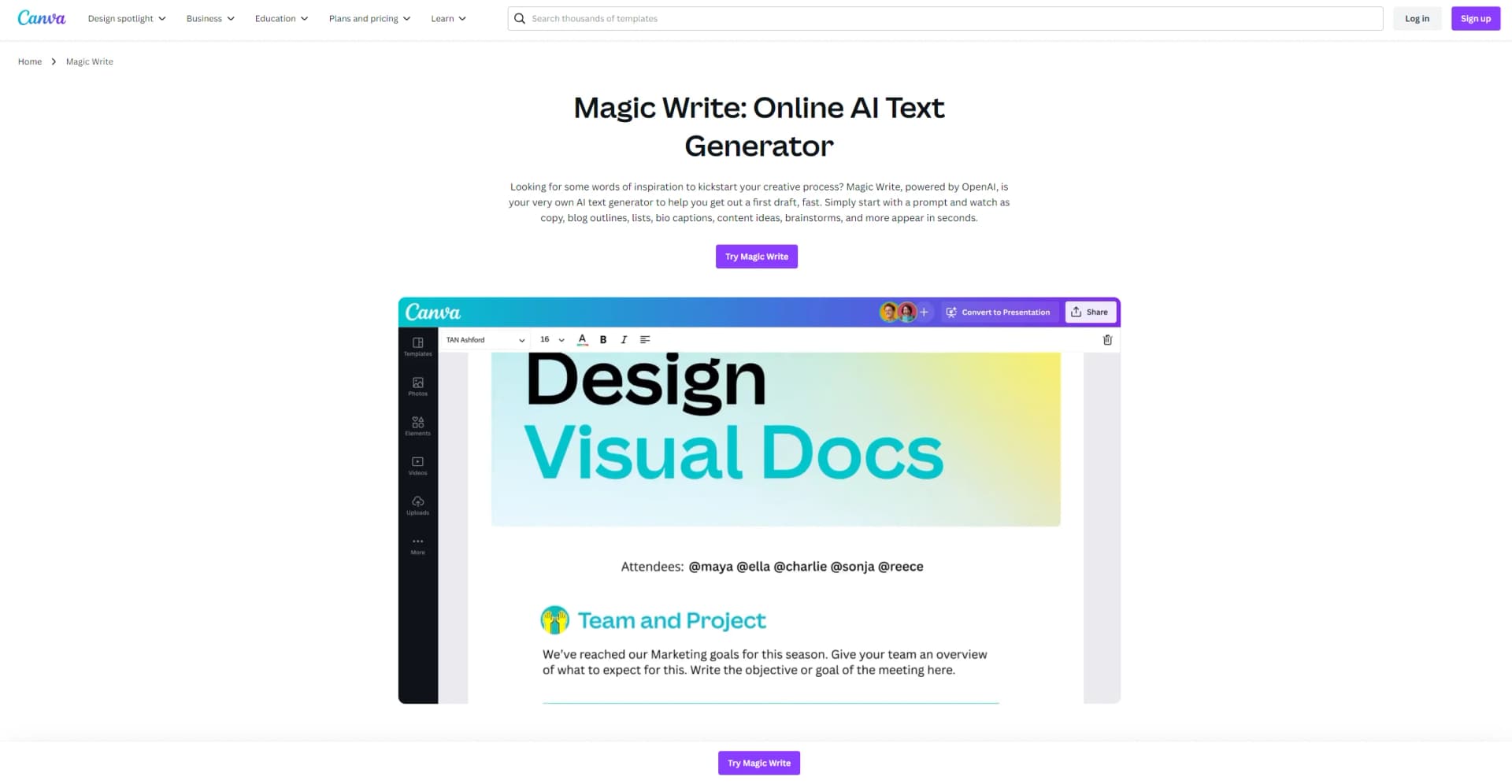
Transform content creation with AI, integrated seamlessly with Canva's design tools.
Watch Magic Write in Action
Key Takeaways
- What it is
- Transform content creation with AI, integrated seamlessly with Canva's design tools.
- Pricing
- Freemium
- Best for
- AI-Powered Writing Assistance
- Seamless Integration with Canva
- Customizable Templates
- Rating
- 4.6/5
What is Magic Write?
Magic Write, a revolutionary tool created by Canva, is transforming the way we approach content creation. It's designed to streamline the writing process, making it faster, more efficient, and infinitely more creative. Targeted at a broad audience ranging from individual content creators to professional marketing teams, Magic Write leverages the power of AI to simplify content generation, from blog posts and social media content to professional reports and presentations. Its integration within Canva's ecosystem amplifies its utility, providing a seamless design and content creation experience.
Magic Write stands out for its deep integration with Canva's design platform, offering a unique blend of textual and visual content creation that is unparalleled. Its AI-driven writing assistance not only saves time but also enhances the quality of the output, making it a game-changer for users looking to elevate their content.
Magic Write excels in providing a seamless and efficient content creation experience, making it an indispensable tool for a wide range of users. Its unique integration with Canva's design tools offers an unmatched advantage, enabling the creation of visually appealing and high-quality content. Whether you're a solo content creator, part of a marketing team, or a business owner, Magic Write's blend of AI-powered writing assistance and design capabilities can significantly enhance your productivity and creativity.
Who is Using Magic Write?
Content Creators
Utilizing the tool to generate unique and engaging blog posts, social media content, and more.
Marketing Professionals
Employing Magic Write for crafting compelling marketing copy and campaign materials.
Educators and Students
Leveraging the tool to create educational materials and assignments.
Business Owners
Using the tool for generating professional reports, presentations, and promotional content.
Uncommon Use Cases
Non-profit organizations harnessing Magic Write for grant writing; Independent researchers utilizing it for drafting research proposals and papers.
Key Features
Rating Breakdown
Pricing Plans
Free Tier
Free
- Access to Magic Write with basic features
Pro Tier
- Enhanced features and access
- Starting at a competitive price point
Which Magic Write plan should you pick?
Start with Canva Free to test Magic Write, then upgrade when you need higher AI access, brand voice, and premium Canva features.
Free
Good for individuals who need basic Magic Write access and can work within free usage limits.
Pro
Good for solo creators who need higher AI access, premium features, and Brand Kit voice support.
Business
Good for growing teams that need more AI access, collaboration, brand management, and business workflows.
Enterprise
Good for organizations needing enterprise administration, SSO, security controls, and larger-scale collaboration.
Magic Write Use Cases
Draft business content
Enter a prompt to create an initial draft for a business plan, proposal, email, or presentation.
Outcome: A usable first draft that can be refined in Canva.
Create social media copy
Generate captions, hashtags, blog titles, and other launch-related social content.
Outcome: Faster production of social and campaign copy.
Summarize long text
Provide existing content and ask Magic Write to condense it into a shorter version.
Outcome: Clearer, shorter copy for social, presentation, or marketing use.
Rewrite for an audience
Ask Magic Write to rework existing writing for a specific audience, tone, or purpose.
Outcome: Copy better aligned with the intended readers.
Proofread and polish
Use Magic Write to fix spelling, improve readability, and refine sentence wording.
Outcome: Cleaner, more polished writing.
Workflow Ideas with Magic Write
Create and polish campaign copy
- 1Prompt Magic Write for campaign or product copy
- 2Rewrite the draft for the target audience
- 3Apply brand voice and polish the final text
Turn an idea into presentation content
- 1Ask Magic Write to brainstorm or outline the topic
- 2Expand selected ideas into paragraphs or speaker content
- 3Refine the wording inside a Canva Presentation
Condense long content for social media
- 1Paste or select the long-form content
- 2Ask Magic Write to summarize it
- 3Adapt the result into a caption or short-form post
How Magic Write fits into your stack
Canva Design Suite
Fully integrated within Canva, providing a seamless design and writing experience.
Collaborative Tools
Supports real-time collaboration features for team projects.
Export Options
Offers versatile export formats to suit various content distribution needs.
Cloud Storage
Integrates with cloud storage solutions for easy access and management of projects.
Pros
- +Boosts Productivity: Significantly reduces the time required to create engaging content.
- +Enhances Creativity: Provides creative suggestions that can inspire unique content.
- +User-Friendly: Designed with a simple, intuitive interface that’s easy to navigate.
- +Versatile Application: Suitable for a wide range of content types, from marketing materials to educational content.
Cons
- −Learning Curve: New users may need time to fully utilize its advanced features.
- −Dependent on Internet Connectivity: Requires a stable internet connection for optimal performance.
- −Canva Subscription Required: Full access to Magic Write's features may necessitate a Canva subscription.
Limitations & when to consider alternatives
Known limitations
- Free usage is limited. Canva Free includes Magic Write with usage limits; higher access is available on paid plans.
- Output may not be unique. Canva says Magic Write suggestions may not always be entirely unique.
- Users must review generated content. Canva recommends treating the assistant as a writing partner and checking accuracy before finalizing.
- Brand voice requires a paid plan. Adding a Brand Kit voice for Magic Write is available with Canva Pro and certain organizational plans.
Look elsewhere when
- You need a dedicated developer API for Magic Write.
- You need image analysis or vision input.
- You need code generation.
How to Use Magic Write
- 1
Discover a wealth of resources on Canva's website, offering tutorials from basic setup to leveraging advanced features of Magic Write, ensuring users can fully utilize the tool’s capabilities.
Who is Magic Write For?
Marketers
Magic Write helps create copy for social posts, advertising campaigns, and other marketing content.
Business professionals
Users can draft business plans, proposals, emails, presentations, and other workplace documents.
Social media managers
Magic Write can brainstorm captions, hashtags, titles, and short-form social content.
Educators and students
Magic Write supports writing, summarizing, brainstorming, and polishing content inside Canva documents and presentations.
Frequently Asked Questions
Is Magic Write free to use?
Yes. Magic Write is available on Canva Free with usage limits; paid plans provide higher access.
What can Magic Write do?
It can generate drafts, refine wording, proofread, brainstorm, summarize, expand ideas, and adjust tone.
Where can Magic Write be used?
Magic Write works across Canva Docs, Whiteboards, Notes, and Presentations.
Does Magic Write support multiple languages?
Yes. It supports multiple languages, including English, Spanish, French, German, Japanese, Chinese, and others.
Can Magic Write match a brand voice?
Yes. Canva Pro users can apply their Brand Kit voice to keep generated content on-brand.
Is Magic Write output always original?
No. Canva says generated suggestions may not always be entirely unique, so users should review the output.
Community reviews
Be the first to share your experience.
Sign in to leave a review for Magic Write.
Magic Write Alternatives
Looking for alternatives to Magic Write? Here are similar tools in the same category:
Learn to Master Magic Write
With Skill Leap courses
Get in-depth training on Magic Write and 50+ other AI tools with our expert-led video courses.
Start 7-Day Free Trial