
Loop
Automates food service operations, boosts efficiency, reduces errors.
Key Takeaways
- What it is
- Automates food service operations, boosts efficiency, reduces errors.
- Best for
- Real-Time Loss Prevention
- Automated Bookkeeping
- Performance Benchmarking
- Rating
- 4.6/5
What is Loop?
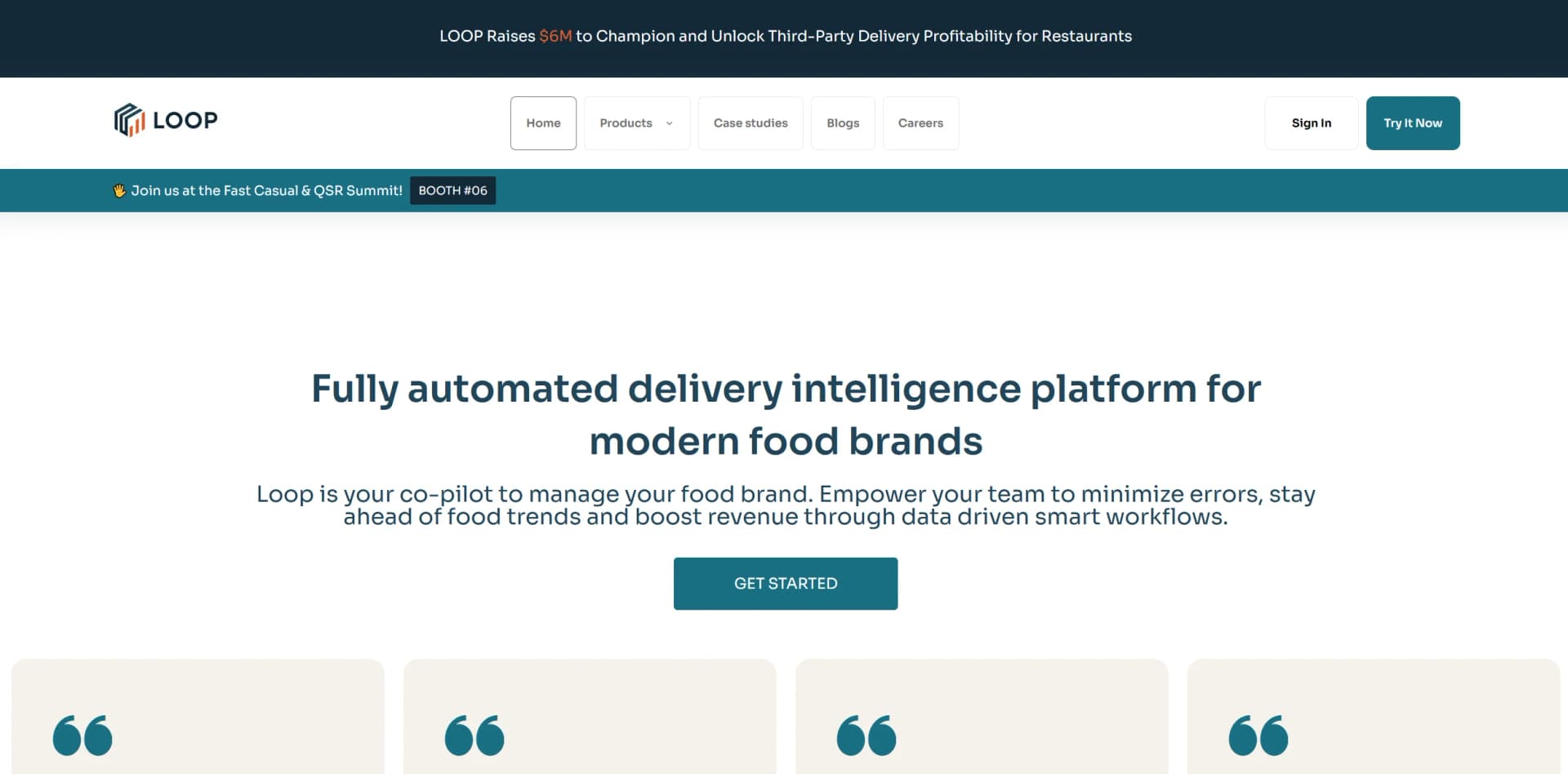
Loop is an advanced, fully automated delivery intelligence platform designed to enhance operational efficiency and accuracy in the food service industry. Catering to modern food brands, Loop helps streamline operations, minimize errors, and boost revenue through data-driven insights and smart workflows. It supports both third-party delivery management and in-store performance optimization, making it a valuable tool for food businesses of all sizes.
Loop distinguishes itself in the food service industry with its comprehensive approach to managing food delivery operations. Its ability to integrate with multiple third-party delivery services and provide actionable, real-time insights into operational performance makes it an invaluable tool for food businesses seeking to excel in a competitive market.
Loop stands out as a premier solution for enhancing operational efficiency and accuracy in the food service industry. With its robust integration capabilities and focus on real-time data, Loop supports daily operations and drives significant business growth. Ideal for managing single locations or large franchises, Loop’s tailored solutions and insightful analytics can transform food service delivery practices.
Who is Using Loop?
Franchise Food Brands
Examples include Dave’s Hot Chicken and Freddy’s, using Loop to manage third-party delivery systems.
Independent Restaurants
Leveraging the platform to streamline operations and improve customer service.
Multi-Brand Operators
Like Craveworthy, managing multiple brands with Loop to uphold high operational standards.
Food Service Managers
Relying on Loop for real-time adjustments and operational decision-making.
Uncommon Use Cases
Educational institutions studying delivery service impacts on the food industry; financial analysts evaluating efficiency in food service logistics.
Key Features
Rating Breakdown
Pricing Plans
Custom Pricing
- Loop offers pricing tailored to the specific needs and scale of each business
Loop Use Cases
Revenue reconciliation
Reconcile sales, marketplace payouts, fees, refunds, deposits, and accounting records across locations and channels.
Outcome: A governed view of revenue and true margin.
Operational monitoring
Monitor store availability, order accuracy, cancellations, and operational performance across delivery platforms.
Outcome: Earlier detection and resolution of store and order issues.
Marketing analysis
Analyze channel performance, campaign incrementality, marketing return, and customer behavior.
Outcome: Better-informed marketing and channel decisions.
Automated reporting
Build dashboards, scorecards, spreadsheets, and reports from governed business data, then schedule recurring delivery.
Outcome: Repeatable reporting without manual spreadsheet preparation.
Back-office automation
Use AI agents to close books, rebalance campaigns, monitor channels, and draft disputes for approval.
Outcome: Complex back-office work progresses continuously with human escalation when needed.
Workflow Ideas with Loop
Weekly financial close
- 1Connect POS, marketplace, accounting, and bank data
- 2Validate sales, payouts, fees, refunds, and deposits
- 3Generate a governed close report and escalate variances
Store availability response
- 1Monitor store status across delivery platforms
- 2Send Slack or text alerts when a store goes offline
- 3Investigate the issue and restore availability
Scheduled operating scorecard
- 1Ask Loop to build a scorecard from governed metrics
- 2Include wait time, error rate, ratings, or margin by location
- 3Schedule the report for recurring delivery to managers
How Loop fits into your stack
Third-Party Delivery Services
Fully integrates with major platforms such as Uber Eats, DoorDash, Grubhub, and Postmates.
Data Security
Now SOC2 compliant, ensuring robust data security measures are in place.
Marketing Tools
Automates campaign selection to align with business objectives, optimizing return on investment.
Pros
- +Enhanced Order Accuracy: Helps reduce order errors by driving a culture of accountability and precision.
- +Operational Efficiency: Minimizes downtime and operational issues, potentially saving thousands in lost revenue.
- +Data-Driven Decisions: Empowers teams with analytics to make informed decisions aligned with business growth strategies.
- +Scalability: Effective for a range of businesses from small eateries to large franchise groups, demonstrating its adaptability.
Cons
- −Niche Focus: Primarily tailored for the food service industry, which may limit its applicability to other sectors.
- −Complexity in Setup: Initial setup and integration with existing systems can be complex for some users.
- −Learning Curve: New users might need time to fully understand and utilize all of Loop’s features effectively.
Limitations & when to consider alternatives
Known limitations
- Enterprise sales process. Loop uses order forms and subscription terms rather than publishing standard self-serve plan prices.
- Human verification remains required. Loop states that outputs and configurations may contain inaccuracies and should not be the sole basis for business, financial, or operational decisions.
- Data quality affects results. Customer data must be accurate, complete, legal, reliable, and appropriate for the intended use.
- No documented public developer API. The available integration documentation describes managed connectors and setup through Loop personnel rather than a public developer API.
- No documented native mobile or desktop application. The documented access path is the Loop portal, with no official native iOS, Android, Windows, Mac, or Linux download identified.
Look elsewhere when
- You need a public developer API and API documentation.
- You need a native mobile application.
- You need published self-serve pricing.
- You need explicit encryption specifications such as TLS or AES-256.
How to Use Loop
- 1
Explore extensive tutorials and case studies available on Loop's official website, covering everything from initial setup to advanced operational strategies.
Who is Loop For?
Restaurant operators
Loop is built for multi-unit restaurant and food brands managing POS, delivery, accounting, labor, marketing, and bank data.
Retail operators
The platform supports multi-unit, multi-channel retail back-office finance, operations, marketing, and business intelligence.
Finance teams
Finance teams can reconcile revenue, payouts, deposits, fees, refunds, and journal entries across business systems.
Operations teams
Operations teams can monitor store availability, performance, labor, locations, and operational exceptions.
Marketing teams
Marketing teams can analyze campaign performance, incrementality, channel results, and customer behavior.
Frequently Asked Questions
What is Loop AI?
Loop AI is an enterprise platform for finance, operations, and marketing teams that connects business systems, governs metrics, and runs AI-assisted workflows.
What systems can Loop connect to?
Loop connects to POS, delivery marketplaces, accounting and ERP systems, labor, loyalty, banks, advertising systems, and files.
Can Loop replace existing dashboards?
Loop can build live dashboards from governed data, but its intended role is to provide validated answers and artifacts across chat, dashboards, spreadsheets, reports, and briefings.
How does Loop validate data?
Loop checks data freshness, location mapping, system agreement, approved metric definitions, and source lineage before presenting answers.
Can Loop schedule reports?
Loop can schedule dashboards and reports for delivery by email, including recurring weekly reports.
Community reviews
Be the first to share your experience.
Sign in to leave a review for Loop.
Loop Alternatives
Looking for alternatives to Loop? Here are similar tools in the same category:
Learn to Master Loop
With Skill Leap courses
Get in-depth training on Loop and 50+ other AI tools with our expert-led video courses.
Start 7-Day Free Trial