
Loci
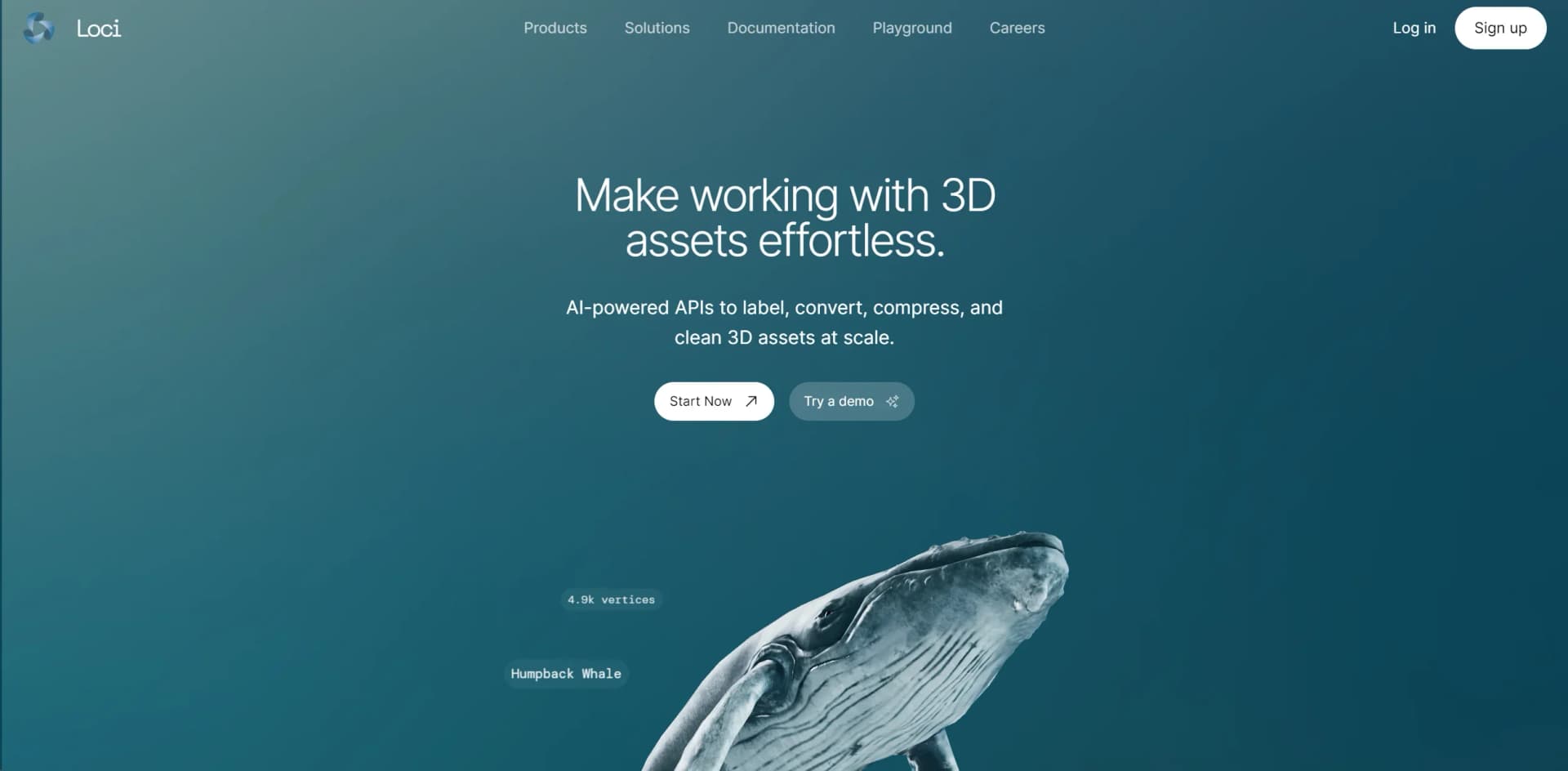
Revolutionizes 3D asset management with rapid, precise AI-driven tagging.
Key Takeaways
- What it is
- Revolutionizes 3D asset management with rapid, precise AI-driven tagging.
- Pricing
- Freemium
- Best for
- Rapid Tagging
- High Accuracy
- Seamless API Integration
- Rating
- 4.6/5
What is Loci?
Loci is an innovative AI tool that fundamentally transforms the way 3D assets are tagged and managed. At its core, Loci leverages advanced machine learning algorithms to automate the tagging of thousands of 3D assets within seconds, a game-changer for industries reliant on 3D modeling and design. Developed through cutting-edge computer vision research from prestigious institutions like the University of Cambridge and MIT, Loci is designed for professionals and organizations looking to streamline their workflow, enhance productivity, and secure their digital assets.
Loci stands out in the AI and 3D modeling landscape through its unparalleled speed and accuracy in asset tagging. Its unique value proposition lies in its ability to automate what has traditionally been a painstakingly manual process, backed by state-of-the-art research and a commitment to data security. The seamless API integration further sets Loci apart, offering a hassle-free solution to enhance productivity and streamline workflows.
Loci excels in revolutionizing the management of 3D assets, offering unparalleled efficiency and accuracy in tagging. It stands as an essential tool for industries engaged in 3D modeling and design, providing a significant competitive edge through its cutting-edge technology and robust security measures. Its unique selling point—rapid, automated tagging backed by rigorous research and easy integration—makes Loci not just a tool but a transformative solution for digital asset management.
Who is Using Loci?
Game Developers
For efficiently tagging and managing extensive libraries of 3D game assets.
Architectural Firms
Utilizing the tool to streamline the organization and retrieval of 3D architectural models.
Virtual Reality Creators
Leveraging Loci to categorize VR assets for quicker development cycles.
Educational Institutions
Employing Loci to aid in the teaching of 3D modeling and design courses.
Uncommon Use Cases
Includes use by digital archivists for preserving 3D cultural artifacts and by ecommerce platforms for enhancing 3D product visualizations.
Loci is particularly advantageous for a wide array of users, especially
Key Features
Rating Breakdown
Pricing Plans
Free Tier
Free
- Loci offers a free account option
- Allowing users to test its capabilities
Custom Pricing
- Advanced features and higher volume processing
- Loci provides custom pricing plans tailored to the specific needs of businesses and organizations
Loci Use Cases
Writing
Draft and work through writing tasks in a local AI workspace.
Outcome: Create or improve written material without sending conversations to a hosted AI service.
Research
Ask questions, summarize information, and optionally retrieve current web sources.
Outcome: Explore information locally, with web-assisted answers available when needed.
Coding
Use Loci's coding focus mode and work with code or snippets in the Mac app.
Outcome: Keep coding-oriented AI work on the local device.
Planning
Ask for ideas, quick plans, travel suggestions, and organization help.
Outcome: Create plans even when offline.
File and image analysis
Attach photos, PDFs, Word files, or EPUBs and ask questions about their contents.
Outcome: Read and analyze local documents and images on-device.
Workflow Ideas with Loci
Offline planning
- 1Download a compatible model over Wi-Fi
- 2Open Loci without an internet connection
- 3Ask for ideas or a plan and continue chatting offline
Document question answering
- 1Attach a PDF, Word file, or EPUB
- 2Ask Loci questions about the document
- 3Review the on-device answer without uploading the file
Phone and desktop model pairing
- 1Install Loci on a Mac or Windows PC
- 2Pair the mobile device with desktop Loci
- 3Use larger desktop models from the phone
How Loci fits into your stack
API Access
Easy integration with existing platforms through a straightforward API.
Data Security
Robust encryption and data privacy policies ensure the security of assets.
Educational Resources
Comprehensive documentation and a playground for demos facilitate learning and experimentation.
Community Support
Access to a supportive community and resources for troubleshooting and optimization.
Pros
- +Time Efficiency: Dramatically decreases the time required for tagging 3D assets.
- +Ease of Use: Offers a straightforward API that simplifies integration into existing systems.
- +Data Privacy: Commits to high standards of data privacy and security, encrypting user assets.
- +Cutting-edge Technology: Built on the latest research in computer vision and machine learning.
Cons
- −Specialized Application: Primarily benefits industries working with 3D assets, which may not be as useful for those outside of this niche.
- −Learning Curve: Despite ease of integration, some users may need time to fully leverage its advanced features.
- −Dependency on Digital Infrastructure: Optimal use requires a robust digital framework for asset management.
Limitations & when to consider alternatives
Known limitations
- Some features require an internet connection. Model downloads, optional web search, online sources, and Windows online voice input require connectivity.
- Online features can send requests to third parties. Web and live-data features may send bounded queries or required task fields directly to third-party providers.
- Performance depends on device hardware. Loci selects models that it verifies will run well on the user's hardware, so available model capability varies by device.
- Not intended for high-stakes professional advice. Loci states that it is not an emergency service, medical device, or legal or financial adviser.
- Windows voice input may be online. The official FAQ notes that Windows online voice input needs a connection when used.
Look elsewhere when
- You need cloud-hosted AI with server-side processing.
- You need browser-based access rather than a native app.
- You need AI training or fine-tuning on your data.
How to Use Loci
- 1
Explore the extensive documentation and interactive playground on Loci's website for tutorials ranging from basic setup to advanced feature utilization. These resources are designed to help users quickly get up to speed and make the most of Loci's capabilities.
Frequently Asked Questions
Is Loci really free?
Yes. Loci is free to download and use on Android, iPhone, iPad, Mac, and Windows, with no subscriptions, ads, or locked features.
Does Loci work without internet?
Yes. After downloading a model, typed chat works without an internet connection. Model downloads, optional web search, and Windows online voice input require connectivity.
Are my conversations private?
Chat is processed on your device and is not uploaded. Loci says there is no account or server-side copy of conversations.
Which AI models does Loci run?
Loci automatically selects a model suited to the device and supports models including Gemma, Qwen, Llama, and Phi.
Can Loci analyze files and images?
Yes. The mobile app supports photos and documents including PDF, Word, and EPUB files, with processing performed on-device.
Does Loci offer web search?
Yes. With online sources enabled, Loci can retrieve current information automatically for eligible questions or when requested.
Community reviews
Be the first to share your experience.
Sign in to leave a review for Loci.
Loci Alternatives
Looking for alternatives to Loci? Here are similar tools in the same category:
Learn to Master Loci
With Skill Leap courses
Get in-depth training on Loci and 50+ other AI tools with our expert-led video courses.
Start 7-Day Free Trial