LivePerson
Enterprise brands coordinate AI and human support across customer messaging.
Key Takeaways
- What it is
- Enterprise brands coordinate AI and human support across customer messaging.
- Best for
- Syntrix
- Conversation Builder
- KnowledgeAI
- Rating
- 4.1/5
What is LivePerson?
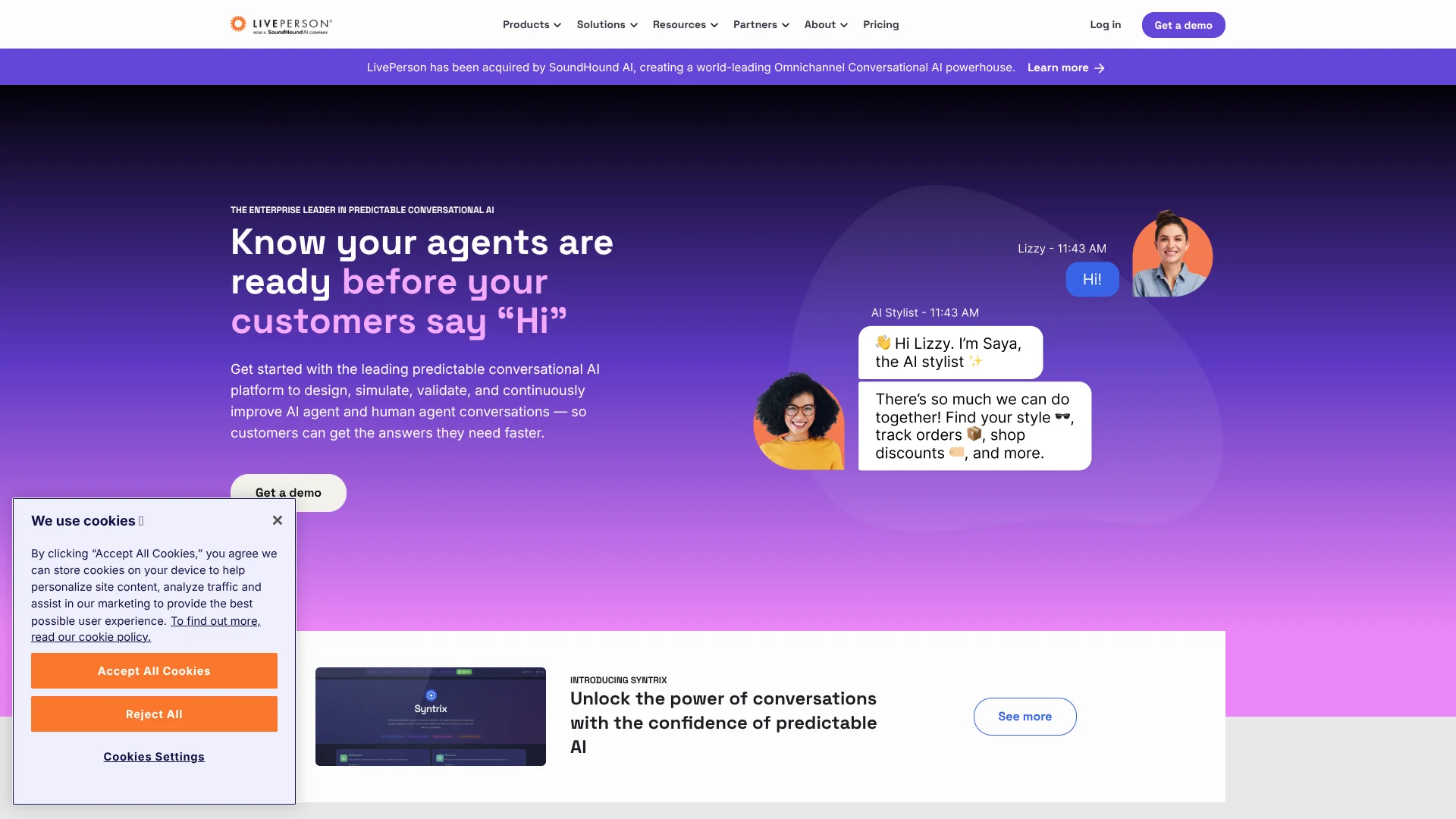
LivePerson helps customer experience teams manage conversations across messaging and voice, with AI agents handling routine questions and human agents stepping in when needed. Its Conversational Cloud includes tools for building bots, routing customers, and giving agents suggested answers. It is built for brands that need to handle customer support at scale and connect conversations with business systems.
Syntrix lets teams simulate customer conversations before AI agents go live, then evaluate how those agents handle risks, edge cases, and handoffs. That gives teams a way to test customer-facing AI in a simulated setting rather than relying only on live customer interactions.
LivePerson is best suited to larger organizations with contact centers, existing customer data, and technical staff who can connect it to other systems. Its plans do not show public prices, and Syntrix cannot currently import historical conversations or connect to external systems. It fits teams seeking enterprise-scale conversation management, not people looking for a low-cost standalone chatbot.
Who is Using LivePerson?
Contact center manager
Agent training and conversation testing help prepare staff for customer interactions.
Conversational AI designer
Conversation Builder and Syntrix support building and testing customer-service bots.
Customer support operations analyst
Conversation analytics can reveal customer intents and support trends across channels.
CRM integration developer
APIs and CRM connectors help link conversations to customer records and business workflows.
Uncommon Use Cases
Testing how bots handle edge cases before launch; using conversation insights to identify recurring customer questions.
Key Features
Rating Breakdown
Pricing Plans
Bronze
- Positioned for a messaging-first workspace and improved agent efficiency.
- Request a demo for plan details.
Silver
- Positioned for increased self-service through intelligent automation.
- Request a demo for plan details.
Gold
- Positioned for advanced analytics and Generative AI.
- Request a demo for plan details.
Which LivePerson plan should you pick?
Start with the tier whose listed capabilities match your customer experience needs, then request a demo to confirm pricing and feature entitlements.
Bronze
For teams focused on a messaging-first workspace and agent efficiency.
Silver
For teams seeking more customer self-service through intelligent automation.
Gold
For teams seeking advanced analytics and Generative AI for personalization.
LivePerson Use Cases
Test customer-facing AI before launch
Simulated conversations let teams check bot responses, handoffs, and edge cases before customers interact with the AI.
Outcome: Teams can identify and address issues in a pre-production setting.
Automate common customer questions
KnowledgeAI can draw on a business's knowledge content to answer common questions through bots.
Outcome: Customers can get answers through self-service.
Help agents answer customers
Conversation Assist offers agents recommended answers and bots within their conversations.
Outcome: Agents can find relevant guidance while helping customers.
Route customers to the right support
Conversation Orchestrator uses context and routing policies to direct conversations to agents or bots.
Outcome: Conversations can reach a suitable support destination.
Find patterns in customer conversations
Conversational Analytics examines voice and text interactions for customer intents and insights.
Outcome: Support teams can identify customer needs across channels.
Workflow Ideas with LivePerson
Prepare a customer-service AI agent
- 1Set up scenarios and customer personas in Syntrix.
- 2Run simulated conversations with the AI agent.
- 3Review results and adjust the agent before rollout.
Support agents with knowledge-based answers
- 1Connect a supported knowledge source.
- 2Configure KnowledgeAI for bots or Conversation Assist.
- 3Review how answers appear during customer conversations.
Route and review customer conversations
- 1Set routing policies for customer intents and context.
- 2Direct conversations to an AI agent or human agent.
- 3Review conversation analytics to identify recurring needs.
How LivePerson fits into your stack
Customer messaging and voice
Conversational Cloud manages customer interactions across messaging and voice. Teams can coordinate bot and human-agent conversations.
CRM and business systems
CRM connectors include Salesforce, while APIs and LivePerson Functions can connect conversations to external systems.
Knowledge and answers
KnowledgeAI can use managed knowledge content and connect to external content systems through APIs or supported connectors.
Bot building and testing
Conversation Builder supports bot creation, while Syntrix provides a simulation environment for evaluating interactions.
Analytics and reporting
Report Center and Analytics Studio help teams examine conversation data across supported channels.
Pros
- +Pre-launch AI testing: Syntrix can simulate interactions and flag issues before customers encounter them.
- +Agent support: Conversation Assist can surface suggested answers inside customer conversations.
- +Flexible connections: APIs and named CRM and knowledge-base integrations connect LivePerson with business systems.
- +Voice and messaging: The platform supports customer conversations across both types of channels.
Cons
- −Sales-led pricing: The pricing page names plans but does not show their prices.
- −Enterprise focus: The breadth of the platform may be more than a small team needs.
- −Technical setup: Connecting APIs and business systems can require developer involvement.
Limitations & when to consider alternatives
Known limitations
- Syntrix does not ingest historical conversations. Syntrix scenarios are based on personas and parameters configured in the tool, rather than an organization's existing conversation history.
- Syntrix is standalone. The developer FAQ says Syntrix cannot currently connect to external systems such as a CRM or training sandbox.
- Some generative answer language support is experimental. LivePerson documents English and Spanish support for enriched answers; support for many other knowledge-base languages is experimental.
- Some features depend on account entitlements. LivePerson says customers should check with their sales representative for access to certain Analytics Studio, Proactive Messaging, and Generative AI entitlements.
Look elsewhere when
- You need an AI tool with self-serve public pricing.
- You need Syntrix to learn from your historical conversations or connect directly to a CRM.
How to Use LivePerson
- 1
Choose a starting point
Decide whether your first project is bot automation, agent support, conversation analytics, or Syntrix testing.
- 2
Request a demo
LivePerson directs prospective customers to a demo to see the Conversational Cloud in action.
- 3
Connect the relevant systems
Use available integrations or APIs to connect knowledge, CRM, and other business systems needed for the project.
- 4
Configure the conversation flow
Set up bots, knowledge sources, or routing policies for the customer experience you want to support.
- 5
Test before rollout
Syntrix can simulate interactions so the team can review AI behavior before customer launch.
- 6
Review performance
Use conversation reporting and analytics to examine intents, bot performance, and customer interactions.
Who is LivePerson For?
Customer experience leaders
Teams can coordinate AI and human agents across customer conversation channels.
Contact centers
Supervisors can train agents and assess AI agent behavior before customer launch.
Enterprise brands
Organizations can connect customer conversations with CRM and knowledge systems.
AI teams
Teams can build, test, and improve customer-facing conversational AI.
Frequently Asked Questions
Does LivePerson have a free plan?
The official pricing page lists Bronze, Silver, and Gold plans but does not list a free plan.
How much does LivePerson cost?
The official pricing page does not publish dollar prices for its named plans. It invites prospective customers to request a demo.
Can LivePerson connect to other business tools?
Yes. The platform documents APIs and integrations including Salesforce, Zendesk, and Contentful.
Can LivePerson support multiple languages?
KnowledgeAI documents many knowledge-base languages. Generative enriched answers are documented for English and Spanish, with support for many other languages described as experimental.
Does LivePerson have a mobile app?
The developer site documents iOS and Android messaging SDKs for adding messaging to a business's own mobile app; these are not the same as a LivePerson-branded mobile app.
Community reviews
Be the first to share your experience.
Sign in to leave a review for LivePerson.
LivePerson Alternatives
Looking for alternatives to LivePerson? Here are similar tools in the same category: