
Lightricks
AI-driven tools for stunning photo and video creation.
Key Takeaways
- What it is
- AI-driven tools for stunning photo and video creation.
- Best for
- AI-Powered Video Production
- Intuitive Photo Editing Apps
- Real-Time Image Generation
- Rating
- 4.5/5
What is Lightricks?
Lightricks is a beacon in the realm of AI-driven creative tools, designed to empower both novice and professional creators. With a suite of applications that blend advanced technology with user-friendly interfaces, Lightricks facilitates the transformation of imaginative ideas into captivating visuals and videos. As a seasoned user and reviewer of AI tools, I've explored the extensive capabilities of Lightricks, from photo and video editing to real-time content creation, all aimed at enhancing digital storytelling and content creation.
Lightricks stands out with its commitment to merging academic research with practical application, ensuring that the latest advancements in AI and graphics are accessible to creators. Its ability to simplify complex editing tasks with a few taps or clicks sets it apart in the creative software industry.
Lightricks excels in providing robust, intuitive tools that enhance the creative process, making it an essential resource for a wide range of digital content creators. Its innovative approach to integrating academic research into user-friendly applications offers an unmatched advantage in creating high-quality content efficiently. Whether you are a budding photographer or a seasoned video producer, Lightricks equips you with the tools to bring your creative visions to life.
Who is Using Lightricks?
Professional Photographers
Utilizing advanced editing tools to enhance photo quality.
Video Content Creators
Creating engaging video content for social media platforms.
Graphic Designers
Employing the tool to design and execute visual content.
Marketing Professionals
Crafting appealing visuals for campaigns and branding.
Uncommon Use Cases
Academic institutions use it for teaching digital media courses; real estate agents use it to enhance property photos for listings.
Key Features
Rating Breakdown
Pricing Plans
Free Trial
- Get started with Lightricks with a free trial period
Subscription Options
- Monthly and annual subscription plans available
- Catering to different user needs
Which Lightricks plan should you pick?
Start with Free to test the platform, choose Lite for inexpensive personal projects, upgrade to Standard for commercial work, and choose Pro or Enterprise for collaboration and higher-volume production.
Free
Good for users who want to test image and video generation with 800 one-time credits for personal projects.
Lite
Good for personal creators who need 8,000 monthly credits, upscaling, editing tools, and no watermarking.
Standard
Good for marketers, creators, and filmmakers who need commercial licensing, more models, storyboards, pitch decks, and 28,000 monthly credits.
Pro
Good for higher-volume creators who need 110,000 monthly credits, maximum quality and control, and up to three collaborators per project.
Enterprise
Good for studios and organizations that need unlimited collaborators, organization management, custom credit volumes, and custom model options.
Lightricks Use Cases
AI storyboarding
Generate storyboards from scripts, concepts, or visual references.
Outcome: A visual plan for a film, commercial, or other video project.
Image-to-video production
Upload image references and animate them into video sequences.
Outcome: Animated clips built from still images or visual concepts.
Pitch deck creation
Generate visual pitch decks for movies and television projects.
Outcome: A polished presentation that communicates a creative idea.
Promotional video creation
Upload a script or outline and generate promotional video content.
Outcome: A marketing or brand video draft.
AI animation
Upload reference assets and create 2D or 3D animated sequences.
Outcome: Stylized or cinematic animation without advanced manual design work.
Workflow Ideas with Lightricks
Script to finished video
- 1Upload a script or describe a concept
- 2Generate scenes and storyboards
- 3Arrange and edit shots in the timeline
Reference image to animated sequence
- 1Upload an image reference
- 2Generate consistent images or video shots
- 3Edit, animate, and combine the resulting clips
Collaborative production review
- 1Invite collaborators with viewer, editor, or owner roles
- 2Generate and revise project assets together
- 3Share or export the approved project assets
How Lightricks fits into your stack
Mobile and Desktop Platforms
Ensures a seamless workflow across devices.
Social Media Integration
Directly share creations on various social media platforms.
Cloud Storage Services
Easy integration with popular cloud storage providers for efficient file management.
API Availability
Offers APIs for custom integrations, catering to specific business needs.
Pros
- +Enhanced Creativity: Tools designed to remove technical barriers and foster creativity.
- +High-Quality Output: Whether it’s a photo edit or a video, the output consistently meets high standards.
- +User-Friendly Design: Intuitive interfaces that cater to all skill levels, making complex tasks more accessible.
- +Award-Winning Technology: Recognized with the Apple Design Award, which speaks volumes about its innovation and quality.
Cons
- −Subscription Model: While offering powerful features, the cost might be a barrier for hobbyists.
- −Resource Intensive: Some tools may require advanced hardware to function smoothly.
- −Learning Curve: Despite intuitive design, the vast features can overwhelm new users initially.
Limitations & when to consider alternatives
Known limitations
- Free credits are one-time. The free tier provides 800 credits once; credits do not reset or renew.
- Free and Lite plans are personal-use only. Commercial, client, and paid work requires Standard, Pro, or Enterprise.
- Mobile is unsupported. The full LTX Studio workspace requires a desktop browser and is not supported through a mobile browser or mobile app.
- Collaborators use their own plans. Collaborators need their own LTX Studio accounts and use their own credits and plan features.
- Shot duration is limited. Individual generated shots are limited to approximately 3–20 seconds depending on the selected model.
Look elsewhere when
- You need a native mobile app.
- You need a downloadable desktop application.
- You need commercial rights on the entry-level plan.
How to Use Lightricks
- 1
Explore a wide range of tutorials available on the Lightricks website and YouTube channel, covering everything from basic operations to advanced techniques.
Who is Lightricks For?
Creative professionals
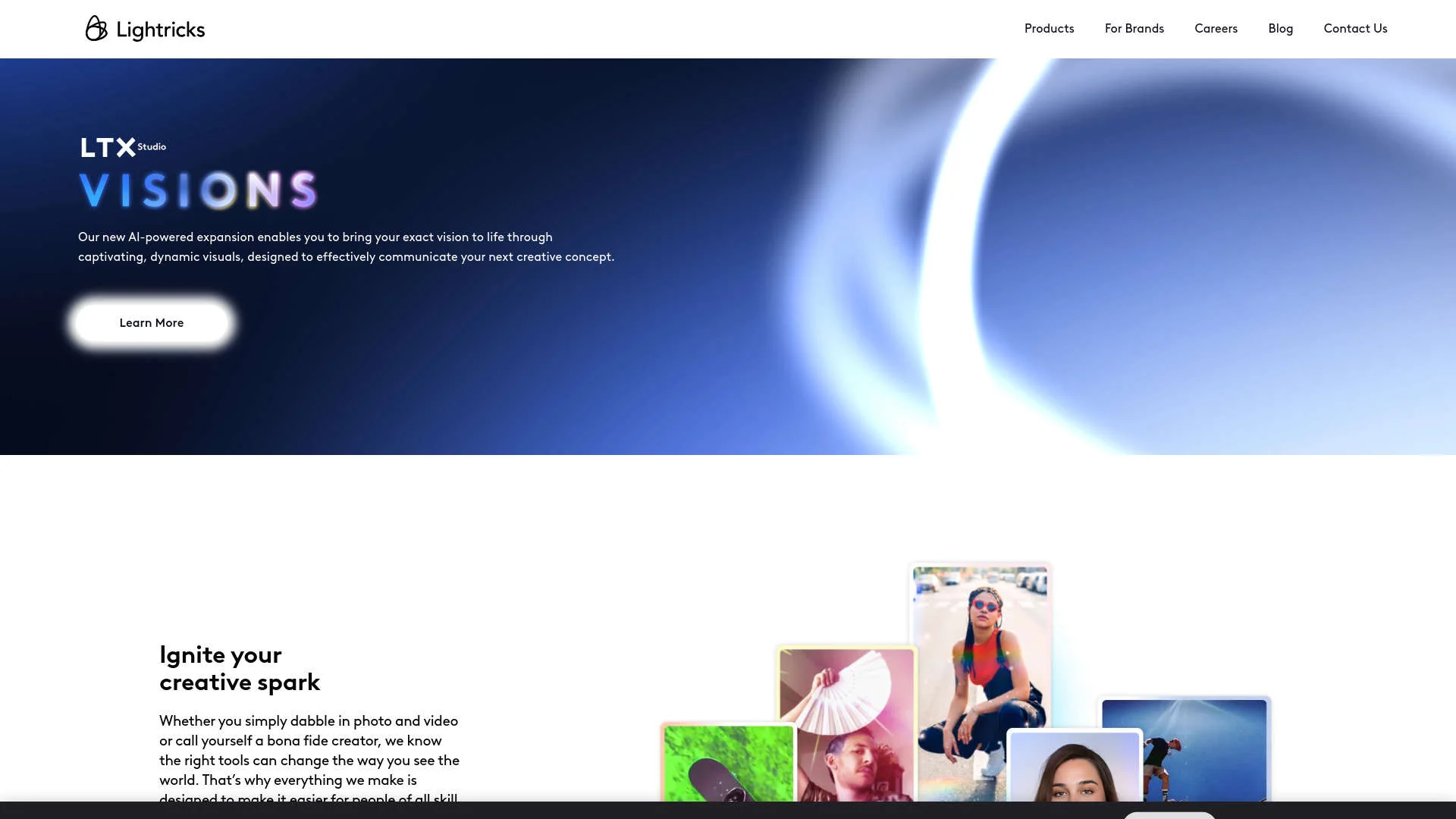
LTX Studio provides an end-to-end visual workspace for generating, editing, storyboarding, and producing video projects.
Agencies
Agencies can create campaign visuals, collaborate on projects, and use commercial-use plans for client work.
Studios
Studios can use shared projects, organization management, and Enterprise collaboration features.
Marketers
Marketers can create campaign assets, promotional videos, pitch decks, and branded visuals.
Filmmakers
Filmmakers can develop concepts, scripts, storyboards, shots, animatics, and edited video sequences.
Frequently Asked Questions
Is LTX Studio free?
LTX Studio offers a free tier with 800 one-time credits for eligible new accounts. Free usage is limited to personal projects, and the credits do not renew.
What happens when free credits run out?
After the one-time free credits are used, users need a paid plan to continue generating content.
Can teams collaborate in LTX Studio?
Yes. Pro projects support up to three collaborators, while Enterprise team plans support unlimited collaborators with viewer, editor, and owner roles.
Does LTX Studio require a download?
No. LTX Studio runs in a modern desktop browser and does not require a desktop or mobile app installation.
What is the LTX-2 API?
The LTX-2 API provides programmatic access to text-to-video and image-to-video generation using API keys and official developer documentation.
How long can generated shots be?
Individual shots range from 3 to 20 seconds depending on the model; LTX-2 supports shots up to 20 seconds.
Community reviews
Be the first to share your experience.
Sign in to leave a review for Lightricks.
Lightricks Alternatives
Looking for alternatives to Lightricks? Here are similar tools in the same category:
Learn to Master Lightricks
With Skill Leap courses
Get in-depth training on Lightricks and 50+ other AI tools with our expert-led video courses.
Start 7-Day Free Trial