Libretto
Refine, test, and optimize AI prompts efficiently.
Key Takeaways
- What it is
- Refine, test, and optimize AI prompts efficiently.
- Best for
- Prompt Optimization
- Continuous Monitoring
- Automated Testing
- Rating
- 4.3/5
What is Libretto?
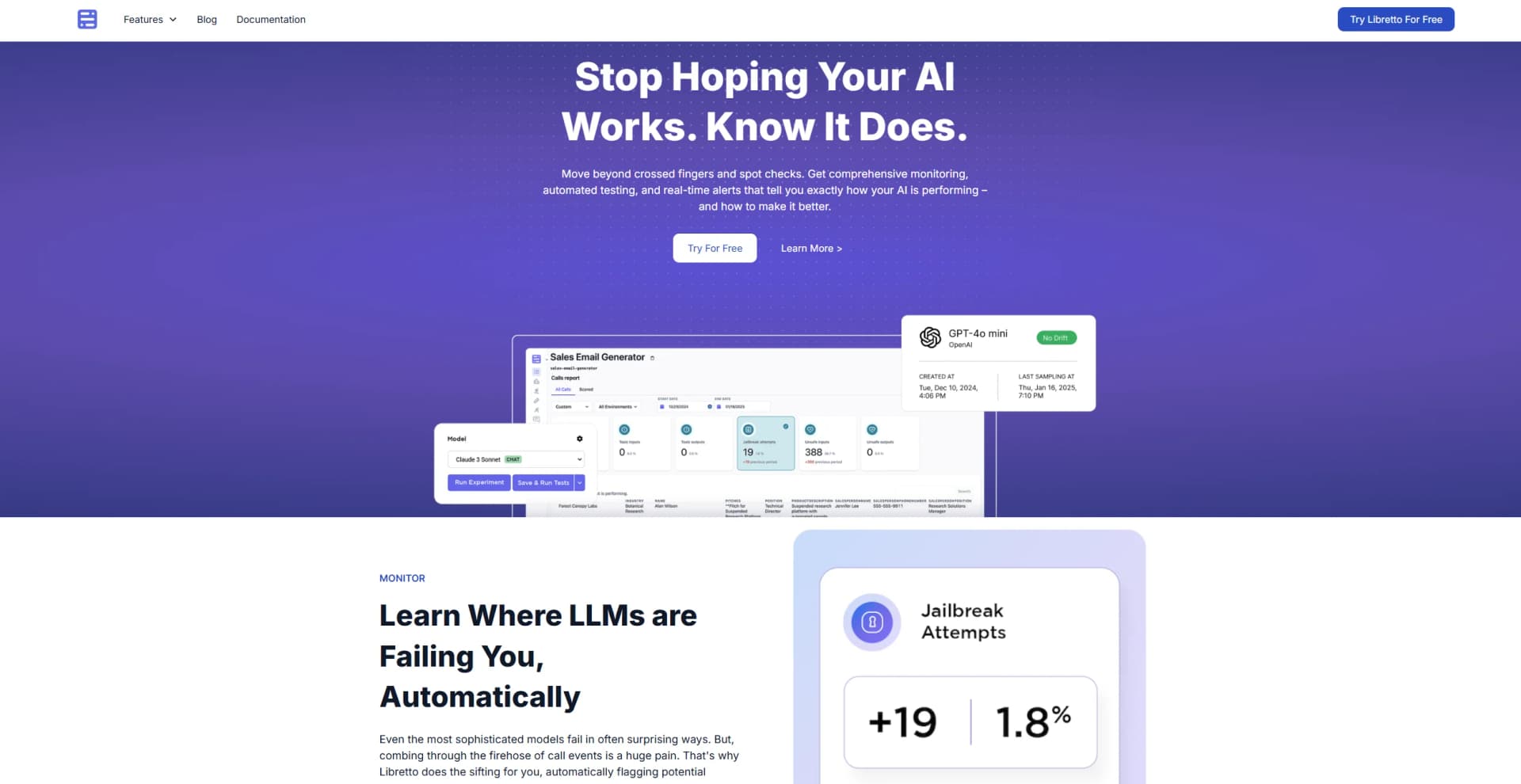
Libretto is an advanced platform designed to optimize and refine the process of crafting prompts for Large Language Models (LLMs). Hosted at getlibretto.com, Libretto aims to streamline prompt engineering by offering sophisticated tools for testing, refining, and optimizing prompts. By transforming raw prompts into highly effective queries, Libretto enhances the performance and efficiency of LLM applications, making it a valuable asset for various AI-driven projects.
Libretto distinguishes itself with its automated prompt optimization and testing capabilities, drastically reducing the time and effort involved in refining LLM prompts. Its real-time monitoring and user feedback integration make it a standout tool for enhancing LLM performance and application efficiency.
Libretto excels in optimizing the prompt engineering process, offering a powerful set of tools for developers, researchers, and content creators. Its automated prompt testing and real-time feedback integration provide significant advantages in enhancing LLM applications. Whether you're aiming to refine prompts for better accuracy or accelerate development cycles, Libretto is a valuable tool that supports efficiency and effectiveness in AI-driven projects.
Who is Using Libretto?
AI Researchers
Utilizing Libretto to enhance the precision and effectiveness of LLMs in academic and research settings.
Tech Companies
Integrating prompt engineering tools into product development processes to optimize AI-driven features.
Content Creators
Leveraging optimized prompts to generate high-quality, creative content more efficiently.
Educational Institutions
Using the platform in AI and machine learning courses to teach prompt engineering and optimization techniques.
Uncommon Use Cases
Employed by developers in gaming to create dynamic narratives; utilized by legal professionals to refine queries for large legal databases.
Key Features
Rating Breakdown
Pricing Plans
Free Beta Trial
- Users can start with a comprehensive free beta trial to explore the platform's features
Subscription Plans
- Detailed pricing plans will be available after the beta phase concludes
Which Libretto plan should you pick?
Start with Free for local experimentation or light cloud use, upgrade to Pro for regular individual workloads, choose Team for shared organization usage, and contact Libretto for Enterprise requirements.
Free
Good for experimenting with Libretto Cloud and needing 1 included browser hour per month.
Pro
Good for individual developers who need 80 included browser hours per month.
Team
Good for organizations that need shared access and 400 included browser hours per month.
Enterprise
Good for organizations needing custom capacity, retention, BAA, or enterprise arrangements.
Libretto Use Cases
Generate browser automation from a goal
Give an agent a URL and task description, then review the generated workflow.
Outcome: A reusable browser automation script.
Record and rebuild a manual workflow
Perform actions in a live browser and have Libretto turn them into workflow code.
Outcome: A repeatable workflow based on recorded actions.
Convert UI automation into network requests
Inspect captured browser traffic and replace UI steps with direct requests where appropriate.
Outcome: Faster, more reliable integration scripts.
Repair broken Playwright automations
Reproduce a failure against the live page and let the debugging agent inspect and fix the workflow.
Outcome: A proposed code fix and optional pull request.
Deploy and schedule workflows
Deploy workflow packages to Libretto Cloud, invoke them through the jobs API, and schedule recurring runs.
Outcome: Managed, automated workflow execution.
Workflow Ideas with Libretto
Build a workflow from a manual demonstration
- 1Open the target website in a headed browser session
- 2Perform the workflow manually
- 3Ask the coding agent to encode the actions as a reusable workflow
Turn a failing integration into a pull request
- 1Run the existing Playwright automation
- 2Send the failure and live browser page to the Libretto debugger
- 3Review the generated fix and pull request
Deploy a scheduled cloud automation
- 1Create and test the workflow locally
- 2Deploy the workflow package to Libretto Cloud
- 3Create a schedule and monitor job results
How Libretto fits into your stack
API Access
Provides robust API access for integrating Libretto's functionalities with existing systems.
Real-Time Data Utilization
Effectively incorporates live data for prompt testing and optimization.
Cloud-Based Solution
Compatible with various cloud platforms, ensuring easy access and integration.
Collaborative Features
Supports team collaboration on prompt development projects, enhancing workflow efficiency.
Pros
- +Increased Efficiency: Reduces the time needed to perfect prompts, turning hours of work into minutes.
- +Improved Accuracy: Provides tools for fine-tuning prompts to achieve more accurate and reliable outcomes.
- +Scalability: Capable of handling extensive prompt testing, making it ideal for large-scale operations.
- +User-Centric Improvements: Continuously adapts based on user interactions, ensuring that prompts remain relevant and effective.
Cons
- −Learning Curve: New users may need time to become familiar with the platform's extensive features and functionalities.
- −Beta Phase: As a tool currently in beta, some features might still be under development or refinement.
- −Limited Public Reviews: Fewer user testimonials are available due to its relative newness, which may affect new users' ability to gauge overall experiences.
Limitations & when to consider alternatives
Known limitations
- Early-stage APIs. The project documentation warns that APIs may change before version 1.0 and recommends pinning production versions.
- Cloud capacity limits. When an organization exceeds its plan limit, Libretto Cloud stops starting new browser sessions until the plan is upgraded.
- Hosted sessions can queue. Libretto Cloud browser sessions may queue for up to 10 minutes when capacity is unavailable.
- CAPTCHA handling is not guaranteed. Hosted stealth browsers can automatically handle common CAPTCHA challenges, but Libretto does not guarantee every challenge will clear.
- Local and hosted profiles are separate. Local profile files are not uploaded during deployment, and there is no command to copy local profiles into cloud profiles.
Look elsewhere when
- You need a native mobile application.
- You need a dedicated desktop installer.
- You need SSO or SAML administration.
- You need fine-tuning or model training on proprietary data.
How to Use Libretto
- 1
Libretto offers a range of tutorials on its website, covering everything from initial setup to advanced prompt optimization techniques, helping users maximize the platform’s capabilities.
Who is Libretto For?
Developers
Libretto is installed into Node.js projects and produces reusable TypeScript or Playwright browser workflows.
Coding agents
Coding agents can inspect live pages, record actions, generate workflows, and debug broken automations.
Integration teams
Teams maintaining web integrations can convert browser workflows into direct network requests and repair failures.
Healthcare technology teams
Libretto originated from Saffron Health's work maintaining browser integrations with healthcare software.
Frequently Asked Questions
What is Libretto?
Libretto is a toolkit for turning website workflows into reusable browser-automation scripts and APIs.
How do I install Libretto?
Create a package with npm create libretto@latest or add Libretto to an existing Node.js package.
Can Libretto host workflows?
Libretto Cloud deploys workflows, runs them through a managed API, schedules runs, and provides failure diagnostics.
Which browser providers are supported?
Supported providers include local Chromium, Libretto Cloud, Kernel, Browserbase, Browser Use, and Steel.
Can workflows be shared externally?
Deployed workflows can be published as hosted APIs with documented inputs, outputs, credentials, and reviewed source.
What are Libretto Cloud's plans?
Plans are Free at $0, Pro at $20 monthly, Team at $100 monthly, and Enterprise with custom pricing.
Community reviews
Be the first to share your experience.
Sign in to leave a review for Libretto.
Libretto Alternatives
Looking for alternatives to Libretto? Here are similar tools in the same category: