
Lambda
On-demand NVIDIA GPU clusters for teams training large AI models.
Key Takeaways
- What it is
- On-demand NVIDIA GPU clusters for teams training large AI models.
- Pricing
- $0.69 per GPU per hour · $0.79 per GPU per hour · $1.99 per GPU per hour · $3.99 per GPU per hour · $6.69 per GPU per hour · $8.87 per GPU per hour
- Best for
- On-Demand GPU Instances
- 1-Click Clusters
- Lambda Stack
- Rating
- 4.3/5
What is Lambda?
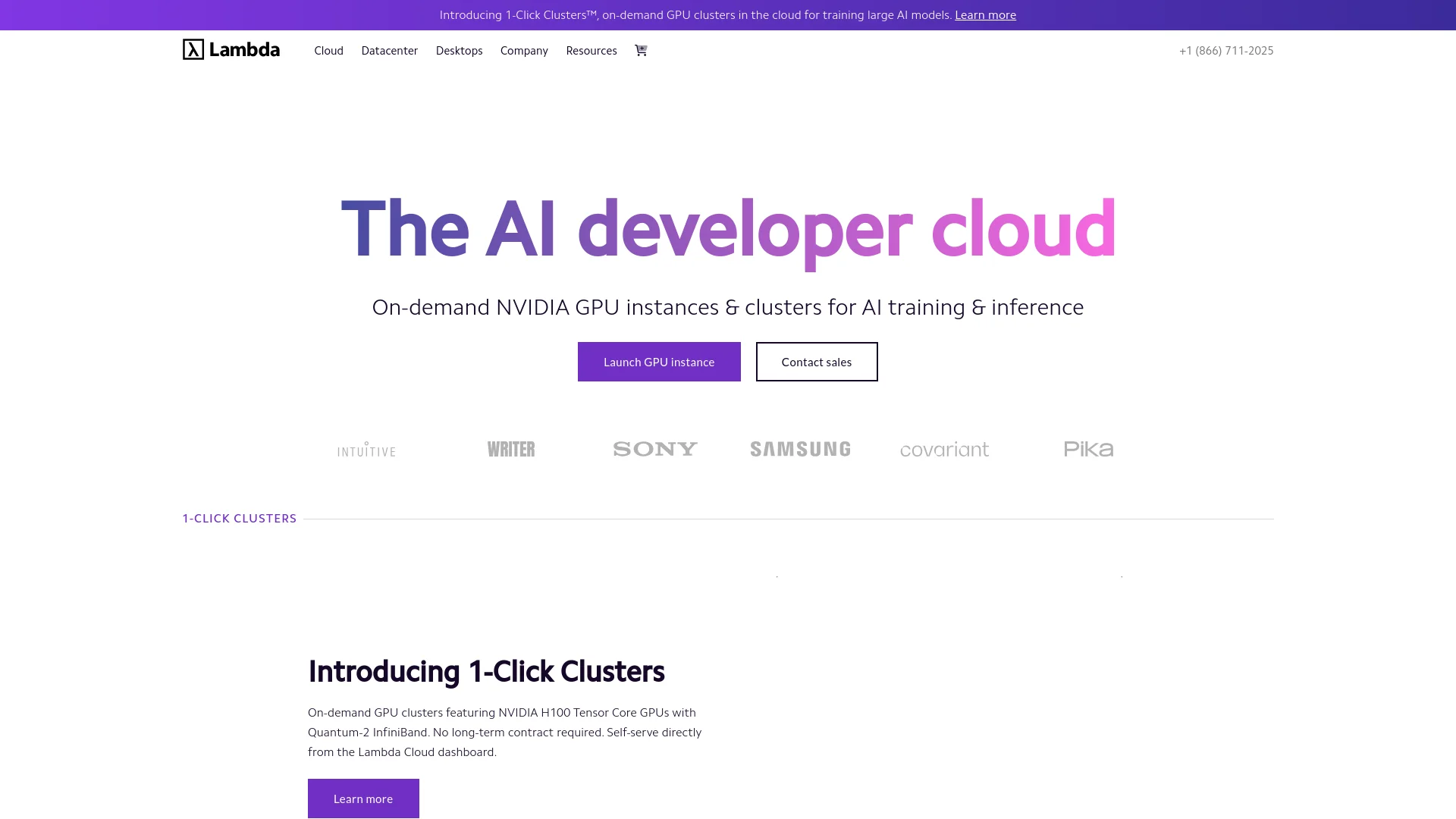
Lambda provides cloud GPU instances and clusters for building, training, fine-tuning, and serving AI models. Its public cloud gives developers, researchers, startups, and larger organizations access to NVIDIA hardware through its web console and REST API. Each instance includes Lambda Stack with common drivers, libraries, frameworks, and JupyterLab already installed.
Lambda lets teams launch interconnected 1-Click Clusters with 16 to more than 2,000 NVIDIA B200 or H100 GPUs, rather than assembling distributed training infrastructure themselves.
It fits teams that need serious NVIDIA capacity without buying or operating physical servers. The tradeoff is that Lambda is infrastructure, not a managed model-building workspace, so users still handle their own code, data, and ML workflows. Lambda is strongest when GPU access and cluster control matter more than a polished no-code experience.
Who is Using Lambda?
Machine Learning Engineers
Training and inference workloads run on preconfigured NVIDIA instances with common ML software already installed.
Research Scientists
GPU access supports experiments, benchmarks, fine-tuning, and evaluations that need more compute than a local workstation.
MLOps Engineers
API access, workspaces, IAM, metrics, and cluster options help manage repeatable model operations.
Platform Engineers
Kubernetes, Slurm, SkyPilot, and dstack provide ways to fit Lambda resources into existing infrastructure workflows.
AI Product Developers
Teams can prototype an inference service on an instance before moving to a larger production cluster.
Uncommon Use Cases
Remote VS Code development environments on GPU instances; protein modeling and molecular candidate simulation
Key Features
Rating Breakdown
Pricing Plans
NVIDIA Quadro RTX 6000
$0.69 per GPU per hour
- 1x instance configuration
- 24 GB VRAM per GPU
- Prices exclude applicable sales tax, VAT, or GST
NVIDIA Tesla V100
$0.79 per GPU per hour
- 8x instance configuration
- 16 GB VRAM per GPU
- Prices exclude applicable sales tax, VAT, or GST
NVIDIA A100 SXM 40 GB and A100 PCIe 40 GB
$1.99 per GPU per hour
- 40 GB VRAM per GPU
- NVIDIA A100 SXM 80 GB is $2.79 per GPU per hour
- Prices exclude applicable sales tax, VAT, or GST
NVIDIA H100 SXM
$3.99 per GPU per hour
- 8x instance configuration
- 80 GB VRAM per GPU
- Prices exclude applicable sales tax, VAT, or GST
NVIDIA B200 SXM6
$6.69 per GPU per hour
- 8x instance configuration
- 180 GB VRAM per GPU
- Prices exclude applicable sales tax, VAT, or GST
NVIDIA HGX B200 (256+ GPUs)
$8.87 per GPU per hour
- 256+ GPUs for 2 weeks to 1 year
- 16-GPU systems are listed at $9.86 per GPU per hour
- 64-GPU systems are listed at $9.36 per GPU per hour
- Reserved capacity requires contacting Lambda
Which Lambda plan should you pick?
Start with an on-demand instance for experiments, then contact Lambda about a 1-Click Cluster or reserved capacity when your training or serving workload needs predictable scale.
Instances pricing
Good for builders who need a single GPU node or a small multi-GPU machine for prototyping, fine-tuning, benchmarking, or inference.
1-Click Clusters pricing
Good for teams running distributed AI workloads across 16 to more than 2,000 interconnected NVIDIA B200 or H100 GPUs.
Reserved capacity
Good for organizations that need longer-term GPU access and want to discuss lower reserved-capacity pricing with Lambda.
Lambda Use Cases
Model Training
Distributed GPU clusters provide the compute needed for large training runs.
Outcome: A scalable environment for training foundation and other large AI models.
Fine-Tuning
Preconfigured GPU instances give teams a faster starting point for adapting existing models.
Outcome: Less time spent installing drivers and ML libraries before experiments begin.
Inference Hosting
A running instance or cluster can serve models through an API for applications and internal users.
Outcome: A dedicated GPU-backed environment for model inference.
AI Benchmarking
Known GPU configurations and built-in performance visibility support repeatable hardware comparisons.
Outcome: Clearer evidence about which GPU setup fits a workload.
Remote GPU Development
JupyterLab and remote development workflows give engineers access to GPU hardware from their local computers.
Outcome: A shared compute environment for building and testing AI software.
Workflow Ideas with Lambda
Prototype to Inference API
- 1Launch an on-demand H100 or B200 instance with Lambda Stack.
- 2Develop and test the model through JupyterLab or a remote environment.
- 3Deploy the model behind an inference endpoint using an orchestration workflow.
Distributed Training Run
- 1Select a 1-Click Cluster with the required B200 or H100 GPU count.
- 2Choose Managed Kubernetes, Preinstalled Kubernetes, or Slurm.
- 3Run the training job and monitor cluster performance.
Automated GPU Job Management
- 1Create a Lambda Cloud API key and configure the required workspace.
- 2Launch and control instances from CI/CD or orchestration scripts.
- 3Terminate instances after the job finishes to limit usage charges.
How Lambda fits into your stack
Cloud compute
Lambda supplies the GPU-backed Linux machines and clusters where AI workloads run. On-demand instances suit experiments, while 1-Click Clusters support distributed production work.
ML development
Lambda Stack brings CUDA, NVIDIA libraries, PyTorch, TensorFlow, JAX, Docker, and JupyterLab into the starting environment.
Orchestration
Teams can choose Managed Kubernetes, Preinstalled Kubernetes, or Slurm for cluster scheduling. Tutorials also cover SkyPilot and dstack.
Automation and APIs
The Lambda Cloud API can launch, stop, restart, and inspect instances from command-line tools, CI/CD systems, and orchestration scripts.
Team access
Workspaces isolate resources, while IAM groups, roles, service identities, and SSO control who can access them.
Pros
- +NVIDIA access: Current B200 and H100 options support demanding training and inference workloads.
- +Fast setup: Lambda Stack includes major NVIDIA tools and ML frameworks before the instance starts.
- +Flexible scale: Teams can move from a single GPU instance to clusters with more than 2,000 GPUs.
- +Developer control: Console, API, CLI, Kubernetes, Slurm, and orchestration workflows support different operating styles.
- +AI focus: Documentation and support are centered on model training, fine-tuning, benchmarking, and inference.
Cons
- −Infrastructure learning curve: New AI users still need comfort with Linux, GPUs, environments, and deployment.
- −Variable availability: On-demand instances use first-come access, so the preferred GPU may not always be available.
- −Usage-based cost: Long-running workloads can become expensive, especially on B200 and H100 hardware.
Limitations & when to consider alternatives
Known limitations
- Running instances are billable. Billing continues while an instance is running, even when it is not actively processing a workload.
- On-demand access is first-come. Self-serve instances use first-come access, so GPU availability can affect when a preferred configuration launches.
- Cryptocurrency mining is prohibited. Lambda does not permit cryptocurrency mining on On-Demand Cloud instances.
- SSO has prerequisites. Setting up SSO requires a 1-Click Cluster, the Account Admin role, identity-provider permissions, and domain verification.
- Large reservations require contact. Reserved capacity and the lowest long-term prices require contacting Lambda's team.
Look elsewhere when
- You need a no-code model-building workspace rather than GPU infrastructure.
- You want a free sandbox for learning AI workloads.
- Your workload does not require NVIDIA GPU compute.
- Your team needs built-in model APIs instead of managing the serving environment.
How to Use Lambda
- 1
Create a Lambda Cloud account
Set up an account and workspace where your instances, filesystems, identities, and permissions will live.
- 2
Choose an instance or cluster
Pick an on-demand GPU instance for testing or a 1-Click Cluster for distributed workloads.
- 3
Select the software environment
Start with Lambda Stack for preinstalled NVIDIA tools and ML frameworks, or choose another supported image when you need more control.
- 4
Connect to the compute
Access the Linux environment through SSH, JupyterLab, the console, or a supported development and orchestration workflow.
- 5
Run and monitor the workload
Train, fine-tune, benchmark, or serve the model while checking GPU, memory, and network metrics.
- 6
Stop resources when finished
Terminate unused instances because Lambda bills running resources for their active time.
Who is Lambda For?
Startups and Researchers
Useful for experimenting with large models without purchasing a private GPU cluster.
AI Engineering Teams
Fits teams training, fine-tuning, benchmarking, and serving models on NVIDIA infrastructure.
Enterprises
Workspaces, IAM, SSO, dedicated clusters, and compliance features support controlled organizational deployments.
Government and Regulated Organizations
Security attestations, isolated infrastructure, and customer access controls address stricter operating requirements.
Frontier AI Labs
Large clusters and co-engineering support target teams running distributed workloads at high GPU counts.
Frequently Asked Questions
Does Lambda have a free plan?
No. Lambda Cloud uses paid, usage-based pricing for GPU instances and clusters.
How does Lambda charge for on-demand instances?
On-Demand Cloud instances are priced by GPU per hour and billed in one-minute increments while the instance is running.
What is the least expensive listed GPU instance?
The NVIDIA Quadro RTX 6000 is listed at $0.69 per GPU per hour for the 1x configuration, before applicable sales tax, VAT, or GST.
Can Lambda launch GPU instances through an API?
Yes. The Lambda Cloud API uses API keys and includes endpoints for launching, listing, stopping, restarting, and managing instances.
Can multiple people share a Lambda Cloud account?
Yes. Accounts support users, groups, service identities, workspaces, role-based permissions, and SSO.
What software comes installed?
The default Lambda Stack environment includes NVIDIA drivers and libraries, CUDA, cuDNN, NCCL, PyTorch, TensorFlow, JAX, Triton, Docker, developer tools, and JupyterLab.
Community reviews
Be the first to share your experience.
Sign in to leave a review for Lambda.
Lambda Alternatives
Looking for alternatives to Lambda? Here are similar tools in the same category:
Learn to Master Lambda
With Skill Leap courses
Get in-depth training on Lambda and 50+ other AI tools with our expert-led video courses.
Start 7-Day Free Trial