KwaKwa
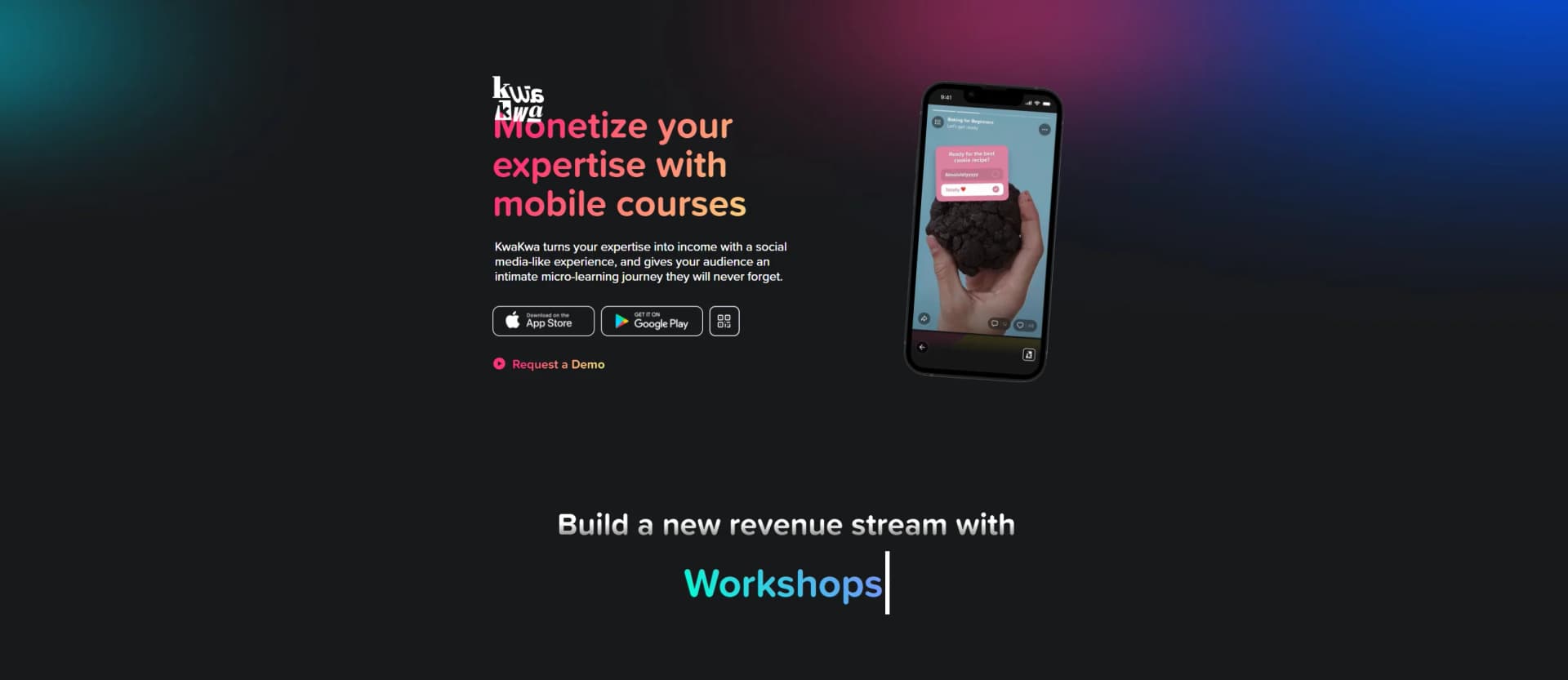
Revolutionizes learning with personalized, bite-sized mobile courses.
Key Takeaways
- What it is
- Revolutionizes learning with personalized, bite-sized mobile courses.
- Best for
- AI-Generated Course Structure
- AI-Powered Quiz Maker
- Automated Video Captions
- Rating
- 4.5/5
What is KwaKwa?
KwaKwa is a cutting-edge AI-powered course creation and learning platform designed to make building and consuming educational content effortless. Whether you're an educator, trainer, coach, or business, KwaKwa's AI automates key aspects of course creation—from structuring lessons to generating quizzes and recommending resources—so you can focus on delivering value. At the same time, learners benefit from KwaKwa’s personalized, mobile-friendly courses, making it easier than ever to gain knowledge on the go.
KwaKwa is more than just a learning platform—it’s a full-fledged AI course-building assistant. With features like automated course structuring, AI-powered quizzes, multilingual captions, and content recommendations, KwaKwa removes the technical barriers of online education. Whether you're a business looking to train employees or a coach scaling your expertise, KwaKwa makes creating and delivering knowledge effortless.
KwaKwa revolutionizes the way educators, trainers, and businesses build and share knowledge. By leveraging AI automation for course structure, quizzes, captions, and recommended resources, KwaKwa eliminates the complexity of content creation. At the same time, learners benefit from personalized, mobile-friendly learning experiences that fit their lifestyle. Whether you're teaching or learning, KwaKwa empowers you to do more with less effort.
Who is Using KwaKwa?
Educators & Trainers
Building structured courses without the complexity of traditional platforms.
Coaches & Consultants
Quickly launching interactive, high-engagement learning experiences.
Businesses & Teams
Developing AI-assisted employee training programs.
Freelancers & Content Creators
Scaling their expertise into AI-generated courses.
Learners & Professionals
Benefiting from personalized, mobile-friendly courses that fit into busy schedules.
Key Features
Rating Breakdown
Pricing Plans
Free Access
- Get started with KwaKwa and explore its full AI-powered course creation and learning features
Which KwaKwa plan should you pick?
Start with Creator Starter for initial product creation; upgrade to Growth or Pro as your creator operation expands.
Creator Starter
Good for new creators who need the entry-level creator subscription.
Creator Growth
Good for creators who need more capacity as their product catalog and audience grow.
Creator Pro
Good for established creators who need the highest listed creator subscription tier.
KwaKwa Use Cases
Create an online course
Describe a course or upload a PDF, then use AI-generated structure and chapter content.
Outcome: A mobile-friendly course ready to personalize and sell.
Launch a guided challenge
Build a date-based program with videos, quizzes, polls, reflections, and daily interactive steps.
Outcome: A structured learning experience with group participation.
Sell digital products
Upload PDFs, videos, image bundles, or other downloadable files, then set a price.
Outcome: KwaKwa handles payment, delivery, and the mobile experience.
Run a paid membership
Create a membership hub with exclusive content, tutorials, live sessions, and community posts.
Outcome: A recurring subscription offering for superfans.
Create promotional content
Use AI tools to generate cover photos, promotional materials, replies, and course content.
Outcome: Faster preparation of creator products and marketing assets.
Workflow Ideas with KwaKwa
Turn a PDF into a course
- 1Upload a PDF
- 2Let KwaKwa generate the course structure and content
- 3Review and personalize the mobile-friendly course
Build and sell a digital product
- 1Upload the digital file
- 2Set the product price
- 3Share the product while KwaKwa handles payment and delivery
Launch a guided challenge
- 1Create a date-based program
- 2Add videos, quizzes, polls, and reflections
- 3Invite participants to progress through the daily steps
How KwaKwa fits into your stack
Browser
Use the web course creator to describe a course, upload a PDF, generate mobile-friendly content, and preview courses.
Knowledge and files
Upload PDFs and sell digital products such as PDFs, video files, image bundles, and other downloadable content.
Mobile creation
Create and publish courses, challenges, membership clubs, and digital products through the iPhone app.
Pros
- +Simplifies Course Creation: AI handles structuring, quizzes, and resource curation, so you can focus on teaching.
- +Enhances Learner Engagement: Automated quizzes and AI-recommended materials boost participation and retention.
- +Time-Saving Automation: Cuts down on manual content creation and transcription work.
- +Accessible Anytime, Anywhere: Mobile-friendly design benefits both creators and learners.
Cons
- −AI Suggestions May Require Refinement: While KwaKwa automates a lot, some manual tweaks may still be needed.
Limitations & when to consider alternatives
Known limitations
- Mobile-first experience. KwaKwa emphasizes vertical, mobile-optimized creation and consumption rather than a dedicated desktop application.
- Creator-product focus. The documented product scope centers on courses, challenges, membership clubs, and digital products.
Look elsewhere when
- You need a documented developer API.
- You need desktop-native software.
- You need third-party integrations.
How to Use KwaKwa
- 1
Start with a course idea
Describe what you want to teach, or choose the blank-canvas creation path.
- 2
Upload source material
Upload a PDF when you want KwaKwa to use existing material as the basis for a course.
- 3
Review AI-generated structure
Use the suggested syllabus, chapters, lessons, quizzes, and exercises as a starting point.
- 4
Personalize the product
Adjust the generated content, voice, visuals, pricing, and landing-page details before launch.
- 5
Choose a product format
Publish an online course, challenge, membership, subscription, or downloadable digital product.
- 6
Share and sell
Share the finished product; KwaKwa provides payment, delivery, and the mobile experience.
Who is KwaKwa For?
Creators
KwaKwa helps creators build and sell courses, challenges, memberships, and digital products.
Instagram and TikTok creators
The product is designed for mobile-first creation and social-style content experiences.
Fitness coaches
KwaKwa identifies fitness coaches as creators who can package and sell their expertise.
Business mentors
Business mentors can turn their knowledge into courses, programs, or digital products.
Educators and artists
KwaKwa names educators and artists among the audiences it supports.
Frequently Asked Questions
What can you create with KwaKwa?
KwaKwa supports online courses, challenges and programs, paid communities and subscriptions, and digital products.
Can KwaKwa create a course from a PDF?
Yes. The Course Creator page provides an Upload PDF flow that generates a mobile-friendly course.
What AI assistance does KwaKwa provide?
KwaKwa recommends course structures, syllabi, lesson drafts, quizzes, exercises, landing pages, pricing, replies, and cover photos.
Can creators sell digital files?
Yes. KwaKwa supports uploaded PDFs, video files, image bundles, and other downloadable digital products.
Are KwaKwa courses mobile-friendly?
Generated courses are mobile-friendly and presented in an Instagram-story-like experience.
Community reviews
Be the first to share your experience.
Sign in to leave a review for KwaKwa.
KwaKwa Alternatives
Looking for alternatives to KwaKwa? Here are similar tools in the same category: