Kusho
Turn API definitions into runnable tests for developers and QA teams.
Key Takeaways
- What it is
- Turn API definitions into runnable tests for developers and QA teams.
- Pricing
- Freemium
- Best for
- AI Test Generation
- API Contract Testing
- Natural-Language Test Editing
- Rating
- 4.0/5
What is Kusho?
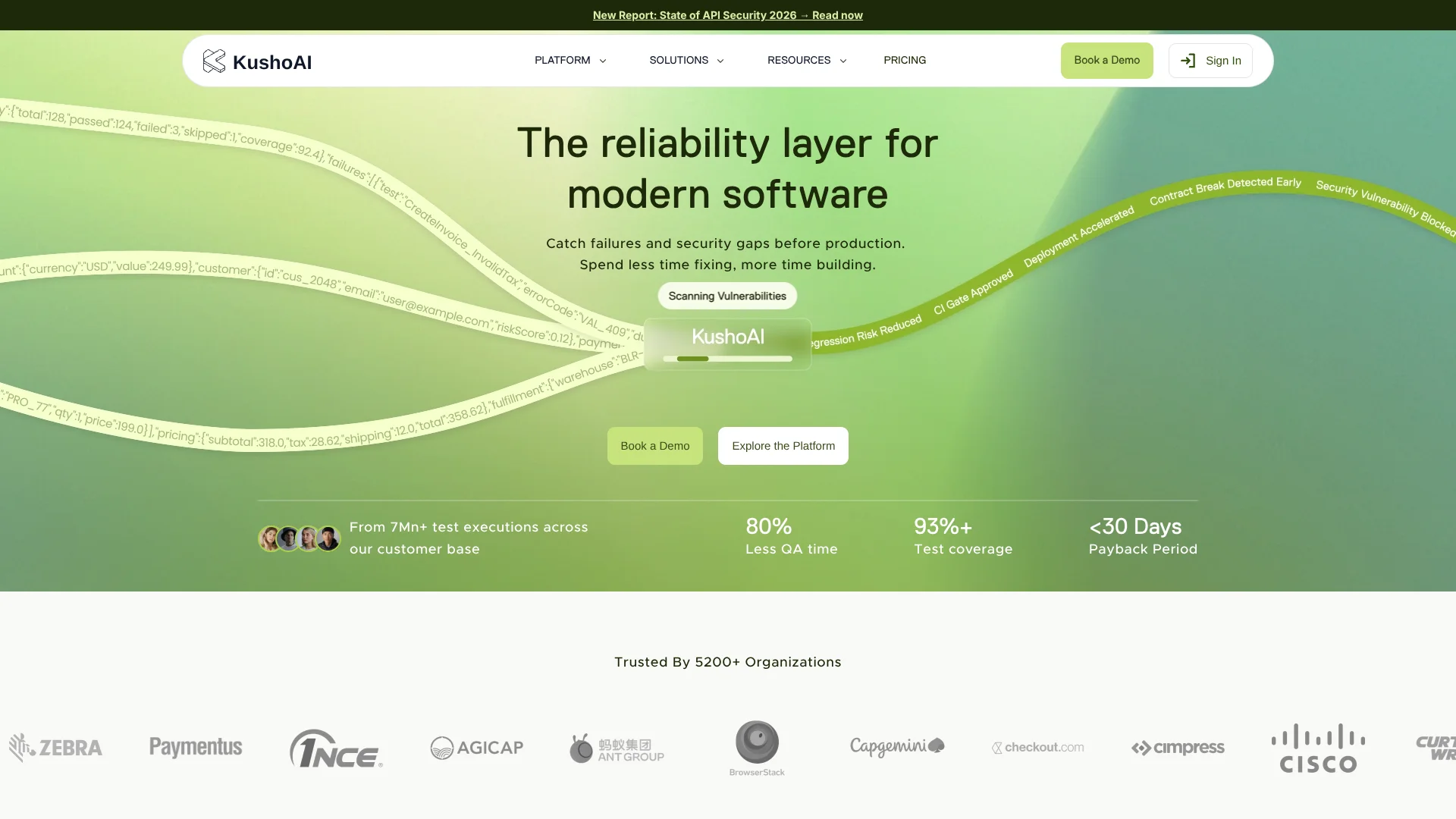
KushoAI turns API descriptions into ready-to-run tests for software teams. It can start from an OpenAPI specification, a Postman collection, a cURL command, or API details entered by hand. The generated tests check expected behavior and edge cases, reducing the amount of test code engineers need to write themselves.
Its AI uses the API definition to build tests that include requests, checks, and response validation, rather than returning test ideas for someone to implement. Teams can refine or extend tests with plain-language prompts. That makes KushoAI useful when an API changes often and the test suite needs to keep pace.
KushoAI is best suited to developers and QA teams who need broader API coverage or want tests in their delivery pipeline. It also supports recording web UI flows, though some advanced capabilities, including CI/CD integration and end-to-end API workflows, are Enterprise-only. Check the plan limits before building a team-wide testing process around it.
Who is Using Kusho?
QA Engineer
Broader generated test coverage helps catch API failures and edge cases before release.
Software Developer
API definitions become executable tests without manually scripting every request and assertion.
Engineering Manager
Pipeline test results can help teams spot regressions before changes are merged.
API Test Engineer
Chained API calls support end-to-end checks of workflows where one response feeds another.
Uncommon Use Cases
Turn product documentation into API test suites; record web interactions to generate UI test variations.
Key Features
Rating Breakdown
Pricing Plans
Developer Edition
Free
- Up to 50 API endpoints
- Listed for individual developers, small teams of 2-5 people, and proof-of-concept evaluation
Enterprise
- Unlimited API endpoints
- Includes full CI/CD integration, SSO/SAML, RBAC, custom integrations, and unlimited data retention
Which Kusho plan should you pick?
Start with Developer Edition to evaluate API test generation, and consider Enterprise when you need more than 50 API endpoints or Enterprise-only testing and deployment features.
Developer Edition
Good for individual developers, small teams, and proof-of-concept evaluations with up to 50 API endpoints.
Enterprise
Good for production deployments and enterprise teams that need unlimited endpoints, CI/CD integration, or end-to-end API workflows.
Kusho Use Cases
Generate API Test Suites
An API specification or Postman collection gives KushoAI a starting point for tests covering expected behavior and edge cases.
Outcome: A suite of executable API tests.
Catch Contract Breaks
Teams can check whether API changes still match the expected contract before those changes reach users.
Outcome: Earlier visibility into breaking API changes.
Test Multi-Call API Flows
Enterprise teams can connect API calls so data from one step becomes input to the next.
Outcome: An end-to-end test of a sequence of API calls.
Expand UI Test Coverage
A recorded web interaction can be turned into test variations with different inputs and scenarios.
Outcome: More test cases based on a recorded user flow.
Run Tests in CI/CD
Enterprise teams can add KushoAI test runs to a delivery pipeline using supported CI/CD platforms.
Outcome: Automated test runs within a development pipeline.
Workflow Ideas with Kusho
Check an API Change
- 1Import an OpenAPI specification, Postman collection, or cURL command.
- 2Review and refine the generated test cases.
- 3Run the suite and inspect failed requests and response checks.
Test a Multi-Step API Journey
- 1Choose the APIs that make up the workflow.
- 2Connect them so earlier responses can provide data to later calls.
- 3Run the workflow and review failures by API step.
Add Tests to a CI/CD Pipeline
- 1Create a KushoAI test suite and identify its suite UUID.
- 2Store the KushoAI API key as a secret in the CI/CD platform.
- 3Configure the pipeline to run the test suite and report results.
How Kusho fits into your stack
API Specifications
OpenAPI specifications, Postman collections, cURL commands, and manually entered API details can seed test generation.
Browser Testing
The KushoAI Chrome extension supports running API tests from the browser, including against local or VPN-protected backends.
CI/CD Pipelines
Enterprise teams can run tests through documented CI/CD integrations, including GitHub Actions, GitLab CI/CD, Jenkins, and Azure DevOps.
UI Testing
A command-line recorder captures web interactions and generates test variations that teams can review and run.
Pros
- +Multiple API inputs: Start test generation from OpenAPI, Postman, cURL, or manually entered API details.
- +Tests, not suggestions: Generated suites include executable requests and response checks.
- +Plain-language edits: Add or refine test cases without hand-writing every test.
- +Free evaluation tier: The Developer Edition is listed at $0 per month and supports up to 50 API endpoints.
Cons
- −Advanced features sit behind Enterprise: CI/CD integration and end-to-end API workflows are not included in the Developer Edition.
- −Testing focus is specialized: Teams looking for a general-purpose AI coding tool will need another product.
- −AI results need review: Generated tests may need edits to match the team's intended behavior and test setup.
Limitations & when to consider alternatives
Known limitations
- Developer Edition endpoint cap. The pricing page lists up to 50 API endpoints for Developer Edition; Enterprise lists unlimited endpoints.
- CI/CD is Enterprise-only. KushoAI's documentation says CI/CD test execution is available only on the Enterprise plan.
- End-to-end API workflows are Enterprise-only. The documentation lists end-to-end API testing as an Enterprise feature, with a maximum of 20 APIs per workflow.
- File-related API tests are unsupported. The documentation says file-upload tests are not currently supported during test generation.
Look elsewhere when
- You need file-upload API tests generated by the tool.
- Your team needs CI/CD test execution on a plan other than Enterprise.
- You need mobile app testing rather than web UI flow testing.
How to Use Kusho
- 1
Choose an API or UI flow
Start with API details, an OpenAPI specification, a Postman collection, or a cURL command; for UI tests, record a web interaction.
- 2
Generate the tests
Let KushoAI create a suite, then review the scenarios and requests it produced.
- 3
Refine test cases
Describe changes in plain English or edit the generated tests to fit your expected behavior.
- 4
Run and review
Execute tests in KushoAI and inspect the requests, responses, and failures.
- 5
Connect a pipeline if needed
Enterprise users can follow KushoAI's CI/CD instructions for platforms such as GitHub Actions or GitLab CI/CD.
Who is Kusho For?
Individual Developers
The free Developer Edition gives developers a way to generate and run API tests against up to 50 endpoints.
Small Teams
Teams of two to five people can evaluate generated API tests before considering a wider rollout.
QA Teams
QA teams can expand test coverage with generated cases for edge conditions and failures.
Enterprise Teams
Organizations with production systems can consider CI/CD testing, SSO/SAML, and custom integrations on Enterprise.
Frequently Asked Questions
Does KushoAI have a free plan?
Yes. The pricing page lists Developer Edition at $0 per month, with up to 50 API endpoints.
What does Enterprise cost?
The pricing page lists Enterprise as Custom Pricing and offers an Enterprise demo.
Which API inputs can KushoAI use?
The documentation lists OpenAPI specifications, Postman collections, cURL commands, and manually entered API details.
Can KushoAI run tests in CI/CD?
Yes, but the documentation says CI/CD test execution is available only on Enterprise. Supported platforms include GitHub Actions, GitLab CI/CD, Jenkins, and Azure DevOps.
Can KushoAI test web user interfaces?
Yes. Its UI testing tools can record web interactions and generate test variations from the recorded flow.
Community reviews
Be the first to share your experience.
Sign in to leave a review for Kusho.
Kusho Alternatives
Looking for alternatives to Kusho? Here are similar tools in the same category: