Kubiya
Conversational AI streamlining DevOps workflows and enhancing productivity.
Key Takeaways
- What it is
- Conversational AI streamlining DevOps workflows and enhancing productivity.
- Pricing
- $50 per month
- Best for
- Conversational AI Interface
- Integration with Major DevOps Tools
- Custom Workflow Automation
- Rating
- 4.6/5
What is Kubiya?
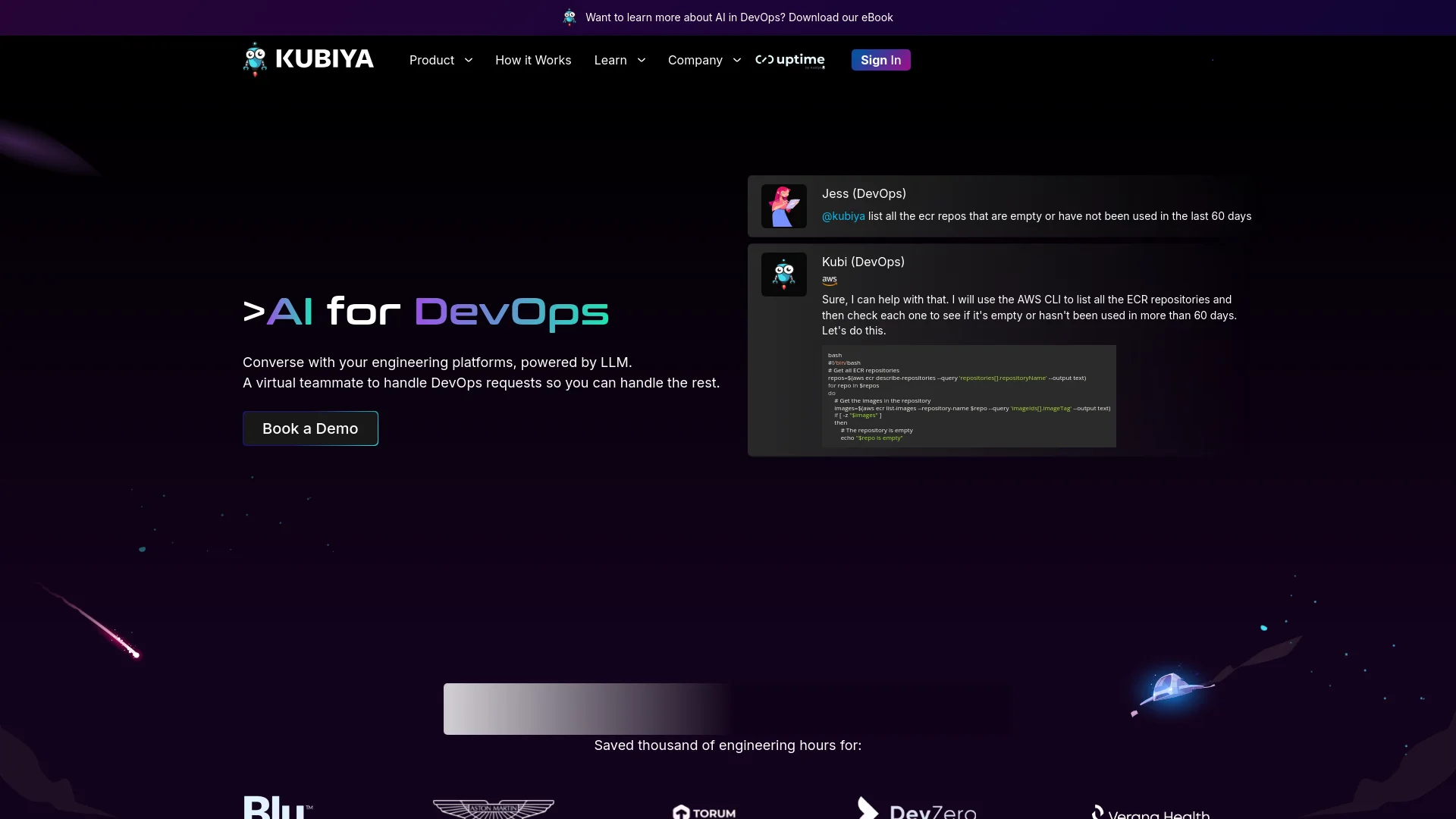
In the rapidly evolving world of software development and operations, Kubiya stands out as a transformative AI tool designed specifically for DevOps. Its core purpose is to facilitate seamless interaction between developers and engineering platforms through the power of conversational AI. By leveraging advanced language models, Kubiya acts as a virtual teammate, handling complex DevOps requests with ease and efficiency. This tool is perfect for teams looking to streamline their operational workflows, enhance security protocols, and boost overall productivity without the constant need for manual oversight.
Kubiya sets itself apart by transforming complex DevOps activities into straightforward, conversational interactions. Its unique blend of conversational AI with robust DevOps tool integrations makes it an indispensable asset for any tech-driven organization. The ability to customize workflows and integrate seamlessly with existing tools provides a flexible, powerful solution for managing modern software environments.
Kubiya excels in transforming the landscape of DevOps through its innovative conversational AI interface, comprehensive integration capabilities, and powerful automation features. It is an essential tool for any organization aiming to streamline its DevOps processes, enhance security, and empower its workforce with cutting-edge technology. With its strong focus on user empowerment and flexibility, Kubiya not only meets but exceeds the modern demands of software development and operational excellence.
Who is Using Kubiya?
Software Development Teams
Streamlining deployment processes and monitoring application performance.
IT Operations Managers
Automating routine maintenance tasks and system updates.
Security Engineers
Enhancing security protocols and compliance through automated checks and balances.
Project Managers
Coordinating between different teams and ensuring project deliverables.
Uncommon Use Cases
Academic researchers using Kubiya for managing and automating experimental software setups; Non-profits employing the tool to manage IT resources with limited staff.
Key Features
Rating Breakdown
Pricing Plans
Free Trial
- Explore Kubiya's capabilities with a 30-day free trial
Standard Plan
$50 per month
- Offering full access to core features and basic integrations
Enterprise Plan
- Custom pricing based on specific needs and scale
Which Kubiya plan should you pick?
Start with Professional for a growing engineering team; upgrade to Enterprise when you need custom capacity, dedicated support, self-hosted execution, or custom compliance.
Professional
Good for growing engineering teams that need full platform access, unlimited agents, integrations, custom integrations, RBAC, audit trails, and SSO.
Enterprise
Good for large organizations needing custom AEH, dedicated support, customer-cluster execution, dedicated context graphs, custom SLAs, compliance, or bring-your-own LLM.
Kubiya Use Cases
Platform engineering
Automate deployments, validate Terraform and Helm, troubleshoot pipelines, and provide self-service infrastructure operations.
Outcome: More consistent platform operations with shared guardrails and credentials.
Security operations
Detect anomalies, validate IAM permissions, scan for vulnerabilities, and automate security checks during deployments.
Outcome: Controlled and repeatable security workflows.
Cloud operations
Use agents to perform cloud checks, drift detection, resource operations, and remediation across environments.
Outcome: Repeatable cloud administration with policy enforcement.
CI/CD automation
Run pipeline checks, build containers, inspect failures, trigger deployments, and coordinate Git and CI/CD systems.
Outcome: Faster and more standardized delivery operations.
Incident response
Coordinate agents that inspect logs, analyze infrastructure state, apply remediation, and communicate updates through connected tools.
Outcome: Structured incident handling with execution history and auditability.
Workflow Ideas with Kubiya
Deploy a service to production
- 1Connect GitHub, Kubernetes, and the target environment
- 2Run validation and deployment steps through a multi-step workflow
- 3Stream execution logs and record the result in the audit trail
Investigate a production incident
- 1Query infrastructure context and retrieve relevant logs
- 2Coordinate platform, cloud, and monitoring agents
- 3Apply an approved remediation and notify the operations channel
Validate infrastructure changes
- 1Submit Terraform, Helm, or manifest changes
- 2Run validation and policy checks in an isolated worker
- 3Require approval or block execution when policy conditions fail
How Kubiya fits into your stack
AWS Integration
Full compatibility with Amazon Web Services for managing cloud resources.
Kubernetes Support
Integrates with Kubernetes for managing containerized applications.
Terraform Automation
Uses Terraform modules for infrastructure management.
Custom API Connections
Allows for the creation of custom APIs to extend functionality and integration.
Pros
- +Enhanced Productivity: Reduces the time spent on repetitive tasks, allowing DevOps teams to focus on more strategic initiatives.
- +Error Reduction: Minimizes human errors by automating routine DevOps tasks and responses.
- +Scalability: Easily scales across different teams and projects, accommodating growing business needs without additional complexity.
- +User Empowerment: Gives developers the autonomy to perform complex operations independently, without waiting for specialized assistance.
Cons
- −Learning Curve: New users may require time to adapt to the conversational interface and learn how to best utilize the tool’s capabilities.
- −Dependency on Integrations: While Kubiya integrates with many popular DevOps tools, its effectiveness can be limited if a required tool isn’t supported.
- −Initial Setup Complexity: Setting up and customizing Kubiya to fit specific organizational needs can be complex and time-consuming.
Limitations & when to consider alternatives
Known limitations
- Annual commitment. Kubiya states that all listed plans require yearly commitments.
- Professional capacity is measured in AEH. The Professional plan includes 2,500 Agentic Engineering Hours annually rather than unlimited usage.
- File access is permission- and path-controlled. File System skills can restrict access by base directory, extension allowlist, permissions, and a documented 10 MB default maximum file size.
- Workers and environments are required for execution. Tasks depend on configured environments, queues, credentials, and connected workers; pending tasks may occur when no worker is connected.
- Advanced capabilities may require Enterprise. Dedicated context graphs, dedicated support, customer-cluster execution, custom SLAs, and compliance options are listed under Enterprise.
Look elsewhere when
- You need a native mobile app.
- You need a browser extension.
- You need image-understanding features.
How to Use Kubiya
- 1
Explore a range of tutorials available on the Kubiya website, covering everything from basic setup and configuration to advanced feature utilization.
Who is Kubiya For?
Engineering leadership
Kubiya provides organizational coordination, governance, measurable execution, and KPI-oriented engineering automation.
Security and compliance teams
They can apply policies, least-privilege controls, audit trails, isolated execution, and compliance-oriented governance.
Platform and DevOps teams
Kubiya supports infrastructure automation, CI/CD operations, Kubernetes, cloud resources, and internal platform workflows.
Developers
Developers can request infrastructure and operational actions through natural language, Slack, CLI, or platform interfaces.
Non-technical users
The Meta Agent exposes approved organizational knowledge and workflows through natural-language interaction.
Frequently Asked Questions
What is Kubiya?
Kubiya is an AI engineering platform for orchestrating agents, workflows, infrastructure operations, governance, and organizational context.
Which integrations does Kubiya support?
Documented connectors include AWS, GitHub, Jira, Slack, Kubernetes, Notion, Asana, Monday.com, Datadog, PagerDuty, Stripe, Salesforce, and HubSpot.
How does Kubiya execute work?
Tasks are routed to queues and executed by workers in isolated environments with streaming logs and audit trails.
Can Kubiya run in a customer's environment?
Enterprise plans can run agents in the customer's cluster, and the architecture documentation describes self-hosted Kubernetes and air-gapped support.
Does Kubiya support workflows as code?
Yes. The Workflow DSL uses Python to define steps, dependencies, scheduling, retries, notifications, agents, tools, and external calls.
How is Kubiya priced?
Kubiya uses annual Agentic Engineering Hour retainers. Professional lists 2,500 AEH annually, while Enterprise uses custom AEH.
Community reviews
Be the first to share your experience.
Sign in to leave a review for Kubiya.
Kubiya Alternatives
Looking for alternatives to Kubiya? Here are similar tools in the same category: