Keywords Everwhere
SEO keyword research built into the searches marketers already make.
Watch Keywords Everwhere in Action
Key Takeaways
- What it is
- SEO keyword research built into the searches marketers already make.
- Pricing
- $84 per year · $168 per year · $480 per year · $1,440 per year
- Best for
- Search Volume and Trends
- Keyword Suggestion Widgets
- AI-Powered SEO Reports
- Rating
- 4.3/5
What is Keywords Everwhere?
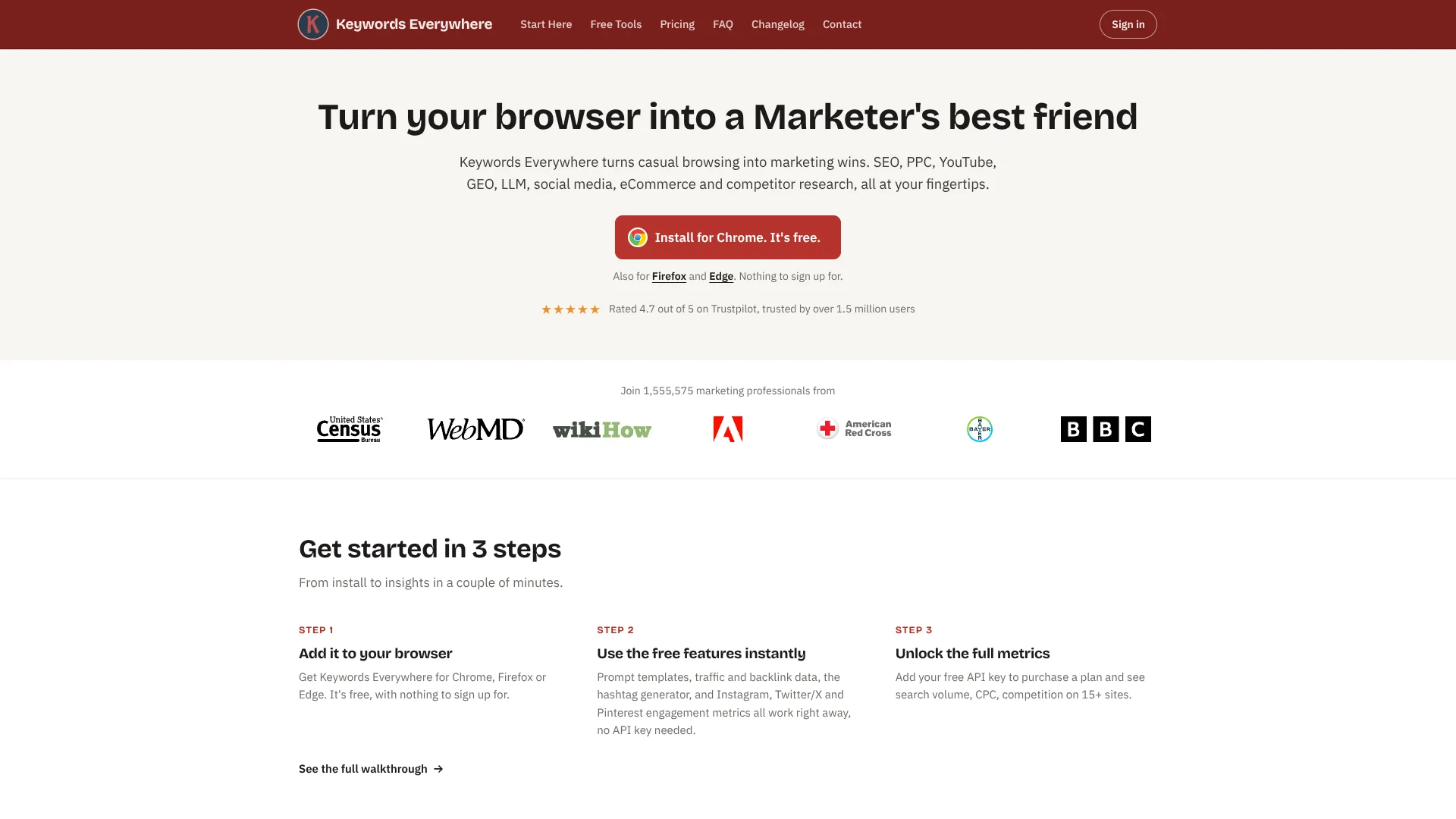
Keywords Everywhere puts keyword ideas and SEO metrics beside the searches marketers already run in Chrome, Firefox, or Edge. It helps SEO specialists, content marketers, and sellers researching sites such as Google, YouTube, and Amazon find topics and assess their search potential. Free features include keyword suggestions and SEO reports; paid credits unlock search volume, cost per click, competition, and trend data.
Its MCP server lets connected AI tools such as ChatGPT, Claude, and Cursor request live keyword, website traffic, and backlink data during a chat, using the same credits as the browser extension and API.
The tool is a strong fit for people who want search and competitor research close to their everyday browsing, or live keyword data inside an AI workflow. It does not track your rankings over time and has no mobile app, so it suits research better than ongoing rank monitoring or phone-based work.
Who is Using Keywords Everwhere?
SEO Manager
Competitor keywords, backlink data, and search trends help guide a site's organic search plan.
Content Strategist
Related terms and AI SEO reports help turn a broad topic into a content brief.
PPC Specialist
Search volume and cost-per-click data help compare potential advertising keywords.
Ecommerce Manager
Search suggestions on shopping sites help identify language customers use for products.
Marketing Analyst
The API and MCP server bring keyword, traffic, and backlink data into analysis workflows.
Uncommon Use Cases
Checking which search results show Google AI Overviews; exploring keyword data through an AI coding tool
Key Features
Rating Breakdown
Pricing Plans
Free Features
- Free keyword ideas, SEO metrics, reports, and other features do not use credits.
- Paid search volume, cost-per-click, competition, and trend data require credits.
Bronze
$84 per year
- 100,000 credits per year.
- 1 user seat.
- Up to 1,000 keywords and 1,000 backlinks per website.
Silver
$168 per year
- 400,000 credits per year.
- 3 user seats.
- Up to 2,000 keywords and 2,000 backlinks per website.
- Includes SEO Minion access and premium ChatGPT prompts.
Gold
$480 per year
- 2 million credits per year.
- 10 user seats.
- Up to 5,000 keywords and 5,000 backlinks per website.
- Includes SEO Minion, premium ChatGPT prompts, RapidLevelUp courses, and Keyword Keg access.
Platinum
$1,440 per year
- 8 million credits per year.
- 20 user seats.
- Up to 10,000 keywords and 10,000 backlinks per website.
- Includes SEO Minion, premium ChatGPT prompts, RapidLevelUp courses, Keyword Keg access, and priority email support.
Enterprise
- Contact Keywords Everywhere for Enterprise plan details.
Credit System
- One credit provides paid metrics for one keyword.
- Credits expire after one year.
- A search that displays keyword widgets can use credits for the main term and each displayed keyword.
Which Keywords Everwhere plan should you pick?
Start with the free features for keyword ideas and SEO checks, then choose an annual plan when you need paid metrics; move up when you need more credits or seats.
Bronze
Good for one researcher who needs paid keyword data and 100,000 credits per year.
Silver
Good for up to three users who need 400,000 credits per year and SEO Minion access.
Gold
Good for a larger research workload with 2 million credits per year, up to 10 seats, and Keyword Keg access.
Platinum
Good for up to 20 users who need 8 million credits per year and priority email support.
Keywords Everwhere Use Cases
Build an SEO Topic List
Related, People Also Search For, and long-tail suggestions expand a seed topic into keyword ideas.
Outcome: A broader list of topics to review for content planning.
Evaluate Search Demand
Paid search volume, cost-per-click, competition, and trend data help compare candidate keywords.
Outcome: A clearer basis for choosing which keywords to target.
Find Competitor Keyword Gaps
Competitor gap analysis shows keywords competitors rank for that your site does not.
Outcome: A list of potential topics your site may be missing.
Research Inside an AI Chat
The MCP server lets a connected AI tool retrieve live keyword or website data in response to a question.
Outcome: Keyword research results alongside the AI conversation.
Check a Batch of Keywords
Bulk keyword uploads return paid metrics for a list of terms at once.
Outcome: Metrics for multiple keywords in one research pass.
Workflow Ideas with Keywords Everwhere
Turn a Search into a Content Brief
- 1Search a broad topic on a supported site.
- 2Review related, People Also Search For, and long-tail suggestions.
- 3Use the SEO report's keyword clusters and title ideas to shape a brief.
Check a Competitor's Keyword Gap
- 1Run competitor gap analysis for your site and a competitor.
- 2Review the keywords the competitor ranks for that your site does not.
- 3Compare relevant terms using paid search volume and trend data.
Research Keywords with an AI Tool
- 1Connect the Keywords Everywhere MCP server to a supported AI tool.
- 2Ask for keyword metrics or related terms for a topic and country.
- 3Review the results and check your remaining credits.
How Keywords Everwhere fits into your stack
Search and Marketing Sites
The browser extension places relevant metrics and keyword ideas on supported sites such as Google, YouTube, Amazon, and Bing.
AI Chats and Coding Tools
The MCP server brings read-only live keyword, traffic, and backlink lookups into supported AI tools, using your Keywords Everywhere credits.
Custom Research Software
The REST API returns keyword metrics, suggestions, domain data, traffic estimates, and backlink data for apps that make HTTP requests.
Bulk Keyword Work
Bulk uploads help researchers check lists of keywords and trends outside a one-search-at-a-time workflow.
Pros
- +Useful free research: Keyword ideas, SEO metrics, and AI-powered reports are available without credits.
- +Works where research happens: Metrics appear on supported search and marketing sites in your desktop browser.
- +AI data access: MCP connects live keyword data to supported AI chats and coding tools.
- +Shared credit pool: Plan seats let multiple users share a plan's credits.
Cons
- −Annual-only subscriptions: Paid plans require an annual payment rather than monthly billing.
- −Credits can add up: A single Google search may spend credits on the main term and displayed suggestions.
- −Desktop browser only: Research is limited to Chrome, Firefox, or Edge on a computer.
Limitations & when to consider alternatives
Known limitations
- No Rank Tracking. The tool shows keyword data and keywords a site ranks for, but does not monitor ranking positions over time.
- No Mobile or Safari Support. The extension works on desktop Chrome, Firefox, and Edge; there is no iOS or Android app or Safari version.
- Credits Expire. Purchased credits are valid for one year from their purchase date.
- Credit Use Varies by Search. A Google search can use credits for the main query and each keyword shown in its widgets.
Look elsewhere when
- You need to monitor keyword ranking positions over time.
- You need a native phone app or Safari extension.
- Your research depends on monthly paid billing rather than annual plans.
How to Use Keywords Everwhere
- 1
Install the Browser Extension
Add Keywords Everywhere to Chrome, Firefox, or Edge on your computer to see its free features during research.
- 2
Try the Free Research Features
Search a topic and review the keyword suggestions, SEO metrics, and reports that do not use credits.
- 3
Get an API Key for Paid Data
Create a free API key if you want search volume, cost-per-click, competition, and trend data.
- 4
Choose an Annual Credit Plan
Pick a plan based on the number of credits and user seats your research needs; credits expire after one year.
- 5
Connect Your AI Tool if Needed
Set up the MCP server in a supported AI tool to request live keyword, traffic, or backlink data in chat.
- 6
Watch Credit Use
Check your balance as you research, since each keyword lookup uses credits and Google widgets can include many keywords.
Who is Keywords Everwhere For?
SEO Specialists
Search volume, competitor keyword data, and backlink metrics support day-to-day SEO research.
Content Marketers
Keyword ideas and AI-powered reports help shape topics, titles, and content plans.
PPC Marketers
Cost-per-click and competition data help evaluate keywords for paid search.
Ecommerce Sellers
Research on sites such as Amazon, eBay, and Etsy helps uncover product-related search terms.
Frequently Asked Questions
Is Keywords Everywhere free?
Yes. The extension includes free keyword ideas, SEO metrics, reports, and other features that do not use credits. Search volume, cost-per-click, competition, and trend data require credits.
What do the paid plans cost?
Bronze is $84 per year, Silver is $168 per year, Gold is $480 per year, and Platinum is $1,440 per year. Plans are billed annually.
Do Keywords Everywhere credits expire?
Yes. Credits expire one year after purchase, with older credits used first.
Can I connect Keywords Everywhere to an AI tool?
Yes. Its MCP server works with supported tools such as ChatGPT, Claude, Cursor, and VS Code. Data calls use the same credits as the extension.
Which browsers and devices does it support?
The desktop extension works on Chrome, Firefox, and Edge. There is no Safari version or mobile app.
Does Keywords Everywhere track rankings?
No. It can show keywords a site currently ranks for, but it does not track ranking positions over time.
Community reviews
Be the first to share your experience.
Sign in to leave a review for Keywords Everwhere.
Keywords Everwhere Alternatives
Looking for alternatives to Keywords Everwhere? Here are similar tools in the same category: