Just build things
Turn ideas into finished apps and content.
Key Takeaways
- What it is
- Turn ideas into finished apps and content.
- Pricing
- Freemium · $15 per month · $40 per month
- Best for
- Multi‑modal AI analysis
- AI generation across media
- Vibe Coder app builder
- Rating
- 4.6/5
What is Just build things?
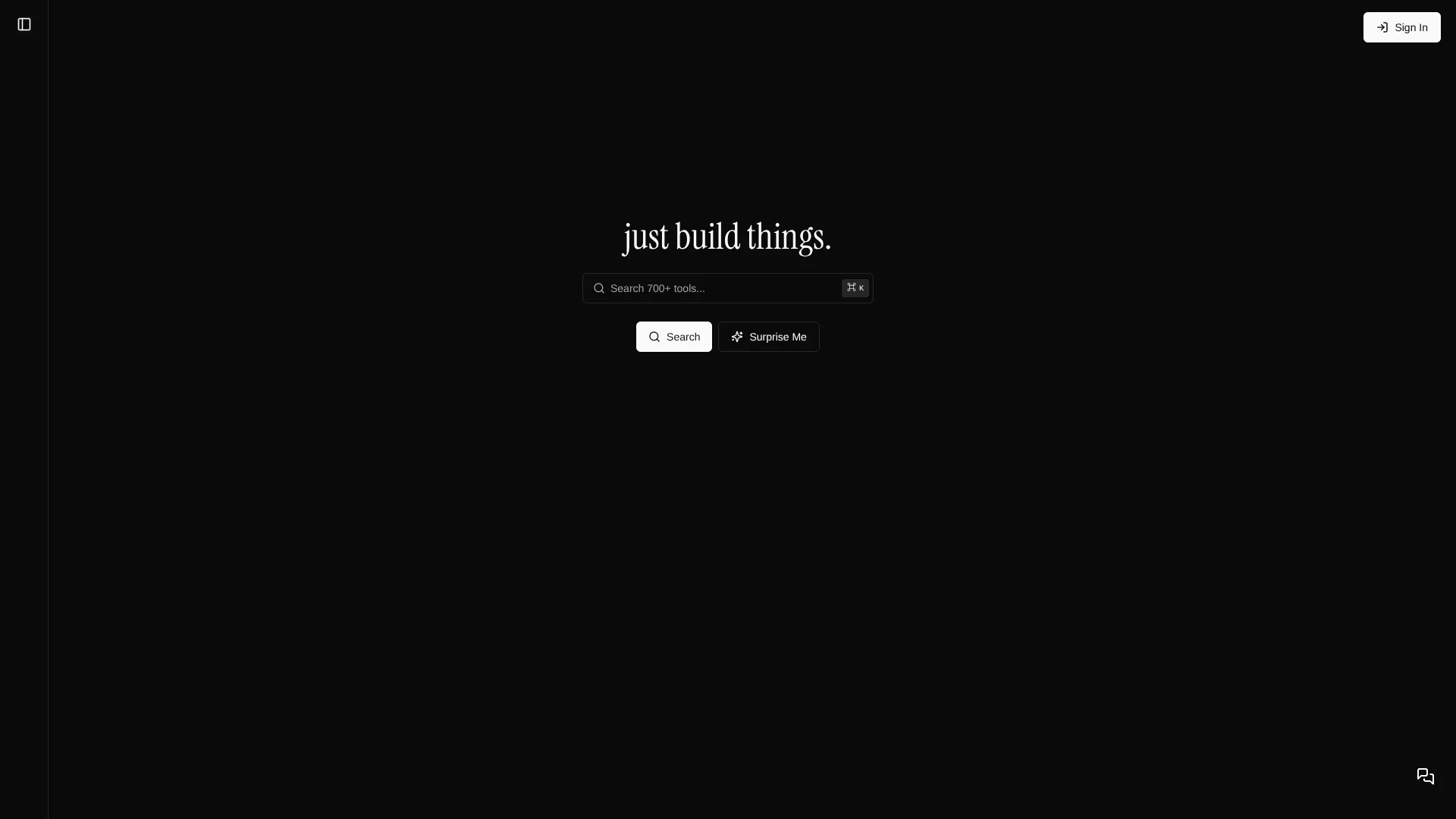
just build things is a browser-based hub of AI tools and creative utilities built for makers, marketers, developers, students, and hobbyists. The platform packs 700+ purpose-built tools that handle analysis, generation, writing, coding, design, music, finance, and everyday utilities. Under the hood it routes tasks across 20+ AI models such as OpenAI, Claude, Gemini, FLUX, and ElevenLabs, choosing the right engine for each job. New tools are released weekly, and there are no daily rate limits, so users can go from idea to finished output as often as they like.
just build things combines a significant AI tool suite with a playful catalog of non-AI utilities on one site, which is unusual in a market full of single-purpose apps. The focus on tiny, one-job tools keeps each interface simple while still covering many creative and technical workflows. The absence of hard usage caps, combined with automatic routing across 20+ models, suits users who want strong AI output without juggling multiple providers or complex settings. Vibe Coder stands out as a particularly bold feature, giving non-developers a path to working web apps from plain-language descriptions.
For people who like to experiment, ship small projects, or batch content, just build things offers a dense toolkit that feels more like a creative playground than a traditional SaaS suite. The free tier covers a lot of ground, and the paid plans mainly unlock higher quality models rather than access itself, which keeps experimentation affordable. It will appeal most to creators who prefer grabbing a focused tool for each job instead of configuring monolithic software, and who enjoy discovering new AI tricks as the platform rolls out fresh tools week after week.
Who is Using Just build things?
Indie builders and solo founders
Prototyping product ideas, landing pages, and small web apps with Vibe Coder and the dev utilities.
Marketing teams and content creators
Producing copy, social visuals, promo videos, and audio snippets from the writing, image, and video tools.
Educators and students
Generating flashcards, quizzes, study notes, and audio versions of readings from PDFs and text.
Podcasters, musicians, and audio creators
Analyzing speech, composing backing tracks, and converting scripts into voiceovers.
Uncommon Use Cases
Used by UX researchers to analyze interview transcripts and screen-recorded sessions; adopted by small finance teams combining PDF analysis with calculators to review contracts and model scenarios.
Key Features
Rating Breakdown
Pricing Plans
Free
Free
- Includes access to 500+ free tools, no account required, and free AI models with upgrade options for more
Premium
$15 per month
- Includes everything in Free, plus premium AI chat and writing models, premium image generation, and premium analysis and text-to-speech
Premium+
$40 per month
- Includes everything in Premium, plus AI video generation, AI music generation, and enterprise-tier AI models
Which Just build things plan should you pick?
Start with Free for everyday tools and basic AI use; upgrade to Premium for stronger chat, writing, image, analysis, and text-to-speech models, or Premium+ for video, music, and enterprise-tier models.
Free
Good for users who need 1000+ free tools, free AI models, and no-account access.
Premium
Good for users who need premium AI chat, writing, image-generation, analysis, and text-to-speech capabilities.
Premium+
Good for users who need AI video generation, AI music generation, and enterprise-tier AI models.
Just build things Use Cases
Analyze media
Upload images, audio, video, or PDFs for AI-powered analysis.
Outcome: Extract descriptions, summaries, patterns, and other insights.
Generate creative content
Use text prompts to create images, videos, music, speech, and written content.
Outcome: Produce creative assets without switching between multiple specialized services.
Build web applications
Describe an application, game, or interactive experience in natural language using Vibe Coder.
Outcome: Receive working code and a generated web experience.
Create study materials
Generate flashcards and quizzes from topics or text.
Outcome: Create customizable learning and assessment materials.
Use everyday utilities
Access converters, calculators, developer tools, design tools, music aids, and browser games.
Outcome: Complete common tasks with standalone browser tools.
Workflow Ideas with Just build things
Analyze and transform an image
- 1Upload an image to an AI image-analysis tool
- 2Review visual insights such as objects, style, accessibility, or EXIF data
- 3Use the resulting insights to generate or refine creative content
Describe and build a web app
- 1Describe the desired app, game, or interactive experience
- 2Select an AI model for code generation
- 3Review the generated working code and web experience
Study-material generation
- 1Provide a topic or source text
- 2Generate flashcards or quizzes
- 3Use the generated materials for studying or assessment
How Just build things fits into your stack
Browser
The product is primarily a browser-based platform containing 1000+ purpose-built AI and utility tools. Its Chrome extension adds image analysis directly to browser context menus and a side panel.
Knowledge and files
Users upload images, audio, video, and PDFs for temporary AI analysis. Uploaded files are processed for the requested output and are not stored on the vendor's servers.
Docs and writing
The platform provides writing, translation, summarization, copywriting, social-media, business, resume, and technical-document generators through dedicated browser tools.
Desktop / IDE
The Vibe Coder tool generates editable HTML, CSS, and JavaScript in the browser, with live preview, copying, and file-download options rather than a native IDE application.
Pros
- +Huge tool library: 700+ focused tools mean users can usually find something that matches a very specific task.
- +No usage caps: Even heavy users are not constrained by daily limits; paid tiers unlock stronger models instead of more credits.
- +Model abstraction: The platform picks suitable AI models per tool, so non-technical users avoid manual prompt engineering across providers.
- +Low friction start: Many tools run instantly in the browser, with no sign-up needed for the free tier utilities.
Cons
- −Discovery overhead: With so many micro-tools, new users may spend time figuring out which one best fits their workflow.
- −Limited model control: Power users who want explicit model selection and tuning may find the abstraction layer restrictive.
Limitations & when to consider alternatives
Known limitations
- Uploaded files are temporary. Uploaded files are processed temporarily and disappear when the page is refreshed.
- Generated content is not stored. Generated content disappears when the page is refreshed.
- Some features require an account. The terms state that some features require account creation, even though the Free plan does not require an account.
- AI processing uses external APIs. Uploaded files and prompts are sent to AI APIs for processing under those providers' terms.
- Premium pricing shown is annual billing. The homepage lists Premium at $9/month and Premium+ at $24/month when billed yearly.
Look elsewhere when
- You need persistent file or content storage
- You need a native mobile or desktop application
- You need a documented developer API
How to Use Just build things
- 1
Choose a tool
Search the 1000+ tools or browse categories to select a focused AI or utility tool.
- 2
Provide a prompt or upload media
Describe what you want generated, or upload supported images, audio, video, or PDFs for analysis.
- 3
Select an AI model when available
Choose from the models offered by the specific tool when model selection is provided.
- 4
Review the output
Inspect the generated content, analysis, code, or utility result in the browser.
- 5
Upgrade if needed
Move from Free to Premium or Premium+ when you need stronger models or video and music generation.
Who is Just build things For?
Designers
Image analysis, image generation, design utilities, and visual tools support design and creative work.
Developers
The platform includes a vibe coder, JSON formatter, code minifier, UUID generator, and other development utilities.
Content creators
Creators can generate text, images, video, music, speech, and analyze media.
Podcasters and musicians
Audio analysis, transcription, text-to-speech, music generation, and music practice tools support audio-focused work.
Researchers
Audio, video, image, text, and PDF analysis tools help extract insights from source material.
Frequently Asked Questions
Is just build things free?
Yes. The Free plan costs $0 per month, includes 1000+ free tools, requires no account, and includes free AI models.
What do I get with Premium?
Premium includes everything in Free plus premium AI chat and writing models, premium image generation, and premium analysis and text-to-speech.
What's the difference with Premium+?
Premium+ includes everything in Premium plus AI video generation, AI music generation, and enterprise-tier AI models.
Do I need to create an account?
The Free plan states that no account is required. Some features may require account creation.
Is my data private?
Uploaded files and generated content are not stored and disappear when the page is refreshed. Files are temporarily sent to AI APIs for processing.
Can I cancel anytime?
Subscriptions can be canceled through account settings or by contacting support; cancellation takes effect at the end of the current billing period.
Community reviews
Be the first to share your experience.
Sign in to leave a review for Just build things.
Just build things Alternatives
Looking for alternatives to Just build things? Here are similar tools in the same category: