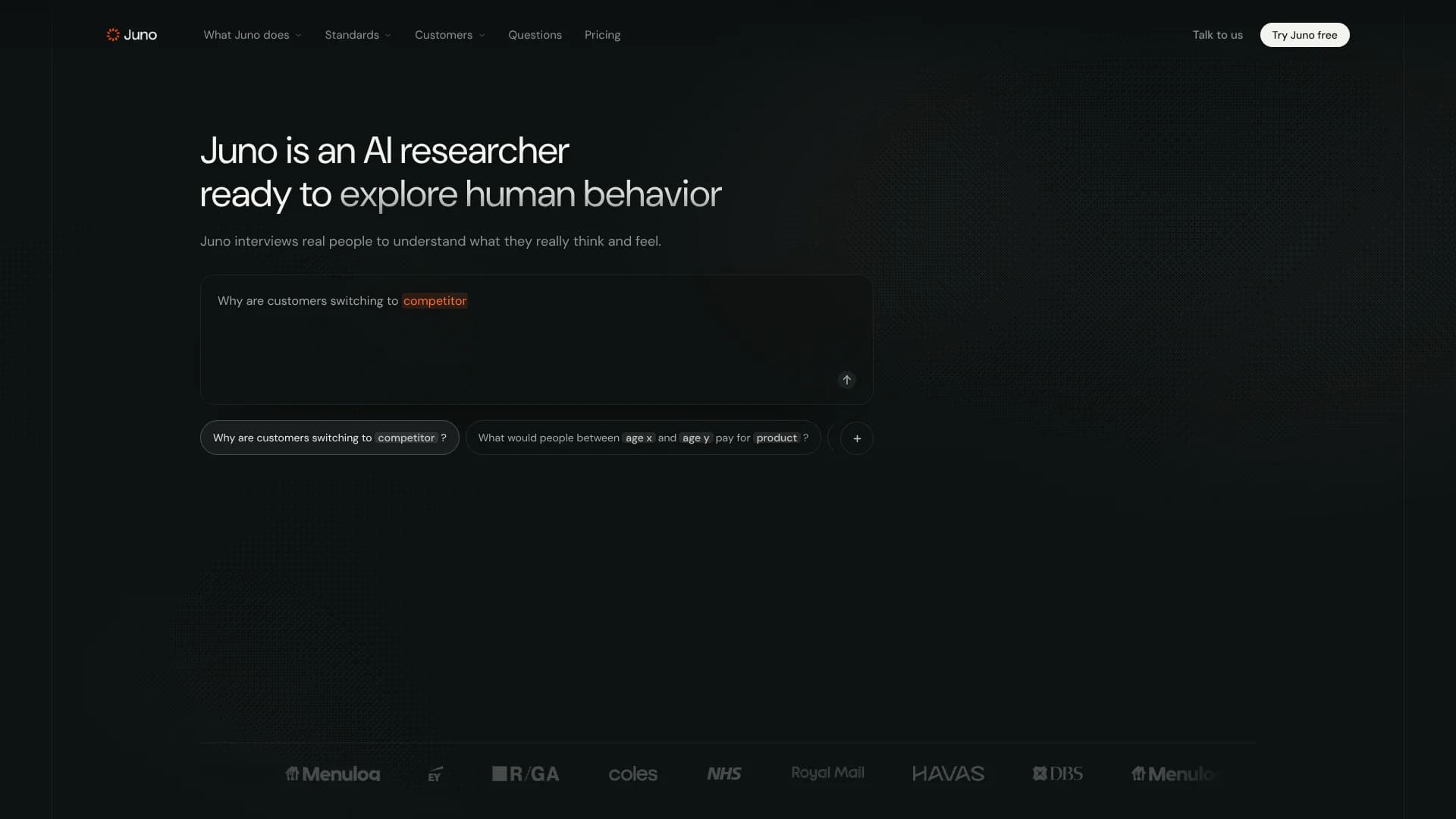
Juno Research
AI-moderated interviews help research teams uncover what customers really think.
Key Takeaways
- What it is
- AI-moderated interviews help research teams uncover what customers really think.
- Pricing
- $45 per completed interview
- Best for
- Brief
- Adaptive interviews
- Test mode and rehearsal
- Rating
- 4.3/5
What is Juno Research?
Juno designs and runs AI-moderated interviews with real people, then organizes what they said into findings backed by quotes and transcripts. Research, brand, and product teams can use it to explore questions like why customers leave, how people react to a concept, or what shapes a purchase decision, without running each interview themselves.
Juno links findings to supporting evidence, so a team can check which interview responses back a claim instead of relying on an AI summary alone.
It fits teams that need qualitative customer research and want Juno to help shape the study, conduct interviews, and analyze responses. Recruitment is not automatic when a study goes live, and recruitment or participant incentives are separate from the interview price, so teams should plan for those needs too.
Who is Using Juno Research?
UX Researchers
Interview participants about product journeys and inspect the evidence behind reported themes.
Product Managers
Explore customer friction or reactions to a concept before deciding what to change.
Brand Strategists
Gather customer language and reactions to support decisions about campaigns or positioning.
Market Researchers
Set up qualitative studies, screen participants, and review interview findings and transcripts.
Uncommon Use Cases
Gather ratings or rankings alongside open-ended interview answers; run brand-blinded fieldwork so participants are not told who commissioned the research by default.
Key Features
Rating Breakdown
Pricing Plans
Pay as you go
$45 per completed interview
- Study design is free.
- Recruitment and participant incentives are not included.
Custom rates
- Custom commercial models are available for complex or regular research.
Which Juno Research plan should you pick?
Start with Pay as you go for occasional studies, and ask about Custom rates if your research is complex or recurring.
Pay as you go
Good for teams that want to buy interviews when needed, without seats or a subscription.
Custom rates
Good for teams running complex or regular research who want to discuss a custom commercial model.
Juno Research Use Cases
Understand customer churn
Interviews with recent or potential churners can explore what changed and why they left.
Outcome: Findings with quotes and transcripts to inform retention decisions.
Test a product concept
Participants can react to concepts, ads, product pages, or prototypes during an interview.
Outcome: Evidence-backed reactions to inform concept decisions.
Explore customer experience
Follow-ups can uncover what makes a step confusing, slow, or hard to complete.
Outcome: A clearer view of customer friction and its causes.
Study pricing questions
Qualitative interviews can explore how people think about a product's price and value.
Outcome: Participant perspectives to inform pricing decisions.
Combine interviews with structured answers
Up to six quantitative questions can gather ratings, rankings, or single-choice answers within each qualitative interview.
Outcome: Structured answers alongside open-ended interview depth.
Workflow Ideas with Juno Research
Test a concept before launch
- 1Brief Juno on the decision, concept, and people you need to hear from.
- 2Review the study and rehearse the interview before going live.
- 3Share the participant link or arrange recruitment, then inspect findings and evidence.
Investigate customer drop-off
- 1Describe the journey step and the participants who abandoned it.
- 2Check the screening questions and interview flow in rehearsal.
- 3Review responses for recurring friction and trace claims to quotes.
Add research to a software workflow
- 1Connect through Juno's REST API, MCP, or A2A options.
- 2Create a study from a plain-language brief and review the authored design.
- 3Collect interviews and export completed interview data for your workflow.
How Juno Research fits into your stack
Juno web app
Brief a study, rehearse interviews, monitor collection, and explore findings in Juno.
Participant panels
Invite people from your own list or panel provider, or ask Juno about its global panel. Recruitment is separate from the interview price.
Developer workflows
REST, MCP, and A2A let software or agents create studies and work with interview data.
Research reports and exports
Review evidence-linked findings and reports in Juno, or export completed interview data as CSV through the API.
Pros
- +Free study design: Brief and shape a study before paying for completed interviews.
- +Evidence you can inspect: Findings link back to quotes and interview material.
- +Flexible participant sourcing: Bring your own list or panel, or ask Juno to recruit.
- +Pay per interview: The listed Pay as you go option has no seat fee or subscription.
Cons
- −Extra research costs: Recruitment and participant incentives are not included in the interview price.
- −Hands-on launch: Going live does not recruit or contact participants for you.
- −Credit top-ups: Adding credits requires contacting support rather than self-service billing.
Limitations & when to consider alternatives
Known limitations
- Going live does not recruit participants. You need to share the study link, use a panel provider, or arrange recruitment through Juno.
- Recruitment and incentives are separate. The $45 interview price does not include participant recruitment or incentives.
- Reports require enough interviews. The documentation says report generation becomes available when a study has at least six analysis-ready Live interviews.
- Self-service credit purchases are unavailable. The account guide says to contact support to add credits.
Look elsewhere when
- You need a survey-only product or more than six quantitative questions per qualitative interview.
- You need participant recruitment or incentives included in the interview price.
- Your team needs to buy credits through self-service billing.
How to Use Juno Research
- 1
Brief
Explain what you need to learn, who you need to hear from, and what decision the research should inform.
- 2
Align
Check Juno's understanding of the brief and correct assumptions that could affect the study.
- 3
Rehearse
Preview or simulate the interview to check its wording, screening, pacing, and coverage.
- 4
Go live
Move the reviewed study into Live mode when it is ready for real participants.
- 5
Reach participants
Share the invite link, use your own panel provider, or discuss recruitment through Juno.
- 6
Reveal findings
Explore themes, compare segments, trace claims to evidence, and review or export a report.
Who is Juno Research For?
Agencies
Client teams can validate concepts or recommendations with interviews and customer quotes.
Brand teams
Research can inform decisions about products, pricing, campaigns, or product ranges.
Institutions
Teams can hear from residents, members, students, or patients without running the research operation themselves.
Researchers
Researchers can have Juno conduct interviews, then review the transcripts and supporting quotes.
Frequently Asked Questions
How much does Juno cost?
Pay as you go costs $45 USD per completed interview. Study design is free, and recruitment and incentives are not included.
Does Juno have a subscription or seat fees?
The pricing page says there are no seats, platform fee, or subscription for Pay as you go.
Can I bring my own participants?
Yes. You can bring your own list or panel provider, or ask Juno about recruiting participants.
Can I test a study before real interviews?
Yes. Test mode supports preview and simulation without credits, analysis, or exports.
Can developers connect Juno to their software?
Yes. Juno documents REST, MCP, and A2A options for integrating research workflows.
Does Juno support SSO?
Juno lists SSO among its enterprise controls.
Community reviews
1 review from people who use Juno Research.
Sign in to leave a review for Juno Research.
Nawaf Matar
Juno Research Alternatives
Looking for alternatives to Juno Research? Here are similar tools in the same category: