Jestor
Transform operations with custom apps, automation, and AI—no coding needed.
Key Takeaways
- What it is
- Transform operations with custom apps, automation, and AI—no coding needed.
- Pricing
- Freemium · $24 per user per month
- Best for
- No-Code App Development
- Smart Kanban
- Super Forms
- Rating
- 4.4/5
What is Jestor?
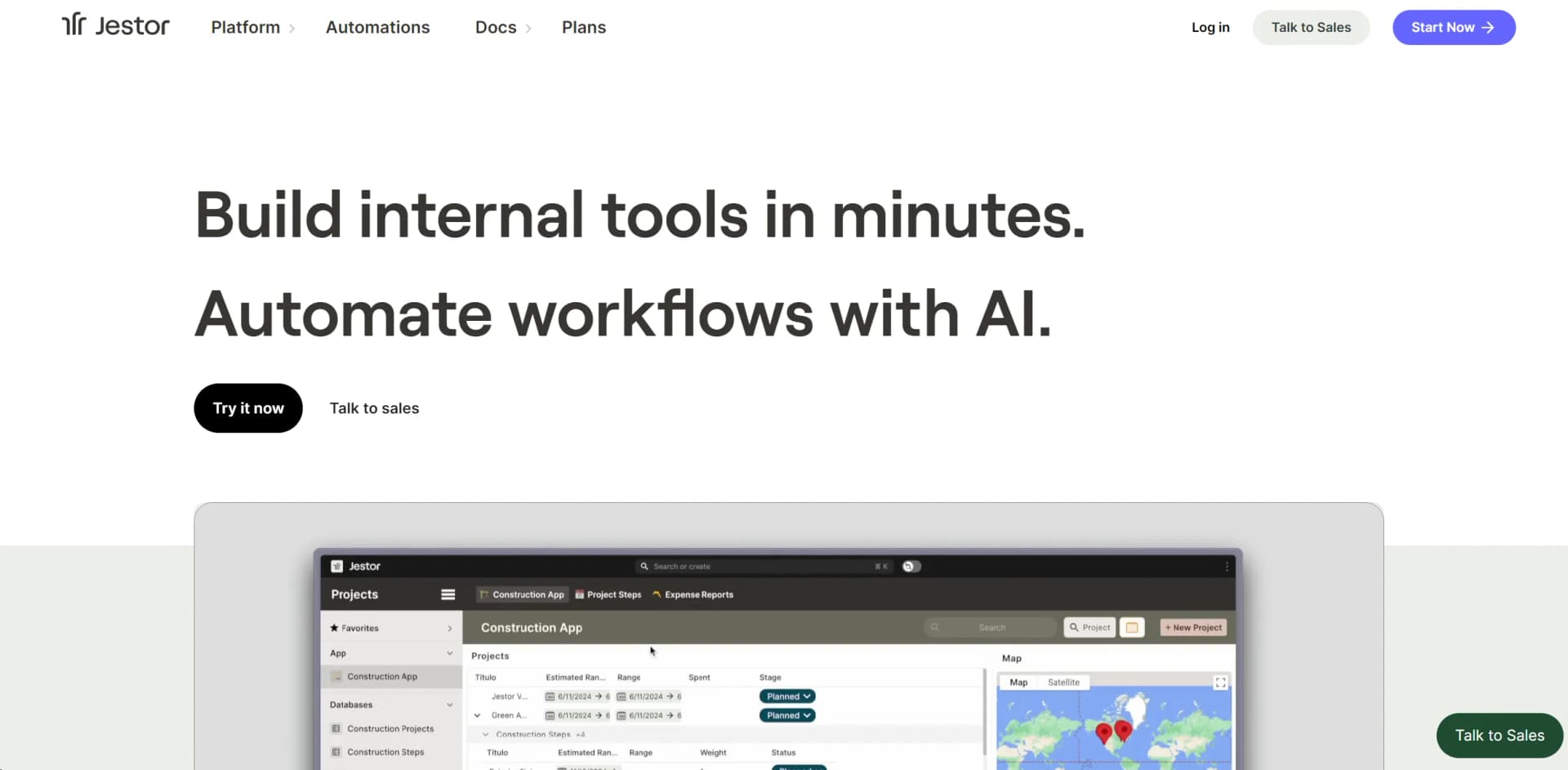
Jestor is a no-code platform designed to transform the way businesses handle their operations. It allows users to build custom apps, automate workflows, and manage data—all without writing a single line of code. Aimed at enhancing productivity and efficiency, Jestor is particularly beneficial for organizations looking to streamline their operations and reduce dependency on technical staff for everyday tasks.
Jestor stands out by empowering users to build and customize their operational tools with zero coding skills. Its blend of AI, smart automation, and user-friendly design makes it not just a tool but a comprehensive platform for business innovation.
Jestor excels in providing a versatile, efficient, and user-friendly platform for building custom apps and automating workflows without coding. Its robust features, combined with powerful AI and extensive templates, make it an indispensable tool for businesses aiming to innovate and streamline their operations.
Who is Using Jestor?
E-commerce Businesses
Streamline product management and customer service operations.
Manufacturing Companies
Manage inventory and production schedules more efficiently.
HR Departments
Automate employee onboarding processes and maintain records.
Marketing Agencies
Coordinate campaigns and content creation seamlessly.
Uncommon Use Cases
Non-profits using Jestor for donor management and event planning; educational institutions managing student records and course scheduling.
Key Features
Rating Breakdown
Pricing Plans
Free Tier
Free
- Start with Jestor at no cost to explore its basic features
Pro Tier
$24 per user per month
- Offering full access to all features and capabilities
Which Jestor plan should you pick?
Start with Pro for a scoped setup and self-managed operation; upgrade to Ops Team or Dedicated when you need ongoing building, higher platform capacity, or enterprise features.
Pro
Good for teams that need a scoped setup, initial apps, AI Builder, and 3,000 monthly automation runs.
Ops Team
Good for organizations that want ongoing Jestor-built apps and automations, 15,000 monthly runs, Power BI, and app versioning.
Dedicated
Good for larger operations needing a dedicated builder, SSO, custom domain, security reports, and 50,000 monthly runs.
Jestor Use Cases
Invoice and receipt processing
Upload invoices, receipts, or scanned documents and extract values into table fields.
Outcome: Less manual data entry.
Internal application building
Describe a process or configure tables, forms, kanbans, and app pages.
Outcome: Custom internal tools without starting from scratch.
Sales and deal operations
Track deals in tables or pipelines and trigger actions when records change status.
Outcome: More consistent sales processes.
Task and project management
Create tasks, assign owners, set deadlines, and organize work in active workflows.
Outcome: Centralized task tracking.
Customer and operational communications
Send messages through Slack, Gmail, Outlook, Teams, WhatsApp, or Jestor email based on workflow events.
Outcome: Automated notifications and follow-up.
Workflow Ideas with Jestor
New deal notification
- 1Create or update a deal record
- 2Trigger the automation when the deal reaches Won
- 3Send a notification to the sales channel
Invoice extraction and approval
- 1Upload an invoice to a record
- 2Use Attachment Vision to extract supplier, amount, and due date
- 3Trigger an approval or notification workflow
New email to task
- 1Receive an email in a Jestor table inbox
- 2Use the Email Agent to read the message
- 3Create or update a related record or task
How Jestor fits into your stack
API Access
Allows developers to extend and integrate Jestor with other systems.
E-mail Integration
Converts emails into actionable tickets or data entries.
Mobile Compatibility
Ensures that apps built on Jestor run smoothly on mobile devices.
Extensive Template Library
Offers over 50 templates to kickstart various business processes.
Pros
- +Increased Operational Efficiency: Automates routine tasks, saving time and reducing errors.
- +Cost-Effective: Reduces the need for expensive software development projects and maintenance.
- +User-Friendly Interface: Simplifies the creation and management of apps with an intuitive drag-and-drop interface.
- +Flexibility: Easily adapts to a wide range of business needs, from data management to customer relations.
Cons
- −Learning Curve: New users may require time to fully utilize all features and capabilities.
- −Integration Limitations: While extensive, integration capabilities might not cover all niche or legacy systems.
- −Dependence on Platform: Businesses heavily reliant on Jestor might face difficulties if the platform experiences downtime or changes.
Limitations & when to consider alternatives
Known limitations
- Cloud-only deployment. Jestor's FAQ states that it cannot be deployed on-premise.
- Automation chains are limited. Automation chains can run only seven levels deep; deeper sequences may be blocked.
- API rate limit. The documented maximum is 10 API calls per second, non-cumulative.
- Image automation input limits. Image actions process only one image or the first file in a file field per run.
- AI image actions are not multi-turn. Jestor's native image action sends one prompt with one image and has no memory of previous runs.
Look elsewhere when
- You need a free plan rather than a paid Jestor subscription.
- You need on-premise deployment rather than a cloud-only platform.
- Your workflow requires automation chains deeper than seven levels.
- You need a browser extension rather than dedicated applications and web access.
How to Use Jestor
- 1
Explore a variety of tutorials and guides available on the Jestor website and YouTube channel, covering everything from basic setups to advanced feature utilization.
Who is Jestor For?
Startups
Jestor provides flexible internal apps, databases, and automations for growing companies.
Operations teams
The platform is positioned as an operations engineering system for building and improving business processes.
Business teams
No-code builders let non-developers create internal tools and automate processes.
Developers
Developers can extend workflows with APIs, webhooks, low-code functions, and generated code.
Companies with document-heavy processes
OCR and AI vision can extract data from invoices, receipts, contracts, and other uploaded documents.
Frequently Asked Questions
What does Jestor do?
Jestor is a no-code platform for building internal apps, tables, workflows, and automations.
Do I need to be an engineer to use Jestor?
No. Jestor says it is designed for people without coding or technical training.
Can Jestor connect to external systems?
Yes. Jestor provides built-in integrations, Zapier and Make support, webhooks, and an open API.
Can Jestor be deployed on-premise?
No. Jestor is a cloud-only product.
What is a Jestor seat?
A seat is an access point for a team member. Builders can modify structures, while members can edit and create records.
What is an automation?
An automation combines triggers and actions, such as sending a Slack message when a deal closes.
Community reviews
Be the first to share your experience.
Sign in to leave a review for Jestor.
Jestor Alternatives
Looking for alternatives to Jestor? Here are similar tools in the same category: