
Instories
Easily create shorts from long-form videos.
Key Takeaways
- What it is
- Easily create shorts from long-form videos.
- Pricing
- $14.99 per month, billed monthly · $10 per month, billed annually
- Best for
- Template Library
- Animation Tools
- Text and Font Options
- Rating
- 4.4/5
What is Instories?
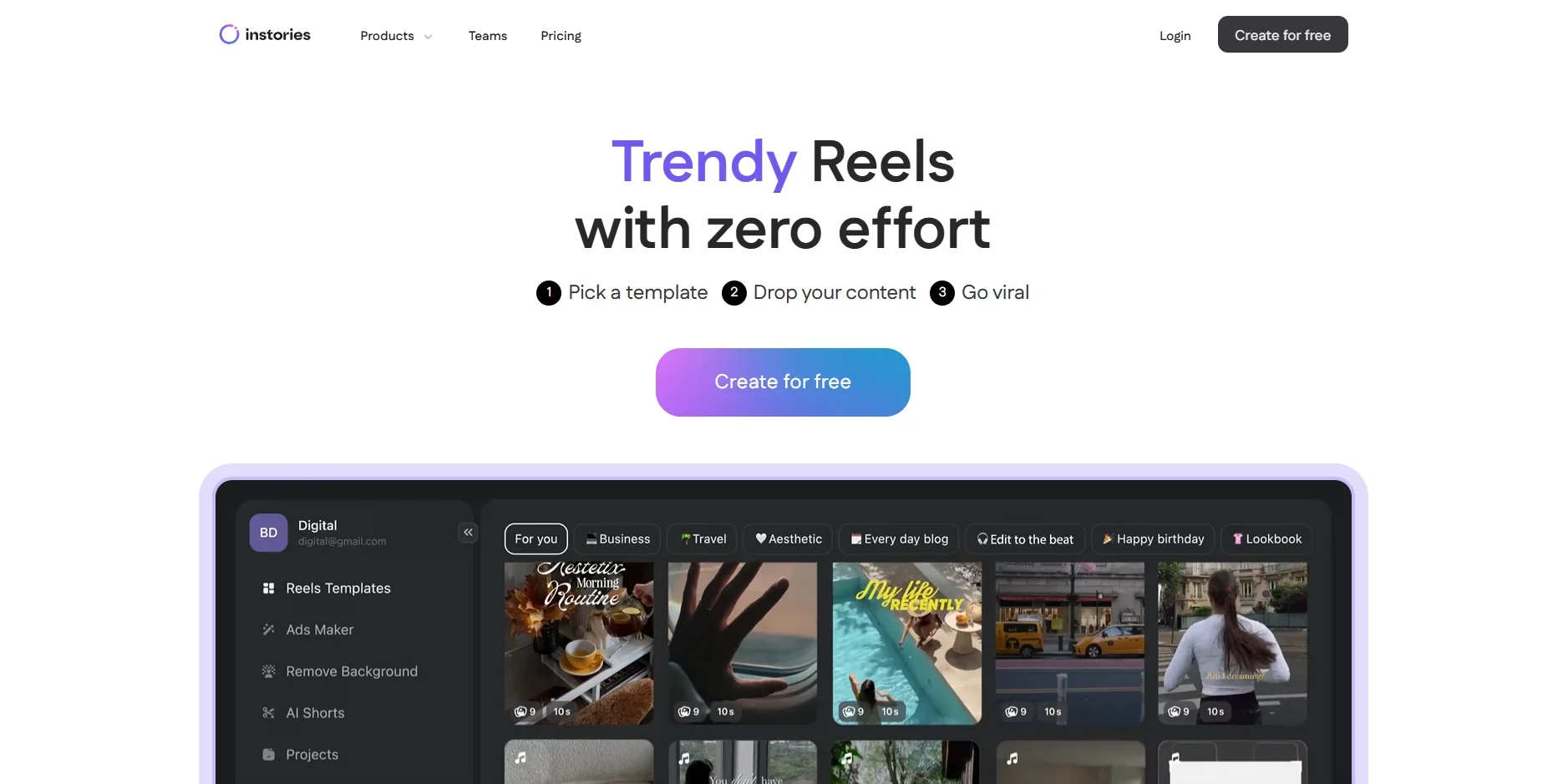
Instories is a creative platform designed to simplify the process of producing captivating visual content. Tailored for social media enthusiasts, marketers, and small business owners, it offers a suite of tools that make creating eye-catching designs a breeze. Whether you're crafting Instagram stories, promotional videos, or social media posts, Instories provides the resources to make your content stand out.
Instories stands out with its ability to streamline the design process for those who may not have a background in graphic design. Its diverse template library and animation tools provide users with the means to create professional-looking content quickly and efficiently, making it a go-to resource for anyone looking to enhance their social media presence without a steep learning curve.
Instories offers a robust solution for creating stunning visual content without the hassle of complex design software. Its user-friendly platform empowers individuals and businesses alike to produce high-quality visuals that enhance their digital storytelling efforts. Whether you're an influencer, marketer, or small business owner, Instories provides the tools needed to elevate your content and captivate your audience.
Who is Using Instories?
Social Media Influencers
Crafting engaging stories and posts to captivate their audience.
Small Business Owners
Utilizing the tool for cost-effective marketing and promotional content.
Digital Marketers
Creating visually appealing campaigns to boost brand visibility and engagement.
Content Creators
Streamlining the process of producing high-quality visual content.
Uncommon Use Cases
Employed by educators to create visually engaging teaching materials; Used by event planners for designing promotional content for events and gatherings.
Key Features
Rating Breakdown
Pricing Plans
Instories Pro (Monthly Plan)
$14.99 per month, billed monthly
- Includes the same premium tools and templates with full flexibility to cancel anytime. Both plans include a 3-day free trial before billing starts
Instories Pro (Yearly Plan)
$10 per month, billed annually
- Includes full access to premium templates, editing tools, and advanced features for creating viral Reels and stories across web, iOS, and Android. Saves 33% compared to the monthly plan
Which Instories plan should you pick?
Start with the free version to test basic editing, then choose Instories Pro for regular content creation and upgrade to AI MAX when the weekly AI-credit allowance is insufficient.
Free Version
Good for creators who need basic templates, fonts, stickers, filters, effects, stock media, and a mobile editor at no cost.
Instories Pro
Good for creators, small brands, and social managers who need premium templates, advanced editing tools, background removal, and AI features through credits.
AI MAX
Good for users who rely heavily on AI tools and need access to almost all AI tools without the standard Pro credit limits.
Instories Use Cases
Social media stories and reels
Choose a Story, Reel, or Short format, add media and text, enhance it with templates and effects, then export.
Outcome: Publish-ready social content.
Product launches and e-commerce
Showcase products with branded colors, logos, templates, product visuals, and promotional video formats.
Outcome: Branded product marketing content.
HR and recruitment videos
Create videos that showcase company roles, culture, and values with corporate voiceovers and subtitles.
Outcome: Professional recruitment communications.
Internal training and onboarding
Turn guides and workflows into video tutorials and create consistent training videos for teams.
Outcome: Clearer employee training materials.
Customer-support and corporate communications
Produce tutorials, internal updates, announcements, and event videos using templates, voiceovers, and subtitles.
Outcome: Shareable business communications.
Workflow Ideas with Instories
Create a social Reel
- 1Choose Reel or Short format.
- 2Import 4–12 clips or select media files.
- 3Choose an edit style, auto-sync cuts to music, add a headline or call to action, and export.
Make an AI product video
- 1Open the AI Tools tab and choose One Shoot Product Reels.
- 2Select a template and add a product photo.
- 3Let Instories generate the remaining media, then review and export the Reel.
Produce a branded business video
- 1Choose a business, marketing, or corporate template.
- 2Add brand colors, logos, text, voiceover, and subtitles.
- 3Export the finished video in the resolution or format needed for its channel.
How Instories fits into your stack
Browser
Instories is primarily a web-based creative workspace for creating and editing images, videos, graphics, stories, reels, posts, captions, and AI-generated media directly in the browser.
Mobile
Dedicated iOS and Android apps provide mobile creation and editing, including templates, video editing, captions, background removal, and AI content tools.
Team collaboration
The web workspace supports administrators inviting team members, managing permissions, and collaborating on projects with commenting and shared access.
Pros
- +User-Friendly Interface: The intuitive design makes it easy for users of all skill levels to create professional-quality content.
- +Fast Content Creation: Quickly produce stunning visuals without the need for extensive design experience or software expertise.
- +Cross-Platform Compatibility: Easily export your creations for use on multiple social media platforms.
- +Affordable Pricing: Offers competitive pricing plans that cater to both individual users and businesses.
Cons
- −Limited Customization: While templates are plentiful, customization options may feel restricted for advanced users looking for more control.
- −Occasional Performance Hiccups: Some users have reported minor lag issues when using the tool on lower-end devices.
Limitations & when to consider alternatives
Known limitations
- Web editor has limited tools. The help center says the web version supports content creation but has fewer tools than the mobile app.
- AI features use credits in Pro. Pro includes 23 AI credits per week; unused credits expire and do not roll over.
- Free version excludes many premium features. Most advanced features, most photo and video templates, and the full AI suite require paid plans.
- Added element duration is limited. The Timeline help article states that the maximum display duration for an added element is 180 seconds.
- AI product-video generation is beta. One Shoot Product Video is documented as a beta feature and may take two to five minutes to generate.
Look elsewhere when
- You need a documented developer API.
- You need a native Windows, Mac, or Linux desktop installer.
- You need SSO or SAML authentication.
- You need image understanding or visual question answering.
How to Use Instories
- 1
Choose a format
Start with Story, Reel, Short, Post, Cover, Product Card, ad, or promotional layout to match the intended publishing channel.
- 2
Select a template or start from scratch
Use a designer-made template for speed, or open the editor and build the composition yourself.
- 3
Add media and text
Import photos, videos, audio, headlines, captions, calls to action, stickers, price tags, and overlays.
- 4
Enhance the project
Apply background removal, photo effects, filters, typography tools, AI generation, captions, or automatic Reel and Story creation.
- 5
Review and export
Preview the project, adjust timing and layers, then save or export it in a social-friendly format.
- 6
Publish or share
Share the exported result to Instagram, TikTok, YouTube Shorts, or another supported social platform.
Who is Instories For?
Hobby creators and aspiring bloggers
They can make aesthetic, trend-aware content without learning complex editing tools.
Professional bloggers and influencers
They get trend-based templates and AI tools to publish more frequently.
Solo entrepreneurs and small business owners
They can create sales-ready marketing creatives without hiring a full creative team.
SMM and content managers
They can maintain multiple brand accounts with flexible templates and brand-specific content.
Businesses and enterprise teams
They can create branded marketing, recruitment, training, product-demo, and corporate communication videos.
Frequently Asked Questions
What is Instories?
Instories is an all-in-one visual content app for creating social-media content with templates, editing tools, and AI features.
Is there a free version?
Yes. The free version includes basic templates, fonts, stickers, filters, effects, voice-over, audio import, stock libraries, and a mobile editor.
Which platforms does Instories support?
Instories has iOS and Android mobile apps plus a web version. Web functionality is more limited than the mobile app.
Can Instories create videos from text?
Yes. Users can describe what they need in simple words to create AI-generated videos from text.
Can Instories remove image backgrounds?
Yes. The background remover automatically cuts a subject out of a photo or video and provides transparent, solid-color, or template backdrops.
Can multiple team members collaborate?
Yes. Instories states that multiple team members can collaborate on the same project in real time.
Community reviews
Be the first to share your experience.
Sign in to leave a review for Instories.
Instories Alternatives
Looking for alternatives to Instories? Here are similar tools in the same category:
Learn to Master Instories
With Skill Leap courses
Get in-depth training on Instories and 50+ other AI tools with our expert-led video courses.
Start 7-Day Free Trial