
insMind
Enhances images with AI-powered editing features.
Key Takeaways
- What it is
- Enhances images with AI-powered editing features.
- Pricing
- Freemium · $9.99 per month · $69.99 per year · $69.99
- Best for
- AI Background Remover
- AI Image Enhancer
- AI Magic Eraser
- Rating
- 4.5/5
What is insMind?
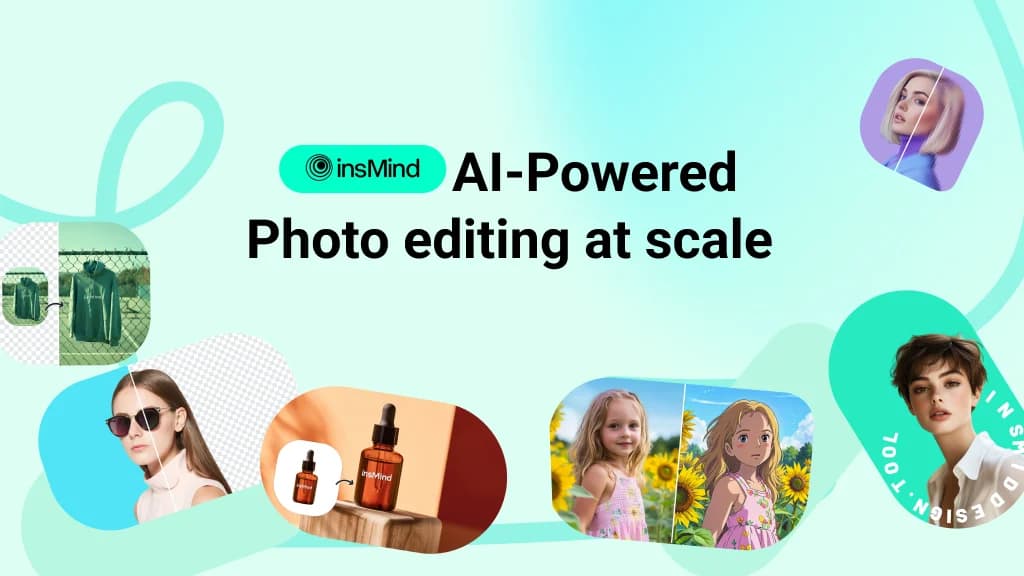
insMind is a cutting-edge AI photo editing tool designed to transform the way users create and enhance images. Specializing in product image design, it offers a suite of AI-powered features that make photo editing both quick and intuitive. From removing backgrounds to generating high-quality designs, insMind is crafted for individuals and professionals seeking to elevate their visual content effortlessly.
insMind distinguishes itself with its AI-powered design capabilities, particularly its ability to generate studio-quality images effortlessly. Its focus on product image design, combined with a user-friendly interface, makes it a standout choice for those seeking to streamline their creative processes without compromising on quality.
insMind offers a powerful suite of AI tools that cater to a diverse range of photo editing needs. With its innovative features and user-centric design, it empowers users to create stunning visuals with ease. Whether you're a seasoned professional or a beginner, insMind provides the tools necessary to bring your creative vision to life.
Who is Using insMind?
E-commerce Businesses
Enhancing product images for online stores.
Digital Marketing Agencies
Creating visually appealing campaign content.
Social Media Managers
Crafting engaging posts and stories.
Photographers
Streamlining photo editing workflows.
Uncommon Use Cases
Employed by educational institutions for teaching digital design courses; adopted by event planners for creating promotional materials.
Key Features
Rating Breakdown
Pricing Plans
Free
Free
- Includes standard photo editing tools, limited storage, and insMind watermark
Free Trial
- 3-day trial with 10 credits included
insMind Pro (Monthly)
$9.99 per month
- Includes 100 credits/month, unlimited background remover use, watermark removal, high-quality downloads, and unlimited files/downloads
insMind Pro (Yearly)
$69.99 per year
- Same Pro features at $5.83 per month equivalent
insMind Pro (13 Months)
$69.99
- One-time. Extended access with the same features
- Averaging $5.38 per month
Which insMind plan should you pick?
Start with the free experience or Basic plan for occasional image and video work, then upgrade to Pro when you need more credits, downloads, or premium features.
Basic
Good for users who need core image and video creation with a lower-volume credit allowance.
Pro
Good for creators and businesses who need more credits, higher-quality exports, and premium tools.
insMind Use Cases
Product photography
Upload product photos, remove or replace backgrounds, add shadows, enhance quality, and resize assets.
Outcome: Cleaner, more consistent product imagery for stores and campaigns.
Image localization
Upload an image containing text and generate translated versions while preserving layout and design.
Outcome: Ready-to-share localized visuals for multiple markets.
Batch photo editing
Upload a group of images and apply background removal, resizing, or enhancement in one workflow.
Outcome: A consistent edited set with less repetitive manual work.
AI video creation
Generate videos from text or images, animate still photos, and apply video effects.
Outcome: Short-form videos and creative visual content.
AI design generation
Describe a concept and let the AI agent plan layouts, choose styles, and generate related visual variations.
Outcome: Complete visual suites for marketing, e-commerce, and creative projects.
Workflow Ideas with insMind
E-commerce product asset workflow
- 1Upload product photos
- 2Remove or replace backgrounds and add shadows
- 3Resize, preview, and download marketplace-ready assets
Batch campaign preparation
- 1Upload a group of campaign images
- 2Choose a shared resize, background, or enhancement action
- 3Review representative results and download the edited set
Localized marketing creative workflow
- 1Upload an image containing marketing text
- 2Select the target language or languages
- 3Review translated layouts and export the localized visuals
How insMind fits into your stack
Browser
insMind is primarily a browser-based visual creation workspace for generating, editing, enhancing, and resizing images and videos. Users can enter prompts or upload reference images directly in the web app.
Mobile app
insMind provides dedicated iOS and Android clients for AI image and video creation, editing, and effects.
Pros
- +User-Friendly Interface: Designed to be intuitive, making it accessible for both beginners and professionals.
- +Time-Saving: Automates complex editing tasks, significantly reducing the time required for photo enhancements.
- +Cost-Effective: Eliminates the need for expensive photo shoots and design software.
- +Versatile Tools: Offers a wide range of features suitable for various design needs beyond just product imagery.
Cons
- −Initial Learning Curve: Some users may require time to fully explore and utilize all features effectively.
- −Limited Integration: Currently lacks extensive third-party platform integrations.
Limitations & when to consider alternatives
Known limitations
- Credits and exports vary by tool. Sign-in, credit requirements, export resolution, formats, and download rules can differ between tools.
- Free output may be limited. Some free tools provide lower-quality downloads or restrict higher-resolution exports to paid plans.
- Automatic edits require review. Fine edges, faces, small text, reflections, and low-contrast areas may need manual inspection.
- Batch results can vary. Batch workflows should be spot-checked because edges, crops, faces, and small text can differ between images.
- Some features depend on account status. Storage duration and access to generated content can differ between logged-in and unauthenticated web use.
Look elsewhere when
- You need a dedicated desktop editor rather than browser-based editing.
- You need documented developer API access.
- You need shared multi-user workspaces with roles and invitations.
- You need programming-code generation.
How to Use insMind
- 1
Choose a focused tool
Open the browser editor and select a task such as background removal, enhancement, image generation, or video creation.
- 2
Upload an image or enter a prompt
Upload a source image when editing existing content, or describe a new visual when generating from text.
- 3
Refine the result
Use prompts, selections, filters, backgrounds, resizing, or AI-agent instructions to adjust the output.
- 4
Preview quality
Inspect edges, faces, text, crops, and other details before exporting.
- 5
Download or localize
Download the finished asset, or use the image translator to create versions in multiple languages.
- 6
Upgrade when needed
Move to Basic or Pro when free credits, resolution, download, or premium-feature limits affect your workflow.
Who is insMind For?
E-commerce businesses
Create product photos, remove backgrounds, generate scenes, resize listings, and prepare marketplace assets.
Content creators
Generate images and videos, apply effects, remix trends, and create social-media-ready visuals.
Designers
Edit photos, replace objects, expand canvases, generate layouts, and refine visual concepts with AI.
Educators
Use visual creation tools for educational graphics, illustrations, and training-video production.
Freelancers
Produce professional visuals quickly without complex software or extensive technical skills.
Frequently Asked Questions
What is insMind?
insMind is an all-in-one AI platform for image and video creation, enhancement, editing, and background removal.
Is insMind suitable for beginners?
Yes. Its intuitive interface is designed for beginners and professionals without requiring prior design experience.
How can I get started with insMind?
Open insMind in your browser, choose a tool, then enter a prompt or upload an image.
Can I edit a photo with a text prompt?
Yes. Select an area, describe the desired replacement or change, and let the AI edit the image.
Can I batch edit photos?
Yes. Upload multiple photos, choose a batch action, preview results, and download the edited set.
Can I use insMind for free?
Yes. Free tools and credits are available, while credits, exports, and premium features vary by tool.
Community reviews
Be the first to share your experience.
Sign in to leave a review for insMind.
insMind Alternatives
Looking for alternatives to insMind? Here are similar tools in the same category:
Learn to Master insMind
With Skill Leap courses
Get in-depth training on insMind and 50+ other AI tools with our expert-led video courses.
Start 7-Day Free Trial