
Imagen AI
Revolutionize content with AI-driven image, video enhancement.
Key Takeaways
- What it is
- Revolutionize content with AI-driven image, video enhancement.
- Pricing
- $29.99 per month
- Best for
- Automated Image Enhancement
- Video Processing Capabilities
- Customizable Workflows
- Rating
- 4.6/5
What is Imagen AI?
Imagen AI is an advanced artificial intelligence platform designed to streamline and enhance the management of digital content. Focused on automating and optimizing image and video processing, Imagen AI serves as an invaluable tool for digital marketers, content creators, and media professionals. By leveraging sophisticated AI algorithms, Imagen AI helps users improve the efficiency and quality of their content, allowing them to concentrate more on creative tasks while handling technical details with ease.
Imagen AI distinguishes itself with its proprietary AI technology for image and video enhancement. Its ability to automatically adjust to various content styles and preferences offers a personalized editing experience that evolves with usage, setting it apart in the digital content space.
Imagen AI excels in delivering sophisticated automated solutions for image and video enhancement. Its advanced AI capabilities provide significant benefits for professionals in various fields, improving content quality and operational efficiency. With its user-friendly interface and scalable features, Imagen AI is a leading choice for digital content enhancement.
Who is Using Imagen AI?
Digital Marketing Agencies
For creating visually compelling campaign content.
Social Media Managers
To enhance and manage social media visuals.
Graphic Designers
Streamlining design workflows and improving output quality.
Film and Video Editors
Benefiting from automated video editing features to speed up production.
Uncommon Use Cases
Real estate agencies improving property photo quality; online educators enhancing visual content for educational purposes.
Key Features
Rating Breakdown
Pricing Plans
Free Trial
- Access Imagen AI with a 14-day free trial
Standard Plan
$29.99 per month
Enterprise Solutions
- Custom pricing based on specific needs and content volume
Which Imagen AI plan should you pick?
Start with Pay-as-you-go to test your workflow; upgrade to Limitless for consistent solo-photographer volume or Business for teams and API access.
Pay-as-you-go
Good for photographers with occasional or unpredictable volume who want to pay based on edited photos.
Limitless
Good for individual photographers who need unlimited editing, retouching, AI tools, and culling.
Business
Good for studios and teams needing multiple photographers, high-volume capacity, API access, and dedicated support.
Imagen AI Use Cases
Batch photo editing
Upload a Lightroom catalog or supported photo folder and apply a Personal AI Profile across the project.
Outcome: Faster, more consistent edits across entire galleries.
AI photo culling
Group and rate photos while detecting duplicates, blur, closed eyes, and other quality issues.
Outcome: A shorter shortlist of stronger images.
Real estate image enhancement
Apply perspective correction, window pull, sky replacement, cropping, and other listing-focused tools.
Outcome: Listing-ready property galleries.
Team style consistency
Share AI Profiles or use a Business account across multiple photographers and computers.
Outcome: More consistent brand output across team members.
Client delivery
Export final JPEGs locally or publish completed photos directly to Pic-Time.
Outcome: A faster path from editing to gallery delivery.
Workflow Ideas with Imagen AI
Edit a Lightroom gallery
- 1Install Imagen on Windows or Mac and choose an AI Profile
- 2Upload a Lightroom catalog or supported photo folder
- 3Download the edits and review them in Adobe software
Cull and edit a shoot
- 1Upload the shoot and choose culling preferences
- 2Review grouped and rated photos and adjust selections
- 3Send selected photos to editing with an AI Profile applied
Deliver a completed gallery
- 1Review and upload final edits
- 2Choose local JPEG export or Pic-Time delivery
- 3Export the photos or publish them to a Pic-Time gallery
How Imagen AI fits into your stack
Cloud Storage Services
Integrates with Google Drive, Dropbox, and other popular cloud storage solutions.
Social Media Platforms
Facilitates direct export of enhanced content to platforms like Instagram and Facebook.
API Access
Provides API access for custom integrations, offering flexibility across different platforms.
Adobe Creative Suite
Seamlessly works with Adobe software, enhancing workflows for designers and editors.
Pros
- +1,000 free edits to get started
- +Dedicated Mac and Windows desktop apps
- +Documented REST API with SDKs and CLI
- +AI culling analyzes and selects photos automatically
- +Integrations with Lightroom, Photoshop, and Bridge
Cons
- −Initial Learning Curve: New users might need time to fully understand and utilize the AI’s capabilities.
- −Hardware Requirements: Optimal performance may require more powerful hardware due to high processing demands.
- −Limited File Format Support: May not support all image and video file formats, which could be a limitation for some users.
Limitations & when to consider alternatives
Known limitations
- No iOS or Android app. Imagen's desktop app does not run on Android or iOS devices.
- Adobe software is required for some review workflows. Imagen edits are stored as XMP metadata and are reviewed in Lightroom, Photoshop, Bridge, or related Adobe software.
- Personal Profile training requires suitable edited photos. Imagen recommends at least 2,000 valid edited photos, and training can take up to 24 hours.
- Some AI functions are not available through the API. Imagen's API documentation states that some application features are not yet available in the API.
- Limitless is for individual photographers. The Limitless plan is not available for teams; studios with multiple photographers need Business.
Look elsewhere when
- You need a native mobile app.
- You need an AI tool for multilingual conversation or text generation.
- You need code-generation capabilities.
How to Use Imagen AI
- 1
Access a range of tutorials and case studies on the Imagen AI website, covering everything from basic setup to advanced features and use cases.
Who is Imagen AI For?
Professional photographers
They can automate repetitive editing and culling while preserving their personal editing style.
Videographers
They can use Imagen's adaptive AI color grading and LUT-based AI coloring capabilities.
Real estate photographers
They can process property photos with tools such as perspective correction, sky replacement, and window pull.
Studios and agencies
They can manage high-volume workflows and maintain consistent output across multiple photographers.
School and sports photographers
They can use specialized AI Profiles and batch-processing tools for high-volume photography.
Frequently Asked Questions
What is Imagen?
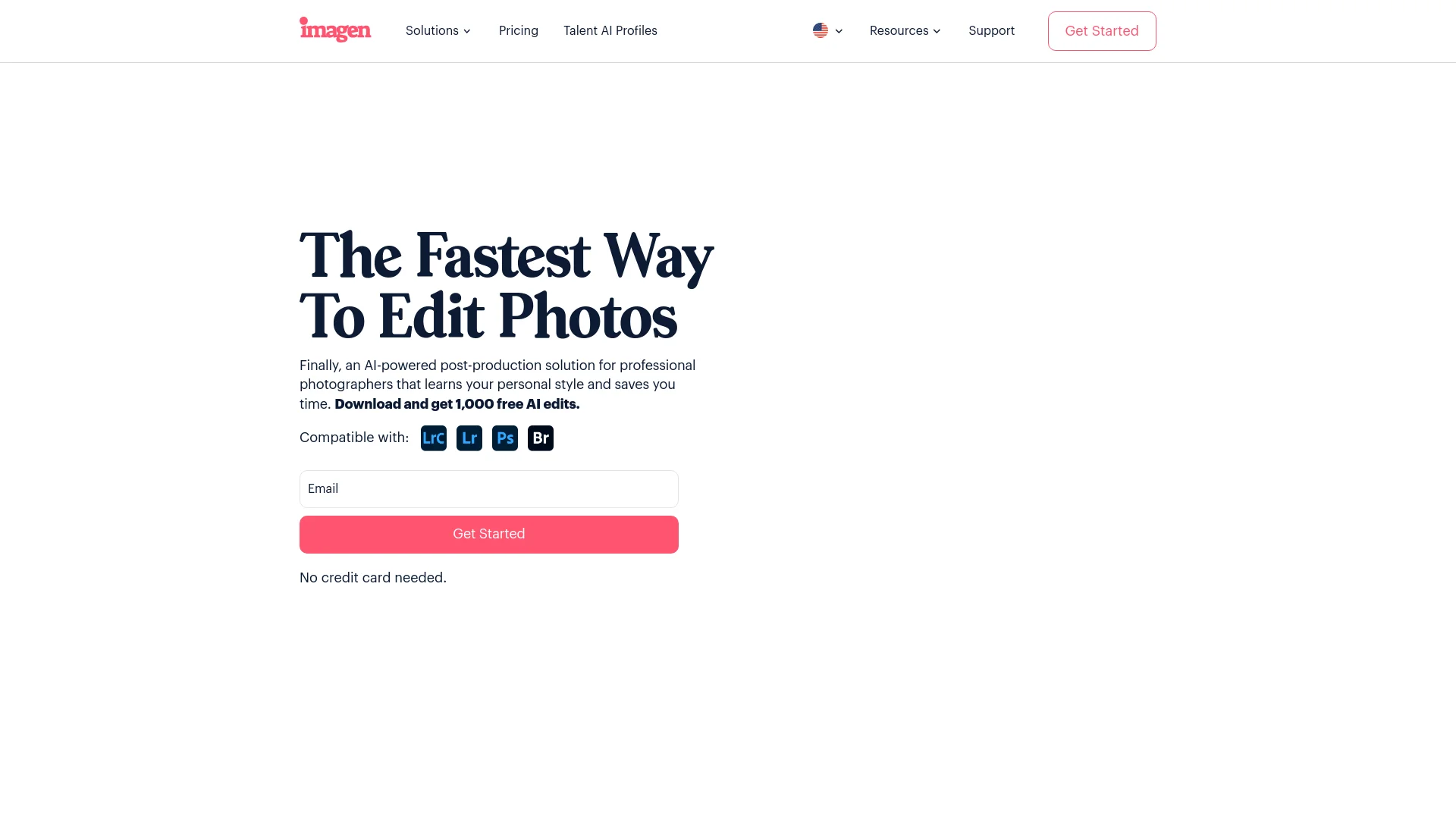
Imagen is an AI-powered post-production solution for professional photographers that supports culling, editing, storage, and delivery.
How does Imagen learn my editing style?
It analyzes previous Lightroom or Adobe edits to create a Personal AI Profile that applies your style to new photos.
What operating systems does Imagen support?
The desktop app supports Windows 10 or later and macOS 10.13 or later. It does not run on Android or iOS.
Can I use Imagen with Adobe software?
Yes. Imagen supports Lightroom Classic, Lightroom, Photoshop, Adobe Camera Raw, and Bridge workflows.
Can Imagen publish photos to galleries?
Yes. You can export final JPEGs to a folder or publish them directly to Pic-Time galleries.
Does Imagen offer an API?
Yes. Business customers can request API access, use API keys and endpoints, and automate editing workflows.
Community reviews
Be the first to share your experience.
Sign in to leave a review for Imagen AI.
Imagen AI Alternatives
Looking for alternatives to Imagen AI? Here are similar tools in the same category:
Learn to Master Imagen AI
With Skill Leap courses
Get in-depth training on Imagen AI and 50+ other AI tools with our expert-led video courses.
Start 7-Day Free Trial