
IFTTT
Automate tasks effortlessly by integrating over 900 services.
Key Takeaways
- What it is
- Automate tasks effortlessly by integrating over 900 services.
- Pricing
- Freemium · $14.99 per month
- Best for
- Wide Range of Integrations
- No-Code Platform
- Mobile Accessibility
- Rating
- 4.5/5
What is IFTTT?
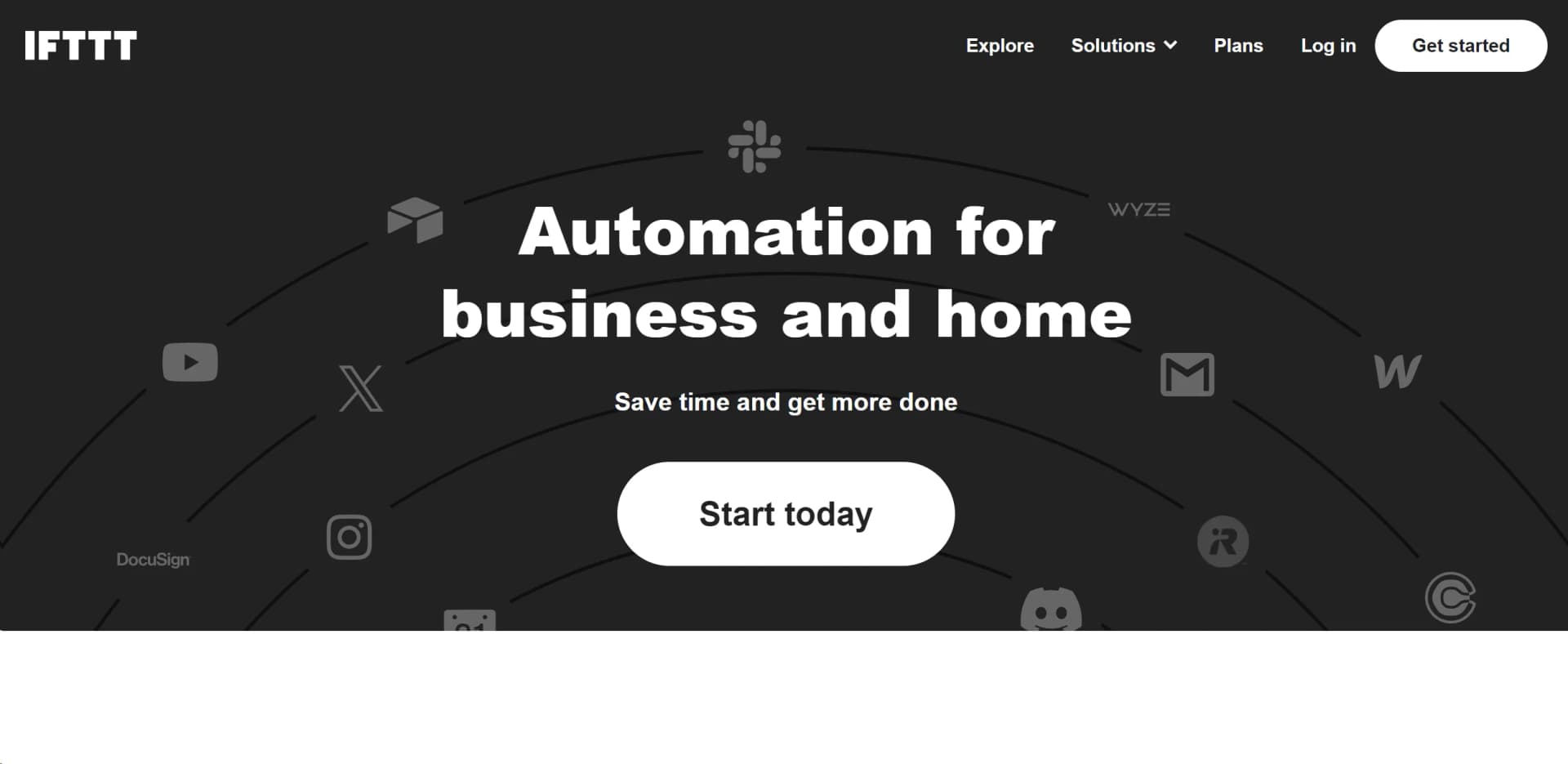
IFTTT, which stands for "If This Then That," is an innovative automation platform designed to streamline and enhance efficiency in both business and home environments. It offers a powerful solution for automating tasks across a wide range of applications, integrating over 900 services, including popular platforms like Google Calendar, Instagram, and Spotify. With IFTTT, users can create "Applets" that automate sequences of actions, making it an indispensable tool for anyone looking to save time and increase productivity effortlessly.
IFTTT stands out as a leading no-code automation platform that bridges the gap between disparate services, enabling users to create powerful workflows without technical expertise. Its extensive integration capabilities and user-friendly interface make it a standout choice for anyone looking to enhance their personal and professional productivity through automation.
IFTTT offers a robust platform for automating tasks and integrating services, making it an essential tool for anyone seeking to optimize their workflow. With its wide range of integrations, user-friendly interface, and powerful automation capabilities, IFTTT is a versatile solution that caters to both individual users and businesses looking to save time and enhance productivity. Whether you're a tech enthusiast or a small business owner, IFTTT provides the tools needed to automate and simplify your daily tasks effectively.
Who is Using IFTTT?
Small Business Owners
Streamlining operations and enhancing productivity through task automation.
Tech Enthusiasts
Exploring and implementing innovative ways to automate daily routines.
Social Media Managers
Automating cross-platform content posting to save time.
Home Automation Enthusiasts
Using IFTTT to connect smart home devices for seamless operation.
Key Features
Rating Breakdown
Pricing Plans
Free Tier
Free
- Offers basic automation capabilities at no cost
Pro Tier
$14.99 per month
- Providing access to more advanced features and greater customization options
Which IFTTT plan should you pick?
Start with Free for basic two-step automations, upgrade to Pro for multiple actions and faster runs, and choose Pro+ for unlimited Applets, AI services, multiple accounts, queries, or filter code.
Free
Good for users testing IFTTT or running up to two simple Applets with standard speeds and basic no-code integrations.
Pro
Good for smart-home and productivity users who need up to 20 Applets, multiple actions, faster speeds, Webhooks, and increased rate limits.
Pro+
Good for advanced users and small businesses that need unlimited Applets, AI services, multiple accounts, queries, filter code, and developer tools.
IFTTT Use Cases
Employed by educators to automate classroom tasks.
Used by event planners to coordinate scheduling and communication.
Workflow Ideas with IFTTT
Log expenses automatically
- 1Connect an expense or email service as the trigger
- 2Extract the relevant transaction information
- 3Add a row to Google Sheets
Create AI-assisted social posts
- 1Use Google Calendar or RSS as the trigger
- 2Add the AI Social Creator query and select a language
- 3Publish or send the generated content to a social service
Control smart-home devices by webhook
- 1Connect the Webhooks service
- 2Create an Applet using Receive a web request as the trigger
- 3Select a smart-home action such as turning on lights or changing a thermostat
How IFTTT fits into your stack
Browser
IFTTT's web application lets users browse services, create Applets, connect accounts, and manage automations through the browser.
Mobile
Native iOS and Android apps provide mobile-specific triggers, location automation, notifications, widgets, and Applet management.
Automation and APIs
IFTTT sits between connected services through Applets, triggers, queries, actions, Webhooks, the Connect API, and developer integrations.
Docs and writing
Its AI services can draft content, summarize Google Docs and RSS items, translate text, and route outputs to connected services.
Pros
- +User-Friendly Interface: Simple and intuitive design makes setting up automations straightforward even for beginners.
- +Time-Saving: Automates repetitive tasks, freeing up time for more important activities.
- +Cost-Effective: Offers a free tier, making it accessible to users with varying budget constraints.
- +Versatile Application: Suitable for both personal and professional use, enhancing productivity in multiple areas.
Cons
- −Initial Learning Curve: Some users may require time to understand and utilize advanced features effectively.
- −Limited Free Tier Features: The free tier may not offer all the functionalities needed for more complex automation.
Limitations & when to consider alternatives
Known limitations
- Free plan allows only two Applets. The Free plan limits users to two Applets. Pro allows 20, while Pro+ allows unlimited Applets.
- Multiple actions require Pro. Free Applets use one trigger and one action. Multiple actions are available on the Pro plan.
- Queries and filter code require Pro+. Advanced contextual queries and conditional JavaScript filter code are available on Pro+.
- AI services have usage limits. IFTTT AI services have a limit of 200 queries per day across AI services on Pro+.
- Delays have a fixed range. Applet delays can range from 15 seconds to three hours.
Look elsewhere when
- You need a shared team workspace with user roles.
- You need a dedicated desktop installer.
- You need model fine-tuning on your own data.
How to Use IFTTT
- 1
Create an account
Sign up for a free IFTTT account, then connect the apps and devices you want to automate.
- 2
Choose or create an Applet
Search Explore for a published Applet or open the Applet composer at ifttt.com/create to build one from scratch.
- 3
Configure the trigger
Select the service and event that should start the automation, then connect that service if prompted.
- 4
Configure the action
Choose the service and action that should run after the trigger, and map available trigger ingredients into the action fields.
- 5
Add advanced logic
On Pro or Pro+, add multiple actions, delays, queries, or filter code to control when and how the Applet runs.
- 6
Enable and monitor the Applet
Finish the Applet to enable it automatically, then use My Applets and the activity feed to manage and troubleshoot runs.
Who is IFTTT For?
Smart home enthusiasts
IFTTT connects smart-home devices and services so users can automate lights, thermostats, cameras, sensors, and other equipment.
Small business owners
Pro+ supports unlimited Applets, multiple connected accounts, queries, filter code, and AI services for more advanced business workflows.
Creators
Creators can automate social-media publishing, content generation, content summaries, and cross-posting across connected services.
Productivity users
IFTTT connects calendars, email, spreadsheets, task tools, notifications, and other services to automate repetitive work.
Developers and brands
Developers can publish IFTTT services, connect APIs, embed integrations, and expose products to IFTTT's broader ecosystem.
Frequently Asked Questions
What is IFTTT?
IFTTT is a connectivity and automation platform that connects apps, services, and devices through Applets.
What are Applets?
Applets are automations built from triggers and actions. They connect two or more services so an event in one service can initiate work in another.
Is coding required to use IFTTT?
No. IFTTT provides no-code Applet creation, while Pro+ users can optionally use filter code, conditional logic, and developer tools.
How many Applets can I create for free?
The Free plan allows up to two Applets, with unlimited Applet runs and standard speeds.
What are Webhooks?
Webhooks let external services send HTTP requests to trigger IFTTT Applets or let IFTTT send requests to external endpoints.
Can I use IFTTT with AI assistants?
IFTTT connects with assistants such as Claude and ChatGPT through its MCP integration, allowing users to discover services, create Applets, and run connected actions.
Community reviews
Be the first to share your experience.
Sign in to leave a review for IFTTT.
IFTTT Alternatives
Looking for alternatives to IFTTT? Here are similar tools in the same category:
Learn to Master IFTTT
With Skill Leap courses
Get in-depth training on IFTTT and 50+ other AI tools with our expert-led video courses.
Start 7-Day Free Trial