
Ideamap
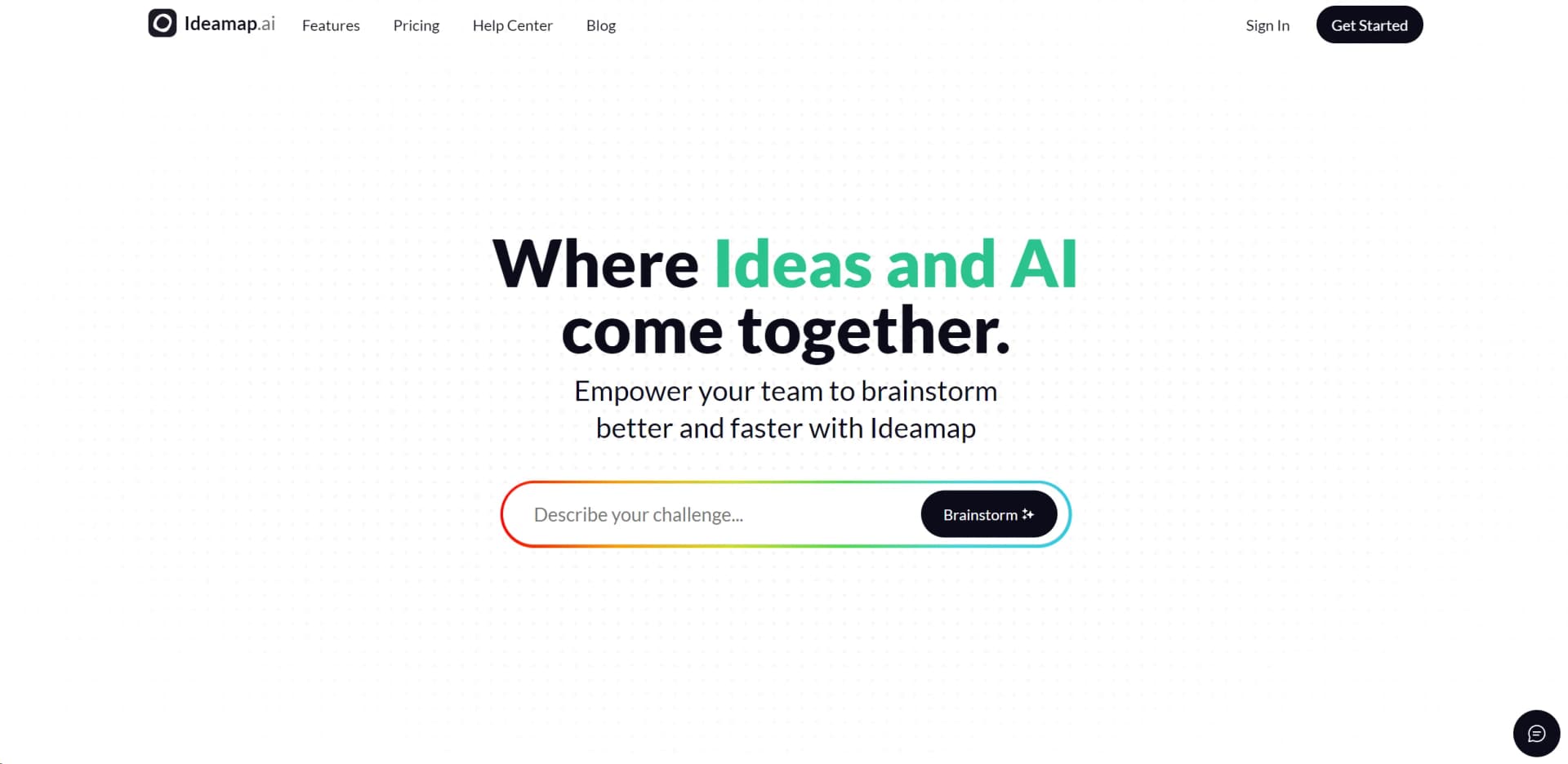
Unleash AI-driven brainstorming, collaboration, and dynamic idea organization.
Key Takeaways
- What it is
- Unleash AI-driven brainstorming, collaboration, and dynamic idea organization.
- Best for
- AI-Powered Idea Generation
- Collaborative Workspaces
- Idea Mapping
- Rating
- 4.3/5
What is Ideamap?
Ideamap is a cutting-edge AI tool designed to enhance the brainstorming process. It taps into the power of artificial intelligence to help individuals and professionals generate, organize, and refine ideas with unprecedented efficiency. By streamlining the creative process, Ideamap aims to unlock new levels of productivity and innovation for its users.
Ideamap stands out with its AI-driven approach to brainstorming, a game-changer for creative and strategic thinking. Its ability to synthesize and expand upon user input sets it apart from traditional brainstorming methods.
Ideamap excels in providing a dynamic and innovative platform for brainstorming and idea development, making it an essential tool for a wide range of users. Its AI-powered idea generation, in particular, offers an unmatched advantage in enhancing creativity and streamlining the ideation process.
Who is Using Ideamap?
Startups
Utilizing Ideamap to brainstorm disruptive business models and innovative product ideas.
Content Creators
Employing the tool to come up with fresh topics and themes for their material.
Academics
Leveraging Ideamap for research project conceptualization and academic paper structuring.
Project Managers
Using the tool to generate and refine project plans and strategies.
Uncommon Use Cases
Ideamap is also used by event planners for creative event concepts and by game designers for developing game narratives and mechanics.
Key Features
Rating Breakdown
Pricing Plans
Free Trial
- Offers users a chance to explore Ideamap's features with a limited-time free trial
Subscription Plans
- Various tiers are available
- Catering to different user needs and team sizes
Which Ideamap plan should you pick?
Start with Free for small experiments, choose Basic for regular team brainstorming and imports/exports, upgrade to Pro for larger sessions and premium AI, and use Enterprise for SAML SSO and service-level requirements.
Free
Good for individuals or small teams who need up to five rooms, five attendees per room, standard AI, unlimited ideas, and unlimited users.
Basic
Good for teams who need unlimited rooms, up to 15 attendees per room, standard AI copilots, custom AI actions, facilitation tools, exports, and imports.
Pro
Good for larger workshops that need up to 100 attendees per room, custom AI copilots, audio transcription, post-it extraction, AI images, premium AI, and premium themes.
Enterprise
Good for organizations that need unlimited rooms and attendees, SAML SSO, a SOC2 report, and a 99.9% uptime SLA.
Ideamap Use Cases
Product feature brainstorming
Generate and organize ideas for new product features in a shared room.
Outcome: A structured visual set of product ideas.
Marketing ideation
Use AI generation and collaborative brainstorming to develop marketing ideas.
Outcome: A broader pool of campaign and marketing concepts.
Business growth brainstorming
Explore ideas and potential organizational challenges with AI assistance.
Outcome: Visualized growth opportunities and challenges.
Facilitated workshops
Run sessions with timers, voting, summaries, guests, and AI-powered frameworks.
Outcome: A more structured and participatory brainstorming session.
Workflow Ideas with Ideamap
Run an AI-assisted brainstorming session
- 1Create a workspace and brainstorming room
- 2Use AI generation, frameworks, or challenge suggestions to start ideation
- 3Collect, vote on, and summarize the ideas
Develop a product feature concept
- 1Invite the product team or guests to a shared room
- 2Generate and organize possible feature ideas
- 3Export or share the resulting idea map
Facilitate a remote workshop
- 1Add Ideamap to a Microsoft Teams channel or tab
- 2Use the timer and shared room for the session
- 3Close with voting, a summary, and next steps
How Ideamap fits into your stack
Cross-Platform Accessibility
Ideamap is accessible across multiple devices, ensuring that users can brainstorm whenever inspiration strikes.
Cloud Synchronization
Ideas and maps are stored in the cloud, allowing for access from anywhere and ensuring that work is never lost.
API for Custom Solutions
Developers can connect Ideamap with other tools and platforms through its API.
Collaboration Tools Integration
Ideamap can be used in conjunction with popular collaboration tools to enhance team brainstorming sessions.
Pros
- +Enhanced Creativity: Stimulates creative thinking by providing novel suggestions and perspectives.
- +Time-Saving: Accelerates the ideation phase by quickly generating a wealth of ideas.
- +User-Friendly Interface: Intuitive and easy to navigate, facilitating a seamless brainstorming experience.
- +Scalable for Teams: Whether for small groups or larger organizations, Ideamap scales to accommodate various team sizes.
Cons
- −Dependency on AI Quality: The effectiveness of idea generation may vary depending on the AI's understanding of the context.
- −Internet Connectivity: Requires a stable internet connection for real-time collaboration and AI functionality.
- −Learning Curve: New users may need time to fully leverage the AI integration in their brainstorming sessions.
Limitations & when to consider alternatives
Known limitations
- Free-plan room limit. The Free plan includes five rooms.
- Free-plan attendee limit. The Free plan supports five attendees per room.
- Higher attendee limits require paid plans. Basic supports 15 attendees per room, while Pro supports 100 attendees per room.
- Enterprise features are gated. SAML SSO, SOC2 reporting, and the 99.9% uptime SLA are listed under Enterprise.
Look elsewhere when
- You need a native iOS or Android app.
- You need a documented developer API.
- You need automated multi-step workflows.
How to Use Ideamap
- 1
Discover a range of tutorials and guides available on the Ideamap website, designed to help users from setup to advanced idea management.
Who is Ideamap For?
Product teams
Use Ideamap to brainstorm new product features and organize development ideas.
Marketing teams
Use shared brainstorming rooms to develop marketing ideas and campaign concepts.
Business teams
Use AI-assisted brainstorming to explore ways to grow the business.
Remote teams
Use virtual workspaces and rooms for distributed, real-time idea exchange.
Frequently Asked Questions
What is Ideamap?
Ideamap is an AI-assisted visual brainstorming app for generating, organizing, and developing ideas with teams.
Can teams collaborate in real time?
Yes. Rooms provide shared virtual brainstorming canvases for real-time collaboration.
Does Ideamap integrate with Microsoft Teams?
Yes. Ideamap is available as a Microsoft Teams app and can be added to channels or tabs.
What AI features are available?
Ideamap documents AI idea generation, copilots, framework templates, challenge suggestions, inspiration, and visualization.
Is there a free plan?
Yes. The basic version is free, with paid plans available per user.
Community reviews
Be the first to share your experience.
Sign in to leave a review for Ideamap.
Ideamap Alternatives
Looking for alternatives to Ideamap? Here are similar tools in the same category:
Learn to Master Ideamap
With Skill Leap courses
Get in-depth training on Ideamap and 50+ other AI tools with our expert-led video courses.
Start 7-Day Free Trial