
IBM watsonx
Revolutionize customer interactions with AI-driven, intuitive conversational platform.
Key Takeaways
- What it is
- Revolutionize customer interactions with AI-driven, intuitive conversational platform.
- Best for
- Powered by Large Language Models
- Intuitive User Interface
- Voice and Chatbot Integration
- Rating
- 4.4/5
What is IBM watsonx?
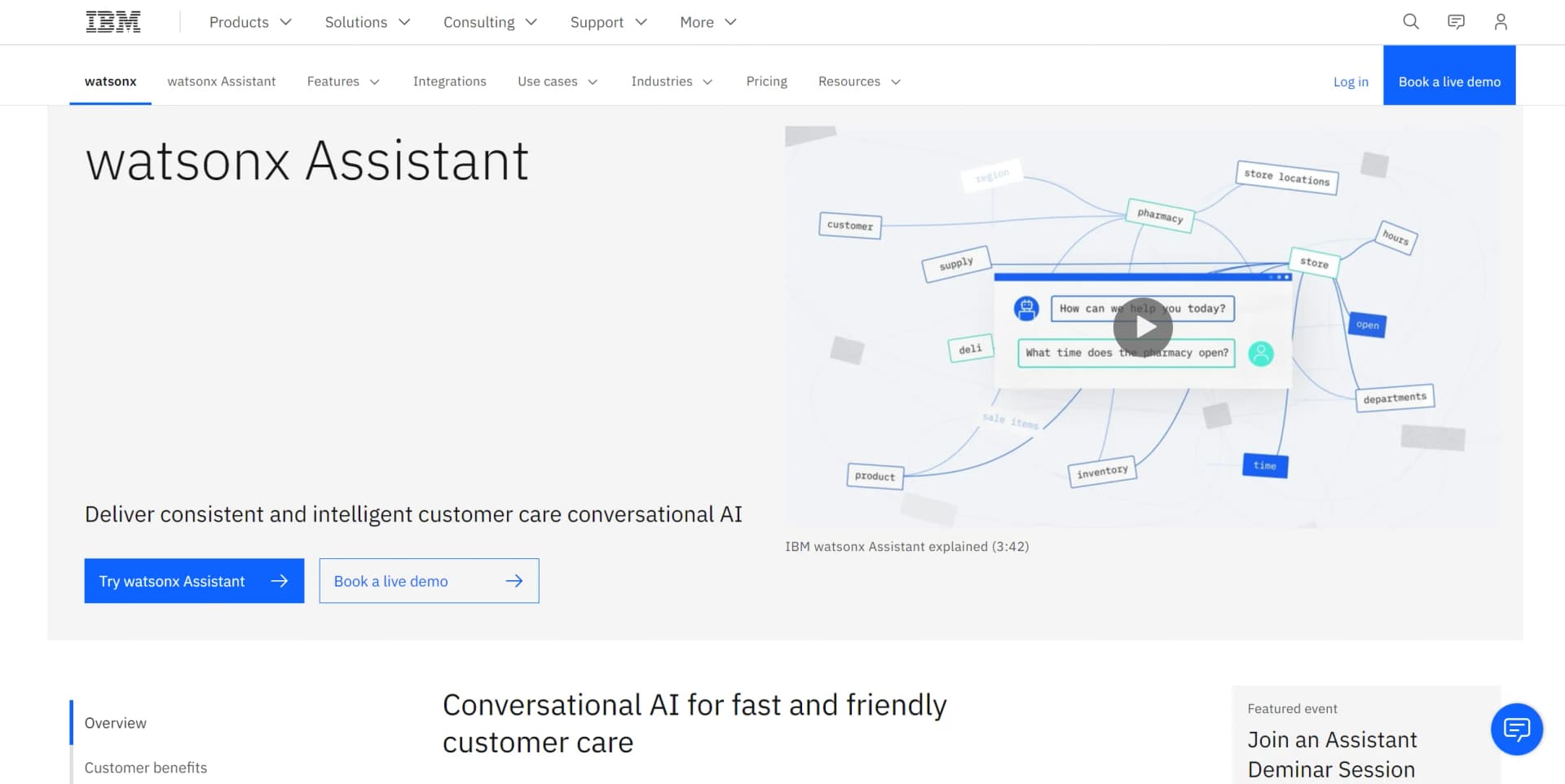
IBM watsonx is a state-of-the-art conversational AI platform revolutionizing virtual customer assistance. With its advanced natural language processing and machine learning capabilities, watsonx streamlines customer support and enhances user experiences. As an experienced reviewer, I've encountered numerous AI tools, but watsonx stands out for its ability to provide automated self-service across multiple channels, ensuring consistent and intelligent customer care.
IBM watsonx stands out with its advanced large language models that accurately understand human conversation. Its seamless integration into existing business ecosystems without requiring tech stack overhauls sets it apart from other solutions.
IBM watsonx excels in providing sophisticated and personalized customer care through its conversational AI capabilities. Its seamless integration, robust security, and continuous learning from data make it invaluable for businesses seeking to enhance their customer service operations. With high ratings across accuracy, functionality, and security, watsonx Assistant stands as a top-tier choice for adopting intelligent virtual agents.
Who is Using IBM watsonx?
Financial Institutions
Enhancing digital banking experiences with personalized customer interaction.
Government Agencies
Providing round-the-clock citizen support through AI-powered chatbots.
Healthcare Providers
Streamlining patient self-service inquiries with intelligent automation.
Retailers
Offering omni-channel support for personalized shopping experiences at scale.
Uncommon Use Cases
Academic institutions for research and teaching; Non-profits for donor engagement and service delivery.
Key Features
Rating Breakdown
Pricing Plans
Free Trial
- Offers a free trial for businesses to experience the platform's capabilities
Custom Pricing
- Tailored pricing plans available based on specific business needs
Which IBM watsonx plan should you pick?
Start with Lite for evaluation or low-volume web chat, upgrade to Plus for paid omnichannel deployments, and choose Enterprise for higher capacity, governance, analytics export, and enterprise support.
Lite
Good for users who need a free conversational assistant with web chat and limited monthly usage.
Plus
Good for organizations that need paid omnichannel deployment, phone or SMS integration, private endpoints, and document ingestion.
Enterprise
Good for high-volume deployments that need higher limits, chat-log export, Activity Tracker, onboarding support, and lower unit costs.
Enterprise with data isolation
Good for organizations requiring isolated single-tenant data, multiple included instances, shared analytics, or HIPAA-enabled deployment locations.
IBM watsonx Use Cases
Website customer support
Embed web chat on a company website to answer customer questions and escalate complex requests to support representatives.
Outcome: Customers receive self-service help without leaving the website.
Transactional virtual agent
Define multi-step actions that collect information and perform transactions on a customer's behalf.
Outcome: Routine customer requests can be completed conversationally.
Knowledge-base question answering
Connect FAQs, manuals, sales material, or other curated content through a search integration.
Outcome: The assistant can retrieve relevant answers from enterprise content.
Omnichannel support
Publish the assistant to channels such as Slack, Microsoft Teams, Facebook Messenger, WhatsApp, phone, and SMS.
Outcome: Customers can interact through channels they already use.
Custom application assistant
Use the runtime API, webhooks, SDKs, or custom extensions to connect an assistant to an application or external service.
Outcome: Developers can build tailored assistant experiences around existing systems.
Workflow Ideas with IBM watsonx
Automate a customer transaction
- 1Create an action for the requested transaction
- 2Add ordered conversation steps to collect required information
- 3Call a webhook or extension to complete the transaction
Answer questions from company documents
- 1Upload documents or connect a search data source
- 2Configure the search integration and result fields
- 3Route unmatched customer questions to search
Deploy and improve an assistant
- 1Build and test actions in the draft environment
- 2Publish the assistant to web chat or other channels
- 3Review analytics and update actions based on customer interactions
How IBM watsonx fits into your stack
Browser
Watsonx Assistant primarily lives as an embeddable web chat widget. Teams add a script to their website, where customers interact with the assistant through desktop or mobile browsers.
Team chat and tickets
The assistant can publish conversational experiences to Slack, Microsoft Teams, SMS, WhatsApp, Facebook Messenger, and live-agent systems such as Salesforce and Zendesk.
Automation and APIs
Teams define multi-step actions and connect external services through REST APIs, webhooks, and custom OpenAPI extensions. The v2 API supports production client applications and assistant deployments.
Knowledge and files
The assistant can ingest webpages and documents for search-based answers, including uploaded documents through supported search integrations.
Pros
- +Enhanced Customer Support: Provides 24/7 service, ensuring queries are addressed promptly for maximum customer satisfaction.
- +High ROI: Backed by a 2023 Forrester Consulting Total Economic Impact™ study showing significant return on investment.
- +Scalability: Easily manages large volumes of interactions without compromising service quality.
- +Data-Driven Insights: Learns continuously from interactions, enabling more accurate and helpful responses over time.
Cons
- −Complexity for New Users: The platform's depth of features may pose a learning curve for those new to conversational AI.
- −Dependence on Quality Data: Effectiveness heavily relies on the quality of data fed into the system.
- −Potential Overhead Costs: While cost-effective in the long run, initial setup and customization may incur additional expenses.
Limitations & when to consider alternatives
Known limitations
- Lite service inactivity deletion. Lite plan services are deleted after 30 days of inactivity.
- Language cannot be changed after creation. After an assistant is created, its language cannot be modified.
- One search integration per environment. An environment can have only one search integration; changing the integration overwrites the existing configuration.
- Custom extension timeout. External API calls through custom extensions must complete within 48 seconds, and the timeout is not configurable.
- Uploaded document limits. The documented direct-upload flow allows up to 20 documents at a time, with each document limited to 25 KB and the total limited to 50 MB.
Look elsewhere when
- You need a native iOS or Android application.
- You need image understanding or vision analysis.
- You need code generation as the primary product function.
How to Use IBM watsonx
- 1
Create a service instance
Provision watsonx Assistant in IBM Cloud and choose Lite, Plus, Enterprise, or Enterprise with data isolation based on usage and governance needs.
- 2
Create an assistant
Open the service instance and create an assistant, selecting the language and configuring draft and live environments.
- 3
Build actions
Define customer example phrases, then add ordered conversation steps, variables, conditions, responses, and transaction logic.
- 4
Add knowledge sources
Upload documents or configure a Discovery, Elasticsearch, Milvus, or custom search integration for enterprise-content answers.
- 5
Connect services
Add built-in channel integrations or build a custom OpenAPI extension and configure its authentication.
- 6
Test, publish, and analyze
Preview the assistant in draft, publish it to selected channels, and use analytics or logs to identify improvements.
Who is IBM watsonx For?
Customer service teams
They can deploy virtual agents across web chat, phone, SMS, social messaging, and live-agent handoff channels.
Businesses with proprietary help content
They can connect FAQs, technical manuals, sales collateral, and other company-owned content through search integrations.
Application developers
They can use REST APIs, SDKs, webhooks, custom clients, and OpenAPI-based extensions to embed assistants into applications.
Enterprise administrators
They can manage users, permissions, environments, analytics, activity tracking, and enterprise data-governance requirements.
Frequently Asked Questions
What is IBM watsonx Assistant?
It is a service for building, publishing, and improving virtual assistants using actions, search integrations, APIs, and multiple customer-facing channels.
What does the free plan include?
The Lite plan is free and includes up to 1,000 unique monthly active users, 10,000 messages per month, web chat, and limited assistants, actions, extensions, and analytics.
Can watsonx Assistant connect to external systems?
Yes. It supports built-in channels and integrations such as Slack, Microsoft Teams, Facebook Messenger, WhatsApp with Twilio, Salesforce support, Zendesk, and custom REST integrations.
Can teams work on the same assistant?
Yes. Administrators can invite users and assign IAM roles such as Reader, Writer, Manager, Logs Reader, and Version Maker.
Does watsonx Assistant support multiple languages?
Yes. Supported languages include English, Arabic, Chinese, Czech, Dutch, French, German, Italian, Japanese, Korean, Brazilian Portuguese, Spanish, and Universal.
Can it use company documents?
Yes. Assistants can use uploaded documents or connected search systems such as IBM Watson Discovery, Elasticsearch, Milvus, and custom search services.
Community reviews
Be the first to share your experience.
Sign in to leave a review for IBM watsonx.
IBM watsonx Alternatives
Looking for alternatives to IBM watsonx? Here are similar tools in the same category:
Learn to Master IBM watsonx
With Skill Leap courses
Get in-depth training on IBM watsonx and 50+ other AI tools with our expert-led video courses.
Start 7-Day Free Trial