Huntr
Streamline job applications, optimize resumes, track progress efficiently.
Watch Huntr in Action
Key Takeaways
- What it is
- Streamline job applications, optimize resumes, track progress efficiently.
- Pricing
- Freemium · $15 per month
- Best for
- AI Resume Builder
- Resume Optimization Tools
- Job Tracker System
- Rating
- 4.6/5
What is Huntr?
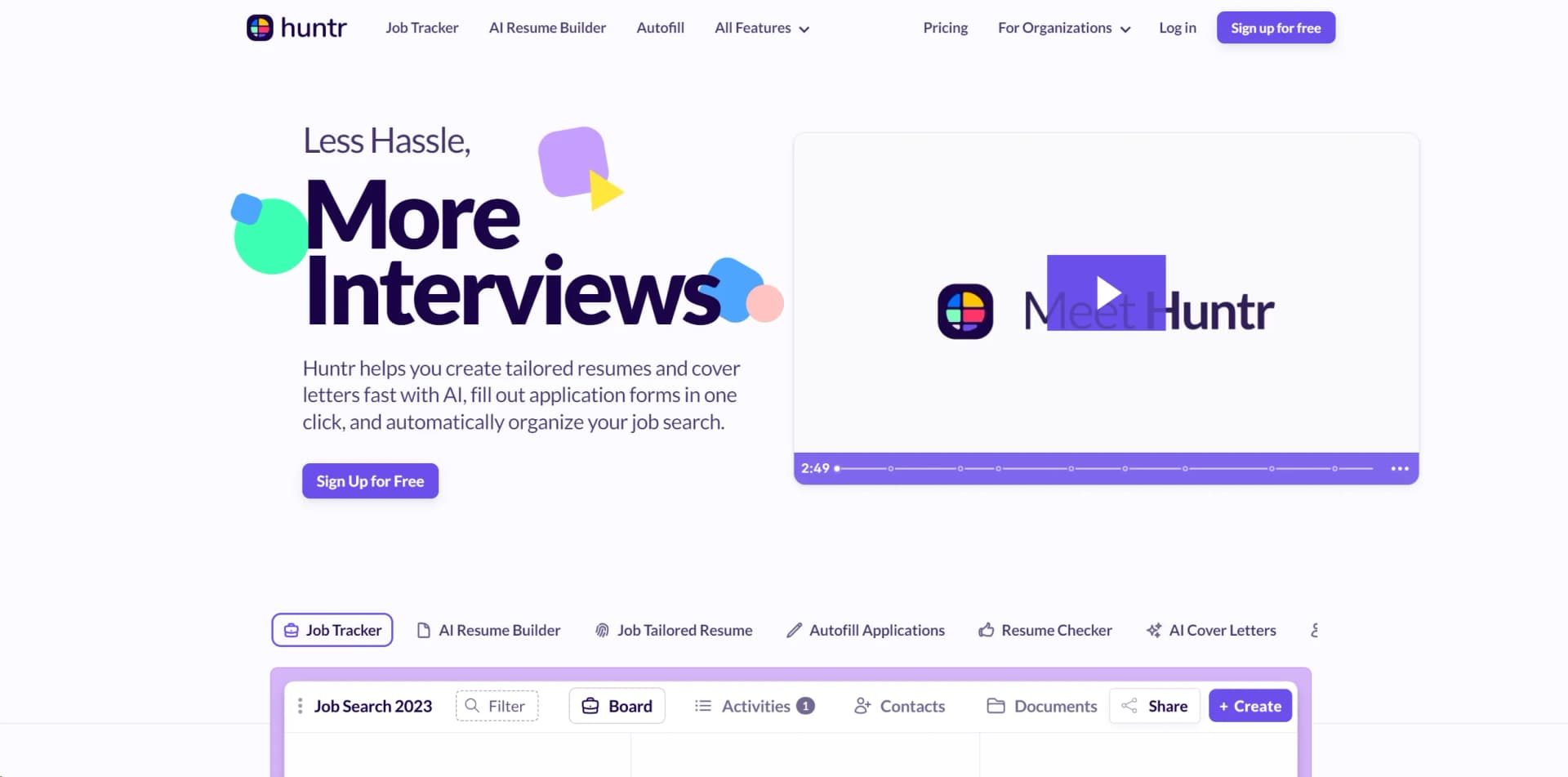
In today's competitive job market, standing out from the crowd is more crucial than ever. Huntr is a robust platform designed to streamline the job application process from start to finish. This tool is not just a job tracker; it’s a comprehensive suite designed to enhance every aspect of your job search. Featuring an AI Resume Builder, Resume Checker, and various job search tools, Huntr is tailored to help job seekers craft perfect resumes and cover letters, fill out applications quickly, and organize their job search efficiently.
Huntr sets itself apart with its all-encompassing approach to job search management. Unlike traditional job search tools that focus only on tracking or resume building, Huntr provides a comprehensive suite that assists job seekers at every stage of their search, from crafting standout resumes to managing interviews and contacts efficiently.
Huntr excels in providing a streamlined, efficient, and comprehensive suite of tools that are essential for modern job seekers. Its standout features, particularly the AI-driven resume builder and the detailed job tracking system, make it an indispensable tool for anyone looking to optimize their job search and increase their chances of landing their dream job. With its user-friendly interface and powerful features, Huntr is more than just a tool—it's a career development partner.
Who is Using Huntr?
Recent Graduates
Leveraging the tool to enter the job market with polished resumes.
Career Changers
Utilizing the platform to effectively transition between industries.
Freelancers
Employing the tool to find new gigs and manage contacts.
HR Professionals
Using Huntr to track potential candidates and manage recruitment processes.
Uncommon Use Cases
Academics use it to organize their search for fellowships; Non-profits use it to find and apply for grants efficiently.
Key Features
Rating Breakdown
Pricing Plans
Free Tier
Free
- Get started with Huntr with basic features at no cost
Pro Tier
$15 per month
Which Huntr plan should you pick?
Start with Free to build resumes and track a limited search; upgrade to Pro when you need unlimited AI generations, tailored resumes, cover letters, or job tracking.
Free
Good for job seekers who need resume building, basic matching, up to 100 tracked jobs, Chrome clipping, autofill, and limited document uploads.
Pro
Good for active job seekers who need unlimited tailored resumes, AI generations, cover letters, advanced matching, and unlimited job tracking.
Huntr Use Cases
Track job applications
Save jobs, organize them on Kanban boards, record deadlines and activities, and monitor progress.
Outcome: A centralized view of the job search.
Tailor resumes to job descriptions
Select a base resume and saved job, then use AI Tailor to identify keyword, qualification, and responsibility matches.
Outcome: A job-specific resume with match feedback.
Create application materials
Generate an Application Packet containing a tailored resume, cover letter, and follow-up email.
Outcome: A complete set of materials for each application.
Speed up applications
Use the Chrome extension to capture job postings and autofill forms from a Huntr profile.
Outcome: Less repetitive manual data entry.
Manage networking contacts
Store contact details and link contacts to relevant job opportunities and boards.
Outcome: A more organized job-search network.
Workflow Ideas with Huntr
Create a tailored application packet
- 1Save a job with the Job Tracker or Chrome extension
- 2Open Application Hub and create an Application Packet
- 3Review and optimize the resume, cover letter, and follow-up email
Capture and apply to a job
- 1Open a supported job listing in Chrome
- 2Use Huntr’s extension to save the job to a board and stage
- 3Use Autofill Application, then save the job to the Applied stage
Build and improve a resume
- 1Create a base resume from an upload, Huntr profile, or LinkedIn
- 2Edit sections and use AI-generated suggestions
- 3Export the finished resume as PDF or DOCX
How Huntr fits into your stack
Browser
Huntr is primarily a web application for tracking jobs, building resumes, tailoring applications, and managing contacts. Its Chrome extension clips jobs and autofills application forms directly in supported sites.
Docs and writing
The resume builder, tailored-resume tools, resume reviews, cover-letter generation, and AI writing features support job-application document creation and editing.
Knowledge and files
Huntr stores resumes, cover letters, thank-you notes, offer letters, contacts, job descriptions, tasks, and related job-search records. Users can upload documents and export account data.
Automation and APIs
Huntr provides an organization REST API with access tokens and endpoints for members, candidates, jobs, documents, invitations, and webhooks. Official product updates also describe Airtable and Zapier workflows for submitting job posts.
Pros
- +Streamlined Job Search Management: Consolidates all job search activities into a single platform, making it easier to manage.
- +Customization of Applications: Tailors your resume and cover letters to specific job descriptions, significantly improving the chances of landing an interview.
- +Time Efficiency: Greatly reduces the time spent on each application through autofill and resume-building features.
- +User-Friendly Interface: Intuitive design that simplifies the navigation and utilization of various features.
Cons
- −Learning Curve: New users may need some time to fully grasp the utilization of all features.
- −Browser Dependency: Relies heavily on its Chrome extension for some features, which might limit users who prefer different browsers.
- −Subscription Cost: While it offers a lot of value, the cost might be a consideration for job seekers on a tight budget.
Limitations & when to consider alternatives
Known limitations
- Free plan job limit. The Free plan tracks up to 100 jobs; unlimited job tracking is included with Pro.
- Free plan tailored-resume limit. The Free plan includes two job-tailored resumes and two Application Packets.
- Autofill depends on page support. Autofill works only when the application form is visible and the site allows the extension to operate.
- Unsupported job sites require manual entry. When a site is unsupported, the extension form may be blank and users must copy and paste job details.
- Jobs cannot move between boards. Huntr says jobs cannot be moved between boards; users must add the job again to the correct board.
How to Use Huntr
- 1
Create an account and choose a plan
Start with the Free plan or select Pro if you need unlimited AI and job-search features.
- 2
Build a base resume
Create a resume from an uploaded file, Huntr profile, or LinkedIn information.
- 3
Install the Chrome extension
Use the extension to save supported job postings and autofill application forms.
- 4
Create a tailored resume
Select a base resume and saved job, then run AI Tailor to improve job matching.
- 5
Generate an Application Packet
Bundle the tailored resume, cover letter, and follow-up email for the selected job.
- 6
Track the application
Move the job through stages, log activities and interviews, manage contacts, and review metrics.
Who is Huntr For?
Job seekers
Huntr is built to organize applications, tailor resumes, create cover letters, and track follow-ups.
Career coaches
Huntr lists career coaches among its organizational audiences and supports job-search tracking and candidate materials.
Bootcamps
Bootcamps can use Huntr to help learners organize job searches and manage application materials.
Universities
Universities are listed as an organizational audience for supporting students’ job searches.
Workforce development and outplacement programs
Huntr lists workforce development and outplacement organizations as audiences for its job-search platform.
Frequently Asked Questions
What is Huntr?
Huntr is an AI-powered resume builder, resume-tailoring tool, and job-search organizer.
What plans are available?
Huntr offers a free Basic plan and a paid Pro plan. Pro includes unlimited AI resume generations, tailored resumes, cover letters, and job tracking.
Does Huntr offer a free plan?
Yes. The Free plan includes unlimited base resumes, two tailored resumes, basic matching and scoring, up to 100 tracked jobs, the Chrome Job Clipper, and document uploads.
What does the Chrome extension do?
It saves job postings from supported sites, captures job details, autofills application forms, and can save applications to Huntr.
What are Application Packets?
Application Packets bundle a tailored resume, cover letter, and follow-up email for a specific job.
Can I export my Huntr data?
Yes. Download My Data exports account data in a ZIP file containing CSV files, including jobs, activities, profile data, and contacts.
Community reviews
Be the first to share your experience.
Sign in to leave a review for Huntr.
Huntr Alternatives
Looking for alternatives to Huntr? Here are similar tools in the same category: