
HitPaw VikPea
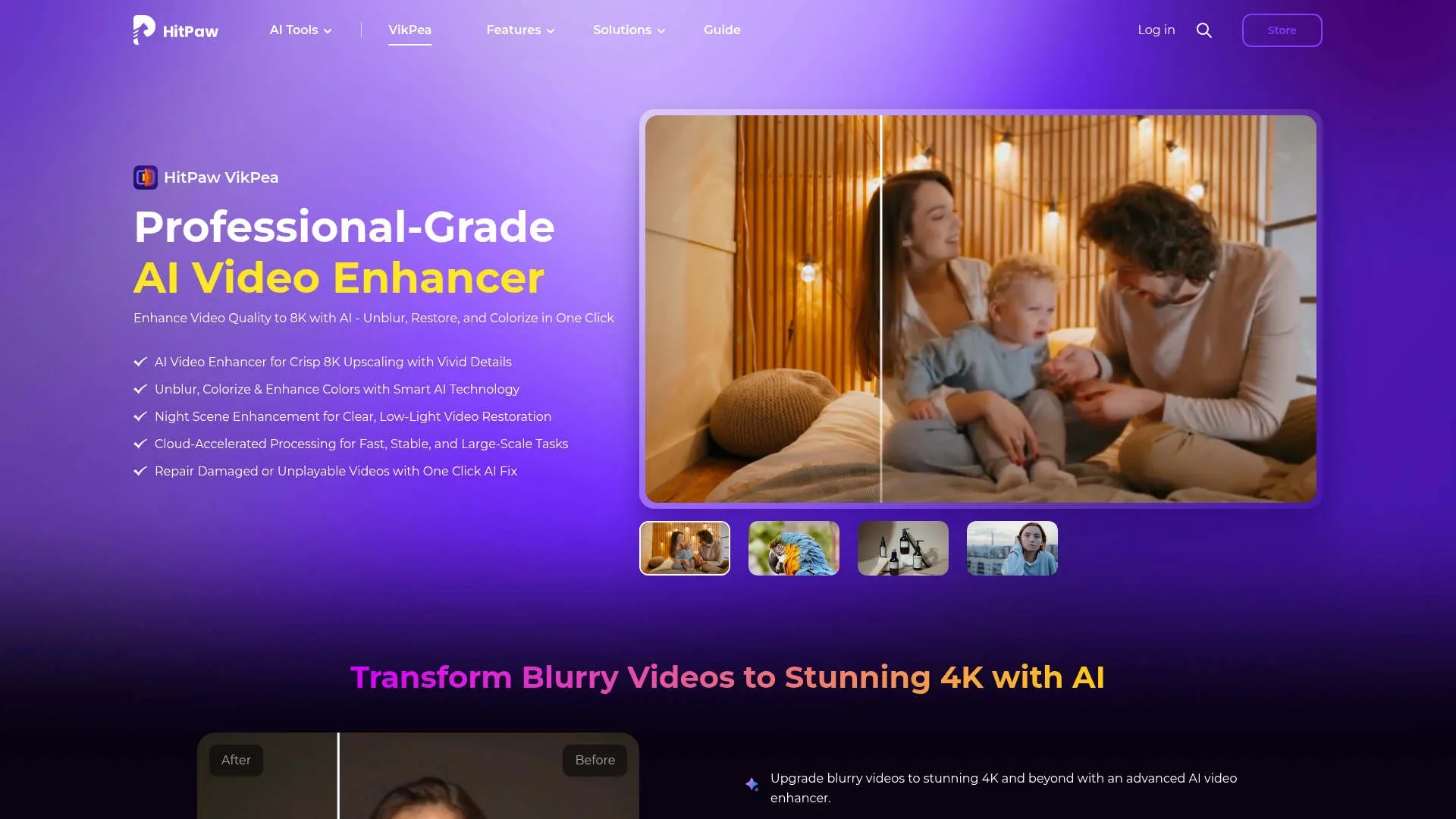
Enhance and restore video quality up to 8K.
Watch HitPaw VikPea in Action
Key Takeaways
- What it is
- Enhance and restore video quality up to 8K.
- Pricing
- $43.19 per month (discounted from $53.99) · $99.99 per year (discounted from $124.99) · $350.39 one-time (discounted from $437.99) · $459.95 per year for 5 PCs (discounted from $699.95)
- Best for
- AI Video Upscaling
- Color Enhancement
- Cloud-Accelerated Processing
- Rating
- 4.6/5
What is HitPaw VikPea?
HitPaw VikPea is an advanced AI video enhancer that transforms your video content by upscaling resolution, unblurring, and colorizing footage. Designed for both professionals and casual users, it simplifies the enhancement process with its intelligent AI-driven technology, capable of converting low-quality videos into stunning 8K masterpieces. With HitPaw VikPea, you can easily restore old memories, improve low-light footage, and create visually appealing content with just a few clicks.
HitPaw VikPea stands out with its ability to upscale videos to 8K, offering unparalleled clarity and detail restoration. Its integration of AI-driven color enhancement and noise reduction models provides a distinct advantage for users seeking high-quality video content without complex editing processes.
HitPaw VikPea is a powerful AI tool that elevates video quality to new heights. With its advanced features and user-friendly interface, it caters to a diverse range of users, from hobbyists to industry professionals. Whether you're looking to enhance personal memories or produce high-quality commercial content, HitPaw VikPea offers the tools and technology to achieve exceptional results.
Who is Using HitPaw VikPea?
Content Creators
Enhancing video quality for social media and online platforms.
Video Editors
Using the tool for professional video production and post-processing.
Photographers and Videographers
Improving video footage for client projects and personal archives.
E-commerce Businesses
Enhancing product videos to attract and retain customers.
Uncommon Use Cases
Utilized by educational institutions for media studies; adopted by historical societies for video restoration projects.
Key Features
Rating Breakdown
Pricing Plans
1-Month Plan
$43.19 per month (discounted from $53.99)
- Includes AI toolbox features, video retouching, background removal and replacement, a full-featured license for 1 PC, free upgrades during the subscription, and 24/7 technical support
1-Year Plan
$99.99 per year (discounted from $124.99)
- Includes everything in the 1-Month plan with extended access and long-term savings for 1 PC
Perpetual Plan
$350.39 one-time (discounted from $437.99)
- Includes lifetime access to all features, free updates for the current major version, use on 1 PC, and 24/7 support
Annual Team Plan
$459.95 per year for 5 PCs (discounted from $699.95)
- Includes free upgrades, multi-user control, flexible payment options, free tech support, company-use permission, volume discounts, and a dedicated sales consultant
Business Plan
- Includes everything in the Team plan plus tailored onboarding and support. Requires filling out a form and contacting the sales team to get started
Which HitPaw VikPea plan should you pick?
Start with the Free Trial for previewing; upgrade to the 1 Year License for regular use, or Perpetual License when avoiding recurring billing is important.
Free Trial
Good for users who need to preview enhancement results before purchasing.
1 Month License
Good for short-term projects requiring full features and export.
1 Year License
Good for regular users who need full features, export, and subscription-period upgrades.
Perpetual License
Good for users who want ongoing access through a one-time purchase.
Annual Team Plan
Good for companies needing multi-user control, company use, support, and volume licensing.
HitPaw VikPea Use Cases
Upscale low-resolution video
Import 480p, 720p, or 1080p footage and apply an AI upscaling model.
Outcome: Higher-resolution video up to 4K or 8K.
Restore old footage
Apply restoration, denoising, colorization, and low-light models to archival or family videos.
Outcome: Clearer, more vivid restored footage.
Stabilize shaky footage
Use stabilization and frame-interpolation models on unstable or low-frame-rate clips.
Outcome: Smoother playback with frame rates up to 60FPS.
Repair damaged videos
Import corrupted or damaged video files through the Video Repair module and run automatic repair.
Outcome: Recovered and playable video where supported.
Enhance AI-generated videos
Process videos created with models such as Kling, Sora, Veo, and Seedance.
Outcome: Sharper details, improved motion, and higher-resolution AI video.
Workflow Ideas with HitPaw VikPea
Restore an old family video
- 1Launch VikPea and import the old video
- 2Choose a restoration, colorization, or low-light model
- 3Preview the result and export the enhanced video
Upscale footage for large-screen playback
- 1Import the low-resolution footage
- 2Select an AI upscaling model and choose 4K or 8K output
- 3Preview the enhancement and export the result
Automate enhancement through the API
- 1Create an API key in the HitPaw API Platform
- 2Upload media or provide a supported media URL
- 3Submit an enhancement request and retrieve the processed output
How HitPaw VikPea fits into your stack
Browser
VikPea offers an online video-enhancement experience for uploading footage, previewing results, and processing videos in the browser.
Desktop / IDE
The primary workflow is a downloadable Windows or Mac desktop application where users import videos, select AI models, preview, and export.
Automation and APIs
HitPaw provides a Video Enhancer API with API-key access, credit-based processing, up to 8K output, and integration into websites, applications, or workflows.
Pros
- +User-Friendly Interface: Even beginners can navigate and use the tool effectively with its intuitive design.
- +Batch Processing: Handle multiple videos simultaneously, saving time and boosting productivity.
- +High-Quality Output: Produces professional-grade results with enhanced details and vibrant colors.
- +Versatile Applications: Suitable for a wide range of uses, from personal projects to professional video production.
Cons
- −Free Trial Limitations: The free trial version restricts export capabilities, limiting full functionality exploration.
- −Initial Setup Requirements: May require a learning period to fully utilize advanced features.
Limitations & when to consider alternatives
Known limitations
- Free use is preview-only. The free license supports previewing results but does not unlock enhanced-video export.
- Cloud acceleration costs extra. Cloud acceleration uses credits separately from local processing and requires additional server costs.
- Desktop system requirements apply. The desktop version requires Windows 10/11 or macOS 13+, with at least 8GB RAM and 4GB disk space.
- Output files are often larger. Enhancement adds visual detail, so the resulting video file is usually larger than the source.
- Processing time varies. Processing depends on hardware, frame rate, video length, and output resolution.
How to Use HitPaw VikPea
- 1
Launch and upload
Open VikPea and import one or more videos by selecting files or dragging them into the program.
- 2
Choose an AI model
Select a model suited to the footage, such as restoration, portrait, denoising, stabilization, colorization, or frame interpolation.
- 3
Preview the result
Preview the enhanced footage before committing to an export.
- 4
Set output options
Choose the desired resolution and export settings, including upgrades from HD to 4K or 4K to 8K.
- 5
Export locally or through the cloud
Export the processed video locally, or use cloud acceleration when faster processing is worth the additional credits.
- 6
Use API automation when needed
For application workflows, create an API key, configure the API or MCP server, and submit enhancement requests programmatically.
Who is HitPaw VikPea For?
Video editors
VikPea provides AI models for upscaling, repair, stabilization, color correction, and batch enhancement.
Developers
The Video Enhancer API enables developers to integrate AI video processing into applications and workflows.
Creative platforms
Creative platforms can integrate VikPea enhancement capabilities into their own products.
TikTok creators
Background replacement, templates, enhancement, and watermark removal support short-form content creation.
Educators and marketers
Local watermark removal and video enhancement can help prepare instructional and marketing footage.
Frequently Asked Questions
What is HitPaw VikPea?
HitPaw VikPea is an AI video enhancer for upscaling, restoration, denoising, stabilization, colorization, and related video tools.
Is HitPaw VikPea free?
The free license allows previewing enhancement results. Paid licenses unlock full features and video export.
What operating systems does HitPaw VikPea support?
The desktop application supports Windows 10/11 and macOS 13 or higher.
What output resolutions are supported?
Videos can be enlarged from SD to HD, HD to 4K, and 4K to 8K.
How long does video processing take?
Processing time depends on computer performance, frame rate, video length, and resolution. Cloud acceleration can reduce processing time but consumes credits.
Does enhancement increase the output file size?
Usually yes. Output size depends on factors such as resolution and bitrate.
Community reviews
Be the first to share your experience.
Sign in to leave a review for HitPaw VikPea.
HitPaw VikPea Alternatives
Looking for alternatives to HitPaw VikPea? Here are similar tools in the same category:
Learn to Master HitPaw VikPea
With Skill Leap courses
Get in-depth training on HitPaw VikPea and 50+ other AI tools with our expert-led video courses.
Start 7-Day Free Trial