HitPaw FotorPea
Fix blurry photos, restore memories, make art.
Key Takeaways
- What it is
- Fix blurry photos, restore memories, make art.
- Pricing
- $22.39 per month · $90.39 per year · $130.39 one time · Freemium · $256.95 per year · $499.95 per year · $899.95 per year
- Best for
- Multi model AI enhancement
- Nano Banana Pro generative tools
- Restoration and repair suite
- Rating
- 4.3/5
What is HitPaw FotorPea?
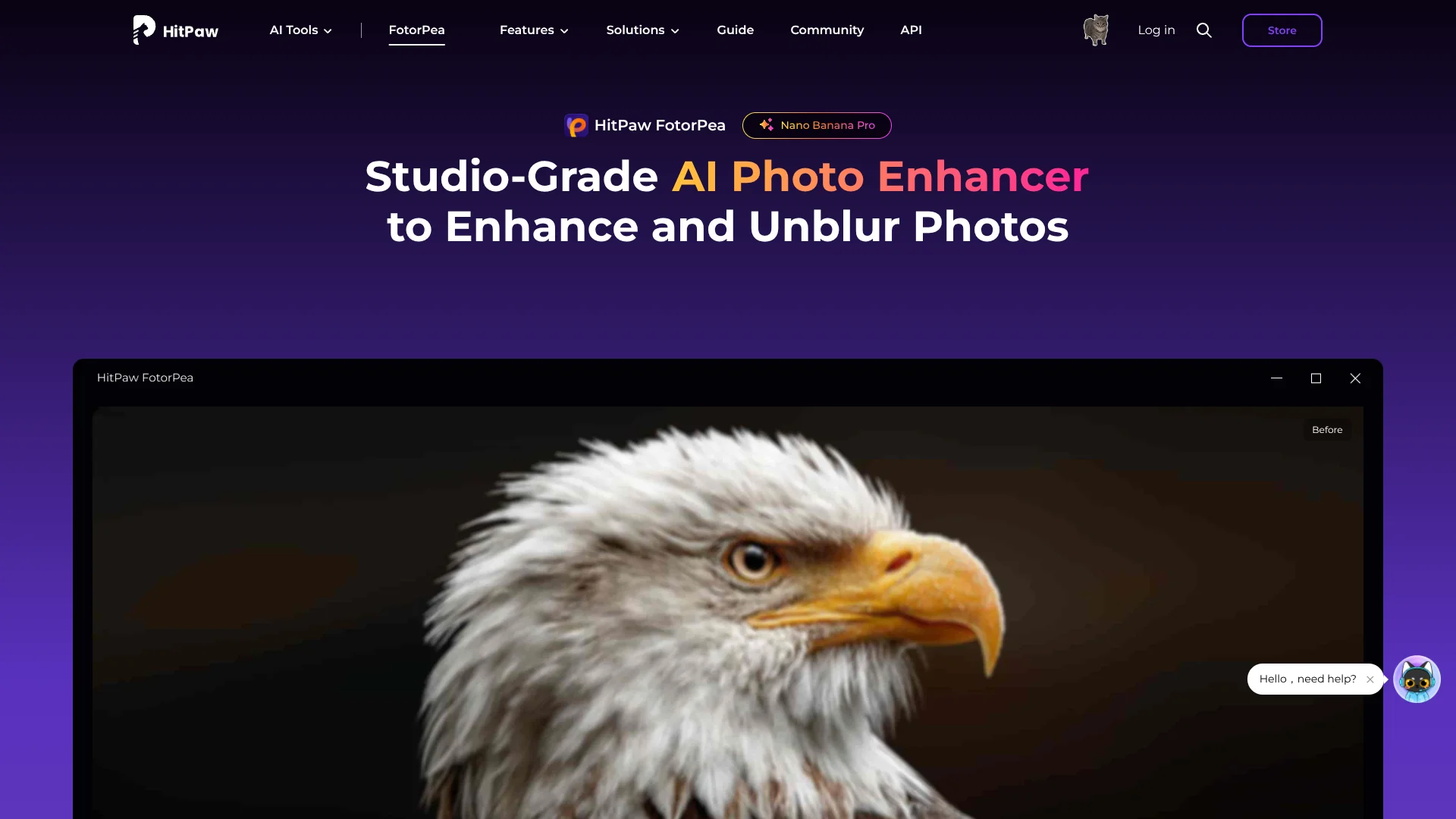
HitPaw FotorPea is an AI photo enhancer for desktop, mobile, and web that focuses on repairing, upscaling, and creatively reworking images. It uses multiple AI models, including the Nano Banana Pro generative engine, to unblur photos, remove noise, restore old prints, colorize black and white shots, and even generate new artwork. The tool supports Windows, macOS, iOS, Android, an online version, and a dedicated Photoshop plugin, so photographers and creators can fit it into varied workflows.
HitPaw FotorPea stands out by pairing traditional AI enhancement and restoration with creative generation in a consumer friendly package. Where many tools focus either on upscaling or on art generation, this one combines blur repair, denoising, old photo restoration, colorization, and text to image capabilities, all tuned through targeted models like Face, Low light, and Colorize. The addition of a Photoshop plugin, cross platform apps, and 8K plus export support makes it appealing to both casual users and small studios that want smarter automation without giving up control.
HitPaw FotorPea offers a strong mix of quality focused AI enhancement and playful generative features that suits photographers, online sellers, and content teams who want better images without deep retouching skills. The multi model approach works especially well for portraits, old photos, and low light scenes, and the ability to colorize and upscale for large prints is genuinely impressive when it works on the right source. Users do need to pay attention to hardware requirements and the credit based pricing, but for those willing to invest, FotorPea delivers a capable, modern AI photo toolkit in a familiar desktop style interface.
Who is Using HitPaw FotorPea?
Professional and hobbyist photographers
Cleaning up portraits, weddings, events, and low light shoots while rescuing near misses.
E commerce sellers and marketplaces
Upscaling and sharpening catalog photos so textures, labels, and jewelry details look crisp on 4K displays.
Social media and content teams
Preparing thumbnails, stories, and ad creatives that need quick polish without full manual retouching.
Graphic designers and illustrators
Using Nano Banana Pro and AI Portrait tools for concept art, stylized portraits, and background generation.
Uncommon Use Cases
Museum and archive staff restoring historical images for digitization; educators and students improving research images, slides, and family history projects.
Key Features
Rating Breakdown
Pricing Plans
1 Month License
$22.39 per month
- Includes AI photo enhancement to 4K/8K, AI colorize, unlimited bulk enhancement, AI Canvas, batch editing tools, object remover, face unblur, and 100 free credits. Free major-version upgrades during subscription
1 Year License
$90.39 per year
- Includes the same core features as the monthly plan, plus 500 free credits. Free major-version upgrades during subscription
Perpetual License
$130.39 one time
- Includes the same core features, plus 800 free credits. Free updates within the current major version
HitPaw VikPea 7-Day Trial
Free
- 7 days
- Then $43.19 per month with auto-renewal unless canceled
Team Plan, 5 PCs
$256.95 per year
- Includes free updates, tech support, company-use permission, multi-user control, volume discount, sales report, and flexible payment options
Team Plan, 10 PCs
$499.95 per year
- Includes free updates, tech support, company-use permission, multi-user control, volume discount, sales report, and flexible payment options
Team Plan, 100 PCs
$899.95 per year
- Includes free updates, tech support, company-use permission, multi-user control, volume discount, sales report, and flexible payment options
Which HitPaw FotorPea plan should you pick?
Start with the Free Trial to validate enhancement quality, then choose the 1 Year License for recurring use or the Perpetual License for a one-time desktop purchase; upgrade to Team or Business when purchasing for multiple company users.
Free Trial
Good for testing core enhancement, generation, editing, and export behavior before paying.
1 Month License
Good for short-term projects that need the full FotorPea feature set and monthly renewal.
1 Year License
Good for regular users who need a lower effective cost, annual updates, and included credits.
Perpetual License
Good for users who prefer a one-time purchase and need continued use within the current major version.
Team Plan
Good for organizations needing company use, multi-user control, volume pricing, and annual updates.
Business Plan
Good for larger deployments requiring a custom number of users and sales-assisted purchasing.
HitPaw FotorPea Use Cases
Restore old photos
Repair scratches, restore damaged images, and colorize black-and-white photographs.
Outcome: More usable, clearer archival and family images.
Fix blurry photos
Apply face, sharpen, deblur, or upscale models to blurry, motion-blurred, or compressed images.
Outcome: Sharper photos with improved facial and edge detail.
Create AI images
Turn text prompts or existing photos into generated portraits, landscapes, anime, or digital art.
Outcome: New visual assets in selected creative styles.
Prepare product and marketing images
Remove or generate backgrounds, enhance resolution, and retouch unwanted objects.
Outcome: Cleaner, higher-quality images for listings, ads, and branded materials.
Make ID photos
Use the ID Photo tool to crop, size, and optimize images for passport, visa, and identification requirements.
Outcome: Professionally formatted ID photos.
Workflow Ideas with HitPaw FotorPea
Enhance and export a photo
- 1Launch HitPaw FotorPea and upload an image.
- 2Choose an AI enhancement model and preview the result.
- 3Export the enhanced image with the desired format, quality, DPI, and save location.
Restore an old photograph
- 1Import a damaged or black-and-white photo.
- 2Apply Scratch Repair, Colorize, or a generative restoration model.
- 3Preview the restoration and export the repaired image.
Enhance inside Photoshop
- 1Download the HitPaw FotorPea plugin from Adobe Exchange.
- 2Open the plugin from Photoshop and import an image.
- 3Choose an AI model, preview the enhancement, and save the result in Photoshop.
Pros
- +Strong quality gains on difficult images: Face and Upscale models do a convincing job on blurry portraits, low resolution product shots, and old family photos.
- +Straightforward workflow: The three step process (import, pick a model, preview and export) is approachable even for non technical users.
- +Creative and corrective in one place: Traditional enhancement, restoration, and generative art live inside the same tool, which is handy for social content and marketing teams.
- +Flexible deployment: Desktop apps, mobile apps, an online version, and a Photoshop plugin cover most common devices and editing pipelines.
Cons
- −Credit and plan structure can feel opaque: Desktop licenses, cloud credits, and plugin subscriptions are separate, so new users must read the fine print.
- −Hardware hungry on desktop: Best performance expects at least 8 GB RAM and a modern GPU, which rules out older machines for heavier jobs.
- −Limited native integrations beyond Photoshop: There is no direct plug in for tools such as Lightroom, Capture One, or Figma, so those workflows rely on exports.
Limitations & when to consider alternatives
Known limitations
- Supported formats are limited. The technical FAQ lists JPEG, JPG, PNG, and WebP image support.
- Large images may process more slowly. The FAQ says processing takes longer when a photo exceeds 1000 pixels, despite no stated file-size limit.
- Desktop and plugin credits are separate. The Photoshop plugin has separate subscription and credits from the main FotorPea software.
- Free access is limited. The pricing comparison describes a Free Trial with restricted previews, image counts, and exports rather than a full free plan.
Look elsewhere when
- You need a documented shared workspace with roles or invitations.
- You need SSO or SAML authentication.
- You need a browser extension rather than an installed app or web tool.
How to Use HitPaw FotorPea
- 1
Install or open FotorPea
Download the Windows or macOS application, or use the supported online or mobile version.
- 2
Import an image
Upload or drag in a JPEG, JPG, PNG, or WebP image to begin processing.
- 3
Select a model or tool
Choose enhancement, face restoration, sharpening, denoise, colorize, scratch repair, background removal, AI generation, or another available feature.
- 4
Preview the result
Use the preview controls to compare the processed image with the original before exporting.
- 5
Adjust export settings
Set the save path, file format, quality, DPI, and EXIF retention as needed.
- 6
Export or continue editing
Save the enhanced image, batch-process additional images, or use the Photoshop plugin for an existing Photoshop workflow.
Who is HitPaw FotorPea For?
Photographers
Enhance portraits, action shots, wildlife images, low-light photos, and other photography.
Designers
Generate and refine visual assets, remove backgrounds, upscale images, and create ID photos.
Content creators
Create AI-generated images and improve visuals for social, marketing, and publishing workflows.
Artists
Generate portraits, landscapes, anime, and digital art from text or existing images.
Family historians and archivists
Restore, colorize, repair, and enhance old or damaged family and historical photographs.
Frequently Asked Questions
What is HitPaw FotorPea?
HitPaw FotorPea is the renamed version of HitPaw Photo Enhancer, with photo enhancement plus AI generation and editing features.
Which image formats does HitPaw FotorPea support?
The technical FAQ lists JPEG, JPG, PNG, and WebP pictures.
Does HitPaw FotorPea have a file-size limit?
The FAQ says there is no file-size limit, but processing takes longer when the photo exceeds 1000 pixels.
Can HitPaw FotorPea enhance multiple pictures at once?
Yes. Its batch photo enhancer can process multiple images in bulk.
Can HitPaw FotorPea be used in Photoshop?
Yes. HitPaw provides a Photoshop plugin for AI enhancement and restoration, with separate subscription and credit requirements.
Does HitPaw FotorPea work offline?
The technical FAQ says the desktop enhancer runs offline on the device and does not upload photos.
Community reviews
Be the first to share your experience.
Sign in to leave a review for HitPaw FotorPea.
HitPaw FotorPea Alternatives
Looking for alternatives to HitPaw FotorPea? Here are similar tools in the same category: