
HitPaw Edimakor
Revolutionize video editing with AI-driven tools and multi-platform exports.
Watch HitPaw Edimakor in Action
Key Takeaways
- What it is
- Revolutionize video editing with AI-driven tools and multi-platform exports.
- Pricing
- $19.95 per month
- Best for
- AI-Powered Subtitle Generation
- Advanced Video Effects
- Speed Adjustment Tools
- Rating
- 4.8/5
What is HitPaw Edimakor?
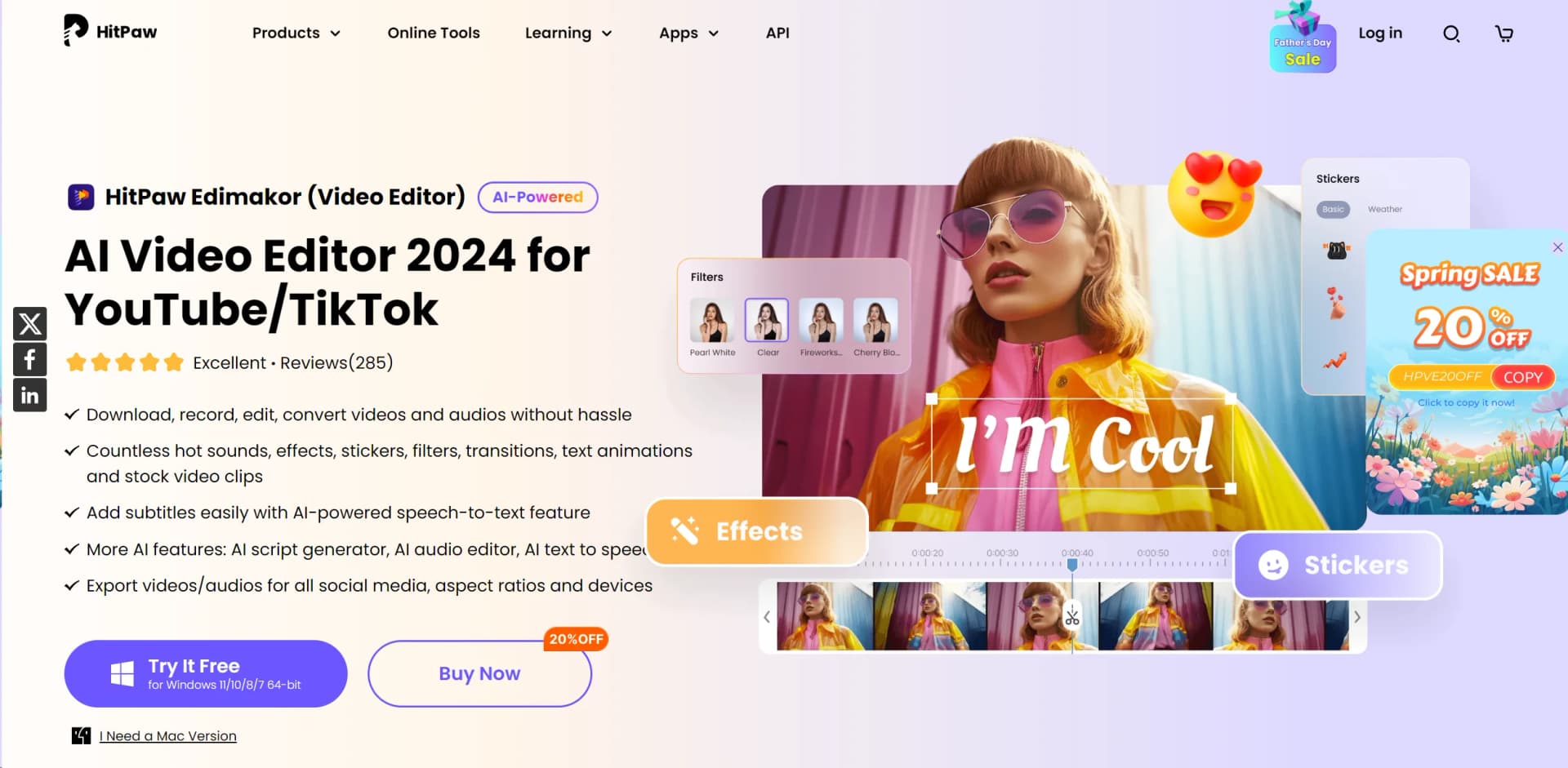
In today’s fast-paced digital world, video content creation has become a cornerstone for both personal and professional communication. Enter HitPaw Edimakor, a sophisticated AI-powered video editor designed to streamline the editing process while enhancing creativity and productivity. From budding YouTubers to seasoned marketing professionals, HitPaw Edimakor offers an array of features that simplify video editing without sacrificing quality or control.
What sets HitPaw Edimakor apart is its blend of powerful AI-driven features with user-centric design. The AI-powered subtitle generator is a standout, transforming the labor-intensive task of captioning into a swift, automated process. This feature alone makes it an invaluable tool for anyone looking to enhance accessibility and engagement in their videos.
HitPaw Edimakor excels in delivering a high-quality, user-friendly video editing experience. It stands out with its AI-driven capabilities, particularly the auto subtitle feature, which is a game-changer for video editors looking to increase accessibility and engagement. Whether you’re a professional looking to streamline your workflow or a novice wanting to create high-quality content, HitPaw Edimakor is an excellent choice that combines functionality with affordability.
Who is Using HitPaw Edimakor?
Content Creators
Utilize the tool to produce engaging content for platforms like YouTube and TikTok.
Educational Professionals
Adopt it to create instructional videos that require clear, concise, and engaging visual aids.
Marketing Agencies
Leverage its advanced features to craft compelling promotional videos that captivate and convert.
Freelancers
Depend on its cost-effectiveness and robust features to deliver professional-grade videos.
Uncommon Use Cases
Used by non-profits to create impactful advocacy videos; utilized in video art installations for its high customization capabilities.
Key Features
Rating Breakdown
Pricing Plans
Free Trial
- Available with limited features to get a feel for the tool before purchasing
Standard Edition
$19.95 per month
- Offering full functionality with no watermark
Which HitPaw Edimakor plan should you pick?
Start with Free Trial to evaluate the editor; choose 1-Month or 1-Year for ongoing use, or Perpetual for long-term desktop use.
Free Trial
Good for users who want to test core editing and AI features before paying.
1-Month
Good for short projects or users who need a monthly desktop license with recurring AI credits.
1-Year
Good for regular creators who want a lower effective cost and annual AI credits.
Perpetual
Good for users who want a one-time desktop purchase, lifetime upgrades, and lifetime AI credits.
Business
Good for organizations that need multiple device licenses, multi-user control, company-use rights, and volume purchasing.
HitPaw Edimakor Use Cases
YouTube video production
Import video, audio, images, and GIFs, then edit them with text, transitions, stickers, subtitles, and voiceovers.
Outcome: Produce polished YouTube videos.
Educational video creation
Combine screen recording, AI avatars, narration, subtitles, translations, and teaching templates.
Outcome: Create lessons and multilingual course content.
Commercial video creation
Generate scripts, AI visuals, voiceovers, and edits for products, campaigns, and advertisements.
Outcome: Produce promotional content faster.
Video translation and dubbing
Translate videos, audio, and subtitles into more than 130 languages and add AI voice dubbing.
Outcome: Reach multilingual audiences.
Story-to-video production
Start from an idea or script, generate characters and scenes, synchronize voice and audio, and export the result.
Outcome: Create complete story videos from text.
Workflow Ideas with HitPaw Edimakor
Story to polished video
- 1Enter an idea or upload a script
- 2Generate characters, storyboard scenes, voices, and audio
- 3Review and export the completed video
Multilingual video localization
- 1Import a video or audio file
- 2Generate and translate subtitles into the target language
- 3Add dubbing and export the localized video
AI commercial production
- 1Create a marketing script
- 2Generate visuals, voiceovers, and product-focused scenes
- 3Edit and export the advertisement for social or ecommerce channels
How HitPaw Edimakor fits into your stack
OS Compatibility
Fully compatible with Windows and macOS.
File Format Support
Supports a wide range of video and audio file formats for comprehensive editing.
Social Media Integration
Directly export videos to various social media platforms with optimized settings.
Hardware Integration
Works well with standard computer hardware without needing specialized equipment.
Pros
- +Free access to non-AI editing features
- +Windows and macOS desktop applications
- +Web-based editor available without installation
- +4K export and watermark-free export on paid plans
- +Multilingual AI voices and video translation
Cons
- −Platform Limitations: Currently available only for Windows and macOS, limiting accessibility for users on other platforms.
- −Resource Intensity: May require a relatively modern computer system to operate smoothly due to its advanced features.
Limitations & when to consider alternatives
Known limitations
- Free exports contain a watermark. Videos made with the free version include a small watermark; removing it requires a paid plan.
- AI features use credits. AI tasks consume Edimakor AI credits, and paid plans provide different credit allowances.
- Internet access is required for online services. Internet is required for registration, online assets, subscriptions, AI components, and updates.
- Desktop system requirements apply. The desktop app requires supported Windows or macOS versions, at least 10 GB of disk space, and suitable hardware for HD or 4K editing.
- Mobile app is not currently available. The official site says Edimakor currently offers desktop and web versions, with the mobile app still under development.
Look elsewhere when
- You need a native iOS or Android app.
- You need documented Edimakor API access.
- Your team needs shared editing workspaces with roles and invites.
- You need SSO, SAML, or enterprise identity-provider login.
How to Use HitPaw Edimakor
- 1
For those looking to dive deeper into all that HitPaw Edimakor has to offer, the company provides extensive tutorials on their website. These range from basic video editing techniques to advanced features like audio editing and text animation.
Who is HitPaw Edimakor For?
Content creators
Create YouTube, TikTok, Instagram, tutorial, product-explainer, and short-form videos.
Marketers
Produce promotional videos, advertising creatives, branded content, and localized campaigns.
Small businesses
Create professional promotional videos without a large production team.
Ecommerce sellers
Turn product photos into product demonstrations and social-commerce advertisements.
Educators and training institutions
Create narrated lessons, multilingual courseware, screen recordings, and educational videos.
Frequently Asked Questions
Is Edimakor free?
Yes. A free version is available, but exported videos include a watermark.
Does Edimakor support Windows 11?
Yes. The Windows version supports Windows 11 and Windows 10 64-bit.
Does Edimakor support Mac?
Yes. The Mac version supports macOS 10.15 and above.
Does Edimakor have an Android app?
No. The official site says Edimakor currently has desktop and web versions; a mobile app is under development.
Do Edimakor videos have a watermark?
Yes, exports from the free version include a small watermark. Premium plans remove it.
Can Edimakor videos be used commercially?
Yes. The site states that Edimakor videos can be used for commercial purposes.
Community reviews
Be the first to share your experience.
Sign in to leave a review for HitPaw Edimakor.
HitPaw Edimakor Alternatives
Looking for alternatives to HitPaw Edimakor? Here are similar tools in the same category:
Learn to Master HitPaw Edimakor
With Skill Leap courses
Get in-depth training on HitPaw Edimakor and 50+ other AI tools with our expert-led video courses.
Start 7-Day Free Trial