
Health Harbor
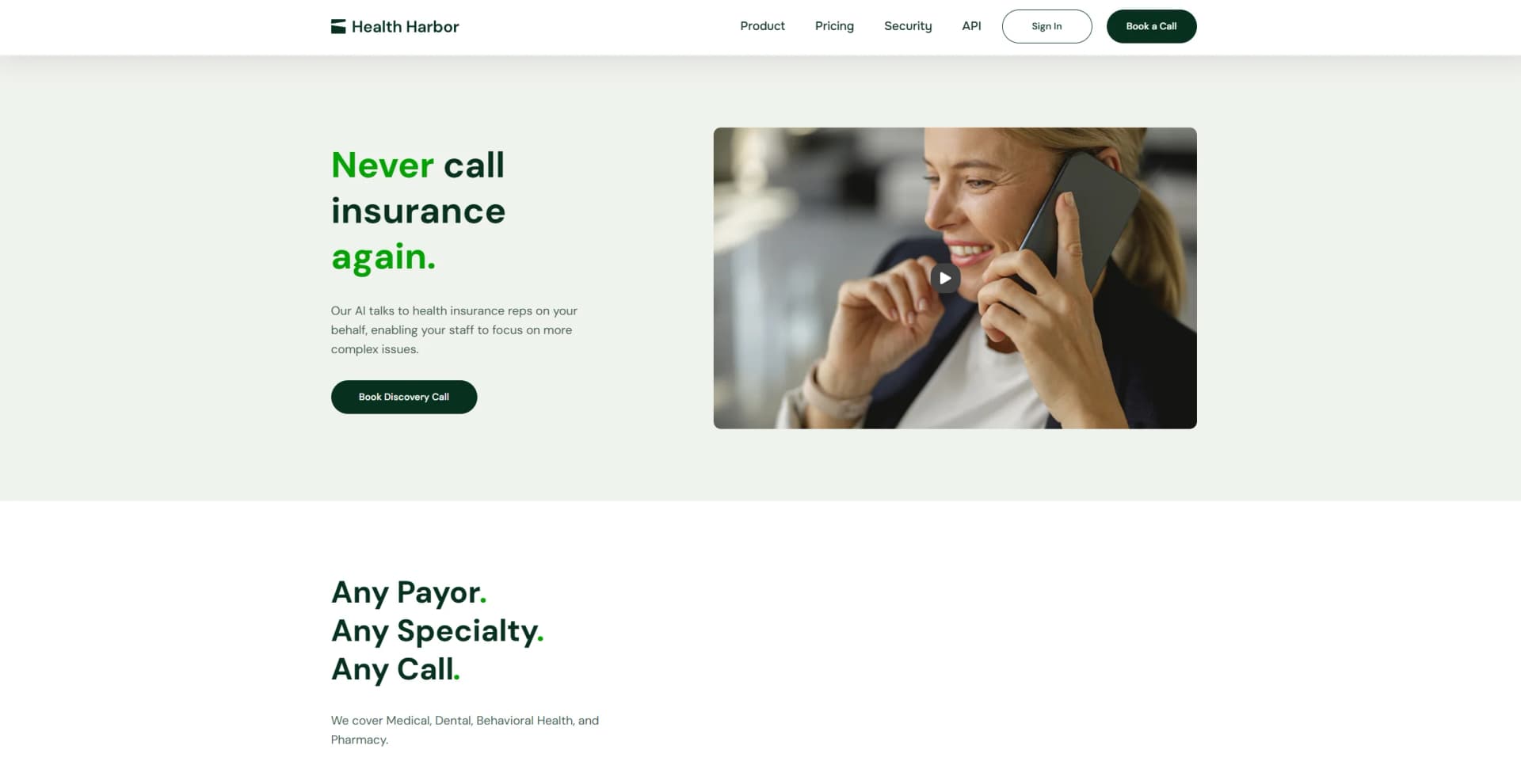
Revolutionizing healthcare with AI-driven predictive analytics and automation.
Key Takeaways
- What it is
- Revolutionizing healthcare with AI-driven predictive analytics and automation.
- Pricing
- $200 per month
- Best for
- Automated Data Entry
- Predictive Analytics
- Decision Support System
- Rating
- 4.6/5
What is Health Harbor?
Health Harbor is a cutting-edge AI tool designed to revolutionize the healthcare industry by enhancing the efficiency and accuracy of medical data processing. Its core functionalities include automating patient data entry, analyzing health records to predict patient outcomes, and providing decision support for healthcare providers. Aimed at medical professionals and healthcare organizations, Health Harbor simplifies complex data analysis, making it easier to deliver high-quality patient care.
Health Harbor stands out with its robust predictive analytics, a game-changer for patient care management. Its ability to integrate seamlessly with existing healthcare systems sets it apart, offering a versatile tool that enhances both clinical and administrative processes.
Health Harbor excels in providing advanced predictive analytics and decision-support capabilities, making it an essential tool for healthcare providers. Its robust data security and seamless integration with existing systems offer an unmatched advantage, ensuring that it stands out as a leader in healthcare AI solutions.
Who is Using Health Harbor?
Hospitals
Employing the tool to manage patient records more efficiently.
Private Practices
Utilizing the tool to enhance the accuracy of patient health assessments.
Research Institutions
Leveraging the tool for large-scale medical research projects.
Insurance Companies
Using the tool to process claims more efficiently.
Uncommon Use Cases
Utilized by telemedicine providers for remote patient monitoring; adopted by government health agencies for public health data analysis.
Key Features
Rating Breakdown
Pricing Plans
Free Trial
- Experience Health Harbor with a 30-day free trial
Standard Plan
$200 per month
Enterprise Solutions
- Custom pricing based on the organization's needs
Which Health Harbor plan should you pick?
Start with Pay as you go for occasional Copilot use or Standard for automated insurance calls; upgrade to Team or Enterprise for higher volume, integrations, SSO, and advanced support.
Pay as you go
Good for teams that want Copilot usage without a per-seat commitment.
Standard
Good for practices needing automated benefits, claims, and prior-authorization calls with API access.
Team
Good for teams equipping multiple agents with unlimited Copilot calls per agent.
Enterprise
Good for large organizations needing custom volume pricing, EHR/PMS integrations, SSO, and dedicated support.
Health Harbor Use Cases
Benefits verification
Check coverage, deductibles, copays, network status, and procedure-specific benefits.
Outcome: Structured eligibility and benefits results.
Claims follow-up
Call payors to check claim status and investigate pending, paid, or denied claims.
Outcome: Clearer claim status and denial information.
Prior authorization
Ask about authorization requirements, submit information by phone, and follow up on status.
Outcome: More complete authorization requirements and status updates.
Live call assistance
Use Copilot to dial payors, transcribe conversations, verify answers, and capture structured forms.
Outcome: Faster, more accurate human-in-the-loop insurance calls.
API-based insurance workflows
Submit inquiries individually or in bulk and receive results through polling or webhooks.
Outcome: Insurance-call results integrated into an existing service or portal.
Workflow Ideas with Health Harbor
Automated benefits verification
- 1Submit a benefits inquiry through the API or web portal
- 2Health Harbor navigates the IVR, waits on hold, and speaks with an insurance representative
- 3Receive validated results through the portal, polling, or webhook
Copilot-assisted insurance call
- 1Sign in and load inquiries
- 2Start the call with automatic recording and live transcription
- 3Verify answers, submit the structured form, and attach the encrypted recording
Claims denial follow-up
- 1Submit a claims-status inquiry with patient, provider, and claim details
- 2Health Harbor contacts the payor and investigates the claim status or denial reason
- 3Review the transcript, reference number, recording, and returned results
How Health Harbor fits into your stack
EHR Systems Compatibility
Seamlessly integrates with major Electronic Health Record systems, enhancing data coherence.
Cloud-Based Platform
Easily accessible from various devices through its cloud-based infrastructure.
API Access
Developers can utilize Health Harbor's API for custom integrations.
Data Security Standards
Adheres to stringent security protocols to ensure data integrity and confidentiality.
Pros
- +Enhanced Accuracy: Minimizes human errors in patient data handling.
- +Time Efficiency: Significantly cuts down the time spent on administrative tasks.
- +Cost-Effective: Reduces operational costs by automating routine tasks.
- +Improved Patient Outcomes: Helps in early diagnosis and personalized treatment planning.
Cons
- −Initial Learning Curve: Requires some training to fully understand and utilize all features.
- −Integration Complexity: May need additional setup to integrate seamlessly with existing healthcare systems.
- −Dependency on Data Quality: The effectiveness of predictive analytics depends on the quality of the input data.
Limitations & when to consider alternatives
Known limitations
- Coverage varies by insurer. The documentation says the API supports the largest insurers representing approximately 50% of U.S. plans; unsupported payors can prevent bulk results.
- Some payors are excluded from bulk processing. The documentation specifically lists UMR and Veterans Affairs among insurers for which bulk results may not be available.
- Standard turnaround is not immediate. Non-urgent requests generally take about 24 to 48 hours, with a two-business-day SLA.
- Urgent processing has conditions. Urgent requests are priced at twice the non-urgent rate and return the same day only when submitted before noon Eastern Time.
- Copilot still requires human participation. Copilot is human-in-the-loop; it assists staff on calls that require a live person rather than replacing the team entirely.
Look elsewhere when
- You need a native mobile app.
- You need image or document analysis.
- You need programming-code generation.
How to Use Health Harbor
- 1
Explore the comprehensive tutorial series on the Health Harbor website, covering everything from basic setup to advanced features.
Who is Health Harbor For?
Medical practices
Automate benefits, claims, and prior-authorization calls without long-term contracts.
Behavioral health providers
Support mental-health and psychiatry insurance verification workflows.
Pharmacy-related healthcare teams
Ask about pharmacy benefits, coverage, copays, and prior authorization.
Billing teams
Reduce manual insurance calls and follow up on claims and denials.
Large healthcare organizations
Use volume pricing, custom EHR/PMS integrations, SSO, and dedicated support.
Frequently Asked Questions
What is Health Harbor Copilot?
Copilot is a desktop assistant that dials payors, transcribes calls, verifies answers, captures structured forms, and produces encrypted recordings.
What insurance tasks does Health Harbor handle?
Health Harbor handles eligibility and benefits verification, claims status checks, and prior authorization status inquiries.
How long do requests take?
Most requests return results within 24 hours, with a two-business-day SLA for Standard and Enterprise plans.
Is Health Harbor HIPAA compliant?
The company states that Copilot is fully HIPAA compliant and that recordings are encrypted at rest.
What happens if a call drops or the app crashes?
Submissions are queued and retried, and interrupted calls can be resumed after a crash.
Is there a free trial?
Health Harbor offers a limited pilot program that can be tested with a restricted number of calls.
Community reviews
Be the first to share your experience.
Sign in to leave a review for Health Harbor.
Health Harbor Alternatives
Looking for alternatives to Health Harbor? Here are similar tools in the same category:
Learn to Master Health Harbor
With Skill Leap courses
Get in-depth training on Health Harbor and 50+ other AI tools with our expert-led video courses.
Start 7-Day Free Trial