
Gridspace
Revolutionize call centers with AI-driven, real-time communication analysis.
Key Takeaways
- What it is
- Revolutionize call centers with AI-driven, real-time communication analysis.
- Best for
- Virtual Agents
- Real-Time Call Analysis
- Scalable Solutions
- Rating
- 4.4/5
What is Gridspace?
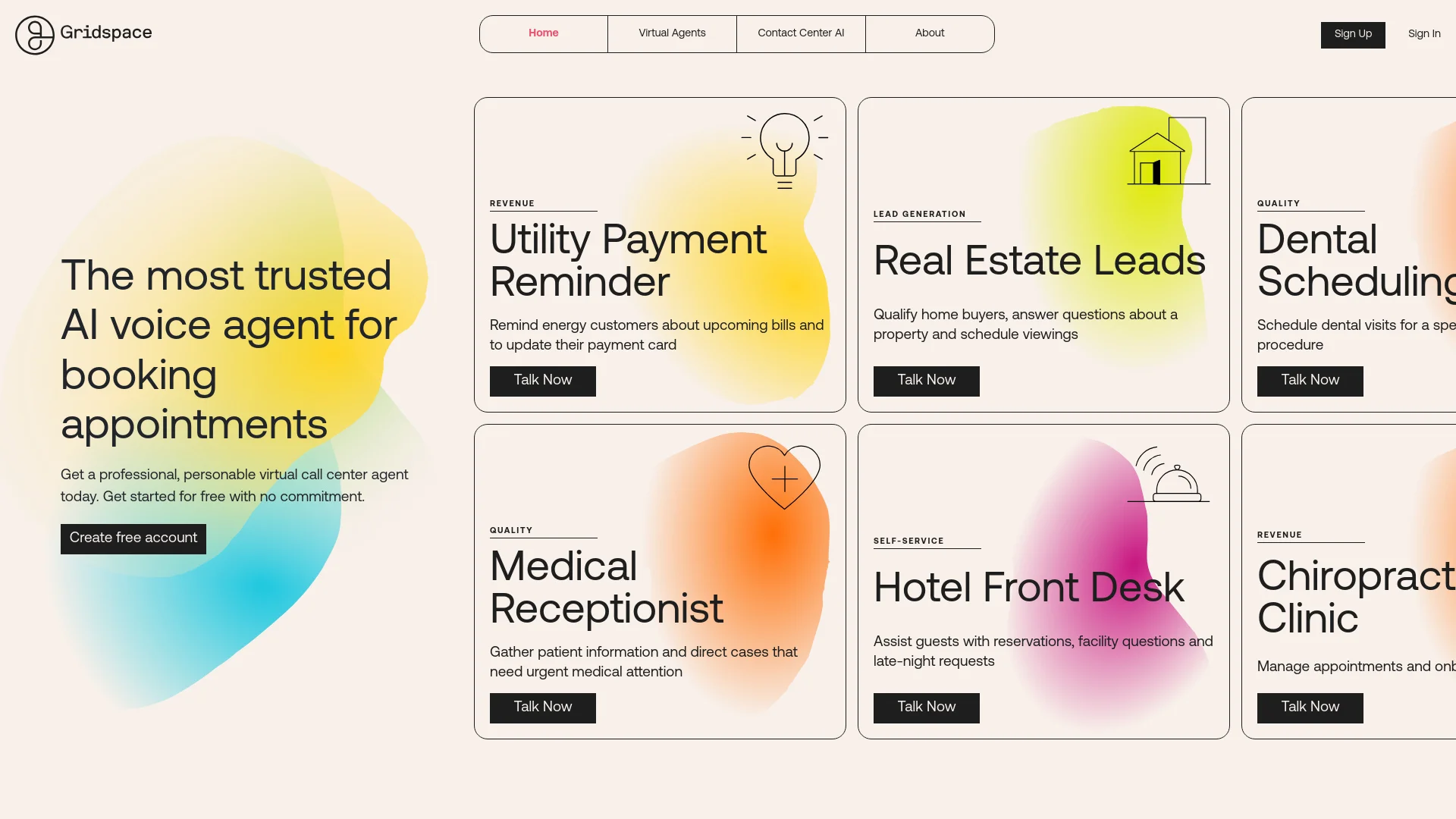
In the fast-evolving world of artificial intelligence, Gridspace stands out as a pioneering force in conversational AI and virtual call center software. This tool is designed to streamline communication processes, making interactions smoother and more efficient for businesses across various sectors. From deploying virtual agents that mimic the skill and tone of top-performing human agents to handling over 50,000 concurrent calls, Gridspace is engineered to enhance the operational capabilities of modern contact centers.
Gridspace's unique selling point lies in its ability to provide real-time insights during live calls, a feature that sets it apart from traditional virtual agent solutions. Its in-house development of telephony and voice technology further ensures a high level of customization and integration that meets the specific needs of large-scale operations.
Gridspace excels in transforming contact center operations with its advanced AI capabilities and real-time analytics. The tool's strength in handling large volumes of concurrent calls and providing actionable insights during live interactions makes it an indispensable asset for businesses aiming to elevate their customer service experience. Its unique in-house technology development and integration capabilities further enhance its appeal to large enterprises looking for robust, scalable solutions.
Who is Using Gridspace?
Large Contact Centers
Utilizing AI to manage large volumes of calls efficiently.
Healthcare Providers
Employing virtual agents to handle patient inquiries and scheduling.
Financial Institutions
Enhancing customer service and support with AI.
Retail Businesses
Using AI for customer support during peak shopping seasons.
Uncommon Use Cases
Some educational institutions use Gridspace for training purposes in courses related to customer service and AI.
Key Features
Rating Breakdown
Pricing Plans
Custom Pricing
- Gridspace offers tailored pricing based on the specific needs and scale of the business
Contact for Quote
- Potential users need to contact Gridspace directly to get a detailed and customized pricing structure
Which Gridspace plan should you pick?
Start with Starter for evaluation and low-volume testing, upgrade to Growth or Pro for more minutes and production controls, or choose Enterprise for dedicated infrastructure and custom SLAs.
Starter
Good for developers evaluating Guava with 500 included minutes per year and full API plus SDK access.
Growth
Good for teams building production agents that need custom prompts, orchestration, and basic analytics.
Pro
Good for scaling deployments that need advanced orchestration, real-time tuning, debugging tools, and a light SLA.
Enterprise
Good for organizations needing custom volume pricing, dedicated infrastructure, advanced compliance, custom SLAs, and dedicated support.
Gridspace Use Cases
Healthcare intake
Use a voice agent to collect patient information and guide callers through intake workflows.
Outcome: Handle regulated calls without adding headcount.
Insurance claims
Capture claims information and answer insurance-related questions over the phone.
Outcome: Let adjusters focus on active cases instead of voicemail.
Bank KYC
Conduct identity and compliance-related conversations for financial-service workflows.
Outcome: Keep calls on script and on the record.
Collections
Run outbound payment-reminder and collections conversations with callers.
Member services
Answer member questions and complete service workflows through conversational voice agents.
Workflow Ideas with Gridspace
Create and deploy a voice agent
- 1Install the Guava CLI
- 2Create an agent project
- 3Deploy the agent with guava deploy up
Build a website voice widget
- 1Create and deploy a Guava agent
- 2Generate a WebRTC code
- 3Add the voice widget script to the web app
Run a structured intake call
- 1Define the agent persona and task
- 2Collect fields using a checklist
- 3Complete the task and trigger the configured follow-up
How Gridspace fits into your stack
Voice Tech Integration
Seamlessly works with existing voice technology systems.
API Access
Offers API for developers looking to create custom integrations.
Real-Time Data Integration
Enables live data handling and analytics for immediate operational use.
Pros
- +Enhanced Customer Interaction: Gridspace's AI agents engage in natural-sounding conversations, improving customer satisfaction.
- +Operational Efficiency: Reduces hold times and manages call surges effectively, ensuring 24/7 operational capabilities.
- +Data-Driven Insights: Offers real-time analytics that help in quick decision-making and improving service delivery.
- +Scalability: Easily scales to handle peak call volumes, which is crucial for large enterprises and during high-demand periods.
Cons
- −Complexity in Setup: Some users might find the initial setup and customization of the AI agents to be complex.
- −Learning Curve: There might be a learning curve involved in understanding the full range of functionalities and integration capabilities.
- −Dependency on Tech Infrastructure: Effective utilization depends heavily on the existing voice and data infrastructure of the user.
Limitations & when to consider alternatives
Known limitations
- Starter has limited concurrency. The free Starter plan includes watermarked output and limited concurrency.
- Non-English compliance coverage is limited. English and Spanish are supported for HITRUST and PCI-compliant deployments; other listed languages are not currently supported for those deployments.
- Transcripts are not automatically translated. Each transcript turn remains in the language spoken, and there is currently no per-turn language marker.
- Runtime temporary files are ephemeral. Files written to /tmp are lost when the deployment sandbox restarts.
Look elsewhere when
- You need a native mobile app.
- You need a browser extension.
- You need built-in SSO.
- You need built-in encryption documentation.
How to Use Gridspace
- 1
For those looking to get started or to maximize their use of Gridspace, the company offers a range of tutorials on their YouTube channel, covering everything from basic setup to advanced features.
Who is Gridspace For?
BPOs
Guava supports high-volume operations with multilingual voice agents, QA, and audit trails.
Healthcare organizations
It supports regulated healthcare workflows such as intake, prior authorization, chart chasing, and revenue-cycle follow-up.
Insurance companies
Insurance teams can automate claims intake, renewals, eligibility questions, and customer calls.
Fintech companies
Guava supports KYC, loan servicing, collections, and other regulated financial voice workflows.
Government organizations
Government teams can automate benefits, permits, renewals, eligibility, and public-health outreach calls.
Frequently Asked Questions
What is Guava?
Guava is an SDK and API for creating AI voice agents with real telephony, WebRTC, and cloud deployment.
Can I start for free?
Yes. The Starter plan costs $0 per month and includes 500 minutes per year.
How do I deploy an agent?
Install the CLI, authenticate, create or configure a project, then run guava deploy up.
Which languages can agents speak?
Agents support English, Spanish, French, German, and Italian. English and Spanish are currently supported for HITRUST and PCI-compliant deployments.
Can I use Guava on a website?
Yes. The WebRTC widget lets visitors start a live voice conversation directly in a web app or page.
Community reviews
Be the first to share your experience.
Sign in to leave a review for Gridspace.
Gridspace Alternatives
Looking for alternatives to Gridspace? Here are similar tools in the same category:
Learn to Master Gridspace
With Skill Leap courses
Get in-depth training on Gridspace and 50+ other AI tools with our expert-led video courses.
Start 7-Day Free Trial