
GPTGO - Chrome Extension
Enhance Chrome with instant, tab-integrated ChatGPT access for streamlined productivity.
Key Takeaways
- What it is
- Enhance Chrome with instant, tab-integrated ChatGPT access for streamlined productivity.
- Pricing
- Freemium
- Best for
- Quick Search Feature
- Lightweight Popup
- Search History
- Rating
- 4.3/5
What is GPTGO - Chrome Extension?
GPTGO - Chrome Extension is an innovative tool designed to integrate the power of ChatGPT directly into your Chrome browser, enabling users to access ChatGPT's capabilities without the need to switch tabs or interrupt their workflow. This extension aims to significantly enhance productivity and efficiency, particularly for those involved in research, writing, or any activity that benefits from instant information retrieval and AI-generated content. By providing quick access to ChatGPT from any tab, GPTGO streamlines the process of searching and generating text, making it an indispensable tool for anyone looking to leverage AI for time-saving and improved output quality.
GPTGO stands out for its seamless integration of ChatGPT into the Chrome browser, offering unparalleled convenience and efficiency. Its unique selling point is the ability to use ChatGPT from any tab, significantly enhancing productivity and streamlining the user's workflow. This feature alone sets it apart in the realm of AI tools, catering to a broad spectrum of users from various sectors.
GPTGO - Chrome Extension is a game-changer for individuals and professionals seeking to incorporate AI assistance into their daily tasks directly from their browser. Its unique ability to provide instant access to ChatGPT from any tab makes it a highly valuable tool for enhancing productivity and efficiency. While there are some reported stability and error issues, the overall benefits, including time-saving and the convenience of having AI at your fingertips, make GPTGO an essential extension for Chrome users. Its commitment to privacy and user-friendly interface further solidify its position as a top choice for integrating AI into your workflow.
Who is Using GPTGO - Chrome Extension?
Researchers
For conducting swift literature reviews and information gathering.
Content Writers
Generating ideas, outlines, and even content drafts on the fly.
Students
Enhancing study productivity through quick access to information and assistance with assignments.
Professionals
Streamlining workflow by integrating AI assistance directly into their browser.
Uncommon Use Cases
Non-profits using it to quickly draft grant applications; Bloggers leveraging it for SEO keyword research.
Key Features
Rating Breakdown
Pricing Plans
Free
Free
- GPTGO - Chrome Extension is currently offered for free
- Making it accessible to a wide audience without financial barriers
GPTGO - Chrome Extension Use Cases
Search highlighted webpage text
Highlight text on a webpage and send it to ChatGPT through the extension popup.
Outcome: Get a quick answer without switching tabs.
Start a new ChatGPT conversation
Open the extension popup and start a new chat directly.
Outcome: Begin a conversation from the current browser context.
Review search history
Open the popup and view previous GptGO searches.
Outcome: Return to earlier searches more conveniently.
Support study and research
Use quick ChatGPT searches to gather explanations and reference information.
Outcome: Improve study and research productivity.
Generate writing ideas
Ask GPTGO for suggestions to edit documents, reply to emails, or create written content.
Outcome: Produce drafting and editing assistance.
Workflow Ideas with GPTGO - Chrome Extension
Ask about webpage content
- 1Highlight relevant text on the current webpage
- 2Open the GptGO popup
- 3Search the selected content with ChatGPT
Start and revisit chats
- 1Open the extension popup
- 2Start a new chat or run a search
- 3Open search history to revisit earlier queries
How GPTGO - Chrome Extension fits into your stack
Chrome Browser Compatibility
Designed exclusively for Chrome, ensuring smooth operation within this popular browser.
ChatGPT API Integration
Direct support for ChatGPT's API enhances functionality and user experience.
Privacy-Focused
Adheres to strict privacy policies, ensuring user data is handled responsibly.
Pros
- +Convenience: Eliminates the need to switch tabs, enhancing focus and productivity.
- +Efficiency: Speeds up the research process with instant access to ChatGPT's vast knowledge base.
- +User-Friendly: Intuitive interface makes it easy for anyone to use, regardless of technical expertise.
- +Improved Workflow: Allows for a smoother workflow, particularly for content creators, researchers, and students.
Cons
- −Occasional Stability Issues: Some users have reported errors and instability, although these are being addressed.
- −API Error Messages: There have been instances of API or network errors that can interrupt the service.
- −Limited to Chrome: Currently, the extension is only available for Chrome users, which may limit its accessibility.
Limitations & when to consider alternatives
Known limitations
- Not intended for academic dishonesty. The extension prohibits uses such as plagiarism, impersonation, and other academic misconduct.
- Answers may be inaccurate. GPTGO's terms state that ChatGPT responses and website information are not guaranteed to be accurate or complete.
- Recent information may be unavailable. The GPTGO website says its combined search and AI responses may not handle recently updated information.
- No technical support commitment. The terms state that GPTGO does not provide technical support for use of the website.
- Transmission security is not guaranteed. GPTGO's terms do not guarantee the security of data transmitted over an internet connection.
Look elsewhere when
- You need a native mobile app specifically named GptGO - ChatGPT from any tab.
- You need a dedicated desktop installer rather than browser access.
- You need shared workspaces or team collaboration.
- You need guaranteed secure data transmission.
How to Use GPTGO - Chrome Extension
- 1
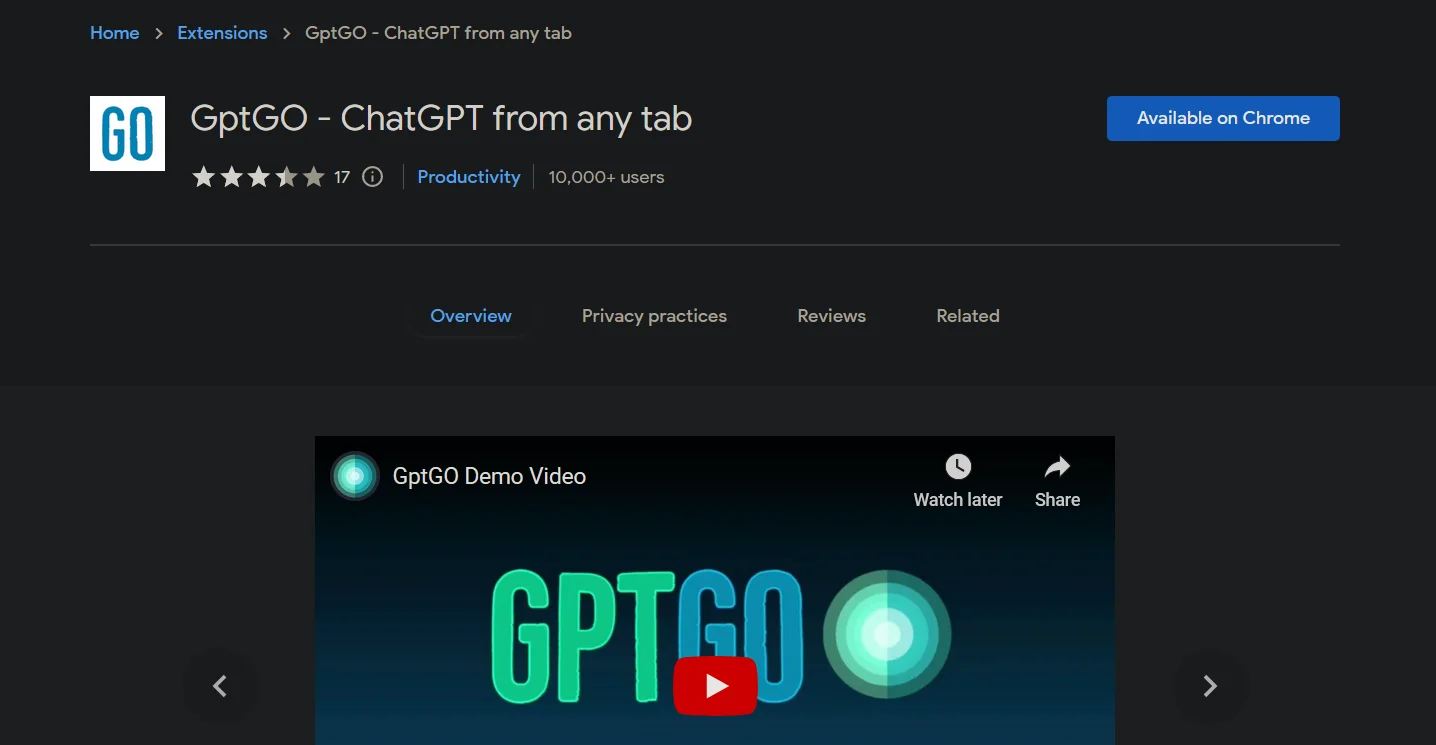
The Chrome Web Store page and the developer's official communication channels provide resources and support for getting started with GPTGO, including a comprehensive demo video that showcases the extension's features and capabilities.
Who is GPTGO - Chrome Extension For?
Students
The extension is positioned as a quick way to search ChatGPT and improve study productivity.
Content writers
GPTGO identifies content writers as users who can benefit from quick information, answers, and writing suggestions.
Researchers and information seekers
The tool combines search results and ChatGPT answers to help users collect information from multiple topics and sources.
Frequently Asked Questions
How does GptGO work?
Highlight text, open the lightweight popup, and search ChatGPT without leaving the current browser tab.
Can I start a new chat from the extension?
Yes. Version 3.0 adds the ability to start a new chat directly from the popup.
Can I view previous searches?
Yes. The popup includes access to search history.
Is GptGO free?
GPTGO states that its service is completely free and does not require payment.
Do I need a ChatGPT account?
The GPTGO website says users do not need a ChatGPT account to use its service.
Is academic cheating allowed?
No. The extension states that it does not support plagiarism, impersonation, or other academic dishonesty.
Community reviews
Be the first to share your experience.
Sign in to leave a review for GPTGO - Chrome Extension.
GPTGO - Chrome Extension Alternatives
Looking for alternatives to GPTGO - Chrome Extension? Here are similar tools in the same category:
Learn to Master GPTGO - Chrome Extension
With Skill Leap courses
Get in-depth training on GPTGO - Chrome Extension and 50+ other AI tools with our expert-led video courses.
Start 7-Day Free Trial