
GPT Mate
Transform design text creation in Figma/FigJam with AI-driven plugin.
Key Takeaways
- What it is
- Transform design text creation in Figma/FigJam with AI-driven plugin.
- Pricing
- Freemium
- Best for
- Integrated with Figma and FigJam
- Versatile Text Generation
- Cached OpenAI API
- Rating
- 4.6/5
What is GPT Mate?
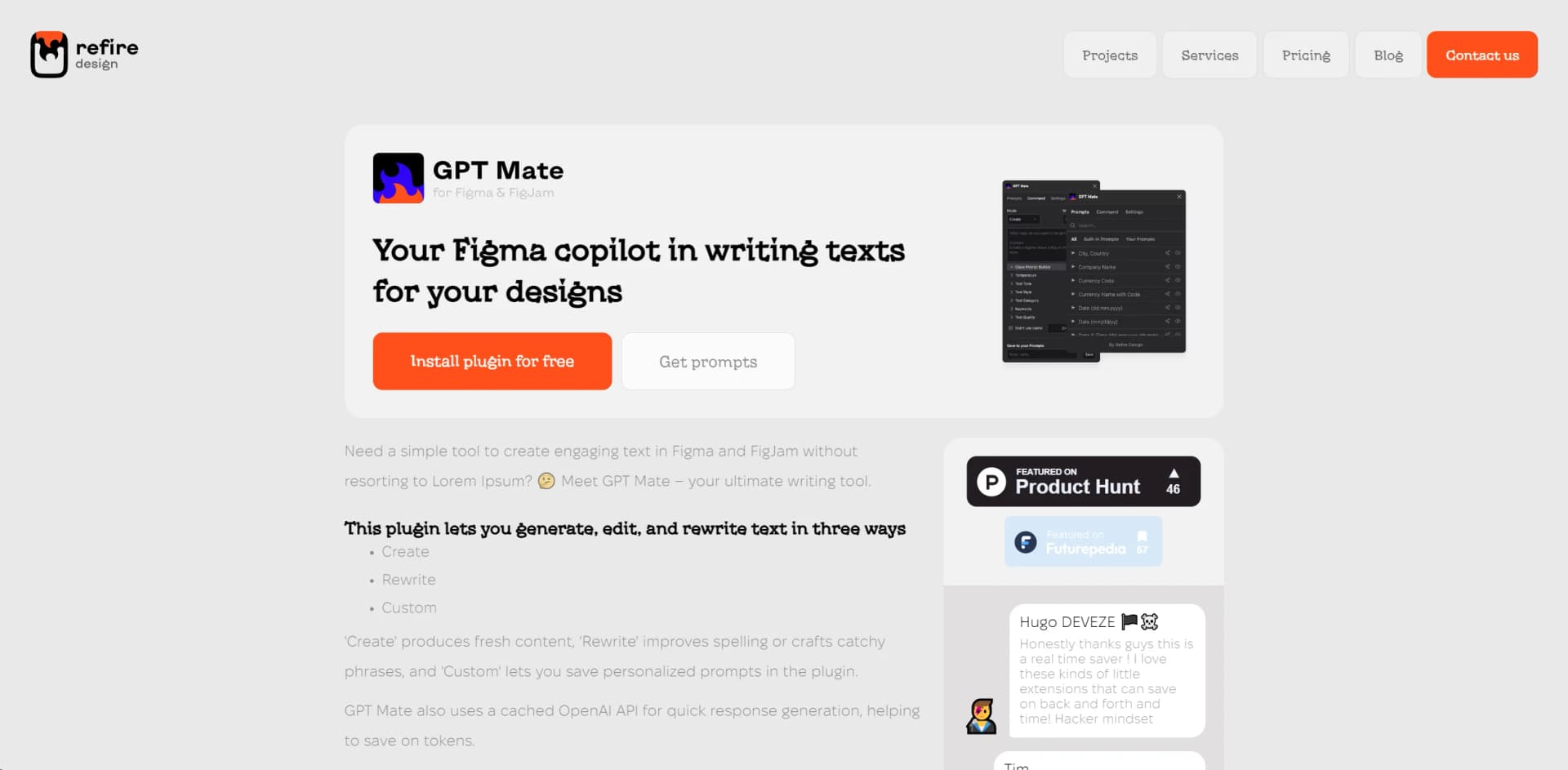
GPT Mate has emerged as a revolutionary AI tool that significantly simplifies the process of generating text for designs. This innovative plugin, specifically crafted for Figma and FigJam users, bids farewell to the days of relying on Lorem Ipsum for placeholder text. With GPT Mate, designers and teams can now effortlessly create, edit, and rewrite text directly within their design tools, making it an indispensable asset for anyone looking to enhance their design workflow with coherent and engaging text.
GPT Mate stands out for its seamless integration with popular design tools Figma and FigJam, making it the go-to plugin for designers seeking to incorporate text generation into their workflow. Its unique selling point lies in its ability to directly edit and rewrite text within the design interface, eliminating the need for placeholder text and thereby streamlining the design process.
GPT Mate revolutionizes the way designers and content creators approach text generation within their projects. Its seamless integration with Figma and FigJam, coupled with the innovative use of OpenAI's API for quick and responsive text creation, makes it an essential tool for enhancing design workflows. The plugin's emphasis on customization and user-friendly interface further ensures that GPT Mate is not just a time saver but a game changer in the realm of design and content creation. Whether you're a seasoned designer or a content strategist, GPT Mate offers the tools and flexibility needed to elevate your projects to the next level.
Who is Using GPT Mate?
UI/UX Designers
For generating and refining text within interface designs.
Content Strategists
To quickly draft and iterate copy that complements visual content.
Marketing Teams
Creating engaging marketing campaign material directly within design mockups.
Product Managers
For crafting and editing in-app text elements and tooltips.
Uncommon Use Cases
Educational institutions use it to teach design and content integration; Freelance writers incorporate it to streamline content creation for digital platforms.
Key Features
Rating Breakdown
Pricing Plans
Free Tier
Free
- Experience GPT Mate with an initial free trial
- Offering limited access to its features
Subscription Plan
- Details on subscription plans are available upon request
Which GPT Mate plan should you pick?
Start with Starter to test GPT Mate at 10 calls per day, then upgrade to Premium Pack with Subscription for unlimited calls and priority support.
Starter
Good for individuals who need free access to custom GPT formulas, multiple models, and up to 10 GPT calls per day.
Premium Pack with Subscription
Good for high-volume users, teams, analysts, and operations users who need unlimited GPT calls and priority email support.
GPT Mate Use Cases
Summarize spreadsheet data
Reference a cell or range in a GPT formula to summarize its contents.
Outcome: A concise AI-generated summary appears in the sheet.
Generate structured tables
Use =GPTTABLE() to create project plans, comparisons, schedules, or other structured outputs.
Outcome: The result is returned as spreadsheet table data.
Create lists and checklists
Use =GPTLIST() to brainstorm ideas, generate lists, or create checklists.
Outcome: The generated list is placed directly in the spreadsheet.
Clean and rewrite text
Use prompts to rewrite headlines, clean customer data, or transform text in cells.
Outcome: More consistent or reformatted text is generated in Sheets.
Translate text
Pass spreadsheet text to GPT Mate with a translation instruction.
Outcome: Translated text is returned in the spreadsheet.
Workflow Ideas with GPT Mate
Summarize a data range
- 1Open a Google Sheet and launch GPT Mate from Extensions
- 2Reference the source range in a GPT formula
- 3Review the generated summary in a cell
Create a structured project plan
- 1Enter project requirements or source data in spreadsheet cells
- 2Use GPTTABLE() with a planning prompt
- 3Review and refine the generated table
Automate repetitive content generation
- 1Place source values in spreadsheet rows
- 2Apply GPT, GPTLIST, or GPTTABLE formulas using cell references
- 3Convert completed GPT formulas to static text when results are finalized
How GPT Mate fits into your stack
Figma Integration
Designed as a plugin for Figma, ensuring a smooth workflow within the design tool.
FigJam Compatibility
Also integrates with FigJam for collaborative design and brainstorming sessions.
OpenAI API
Leverages the power of OpenAI's API for dynamic and responsive text generation.
Custom Prompt Creation
Users can create and save their own prompts, offering flexibility across different projects.
Pros
- +Enhanced Productivity: Significantly reduces the time spent on writing and refining text for designs.
- +Cost-Effective: The cached API feature helps save on OpenAI tokens, making it a budget-friendly option.
- +User-Friendly Interface: Intuitive design and easy-to-navigate features make it accessible to all users, regardless of their technical proficiency.
- +Highly Customizable: The ability to create custom prompts and use a vast library of pre-designed prompts offers unparalleled flexibility.
Cons
- −Learning Curve: New users may need time to fully grasp the capabilities and features of the plugin.
- −Figma and FigJam Specific: Currently, it's exclusively available for Figma and FigJam, limiting its accessibility to users of other design platforms.
- −Dependent on OpenAI API: The performance is contingent upon the OpenAI API, which might affect its reliability during downtimes.
Limitations & when to consider alternatives
Known limitations
- Free usage is limited. The Starter plan allows 10 GPT calls per day; Premium removes this cap.
- Users must provide an AI-provider API key. GPT Mate requires a key from OpenAI, Google Gemini, or another supported provider, and provider usage is billed separately.
- It runs inside Google Sheets. The documented installation and launch flow requires the Google Workspace Marketplace and Google Sheets.
- Subscriptions are tied to a Google account. The FAQ says subscriptions and lifetime licenses cannot be transferred to another Google account.
Look elsewhere when
- You need a native mobile or desktop application.
- You need a standalone developer API.
- You need built-in file or image uploads.
How to Use GPT Mate
- 1
Discover a range of tutorials on the GPT Mate website, covering everything from basic installation to mastering advanced text generation techniques.
Who is GPT Mate For?
Knowledge workers
They can use AI inside everyday spreadsheet workflows without switching tabs or copying prompts.
Analysts and operations teams
They can summarize, clean, transform, and analyze spreadsheet data with formulas.
Educators and students
They can create study aids, structured content, summaries, and other spreadsheet-based outputs.
Builders and founders
They can use AI formulas for content, ideas, pitches, and workflow-related spreadsheet tasks.
Busy professionals
They can generate structured AI outputs without leaving Google Sheets.
Frequently Asked Questions
What does GPT Mate for Sheets do?
It brings OpenAI and Gemini into Google Sheets through formulas such as =GPT(), =GPTLIST(), and =GPTTABLE().
Who is GPT Mate for Sheets for?
The site names knowledge workers, analysts and operations teams, educators and students, builders and founders, and busy professionals.
What can GPT Mate generate?
It can generate summaries, brainstorm ideas, write content, translate text, create tables, and generate code directly in Sheets.
What AI formulas are supported?
GPT Mate supports =GPT() for freeform responses, =GPTLIST() for lists, and =GPTTABLE() for structured tables.
Does GPT Mate store spreadsheet content or prompts?
No. The FAQ says GPT Mate does not log or store prompts, responses, or spreadsheet data.
Why upgrade to a paid plan?
The free plan provides 10 GPT calls per day; paid plans remove that limit and add priority email support.
Community reviews
Be the first to share your experience.
Sign in to leave a review for GPT Mate.
GPT Mate Alternatives
Looking for alternatives to GPT Mate? Here are similar tools in the same category:
Learn to Master GPT Mate
With Skill Leap courses
Get in-depth training on GPT Mate and 50+ other AI tools with our expert-led video courses.
Start 7-Day Free Trial