
Google Imagen 3
Revolutionizes photorealism in AI-generated images with deep language understanding.
Key Takeaways
- What it is
- Revolutionizes photorealism in AI-generated images with deep language understanding.
- Best for
- Photorealistic Image Generation
- Advanced Language Understanding
- State-of-the-Art Fidelity
- Rating
- 4.6/5
What is Google Imagen 3?
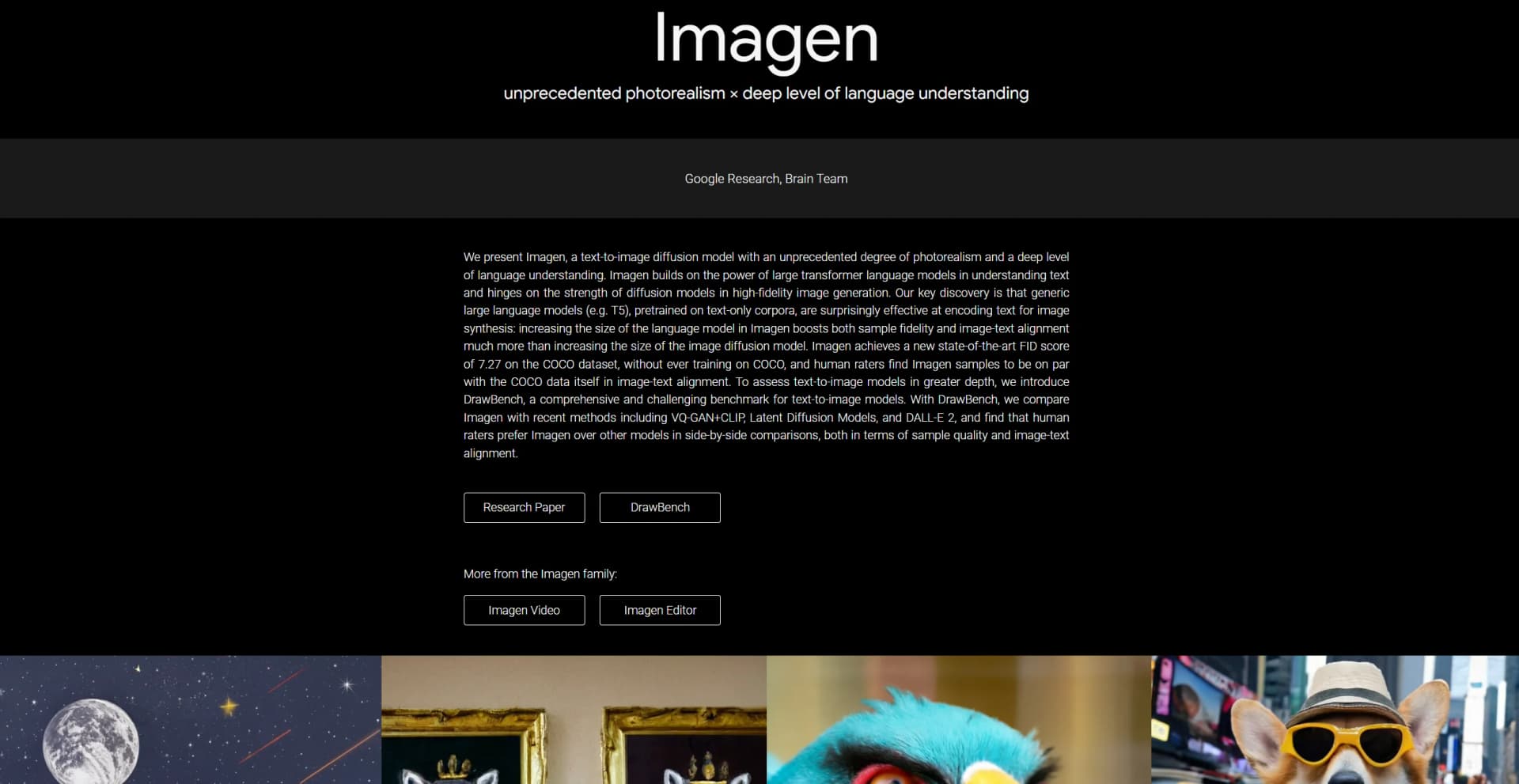
Google Imagen 3 stands out as a groundbreaking development by Google Research's Brain Team in the ever-evolving sphere of artificial intelligence. This text-to-image diffusion model is revolutionizing the way we think about and interact with AI-generated imagery, boasting an unprecedented degree of photorealism combined with a deep level of language understanding. At its core, Google Imagen 3 leverages the power of large transformer language models to interpret text inputs, which it then translates into high-fidelity images using advanced diffusion models. This unique combination not only enables the creation of stunningly realistic images from textual descriptions but also pushes the boundaries of AI's creative capabilities.
What sets Google Imagen 3 apart is its unparalleled ability to generate photorealistic images that are intricately aligned with textual descriptions, thanks to its sophisticated use of large transformer language models and diffusion models. This not only represents a significant leap forward in text-to-image technology but also opens up new possibilities for creative expression and practical applications across various fields.
Google Imagen 3 emerges as a pioneering force in the AI landscape, offering an unmatched capability to transform textual descriptions into photorealistic images. Its profound understanding of language, coupled with the ability to produce high-fidelity visuals, positions Google Imagen 3 as an essential tool for professionals across various industries seeking to leverage AI for creative and practical applications. While access to Google Imagen 3 remains limited, its technological advancements and potential applications continue to inspire and pave the way for future developments in the field of artificial intelligence.
Who is Using Google Imagen 3?
Graphic Designers and Artists
Leveraging Google Imagen 3 for creating detailed and realistic artwork from simple text descriptions.
Marketing Professionals
Utilizing the tool for generating high-quality visuals for advertising campaigns and social media content.
Film and Animation Studios
Employing Google Imagen 3 to conceptualize scenes and characters during the pre-production phase.
Research and Development Teams
Exploring the capabilities of Google Imagen 3 for advancing AI technology and its applications.
Uncommon Use Cases
Academic institutions incorporating Google Imagen 3 into curriculum for teaching AI and computer graphics; Novelists using the tool for visualizing scenes and characters from their writings.
Key Features
Rating Breakdown
Google Imagen 3 Use Cases
Text-to-image generation
Write a descriptive text prompt to create an original image.
Outcome: Generated visual assets in supported aspect ratios and resolutions.
Masked image editing
Provide a base image, mask area, and text prompt to insert or remove content.
Outcome: A modified image with localized edits.
Subject customization
Upload reference images of a product, person, or animal companion and guide generation with a prompt.
Outcome: New images that reflect the supplied subject.
Person image stylization
Use reference images and prompts to stylize a person's appearance while preserving selected visual characteristics.
Outcome: Stylized portraits or character imagery.
Product scene generation
Provide a product reference image and request new scenes, angles, or visual variations.
Outcome: Product concepts and marketing imagery.
Workflow Ideas with Google Imagen 3
Generate and refine a concept image
- 1Write a descriptive Imagen 3 text prompt
- 2Generate multiple image results
- 3Iterate on the prompt until the desired visual is produced
Create customized product imagery
- 1Upload a product reference image
- 2Add the reference identifier to a text prompt
- 3Generate product variations or new scene compositions
Edit a masked image area
- 1Provide a base image and mask
- 2Describe the content to insert or remove
- 3Submit the request to the Imagen 3 editing endpoint
How Google Imagen 3 fits into your stack
Large Language Model Integration
Google Imagen 3 seamlessly integrates with T5-XXL, a large transformer model, for deep textual understanding.
Cascaded Diffusion Models
Employs advanced diffusion model techniques for generating high-resolution images.
DrawBench Compatibility
Offers a comprehensive benchmark for evaluating the performance of text-to-image models.
Google Research Ecosystem
As part of Google Research, Google Imagen 3 benefits from integration with an extensive array of research tools and datasets.
Pros
- +Innovative Text-to-Image Conversion: Sets a new standard for creating images from text, opening new avenues for creativity and content creation.
- +High-Quality Image Resolution: Capable of generating images up to 1024×1024 pixels, catering to both professional and amateur needs.
- +Versatile Application: From digital art to marketing content, Google Imagen 3's capabilities can be utilized across various industries for diverse purposes.
- +Leading Edge Technology: Incorporates cutting-edge research and development, ensuring users access to the latest advancements in AI technology.
Cons
- −Limited Public Access: Currently, Google Imagen 3 is not openly available for public use, restricting access to its advanced features.
- −Complexity in Usage: The sophisticated technology behind Google Imagen 3 might present a learning curve for users unfamiliar with AI tools.
- −Potential for Bias: As with any AI model trained on web-scale data, there's a risk of encoding harmful stereotypes and biases.
Limitations & when to consider alternatives
Known limitations
- Imagen 3 endpoints are deprecated. Google's release notes list Imagen 3 generation endpoints for migration to Gemini 2.5 Flash Image, with service disruption possible after June 30, 2026.
- Maximum uploaded image size. The documented maximum image size sent in a request is 10 MB.
- Maximum results per request. Imagen 3 returns a maximum of four images per text-to-image request.
- Prompt length limit. The documented maximum prompt length for text-to-image generation is 480 tokens.
- Generate 002 has limited editing support. Imagen 3 Generate 002 does not support mask-based editing, subject customization, style customization, outpainting, or upscaling.
Look elsewhere when
- You need a dedicated mobile app.
- You need image understanding or visual question answering.
- You need code generation.
- You need a currently supported Imagen generation endpoint.
How to Use Google Imagen 3
- 1
While direct access to Google Imagen 3 might be limited, Google Research provides extensive documentation and research papers detailing the technology and methodologies behind Google Imagen 3, offering valuable insights for those interested in understanding or developing similar technologies.
Who is Google Imagen 3 For?
Application developers
Vertex AI provides Imagen models and APIs for developers building image-generation products and applications.
Creative professionals
Imagen 3 supports detailed text-to-image prompting, image styling, product imagery, and visual concept development.
Product teams
Subject customization can generate product variations and place products into different scenes.
Frequently Asked Questions
What is Google Imagen 3?
Imagen 3 is Google's image-generation model family available through Vertex AI. It generates images from text prompts and includes separate editing and customization capabilities.
How can developers access Imagen 3?
Developers can use Imagen 3 through the Google Cloud console, Vertex AI Studio, or the Vertex AI API.
Can Imagen 3 edit existing images?
The Imagen 3 capability model supports image editing using masks, including inserting or removing content and expanding images.
What languages does Imagen 3 support?
Supported prompt languages include English, simplified and traditional Chinese, Hindi, Japanese, Korean, Portuguese, and Spanish.
Does Imagen 3 add watermarks?
Imagen 3 supports digital watermarking and verification. Images generated in the Google Cloud console receive a digital watermark.
Community reviews
Be the first to share your experience.
Sign in to leave a review for Google Imagen 3.
Google Imagen 3 Alternatives
Looking for alternatives to Google Imagen 3? Here are similar tools in the same category:
Learn to Master Google Imagen 3
With Skill Leap courses
Get in-depth training on Google Imagen 3 and 50+ other AI tools with our expert-led video courses.
Start 7-Day Free Trial