
Goodcall
AI-driven phone assistant enhancing customer interaction and efficiency.
Key Takeaways
- What it is
- AI-driven phone assistant enhancing customer interaction and efficiency.
- Best for
- AI-Powered Interactions
- Custom Skill Training
- Automation of Tasks
- Rating
- 4.4/5
What is Goodcall?
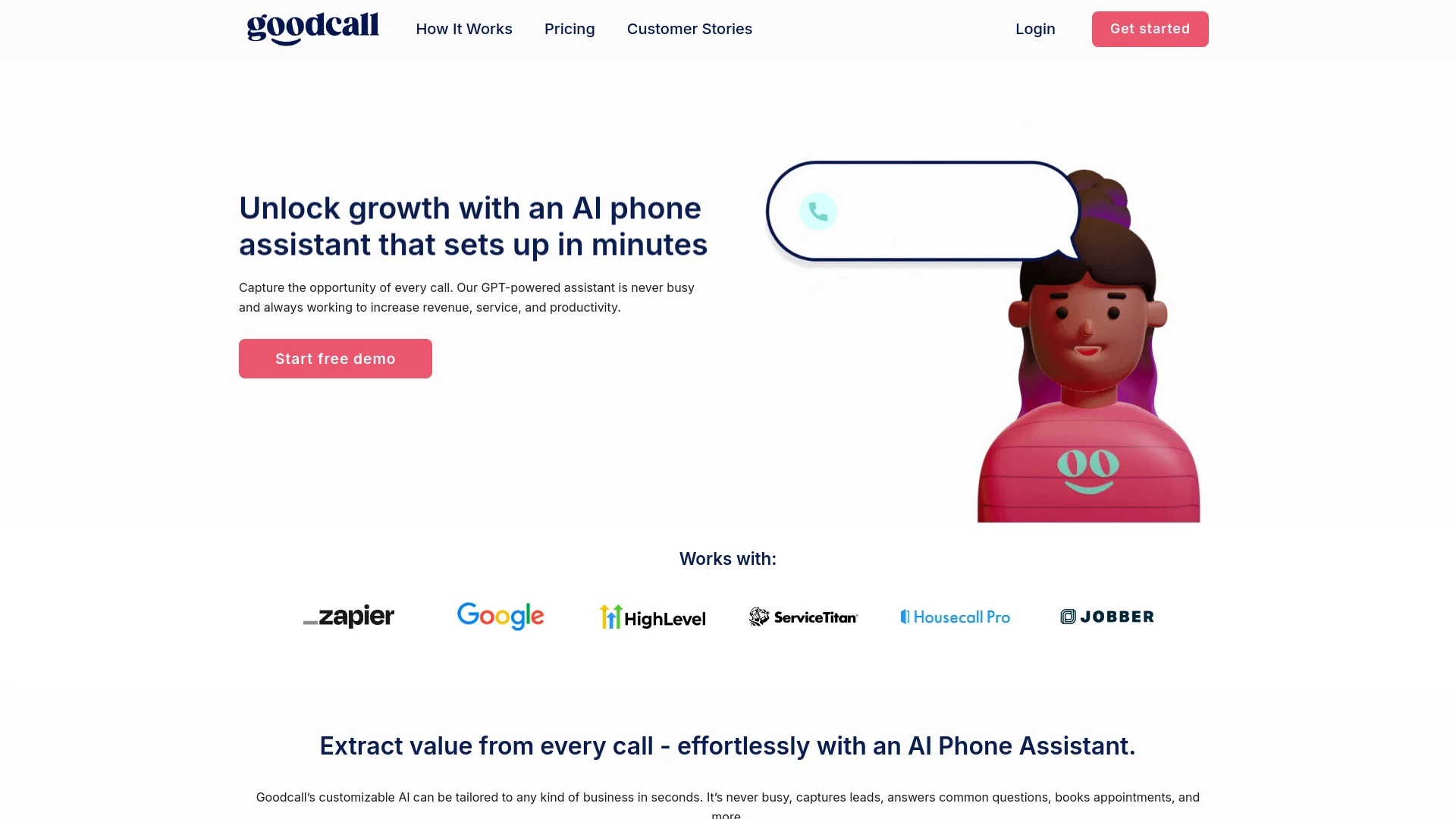
In today's fast-paced digital landscape, businesses are increasingly turning to AI solutions to streamline operations and enhance customer interactions. Enter Goodcall, a dynamic AI phone assistant that integrates seamlessly with your existing systems to manage phone-based customer interactions. Whether it's handling bookings, managing quote requests, or addressing customer inquiries, Goodcall leverages GPT-powered technology to ensure your business never misses a beat, operating around the clock to boost your revenue, service quality, and productivity.
Goodcall stands out from the crowd with its robust integration capabilities and the ease with which it can be tailored to specific business needs. Its ability to learn and adapt to new tasks quickly sets it apart, providing businesses with a powerful tool to enhance customer interaction and operational efficiency.
Goodcall excels in transforming the way businesses interact with their customers through innovative AI-driven solutions. Its standout features like 24/7 operational capabilities, seamless CRM integrations, and the ability to train and adapt quickly make it an indispensable tool for businesses looking to enhance efficiency and customer satisfaction. Whether you're a small startup or a large enterprise, Goodcall offers a scalable, effective solution for managing customer interactions and driving business growth.
Who is Using Goodcall?
Home Services
Businesses use it to schedule appointments and manage service inquiries.
Beauty and Salons
Facilitates booking and customer service operations.
Professional Services
Handles client interactions, improving lead management and customer service.
Restaurants and Food Services
Manages reservations, orders, and customer queries efficiently.
Uncommon Use Cases
Besides typical sectors, Goodcall is also employed in settings like educational institutions for administrative communications and small clinics for managing patient appointments.
Goodcall is versatile and finds its application across various sectors, enhancing operational efficiency and customer interaction through its robust AI capabilities.
Key Features
Rating Breakdown
Pricing Plans
Free Trial
- Start with a comprehensive free demo to experience Goodcall in action
Subscription Plans
- Detailed pricing plans are available on the Goodcall website
- Tailored to different business sizes and needs
Which Goodcall plan should you pick?
Start with Starter for a small call operation, upgrade to Growth or Scale for more flows, team members, contacts, retention, and customer capacity.
Starter
Good for small businesses that need one logic flow, up to three team members, three directory contacts, and 100 unique customers monthly.
Growth
Good for growing teams that need three logic flows, up to nine team members, 25 directory contacts, and 250 unique customers monthly.
Scale
Good for larger operations that need up to 25 logic flows, 50 team members, 500 directory contacts, unlimited retention, and 500 unique customers monthly.
Enterprise
Good for organizations needing custom workflows, custom API integrations, dedicated account management, SLA support, and custom onboarding.
Goodcall Use Cases
Answer inbound customer calls
Use an AI phone agent to answer calls 24/7, provide business information, and handle routine customer requests.
Outcome: Fewer missed calls and more consistent customer response.
Capture and qualify leads
Use contact forms and branching logic to collect caller details and qualify opportunities based on responses.
Outcome: More structured lead information for follow-up.
Schedule appointments
Configure the agent to schedule appointments, send booking links, or connect with appointment platforms.
Outcome: Automated appointment handling without manual phone coordination.
Route callers and escalate issues
Use logic flows to transfer callers to people, departments, or business lines based on their needs.
Outcome: Callers reach the appropriate destination with less friction.
Send call data to business tools
Trigger Zapier workflows after completed calls or forms to update CRMs, Slack, Google Sheets, and other connected apps.
Outcome: Less manual data entry and more connected operations.
Workflow Ideas with Goodcall
Qualify and route new leads
- 1Ask the caller qualifying questions through a contact form
- 2Use yes/no or multiple-choice branching logic
- 3Route qualified leads to the appropriate team or CRM workflow
Automate post-call CRM updates
- 1Trigger a Zapier workflow when a call or flow is complete
- 2Send caller details and call information to the CRM
- 3Notify the team in Slack or another connected application
Handle appointment requests
- 1Identify the caller's requested service or appointment type
- 2Schedule the appointment or send a booking link by text
- 3Transfer complex requests to a person or department
How Goodcall fits into your stack
CRM Systems
Smooth integration with popular CRM platforms enhances lead management and customer service.
Automation Tools
Compatible with major automation platforms to streamline various business processes.
Custom API Access
Offers API access for businesses looking to develop custom integrations.
Multi-Platform Support
Works across various digital interfaces, ensuring broad usability.
Pros
- +Increased Efficiency: Automates routine tasks, significantly reducing the workload on human staff.
- +Enhanced Customer Service: Provides timely and accurate responses to customer inquiries, improving overall satisfaction.
- +Scalability: Easily scales to meet the growing needs of your business without requiring additional human resources.
- +Cost-Effective: Reduces operational costs by minimizing the need for a large customer service team.
Cons
- −Initial Setup Complexity: While claiming zero-code integration, initial setup and customization can be complex depending on business needs.
- −Dependency on Tech: Relies heavily on technology, which could be a drawback during downtimes or malfunctions.
- −Learning Curve: There is a learning curve associated with training the AI and optimizing it for specific business needs.
Limitations & when to consider alternatives
Known limitations
- Document uploads are limited to 10MB. Uploaded business documents should remain under 10MB and use clear, simple language.
- Documents provide knowledge, not actions. Uploaded documents help the agent answer questions, but actions such as SMS, call forwarding, or forms require separate Skills.
- Plans limit unique monthly customers. Starter, Growth, and Scale include 100, 250, and 500 unique customers monthly respectively, with additional-customer charges.
- Call and customer-detail retention varies by plan. Starter includes seven days, Growth includes 30 days, and Scale includes unlimited retention.
- Human intervention may still be required. Goodcall's terms state that it does not guarantee every request or speech will be understood without human intervention.
Look elsewhere when
- You need a native mobile app.
- You need fine-tuning or model-weight training.
- You need documented public developer API endpoints.
- You need specified encryption standards such as TLS or AES-256.
How to Use Goodcall
- 1
For those looking to maximize their use of Goodcall, a range of tutorials is available, covering everything from basic setup to advanced feature utilization.
Who is Goodcall For?
Small businesses
The Starter plan provides an AI phone agent with unlimited minutes, one logic flow, three team members, and 100 unique customers monthly.
Growing businesses
The Growth plan adds more logic flows, team members, directory contacts, retention, and monthly customer capacity.
Enterprise customers
Enterprise customers can request custom workflows, API integrations, dedicated account management, SLA support, and custom onboarding.
Local shops and service businesses
Goodcall is designed to help local businesses answer calls, capture leads, route requests, and automate routine phone operations.
Frequently Asked Questions
What is Goodcall?
Goodcall is an AI phone agent that answers business calls, handles questions, captures leads, schedules appointments, routes callers, and takes messages.
Does Goodcall offer a free plan?
Goodcall offers a 14-day free trial, but its listed Starter, Growth, and Scale plans are paid subscriptions.
Can Goodcall connect to existing business tools?
Yes. Goodcall supports integrations through Zapier and connects with tools such as CRMs, Slack, Google Sheets, Yelp, and Google.
Can multiple employees use Goodcall?
Yes. Team members can be invited with Admin, Editor, or Performance Viewer permissions and assigned access to specific agents.
Can Goodcall use company documents?
Yes. Users can upload a PDF containing business details, FAQs, services, policies, pricing, and brand messaging.
What happens when Goodcall cannot answer a caller?
The agent can transfer the call, route it to a person or department, take a message, send a self-service link, or schedule a callback.
Community reviews
Be the first to share your experience.
Sign in to leave a review for Goodcall.
Goodcall Alternatives
Looking for alternatives to Goodcall? Here are similar tools in the same category:
Learn to Master Goodcall
With Skill Leap courses
Get in-depth training on Goodcall and 50+ other AI tools with our expert-led video courses.
Start 7-Day Free Trial