Ginzi
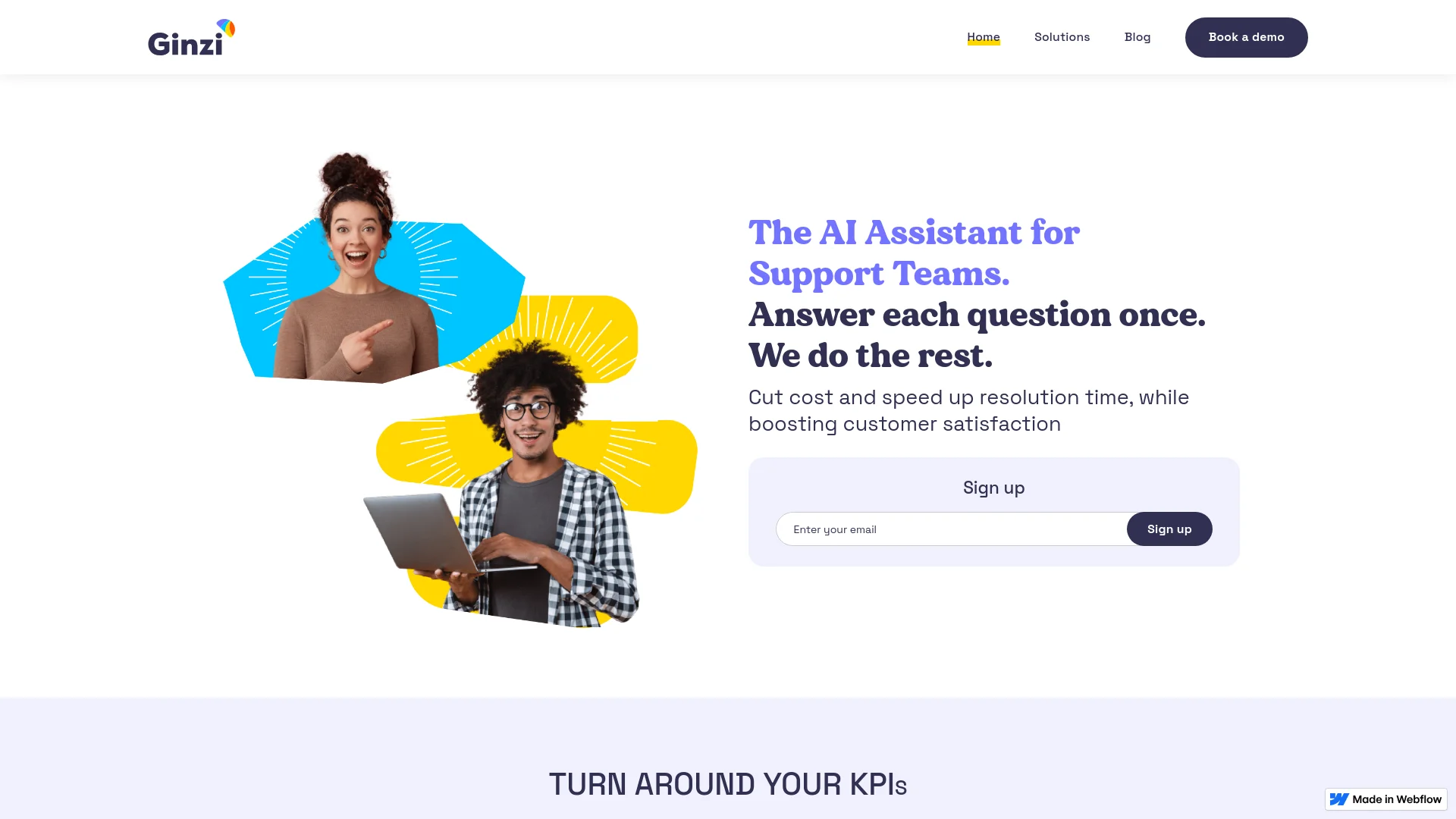
Revolutionize customer support with AI-driven automation and personalization.
Key Takeaways
- What it is
- Revolutionize customer support with AI-driven automation and personalization.
- Best for
- AI-Powered Response Suggestions
- Email Attachment Scanning
- Macro Personalization
- Rating
- 4.7/5
What is Ginzi?
Ginzi is a transformative AI tool designed specifically for support teams aiming to enhance their customer service operations. At its core, Ginzi leverages artificial intelligence to automate and optimize customer interactions, ensuring quick and effective resolution of support tickets. Developed with the needs of modern support teams in mind, Ginzi simplifies the management of customer inquiries by automating responses, analyzing incoming questions, and suggesting the most effective solutions based on past interactions.
Ginzi stands out by turning conventional customer support on its head. Its unique ability to analyze and learn from previous interactions allows it to continually improve the support process. This AI-driven approach not only speeds up resolution times but also helps maintain a consistently high level of customer satisfaction.
Ginzi excels in transforming customer support operations, making it an indispensable tool for businesses aiming to enhance their service quality and efficiency. Its powerful AI capabilities offer a unique advantage in automating responses and personalizing customer interactions, ensuring high satisfaction and operational excellence.
Who is Using Ginzi?
Customer Support Teams
Employing Ginzi to manage large volumes of support tickets efficiently.
E-commerce Platforms
Utilizing the tool to handle customer inquiries regarding orders, shipments, and returns.
Telecommunications Companies
Leveraging Ginzi to enhance their customer service for billing, technical issues, and account management.
Healthcare Providers
Using Ginzi to manage patient communications and support queries effectively.
Uncommon Use Cases
Non-profit organizations adopt Ginzi to maintain high levels of supporter engagement and manage volunteer inquiries.
Key Features
Rating Breakdown
Pricing Plans
Free Trial
- Get started with Ginzi with a no-cost trial period to explore its features
Subscription Plans
- Detailed pricing plans are available on request
- Tailored to the size and needs of your team
Ginzi Use Cases
Resolve support tickets
Agents use patterns learned from previous conversations to help resolve incoming tickets.
Outcome: Faster resolution and improved support efficiency.
Analyze email attachments
Ginzi Mail scans incoming email attachments and analyzes them with generative AI.
Outcome: Attachment content can inform support responses.
Suggest email answers
Ginzi Mail suggests answers to new incoming questions within the email environment.
Outcome: Agents receive response assistance while working in email.
Personalize support macros
Macro craft tailors existing macros to fit the customer’s question.
Outcome: Less robotic and more relevant support replies.
Workflow Ideas with Ginzi
Attachment-to-answer support workflow
- 1Receive an incoming support email with an attachment
- 2Scan and analyze the attachment with generative AI
- 3Review Ginzi’s suggested answer and respond
Resolution-pattern ticket workflow
- 1Review a new support ticket
- 2Use patterns learned from previous conversations
- 3Resolve the ticket with agent assistance
Personalized macro workflow
- 1Select a support macro
- 2Use Macro craft to personalize it for the customer’s question
- 3Send the tailored response
How Ginzi fits into your stack
Seamless Email Integration
Works effortlessly within your existing email setup.
Custom API Access
Allows for tailored integrations with your enterprise systems.
Secure Data Handling
Ensures compliance with privacy and security standards.
Extensive Plugin Support
Compatible with a wide range of plugins to enhance functionality.
Pros
- +Cost Efficiency: Significantly reduces cost per resolution by automating routine tasks.
- +Improved Customer Satisfaction: Boosts CSAT scores by ensuring high-quality, personalized responses with minimal delay.
- +Increased First Contact Resolution Rate: Enhances the ability to resolve issues upon first contact, reducing overall resolution time.
- +Scalability: Easily scales to handle increasing volumes of customer queries without additional human resources.
Cons
- −Initial Setup Complexity: May require some initial setup time to integrate seamlessly with existing systems.
- −Learning Curve: Teams may need some time to adapt to the AI functionalities and optimize their use.
- −Dependence on Data Quality: The effectiveness of AI responses depends on the quality and quantity of historical data.
Limitations & when to consider alternatives
Known limitations
- Subscription access. The terms define customer use around an applicable subscription and order form rather than a publicly documented self-serve plan.
- Undocumented API availability. The terms state that API access may be available, but Ginzi does not publish public developer documentation, endpoints, or API-key instructions.
- Support-focused scope. The documented product scope centers on support-ticket resolution, email attachments, and personalized support macros.
Look elsewhere when
- You need a documented developer API.
- You need a native mobile or desktop application.
How to Use Ginzi
- 1
Explore a variety of tutorials on the Ginzi website, covering everything from basic setup to advanced features, helping your team maximize the tool's capabilities.
Who is Ginzi For?
Support teams
Ginzi is positioned as an AI assistant for teams handling customer-support questions and tickets.
Support agents
Agents can use resolution patterns and personalized macros to answer customer questions more efficiently.
Frequently Asked Questions
What is Ginzi?
Ginzi is an AI assistant for support teams that aims to reduce resolution costs and time while improving customer satisfaction.
What does Ginzi Mail do?
Ginzi Mail scans email attachments, analyzes them with generative AI, and suggests answers to incoming questions within the email environment.
How does Ginzi help resolve support issues?
Its AI learns from previous conversations, identifies resolution patterns, and helps agents resolve tickets with a click.
What is Macro craft?
Macro craft helps agents personalize support macros so they better fit each customer’s question.
Community reviews
Be the first to share your experience.
Sign in to leave a review for Ginzi.
Ginzi Alternatives
Looking for alternatives to Ginzi? Here are similar tools in the same category:
Learn to Master Ginzi
With Skill Leap courses
Get in-depth training on Ginzi and 50+ other AI tools with our expert-led video courses.
Start 7-Day Free Trial