GC AI
Contract review grounded in your company’s legal positions for in-house counsel.
Key Takeaways
- What it is
- Contract review grounded in your company’s legal positions for in-house counsel.
- Pricing
- $500 per month
- Best for
- GC AI for Word
- Playbooks
- Exact Quote
- Rating
- 4.4/5
What is GC AI?
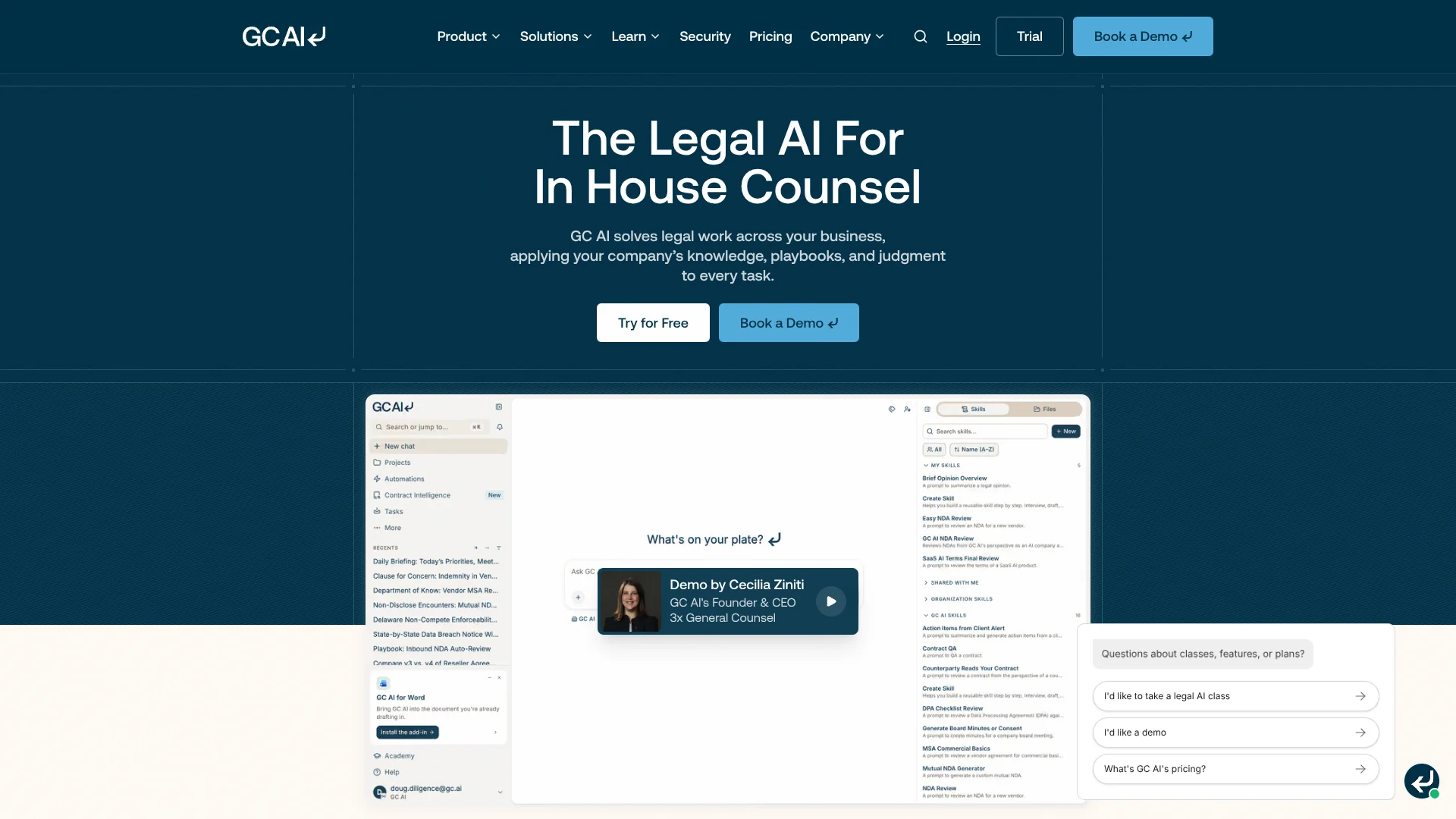
GC AI helps in-house lawyers draft and review contracts, research legal questions, and answer requests from the business. Its chat can work from your documents and company context, while its Microsoft Word add-in brings AI drafting and redlining into contract work. It is built for corporate legal teams, not general-purpose writing.
GC AI applies company-specific legal positions through Playbooks, which flag deviations, suggest redlines, and identify terms for approval. Its Exact Quote feature links answers to source documents and highlights the quoted text, so lawyers can check the support behind an answer rather than relying on an uncited summary.
Solo and fractional general counsel can handle routine legal work, while larger in-house teams can share chats and standards. The product is geared toward generalist corporate counsel, and GC AI says specialized practices may be better served by other platforms. Its strongest fit is everyday in-house work grounded in your company’s own legal positions.
Who is Using GC AI?
General counsel
Business-focused legal answers and company context help general counsel respond to everyday requests.
Commercial counsel
Word redlines and Playbooks help commercial counsel apply negotiation positions across contract reviews.
Legal operations professionals
Automations can schedule recurring research and playbook tasks for legal operations workflows.
Privacy and compliance counsel
Reusable skills and legal research can support recurring privacy and compliance questions.
Uncommon Use Cases
Scheduled legal research and monitoring; contract portfolio searches for terms, obligations, and risks.
Key Features
Rating Breakdown
Pricing Plans
Individual
$500 per month
- $5,000 per year when billed yearly.
- One seat with unlimited chats and skills.
- US Case Law and International Law are available as add-ons.
Team
- Billed yearly.
- Includes team skill library, Contract Intelligence, and shared chats.
- Includes one legal database choice: US Case Law or International Law.
Which GC AI plan should you pick?
Start with the 14-day trial to test your legal workflows, then choose Individual for one seat or ask about Team pricing when shared work and team features are needed.
Individual
For a solo or fractional general counsel who needs full platform access for one seat.
Team
For legal teams that need shared chats, a team skill library, Contract Intelligence, and team support.
GC AI Use Cases
Review commercial contracts
A Playbook checks contract terms against the company’s positions and flags deviations for review.
Outcome: A first-pass review with flagged terms and suggested redlines.
Draft and redline in Word
Contract edits and AI drafting stay in the Microsoft Word workflow.
Outcome: Drafts, comments, and redlines in the document.
Verify legal answers
Exact Quote lets a lawyer inspect the cited source text behind an answer.
Outcome: Clickable citations with the quoted text highlighted.
Research legal questions
Legal research combines authoritative sources with cited answers that can be checked.
Outcome: A cited summary of relevant legal sources.
Automate recurring legal work
Scheduled automations can run recurring research, monitoring, or playbook tasks.
Outcome: A new chat for each automation run to review and continue.
Workflow Ideas with GC AI
First-pass contract review
- 1Open the contract in Microsoft Word or add it to a GC AI chat.
- 2Run the relevant Playbook against the document.
- 3Review flagged terms and suggested redlines before responding.
Research with source checks
- 1Ask a legal question in chat and specify the relevant jurisdiction.
- 2Review the cited research and open Exact Quote sources.
- 3Use the findings to draft a business-focused response.
Daily legal work briefing
- 1Connect the work apps you want GC AI to reference.
- 2Run the Daily Briefing skill or schedule it as an automation.
- 3Review the resulting chat and approve any proposed actions.
How GC AI fits into your stack
Web app and legal files
Chats can work with documents and company context, while Files provides a shared document library for legal work.
Microsoft Word
The Word add-in brings drafting, contract review, and redlining into the document workflow.
Connected work apps
Agent Connectors can pull context from services such as Gmail, Slack, Drive, and HubSpot, and take actions with approval controls.
Automations and API
Automations schedule recurring legal tasks. The REST API can extend GC AI to tools and workflows, with usage billed separately in credits.
Pros
- +Company-specific reviews: Playbooks carry your legal positions into repeated contract checks.
- +Source checking: Exact Quote links answers to the original text and highlights the cited passage.
- +Word-based contract work: Drafting and redlining happen inside Microsoft Word.
- +Action approvals: Agent Connectors can pause for approval before taking sensitive actions.
Cons
- −High individual price: The monthly Individual plan costs $500.
- −Team price is not upfront: Team pricing requires an inquiry, which makes quick budget comparisons harder.
- −Narrower audience: Its workflows are aimed at in-house legal work rather than general business tasks.
Limitations & when to consider alternatives
Known limitations
- Trial duration. The free trial lasts 14 days; the pricing page directs users to choose an Individual plan or discuss a Team plan afterward.
- Legal database add-ons. Individual seats must add US Case Law or International Law separately; a Team plan includes one database choice.
- Separate API billing. API usage is billed in credits separately from the seat subscription.
- Team billing. Team plans are billed yearly, with pricing available on request.
Look elsewhere when
- You need an ongoing free plan rather than a 14-day trial.
- You need legal software focused on a specialized practice area rather than general in-house work.
How to Use GC AI
- 1
Start a trial
Sign up for the 14-day free trial; the pricing page says no credit card is needed.
- 2
Add company context
Answer the company questions so GC AI can use your organization’s context in legal responses.
- 3
Choose a legal task
Start a chat for drafting or research, or open Microsoft Word for contract work.
- 4
Apply a skill or Playbook
Attach a relevant Skill Library workflow or run a Playbook to apply repeatable legal instructions.
- 5
Check the sources and edits
Use Exact Quote to inspect citations, then review suggested language and redlines before relying on them.
- 6
Connect work apps if needed
In Settings, open Integrations and connect supported apps; review approval controls before allowing actions.
Who is GC AI For?
Solo and fractional general counsel
The Individual plan is intended for legal leaders who need contract, research, and drafting support on their own.
In-house legal teams
Shared chats and team skill libraries help colleagues use common legal context and review standards.
Commercial legal teams
Playbooks and Word-based contract review support routine work on agreements such as MSAs, DPAs, and NDAs.
Enterprise legal departments
Team and Enterprise offerings include options such as SSO, legal database access, and attorney support.
Frequently Asked Questions
Does GC AI have a free plan?
The site lists a 14-day free trial, not a permanent free plan. The trial does not require a credit card.
How much does GC AI cost?
Individual costs $500 per month or $5,000 per year. Team pricing is available on request and billed yearly.
Does GC AI work in Microsoft Word?
Yes. GC AI for Word supports legal drafting, review, and redlining inside Word.
Can GC AI connect to other apps?
Agent Connectors support apps including Gmail, Outlook, Slack, Drive, and HubSpot. Users connect their own accounts, and actions can require approval.
Does GC AI train AI models on my data?
GC AI says it and its AI providers do not train models on your data. The company also says data is isolated and encrypted at rest and in transit.
Community reviews
Be the first to share your experience.
Sign in to leave a review for GC AI.
GC AI Alternatives
Looking for alternatives to GC AI? Here are similar tools in the same category: