
FumeDev
Automates coding, integrates seamlessly, enhances developer productivity.
Key Takeaways
- What it is
- Automates coding, integrates seamlessly, enhances developer productivity.
- Pricing
- $20/mo · $250/mo
- Best for
- Automated Code Generation
- Integration with Collaboration Tools
- Private and Secure
- Rating
- 4.6/5
What is FumeDev?
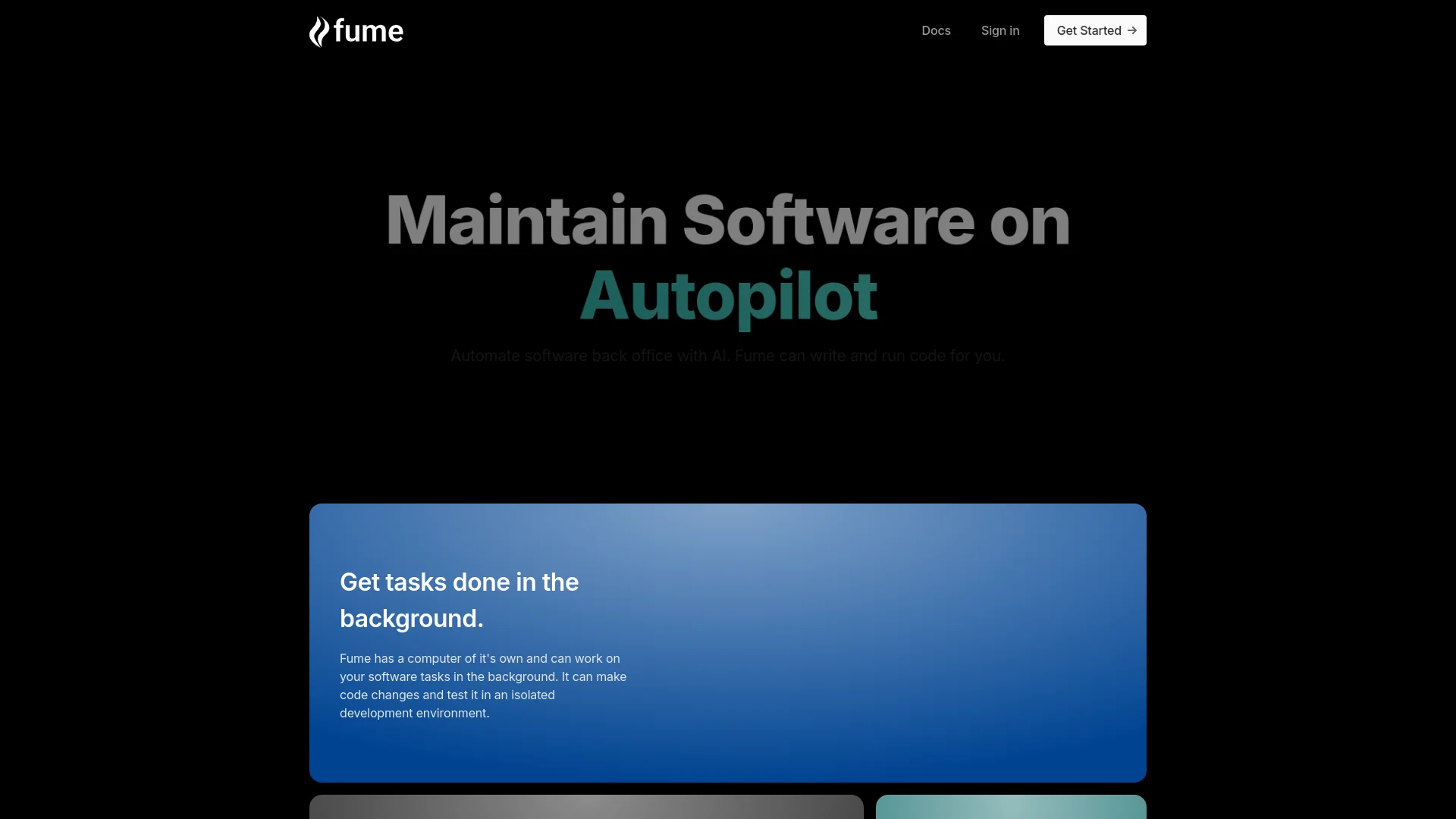
As an AI tool reviewer, I'm constantly on the lookout for innovative solutions that streamline complex tasks, and FumeDev truly stands out. FumeDev is a cutting-edge AI software tool designed to enhance the efficiency of software engineers by automating routine coding tasks and providing intelligent problem-solving assistance. Integrated with platforms like Jira and Linear, FumeDev acts as a virtual senior developer, offering step-by-step guidance on software tickets and bugs, and even generating code changes directly through pull requests.
FumeDev distinguishes itself with its ability to integrate directly into the daily tools of developers, offering not just automation but also intelligent problem-solving assistance. Its capability to discuss solutions and generate context-aware code makes it an invaluable asset for any software development team.
FumeDev excels in boosting the efficiency of software development teams, offering a blend of automated solutions and intelligent assistance. Its unique ability to integrate seamlessly with tools like Slack and Jira, combined with its secure and private operation, makes FumeDev an essential tool for modern developers looking to enhance productivity and streamline workflows.
Who is Using FumeDev?
Software Development Teams
Enhancing productivity by automating routine coding tasks.
Project Managers
Streamlining project oversight and task distribution.
Quality Assurance Professionals
Utilizing automated code generation for testing.
Startups and Large Enterprises
From agile startups to Fortune 500 companies, FumeDev is adaptable to various team sizes and structures.
Uncommon Use Cases
Educational institutions use it as a teaching aid in software development courses; freelance developers employ it to manage multiple projects simultaneously.
Key Features
Rating Breakdown
Pricing Plans
Individual Plan
$20/mo
- Unlimited tasks and codebases
Team Plan
$250/mo
- Offering 10 seats and shared codebase access
Enterprise Solution
- On-premise deployment and 100% data isolation options
Which FumeDev plan should you pick?
Start with Team for a growing team needing autonomous QA; upgrade to Enterprise for custom solutions and deployment options.
Team
Good for growing teams who need autonomous QA at $500 per month.
Enterprise
Good for large organizations needing custom solutions and deployment options.
FumeDev Use Cases
Generate tests from product videos
Record a user flow in a Loom-style video and have Fume generate Playwright tests.
Outcome: A readable Playwright test suite.
Self-heal changing tests
Allow Fume to detect selector or UI changes and update test code.
Outcome: Tests remain maintainable as the interface evolves.
Run tests in CI/CD
Trigger Fume-generated tests through GitHub Actions, GitLab, CircleCI, or custom CI.
Outcome: Automated end-to-end testing in development pipelines.
Migrate existing test suites
Import Playwright, Selenium, or Cypress tests for conversion and maintenance.
Outcome: A consolidated self-healing suite.
Debug product issues
Submit reproduction steps or screenshots for bugs and UI changes.
Outcome: Suggested or implemented fixes in the product codebase.
Workflow Ideas with FumeDev
Create and run a self-healing browser test
- 1Record a 30–90 second Loom showing the desired flow
- 2Paste the Loom link into Fume and generate a Playwright test
- 3Run the test and let Fume update selectors when the UI changes
Automate CI test execution
- 1Create a Fume API key
- 2Add the Fume trigger command to GitHub Actions or GitLab CI
- 3Run the generated Playwright tests on pushes or merges
Convert an existing test suite
- 1Import existing Playwright, Selenium, or Cypress tests
- 2Have Fume convert them into its maintained suite
- 3Review self-healing changes and continue running the tests
How FumeDev fits into your stack
Slack Integration
Direct access from within Slack enhances flexibility and immediate use.
Jira and Linear Compatibility
Smooth integration with popular project management tools.
Codebase Compatibility
Supports a wide range of codebases, making it versatile for different projects.
API Access
Allows for custom integrations, expanding its utility beyond pre-built solutions.
Pros
- +Efficiency Boost: Significantly reduces the time engineers spend on routine tasks.
- +Enhanced Problem Solving: Offers intelligent solutions and discussions, improving issue resolution.
- +Ease of Access: Available directly from tools like Slack, making it highly accessible.
- +Security and Privacy: Prioritizes data security and user privacy, crucial for sensitive projects.
Cons
- −Learning Curve: Users may need time to fully integrate FumeDev into their daily workflows.
- −Dependence on Specific Platforms: Currently, integration is limited to Jira, Linear, and Slack.
- −Cost Consideration: While offering a free trial, ongoing costs need to be justified by the value it adds to the team.
Limitations & when to consider alternatives
Known limitations
- Requires a web application. The quickstart requires a web app that users can access in a staging or demo environment.
- Recordings should be concise. Fume recommends focused Loom recordings lasting approximately 30–90 seconds.
- Repository processing can take time. The user guide says repository processing may take 10 minutes to several hours and should generally not exceed six hours.
- Self-healing changes require review. Fume recommends treating automatic updates as code changes that should be reviewed, approved, and merged.
- Authentication can expire in CI. The troubleshooting guide recommends environment-specific accounts and stable authentication setup for headless runs.
Look elsewhere when
- You need a native mobile application.
- You need a desktop-installed testing application.
- Your workflow requires a free paid plan rather than cloud runners or a trial.
How to Use FumeDev
- 1
Detailed tutorials are available to help users from setup to advanced operations, ensuring that teams can fully leverage FumeDev's capabilities.
Who is FumeDev For?
Anyone who wants robust browser tests
Fume is intended for users who want robust browser tests without sacrificing developer time.
Growing teams
The Team plan is positioned for growing teams needing autonomous QA.
Large organizations
The Enterprise plan offers custom solutions for large organizations.
Engineering and QA teams
Fume generates, runs, migrates, and maintains Playwright-based end-to-end test suites.
Frequently Asked Questions
What does Fume do?
Fume designs, generates, and maintains Playwright test suites for web applications.
How does Fume know how to use my app?
It uses product videos such as Loom recordings and optionally session recordings from PostHog or Amplitude.
How do I integrate Fume tests into my CI/CD pipeline?
Use Fume's API or CLI to fetch tests and run them in CI runners, or execute them on Fume Cloud.
Do I own the Playwright code after I cancel?
Yes. Users retain ownership of the generated Playwright code.
How does Fume handle broken tests?
A browser-use agent can complete broken runs, after which Fume updates the test code for future runs.
Can I migrate existing Playwright/Selenium/Cypress tests to Fume?
Yes. Fume can import these tests and convert and maintain them as a self-healing suite.
Community reviews
Be the first to share your experience.
Sign in to leave a review for FumeDev.
FumeDev Alternatives
Looking for alternatives to FumeDev? Here are similar tools in the same category:
Learn to Master FumeDev
With Skill Leap courses
Get in-depth training on FumeDev and 50+ other AI tools with our expert-led video courses.
Start 7-Day Free Trial