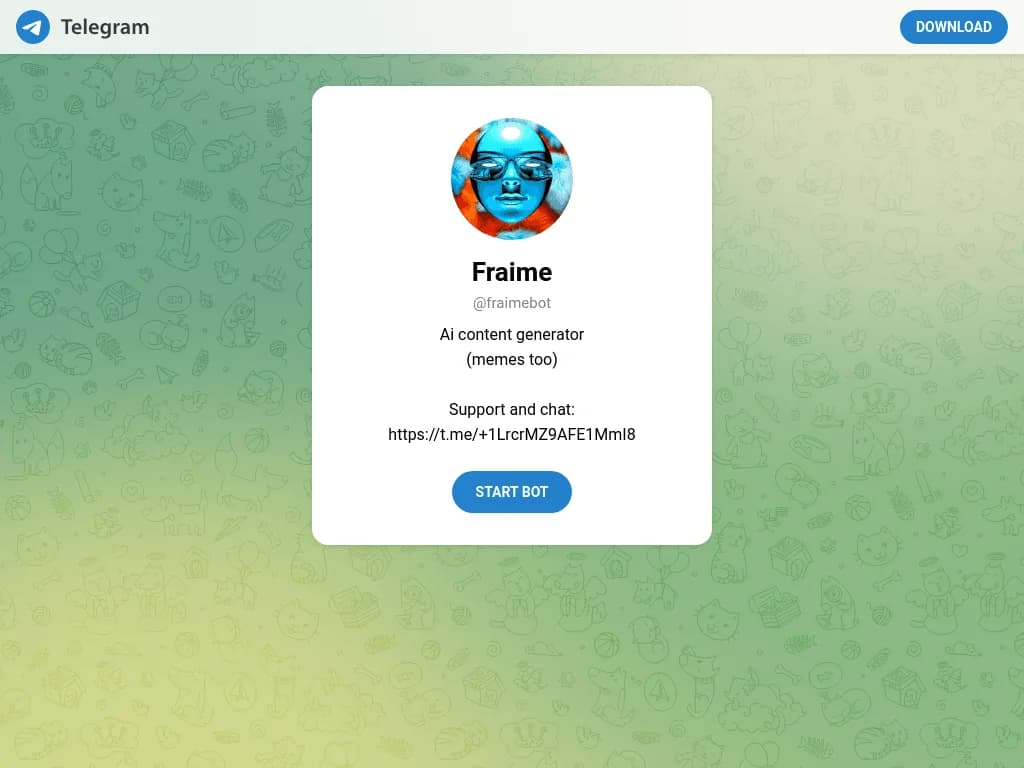
FraimeBot
Create meme ideas and content directly through a Telegram chat.
Key Takeaways
- What it is
- Create meme ideas and content directly through a Telegram chat.
- Best for
- AI Content Generation
- Meme Creation
- Telegram Support Community
- Rating
- 3.2/5
What is FraimeBot?
FraimeBot creates AI-generated content inside Telegram, with memes called out as a specific use case. It is built for people who want to explore content ideas from a Telegram chat rather than open a separate creation tool. The public bot page gives users a direct way to launch Fraime and start interacting with it.
Its clearest distinction is that the entire experience is delivered through the Telegram bot @fraimebot, including access to a linked support and chat community.
FraimeBot fits Telegram users looking for quick AI content experiments and meme ideas. The public page does not explain output formats, usage limits, editing controls, integrations, or paid access, so it is best treated as a lightweight Telegram-native tool rather than a documented content production suite.
Who is Using FraimeBot?
Social Media Influencers
Quickly create and share engaging content with followers.
Content Marketers
Inject humor into marketing campaigns and generate fresh ideas.
Meme Creators
Stay updated on meme trends and produce viral content.
Casual Users
Enjoy for personal entertainment and sharing with friends.
Uncommon Use Cases
Adopted by educators for introducing AI content creation in classrooms; Used by small business owners for quick promotional content.
Key Features
Rating Breakdown
Pricing Plans
Free Access
- Available for free within the Telegram app
FraimeBot Use Cases
Meme Ideas
Meme creation is the most specific use named on the public FraimeBot page.
Outcome: AI-generated meme content.
General Content Generation
The bot is presented for creating AI content through a Telegram conversation.
Outcome: AI-generated content.
Telegram Community Support
The linked support group gives users a place to discuss FraimeBot and seek help.
Outcome: Access to a Fraime support and chat community.
Workflow Ideas with FraimeBot
Create a Meme in Telegram
- 1Open the FraimeBot page in Telegram.
- 2Start the bot.
- 3Request meme content through the Telegram chat.
Find Help
- 1Open the linked Fraime support and chat group.
- 2Ask questions or discuss the bot with the community.
How FraimeBot fits into your stack
Telegram
FraimeBot lives inside Telegram through the @fraimebot account, so Telegram is the main place to access it.
Content Ideation
The bot fits at the idea-generation stage for AI content and memes. The public page does not document connections to publishing, design, storage, or automation tools.
Support
A separate Telegram group is linked for support and chat around FraimeBot.
Pros
- +Telegram access: Launches directly from the @fraimebot Telegram page.
- +Meme focus: The public description specifically mentions memes.
- +Community support: A separate support and chat group is linked from the bot page.
Cons
- −Limited public detail: The bot page does not explain its commands, output formats, or usage limits.
- −Telegram dependency: Access depends on using Telegram.
- −Unclear pricing: The public page does not state whether use is free or paid.
Limitations & when to consider alternatives
Known limitations
- Undocumented controls. The public bot page does not list available commands, generation settings, output formats, or refinement options.
- Undocumented pricing. The public page does not publish a price, plan list, subscription details, or usage allowance.
- Undocumented integrations. The public page identifies Telegram access but does not document connections to other services.
Look elsewhere when
- You need documented pricing and usage limits.
- You need a web app, native app, or browser extension.
- Your workflow depends on integrations or publishing automation.
- You need detailed controls for branded or professional content.
How to Use FraimeBot
- 1
Open FraimeBot
Launch @fraimebot through its Telegram page.
- 2
Start the Bot
Use Telegram's Start option to begin interacting with FraimeBot.
- 3
Request Content
Describe the AI content or meme you want in the bot chat.
- 4
Get Support
Visit the linked Fraime support and chat group when you need community help.
Frequently Asked Questions
Where do I use FraimeBot?
FraimeBot is accessed through Telegram at @fraimebot.
What does FraimeBot create?
The public bot description presents it as an AI content generator and specifically mentions memes.
Where can I get support?
The bot page links to a separate Fraime support and chat group on Telegram.
Does FraimeBot have a published price?
The public bot page does not publish pricing or plan details.
Community reviews
Be the first to share your experience.
Sign in to leave a review for FraimeBot.
FraimeBot Alternatives
Looking for alternatives to FraimeBot? Here are similar tools in the same category: