
Formulas HQ
Unleash data mastery with real-time calculations and collaborative formula management.
Key Takeaways
- What it is
- Unleash data mastery with real-time calculations and collaborative formula management.
- Pricing
- Freemium
- Best for
- Extensive Formula Library
- Real-Time Calculation Engine
- Collaborative Workspace
- Rating
- 4.5/5
What is Formulas HQ?
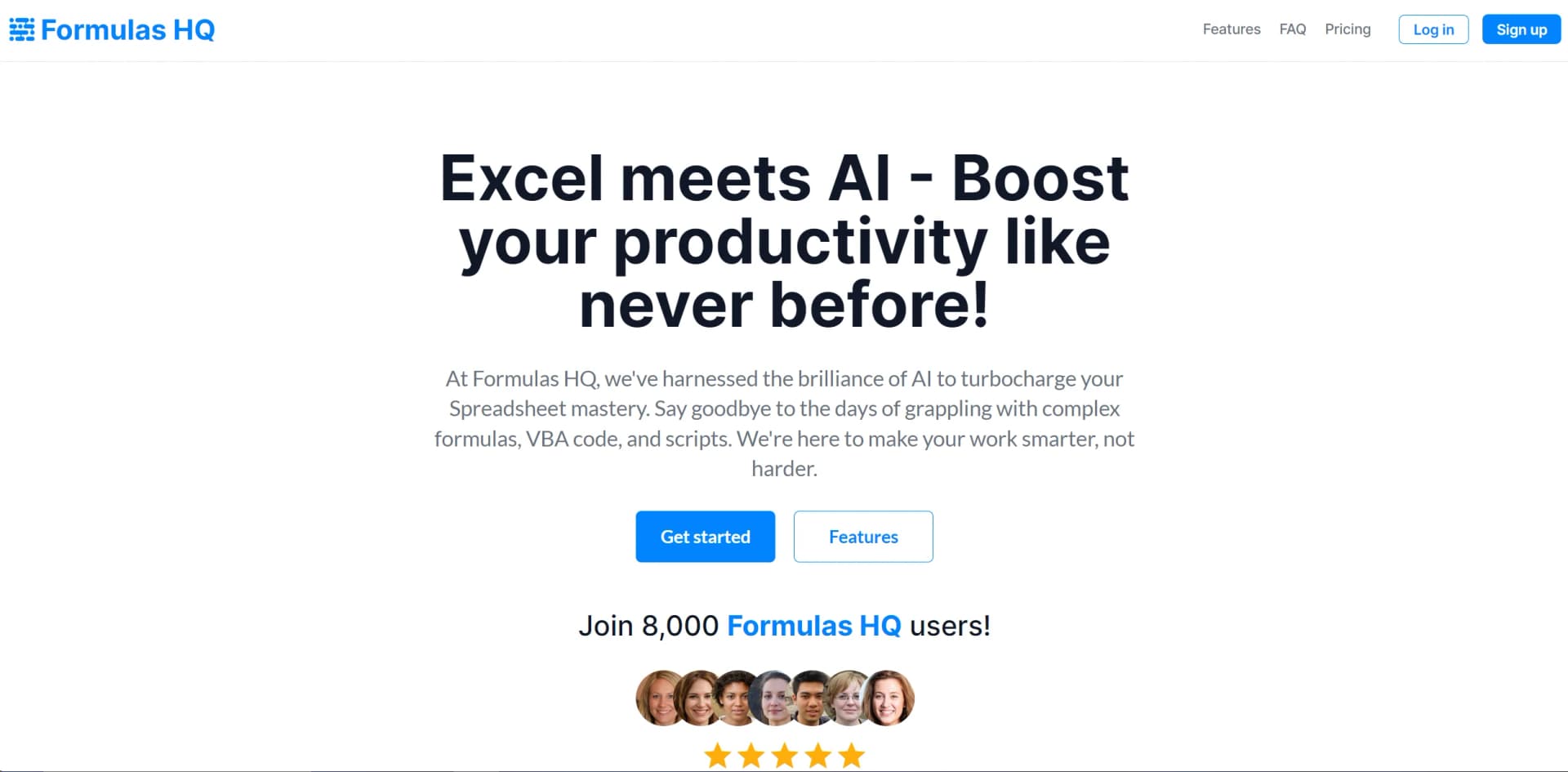
Formulas HQ is a cutting-edge platform designed to revolutionize the management of data-driven processes. Tailored for professionals requiring robust formula management and calculation solutions, this innovative tool simplifies complex data manipulation tasks, ensuring accuracy and efficiency in formula-intensive workflows.
Formulas HQ delivers a user-friendly platform for complex formula management and data analysis. Beneficial for professionals requiring precision and efficiency in data-driven tasks, it stands out with its real-time calculation engine and extensive formula library, making it essential for a significant user base.
Who is Using Formulas HQ?
Financial Analysts
For complex financial modeling and risk assessments.
Engineers
In projects requiring industry-specific formulas.
Data Scientists
For statistical analysis and predictive modeling.
Educators
Teaching applied mathematics and data analysis.
Uncommon Use Cases
Non-profits analyzing fundraising data; Fitness coaches personalizing plans based on client data.
Key Features
Rating Breakdown
Pricing Plans
Free Tier
Free
- Limited feature set at no cost
Premium Tier
- Full suite of features with subscription plans starting at a competitive rate
Which Formulas HQ plan should you pick?
Start with Free for occasional formula work, upgrade to Pro for unlimited tools and file analysis, and choose Analyzer for multi-site content auditing.
Free
Good for users who need occasional Excel, Google Sheets, VBA, Apps Script, regex, Salesforce formula, and guide generation.
Pro
Good for analysts and operators who need unlimited generations, file-upload chat, Data Wizard, Python generation, and Campaign Intel.
Analyzer
Good for marketers, agencies, and content teams who need website crawling, scaled content analysis, scoring, and exports.
Formulas HQ Use Cases
Generate spreadsheet formulas
Describe an Excel or Google Sheets calculation in plain English and receive a formula with explanations, examples, and warnings.
Outcome: A ready-to-use formula that is easier to understand and adapt.
Analyze uploaded business data
Upload CSV, Excel, JSON, or Parquet files and ask questions using natural language.
Outcome: Answers, charts, tables, and generated SQL for exploring the data.
Generate code and scripts
Describe a task and generate Python, VBA, Google Apps Script, or regex code.
Outcome: Working code with explanations and appropriate library or syntax conventions.
Audit a Salesforce org
Connect Salesforce through read-only OAuth and scan formulas, validation rules, flows, permissions, and related configuration.
Outcome: A prioritized report of broken, redundant, risky, or inactive configuration.
Audit website content
Enter a homepage URL, discover pages, and analyze their purpose, structure, content type, and persona coverage.
Outcome: A content map showing gaps, inconsistencies, and areas for improvement.
Workflow Ideas with Formulas HQ
Explore a spreadsheet export
- 1Upload CSV or Excel files
- 2Ask questions about totals, trends, segments, or outliers
- 3Review generated charts, tables, and SQL
Clean up a Salesforce org
- 1Connect a Salesforce sandbox with read-only OAuth
- 2Run the organization audit
- 3Use the formula generator to rewrite flagged formulas
Run a website content audit
- 1Enter the website homepage URL
- 2Let Content Analyzer discover and analyze pages
- 3Export findings and compare later analysis sessions
How Formulas HQ fits into your stack
Spreadsheet Integration
Easily integrates with popular spreadsheet software.
API Access
Custom integration into existing systems.
Cloud-Based Platform
Accessible from any device with internet connectivity.
Security Features
Implements robust security measures.
Pros
- +Enhanced Accuracy: Minimize errors with precise algorithmic computations.
- +Time-Saving: Streamline data-related tasks, reducing manual calculation time significantly.
- +User Empowerment: Enable users to create custom formulas without extensive programming knowledge.
- +Scalability: Adapt to growing business needs, handling increasing data volumes and complexity.
Cons
- −Learning Curve: New users may require time to master the full range of features.
- −Niche Focus: Primarily caters to users with specific needs for complex formula management.
- −Dependency on Data Quality: Effectiveness relies on input data quality.
Limitations & when to consider alternatives
Known limitations
- Free plan has a monthly generation limit. The Free plan includes five generations per month; unlimited generations require Pro or Analyzer.
- Data Chat is not for very large datasets. The product says it will not handle 50-million-row datasets and is intended for individual file exploration rather than warehouse-scale analysis.
- Data Chat is not a governed BI dashboard. The site describes it as a sandbox for one person rather than a governed dashboard for 200 users.
- Analyzer usage is capped. The Analyzer plan includes content analysis for 10 sites and 200 pages.
- Generated formulas require review. Formula results can carry status badges such as "Review suggested" or "Action required," so outputs should be checked before use.
Look elsewhere when
- You need a native mobile application.
- You need a dedicated desktop installer.
- You need SSO or SAML administration.
- You need image-file understanding.
How to Use Formulas HQ
- 1
Video Tutorials
Comprehensive guides.
- 2
Knowledge Base
Resources to maximize potential.
Who is Formulas HQ For?
Accountants and analysts
The site names accountants and analysts as core users who need formulas, spreadsheet analysis, and data insights.
Salesforce administrators and consultants
Salesforce admins and consultants can generate formulas, audit org configuration, and prioritize technical debt.
Marketers and marketing operations teams
Marketers can analyze campaign attribution, pipeline, ROI, content audits, and spreadsheet exports.
Content and SEO teams
Content and SEO teams can crawl websites, score pages, identify gaps, and export audit results.
Business owners and spreadsheet users
Business owners and spreadsheet users can describe calculations in plain English without writing syntax manually.
Frequently Asked Questions
Is there a free plan?
Yes. The Free plan costs $0 per month and includes five generations per month.
What tools are included?
FormulasHQ includes Excel and Google Sheets formulas, VBA and Apps Script, regex, Salesforce formulas, data analysis, Python generation, and content analysis.
Can I analyze my own data files?
Yes. Data Chat accepts CSV, Excel, JSON, and Parquet files, including multiple files for joins or comparisons.
Where does my data go?
Data Wizard runs locally in the browser using DuckDB WASM. Data Chat says files do not leave the machine unless explicitly shared.
Can I use it in languages other than English?
Yes. The site lists English, Spanish, French, Turkish, and Hindi.
What about huge datasets?
Data Chat states that it is not intended for 50-million-row datasets and recommends using a data warehouse instead.
Community reviews
Be the first to share your experience.
Sign in to leave a review for Formulas HQ.
Formulas HQ Alternatives
Looking for alternatives to Formulas HQ? Here are similar tools in the same category:
Learn to Master Formulas HQ
With Skill Leap courses
Get in-depth training on Formulas HQ and 50+ other AI tools with our expert-led video courses.
Start 7-Day Free Trial