Fluig AI
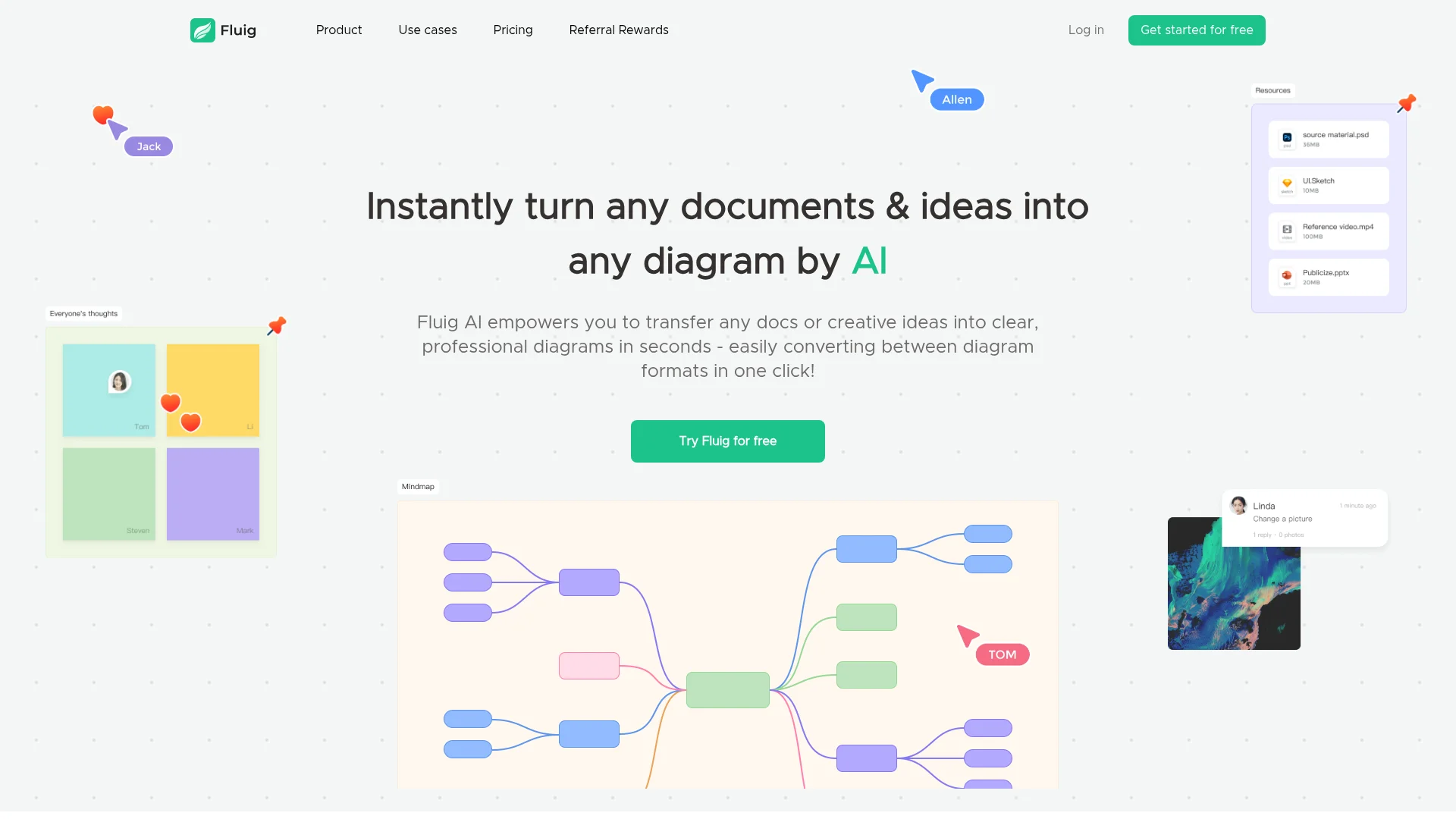
Transforms documents into professional diagrams.
Watch Fluig AI in Action
Key Takeaways
- What it is
- Transforms documents into professional diagrams.
- Pricing
- Freemium · $19 per month · $149 per year · $599
- Best for
- Instant Diagram Conversion
- Format Flexibility
- Real-Time Collaboration
- Rating
- 4.5/5
What is Fluig AI?
Fluig AI is an innovative tool designed to simplify the process of transforming documents and creative ideas into professional diagrams. Whether you're handling PDFs, images, or website content, Fluig AI allows you to convert these into clear diagrams in just seconds, making it an ideal solution for those seeking efficiency in visual collaboration. Its user-friendly interface means you don't need to master complex design tools to create impressive visual content.
Fluig AI stands out with its ability to convert diverse content types into professional diagrams almost instantly. This feature is particularly beneficial for users who need to visualize information quickly without extensive design knowledge. The tool's seamless format conversion capability also sets it apart, offering users the flexibility to present their ideas in various styles effortlessly.
With its rapid conversion capabilities and user-friendly interface, Fluig AI is a valuable tool for professionals across various fields. It simplifies the process of turning complex documents into comprehensible diagrams, making it a worthwhile addition to any workflow that demands visual representation. Whether you're in marketing, education, or legal services, Fluig AI promises to enhance your productivity and creativity with ease.
Who is Using Fluig AI?
Business Managers
Utilizing Fluig AI for project planning and budget allocation.
Educators
Employing the tool to create visual aids for teaching complex subjects.
Marketing Professionals
Using Fluig AI to manage campaigns and create customer profiles.
Legal Experts
Leveraging the tool for drafting contracts and visualizing legal provisions.
Uncommon Use Cases
Adopted by travel planners for itinerary management; Used by chefs for organizing recipes and meal plans.
Key Features
Rating Breakdown
Pricing Plans
Exclusive Futurepedia Deal
Free
- 1 month. Use code 'Futurepedia' at this link to unlock a free Pro account—limited to the first 500 users
Monthly Plan
$19 per month
- Includes unlimited files, 1,000 AI credits, unlimited version history, watermark-free export, Super HD quality, AI tools, and 7×12 support
Annual Plan
$149 per year
- Includes all Monthly Plan features with 14,000 AI credits annually
Perpetual Plan
$599
- One-time payment. Lifetime access with unlimited files
- 50,000 AI credits
- All premium features
- Super HD exports
Which Fluig AI plan should you pick?
Start with Free to test AI diagramming, then upgrade to Monthly plan, Annual plan, or Perpetual plan when you need more files, credits, exports, or collaboration capacity.
Free
Good for individuals testing Fluig with a small number of diagram files and limited AI credits.
Monthly plan
Good for users who need unlimited files, higher monthly AI credits, version history, premium exports, and flexible monthly billing.
Annual plan
Good for regular users who want substantially more annual AI credits and a lower effective cost than monthly billing.
Perpetual plan
Good for users who want lifetime access with a one-time payment and a large lifetime AI-credit allowance.
Fluig AI Use Cases
Research and paper writing
Upload research material and turn it into mind maps, tables, or structured visual summaries.
Outcome: Research information becomes easier to understand and communicate.
Project planning
Describe project ideas or upload requirements documents to create flowcharts, timelines, and planning diagrams.
Outcome: Project concepts become structured plans.
Business analysis
Visualize business data, processes, budgets, compliance topics, and operational relationships.
Outcome: Complex business information becomes clearer.
Education and learning
Convert learning materials and PDFs into mind maps, tables, and other study visuals.
Outcome: Dense educational content becomes easier to review.
Sales funnel design
Use the AI funnel builder to design and visualize customer journeys and sales funnels.
Outcome: Sales processes become easier to plan and optimize.
Workflow Ideas with Fluig AI
Document to diagram
- 1Upload a document, PDF, image, or URL
- 2Let Fluig generate a mind map, flowchart, table, or other visual
- 3Refine the result through AI chat and export or share it
Idea to project plan
- 1Describe the project idea in natural language
- 2Generate a timeline, flowchart, Kanban board, or mind map
- 3Collaborate with teammates and update the diagram through chat
Diagram conversion
- 1Open an existing diagram
- 2Ask Fluig to convert it into another diagram format
- 3Review and refine the converted result
How Fluig AI fits into your stack
Browser
Fluig is used as a web-based AI diagramming workspace for turning ideas, documents, images, and URLs into visual outputs.
Knowledge and files
Users upload PDFs, Word documents, images, and other files, then convert their contents into mind maps, flowcharts, tables, timelines, and related diagrams.
Automation and APIs
Fluig can be embedded into products and workflows through SDKs, APIs, MCP, and iFrame integration.
Docs and writing
The product generates articles, posts, and other text-based content alongside diagrams, and supports refining outputs through AI chat.
Pros
- +Time-Saving: Quickly converts content into diagrams, significantly reducing the time spent on manual design tasks.
- +User-Friendly: No need for design or technical skills to use effectively.
- +Versatile Application: Supports a wide range of diagram formats suitable for different professional needs.
- +Free Trial Available: Users can explore premium features without any upfront payment.
Cons
- −Initial Learning Curve: Users may need a little time to familiarize themselves with all available features.
- −Limited Free Usage: The free version limits the number of diagrams and AI credits.
Limitations & when to consider alternatives
Known limitations
- Free file limit. The Free plan allows up to 3 active mind maps, flowcharts, or whiteboard files.
- Free AI-credit limit. The Free plan includes a limited allocation of AI credits; the pricing page lists 2,000 credits.
- Daily limits on some diagram types. The Free plan limits some outputs, including class diagrams, cards or Kanbans, fishbones, and timelines to 3 per day.
- Free export restrictions. The Free plan does not include watermark-free export or Super HD exported image quality.
- No documented native mobile or desktop application. The official product pages describe web, iframe, SDK, API, and MCP integration options but do not provide native-app download listings.
Look elsewhere when
- You need named third-party integrations rather than APIs or SDKs.
- You need native mobile apps rather than a web-based workflow.
- You need SSO or SAML.
How to Use Fluig AI
- 1
Start with an idea or source file
Enter a natural-language concept or upload a document, PDF, image, URL, or other supported input to provide context for generation.
- 2
Choose or request a visual format
Ask for a mind map, flowchart, table, Kanban board, timeline, class diagram, or another supported format.
- 3
Refine through AI chat
Use follow-up chats to add details, change layout or style, expand branches, or convert the diagram into another format.
- 4
Edit and collaborate
Make manual edits, add comments or sticky notes, and work with teammates in real time.
- 5
Export and share
Export visuals as PDFs, images, or other files, or share them using a link or live presentation.
Who is Fluig AI For?
Knowledge learners
Use Fluig to organize notes, understand complex material, and create visual study resources.
Business managers
Use diagrams and visual analysis for planning, reporting, and business decision-making.
Project managers
Turn project ideas, requirements, and workflows into structured diagrams and plans.
Marketers
Visualize campaigns, customer journeys, funnels, and marketing concepts.
Researchers
Convert research documents and findings into mind maps, charts, tables, and reports.
Frequently Asked Questions
What is Fluig and how does it work?
Fluig turns ideas, documents, images, URLs, and other inputs into editable diagrams and visual presentations using AI.
Is Fluig free to use?
Yes. The Free plan provides up to 3 active diagram files and AI credits without requiring payment upfront.
Can Fluig turn documents into diagrams automatically?
Yes. Users can upload documents such as PDFs, Word files, images, or other supported inputs and convert them into diagrams.
What kinds of content can Fluig generate?
Fluig generates mind maps, flowcharts, tables, cards, Kanban boards, timelines, class diagrams, articles, and other visual formats.
Can users convert between diagram formats?
Yes. Fluig supports converting between diagram formats using natural-language requests.
Can users edit diagrams after AI generation?
Yes. Users can manually edit diagrams or refine layouts, styles, and details through AI chat.
Community reviews
Be the first to share your experience.
Sign in to leave a review for Fluig AI.
Fluig AI Alternatives
Looking for alternatives to Fluig AI? Here are similar tools in the same category: