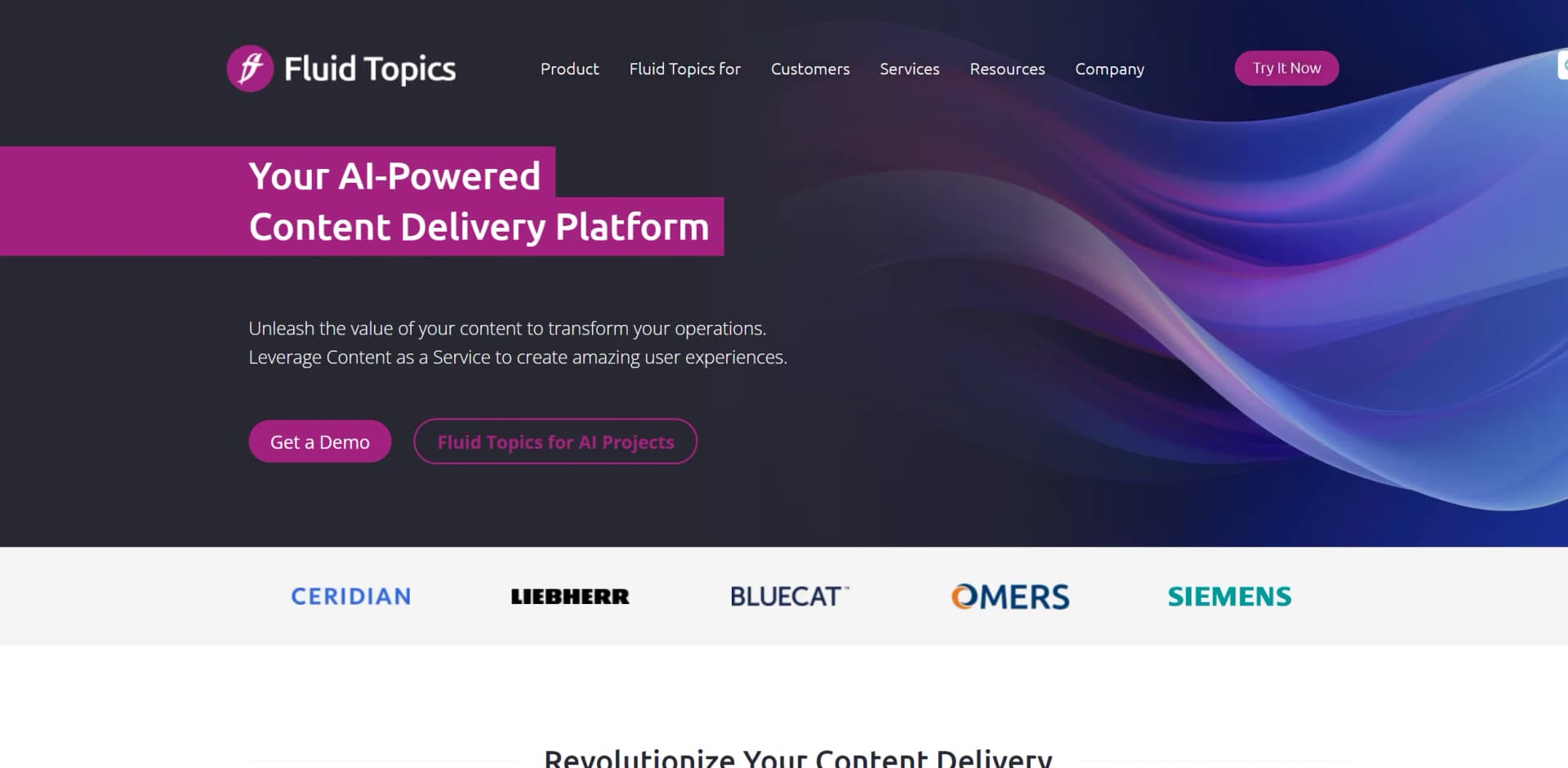
Fluid Topics
Transform static docs into searchable, personalized content hubs.
Key Takeaways
- What it is
- Transform static docs into searchable, personalized content hubs.
- Pricing
- $500 per month
- Best for
- Dynamic Content Management
- Advanced Search Capabilities
- Personalization and User Profiles
- Rating
- 4.5/5
What is Fluid Topics?
Fluid Topics is a dynamic content delivery platform that transforms how organizations handle their technical documentation and knowledge content. This AI-driven tool allows users to turn static PDFs, Word documents, and other content formats into a fully searchable, personalized content hub. Designed for technical writers, support teams, and product specialists, Fluid Topics aims to enhance the accessibility and usability of technical knowledge, thus empowering end-users and reducing support costs.
Fluid Topics stands out with its robust content transformation capabilities, turning static documents into interactive, searchable content. Its ability to seamlessly integrate with numerous data sources and formats sets it apart, making it a versatile tool for various industries.
Fluid Topics excels in transforming static documentation into an engaging, searchable, and manageable content hub. It is particularly beneficial for organizations looking to enhance their technical documentation accessibility and user engagement. Its robust integration capabilities and advanced content management features offer significant advantages, making it an essential tool for businesses aiming to optimize their knowledge management practices.
Who is Using Fluid Topics?
Software Companies
Utilizing the tool to manage and distribute product documentation and release notes.
Manufacturing Firms
Employing the tool to provide technicians with quick access to maintenance manuals and technical guides.
Healthcare Organizations
Leveraging the tool to distribute medical device documentation and training materials.
Educational Institutions
Using the tool to manage and deliver academic research and administrative documents.
Uncommon Use Cases
Utilized by non-profits for organizing volunteer training materials; adopted by startups for agile documentation management.
Key Features
Rating Breakdown
Pricing Plans
Free Trial
- Experience Fluid Topics with a 30-day free trial
Standard Plan
$500 per month
- Basic features
Enterprise Plan
- Custom pricing based on the organization's size and specific needs
Fluid Topics Use Cases
Documentation portal
Create a self-service portal for technical and product documentation.
Outcome: Users get faster access to product information.
AI support assistant
Ground chatbots and support-agent assistance in centralized product knowledge.
Outcome: Support teams can respond more quickly with contextual answers.
Content unification
Ingest documentation from authoring tools, knowledge bases, repositories, and unstructured files.
Outcome: Organizations maintain one unified knowledge hub.
In-product help
Deliver contextual documentation and assistance directly inside applications.
Outcome: Users receive relevant guidance at the point of need.
Code assistance
Explain code examples, generate annotations, and translate snippets into other programming languages.
Outcome: Developers better understand and reuse technical examples.
Workflow Ideas with Fluid Topics
Automated documentation publishing
- 1Connect authoring tools, repositories, or knowledge bases.
- 2Ingest and normalize content in the Unified Knowledge Hub.
- 3Publish updated documentation across portals, help systems, and AI channels.
AI-powered support response
- 1Receive an incoming customer question.
- 2Retrieve relevant product knowledge through Fluid Topics AI.
- 3Draft a contextual response for support-agent review and validation.
Offline field documentation
- 1Create a collection of required documents.
- 2Synchronize the collection while connected.
- 3Access the synchronized documentation offline in remote or restricted areas.
How Fluid Topics fits into your stack
CRM Systems Integration
Fluid Topics integrates with popular CRM systems, enhancing customer support operations.
API Access
Developers can use Fluid Topics' API for custom integrations, making it flexible for tailored use cases.
Cloud Compatibility
Fully compatible with major cloud platforms, ensuring reliable and scalable deployment.
Multi-Format Support
Supports a wide range of content formats, including PDFs, Word documents, and HTML pages.
Pros
- +Enhanced User Experience: Improves the findability and accessibility of information, leading to increased customer satisfaction.
- +Cost Efficiency: Reduces the need for extensive support teams by providing users with self-help tools and resources.
- +Scalability: Easily scales to accommodate growing amounts of content and user bases without degradation in performance.
- +Integration Capabilities: Seamlessly integrates with existing knowledge bases and CRM systems, enhancing workflow continuity.
Cons
- −Initial Setup Complexity: Setting up and customizing the system can be complex and may require dedicated technical resources.
- −Learning Curve: New users might need some time to fully leverage the advanced features offered by Fluid Topics.
- −Dependency on Content Quality: The effectiveness of the search and personalization features heavily depends on the quality of the input documentation.
Limitations & when to consider alternatives
Known limitations
- Offline mode requires a subscription. Offline access is a premium feature and requires the appropriate role and administrator activation.
- Upload size limits apply. API uploads cannot exceed 1.85 GB, and individual topics cannot exceed 100 MB.
- Consumer portals cannot receive API uploads. Content upload through the API is unavailable on consumer portals.
- Offline access requires supported browsers. Offline mode supports Chrome-based browsers and Firefox; iOS users install the application through Safari.
Look elsewhere when
- You need a native mobile application from the vendor.
- You need a public self-serve free plan.
- You need model fine-tuning on your own data.
How to Use Fluid Topics
- 1
Explore the comprehensive tutorial series on the Fluid Topics website, covering everything from basic setup to advanced customization features.
Who is Fluid Topics For?
Technical writers
They can centralize documentation, automate publishing, add AI assistants, and deliver content across channels.
Developers and software teams
They can connect repositories and developer tools, publish technical content, and provide code-focused assistance.
Support agents
They can use centralized product knowledge and AI-generated response suggestions to resolve customer questions faster.
Customers and end users
They can access searchable documentation portals, contextual help, chatbots, translations, and offline content.
Project managers and consultants
Fluid Topics training identifies them as audiences for learning the platform’s search, analytics, publishing, and integration features.
Frequently Asked Questions
What is Fluid Topics?
Fluid Topics is a product knowledge platform that centralizes content and delivers it through portals, applications, support channels, and AI systems.
What content formats does Fluid Topics support?
It processes DITA, DocBook, HTML, Markdown, YAML, Word files, wiki markup, images, video, audio, animations, and 3D files.
Can Fluid Topics integrate with existing tools?
Yes. Ready-to-use connectors import content from authoring tools, content management systems, knowledge bases, and publishing platforms.
Does Fluid Topics support AI applications?
Yes. It provides AI search, generative AI, RAG capabilities, chatbots, translation, code assistance, and an MCP server.
Can Fluid Topics work offline?
Offline mode lets authorized users synchronize collections and access content without an internet connection; it requires a subscription.
Can organizations control content access?
Yes. Fluid Topics provides granular permissions, user groups, roles, authentication, and access rules.
Community reviews
Be the first to share your experience.
Sign in to leave a review for Fluid Topics.
Fluid Topics Alternatives
Looking for alternatives to Fluid Topics? Here are similar tools in the same category: