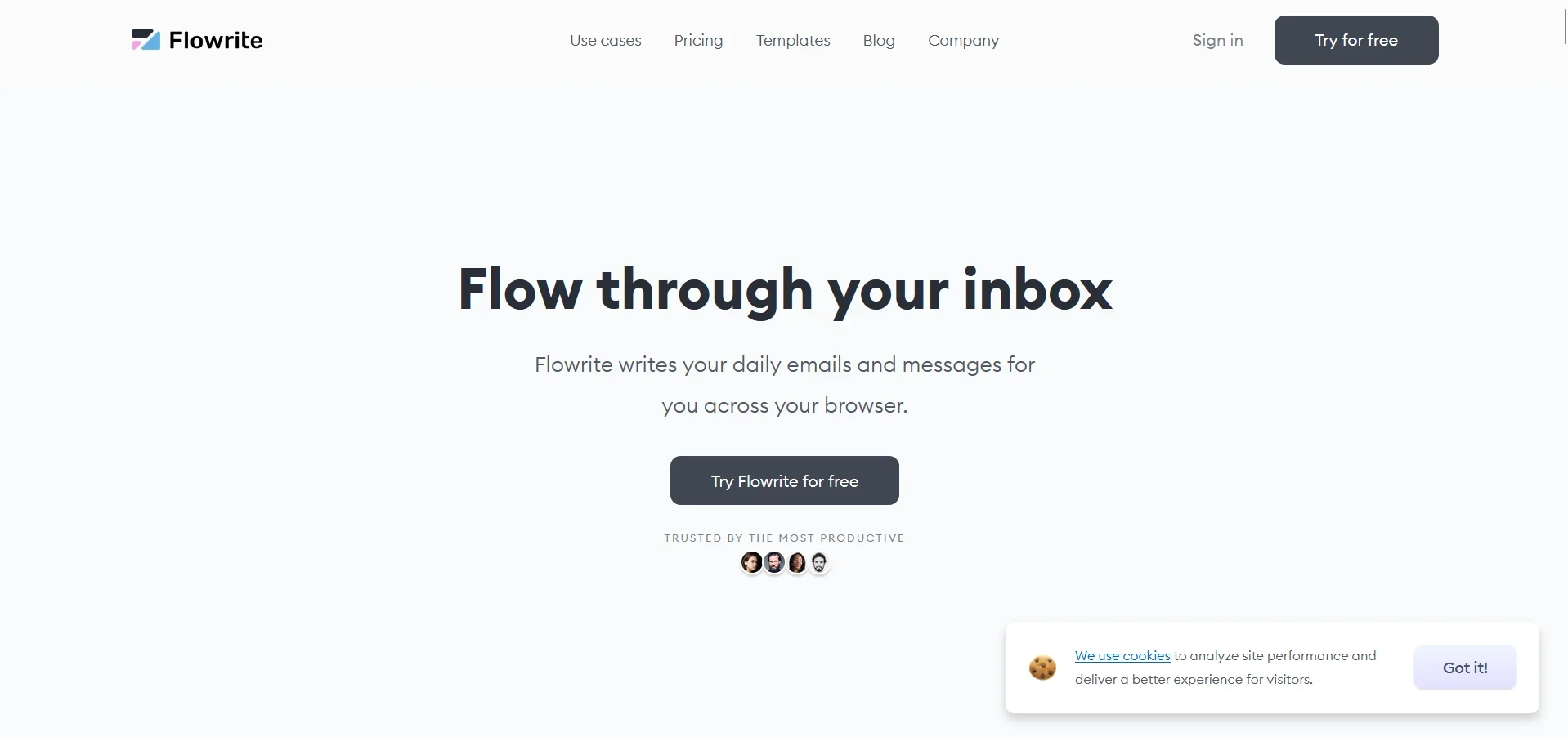
Flowrite
Revolutionize email and message writing with AI-driven, browser-integrated tool.
Key Takeaways
- What it is
- Revolutionize email and message writing with AI-driven, browser-integrated tool.
- Best for
- AI-Powered Writing Assistant
- Browser Integration
- Template Gallery
- Rating
- 4.6/5
What is Flowrite?
Flowrite is a cutting-edge AI tool designed to revolutionize the way we handle our daily communications. Whether it's drafting emails, responding to messages, or managing your inbox, Flowrite offers a seamless solution that integrates directly into your browser. Aimed at boosting productivity for both individuals and companies, this tool is a game-changer for anyone looking to save time and enhance efficiency in their communication tasks.
Flowrite stands out due to its deep integration into daily communication tools and its ability to provide instant, personalized writing suggestions. Its use of advanced AI not only helps in drafting content but also ensures that the communications are contextually appropriate and stylistically consistent with the user's own writing.
Flowrite excels at enhancing productivity and efficiency in email and message communications. Its unique AI-driven approach not only saves time but also ensures high-quality, personalized interactions. For professionals and businesses looking to streamline their communication processes, Flowrite offers an invaluable tool that integrates effortlessly with existing platforms, making it a top choice in the realm of AI-powered writing assistants.
Who is Using Flowrite?
Sales Professionals
Utilizing the tool for crafting quick and effective sales emails.
HR & Recruiting
Helping recruiters manage communications with candidates.
Customer Support Teams
Used for responding to customer inquiries efficiently.
Marketing & Communications
Assisting in drafting and managing marketing emails and communications.
Uncommon Use Cases
Beneficial for educators in managing communications with students; helpful for freelancers managing multiple client communications.
Key Features
Rating Breakdown
Pricing Plans
Free Trial
- Start with a free trial to explore the functionalities
Subscription Plans
- Various pricing tiers are available
- Tailored to different needs and scales of use
Which Flowrite plan should you pick?
Start with Free for occasional email assistance, upgrade to Professional for daily summaries and inbox features, choose Team for shared workflows, and use Enterprise for custom security and support.
Free
Good for professionals exploring AI email assistance who need limited composing, replying, and draft-improvement features.
Professional
Good for professionals who need daily email workflows, attachment summaries, priority inbox features, reminders, and watermark removal.
Team
Good for teams who need shared templates, team dashboards, multiple licenses, and license reassignment.
Enterprise
Good for companies that need custom data retention, onboarding, dedicated support, Infosec support, and custom integrations.
Maestro Duo
Good for professionals who want MailMaestro and TeamsMaestro features under one subscription.
Flowrite Use Cases
Draft emails
Turn a short instruction into complete email drafts in a chosen language, tone, and length.
Outcome: Faster email composition.
Reply to email threads
Use thread context and attachments to generate response options.
Outcome: Quicker, more context-aware replies.
Summarize inbox content
Summarize individual emails, complete threads, and attachments.
Outcome: Important details become easier to review.
Manage inbox priorities
Prioritize incoming messages and organize them with AI triage and labels.
Outcome: Less inbox overload and faster follow-up.
Reuse email templates
Combine Magic Templates with the AI email writer for repetitive messages.
Outcome: More consistent and efficient recurring communication.
Workflow Ideas with Flowrite
Draft and refine an email
- 1Enter a short instruction for the email
- 2Choose language, tone, and length
- 3Review and improve the generated draft
Process a busy email thread
- 1Open the email thread and attachments
- 2Generate an AI summary
- 3Select or edit a suggested response
Organize inbox priorities
- 1Let MailMaestro identify priority messages
- 2Review automatic labels and categories
- 3Reply, improve, remind, or triage each message
How Flowrite fits into your stack
Browser Compatibility
Fully functional across major web browsers.
Email Platform Integration
Integrates smoothly with popular email services like Gmail and Outlook.
API for Custom Integration
Offers API access for developers to create custom integrations.
Compatibility with 20+ Apps
Works with a wide range of applications, enhancing its utility.
Pros
- +Efficiency Booster: Significantly reduces the time spent on writing and managing emails.
- +Highly Intuitive: Easy to use with a minimal learning curve, thanks to its seamless integration and intuitive interface.
- +Adaptability: Personalizes communications effectively, making it suitable for various professional contexts.
- +Cost-Effective: Offers a good return on investment by saving hours of work each month.
Cons
- −Language Support: Currently limited to English, which may be a drawback for non-English speakers.
- −Browser Dependency: As it operates within a browser, its functionality might be limited by the browser's performance or issues.
- −Initial Setup: Requires initial customization to fully adapt to your writing style and preferences.
Limitations & when to consider alternatives
Known limitations
- Flowrite is no longer presented as an active standalone product. The official site says Flowrite's business is being integrated into MailMaestro.
- No current Flowrite documentation hub. The official Flowrite site provides a transition page rather than active Flowrite product documentation.
- No current Flowrite pricing page. Current pricing pages describe MailMaestro plans, not standalone Flowrite plans.
Look elsewhere when
- You need a currently supported AI email assistant
- You need Gmail or Outlook email integration
- You need a documented free plan
How to Use Flowrite
- 1
Explore detailed tutorials and user guides available on the Flowrite website and YouTube, covering everything from basic setup to advanced features.
Who is Flowrite For?
Professionals
Professionals who want to write, reply to, improve, and summarize emails faster.
Teams
Teams that need shared templates, team dashboards, and centralized license management.
Enterprise companies
Companies seeking advanced security, custom retention, custom integrations, onboarding, and dedicated support.
Startups
Startups looking for AI assistance with email writing and inbox management.
Nonprofits and NGOs
Nonprofits and NGOs that want discounted access to AI email-writing and summarization features.
Frequently Asked Questions
What happened to Flowrite?
Maestro Labs acquired Flowrite's AI email writing business and is integrating it into MailMaestro.
Can existing Flowrite users continue using the product?
The official site directs Flowrite users to explore MailMaestro's enhanced AI email capabilities.
What is MailMaestro?
MailMaestro is Maestro Labs' AI email assistant for Outlook and Gmail, offering email writing, replies, summaries, and management.
Is there a current Flowrite pricing plan?
The official Flowrite site no longer presents Flowrite plans; current pricing is provided for MailMaestro.
Community reviews
Be the first to share your experience.
Sign in to leave a review for Flowrite.
Flowrite Alternatives
Looking for alternatives to Flowrite? Here are similar tools in the same category: