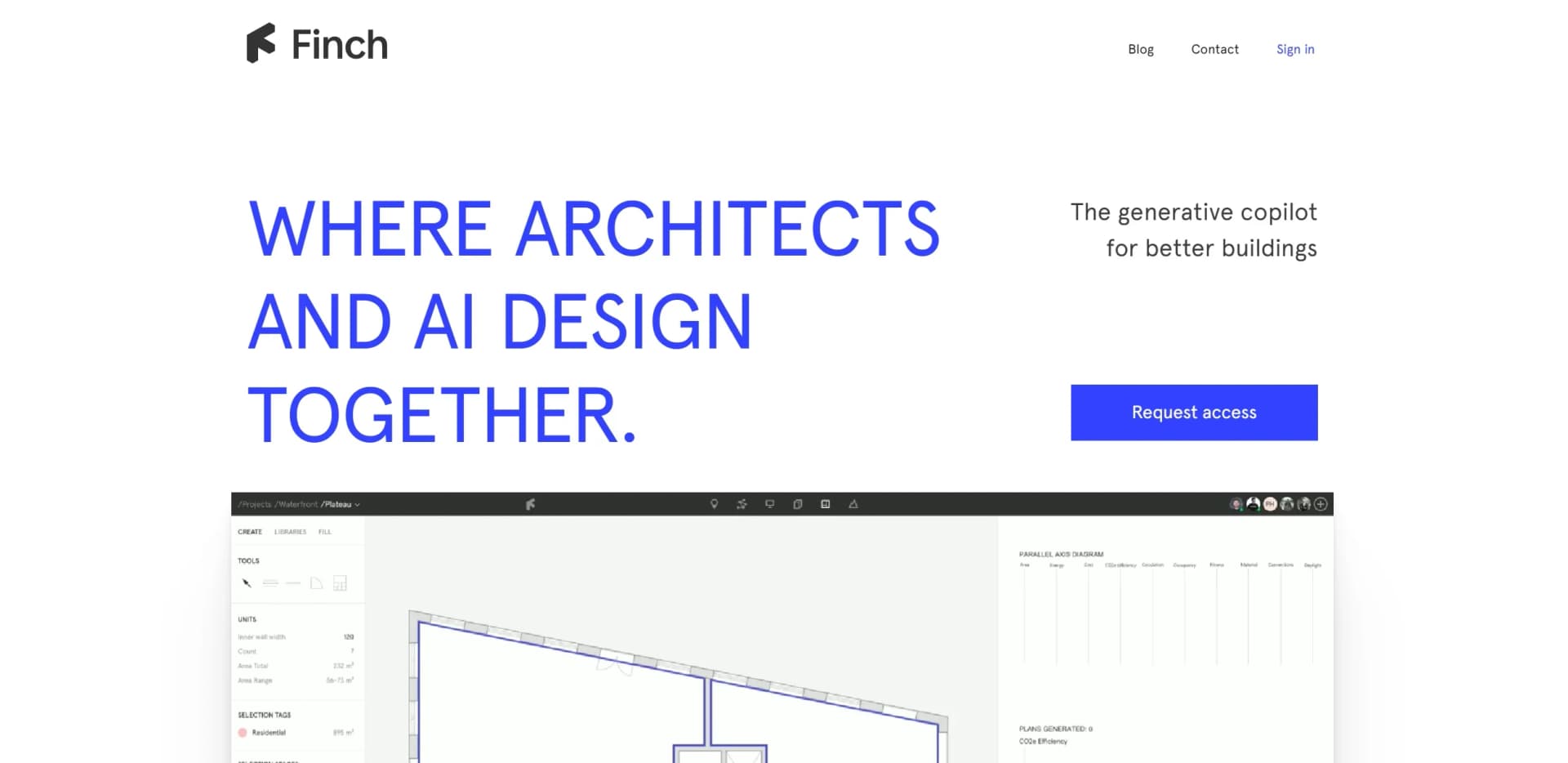
Finch 3D
AI-driven platform enhances architectural design creativity and efficiency.
Key Takeaways
- What it is
- AI-driven platform enhances architectural design creativity and efficiency.
- Best for
- Generative Design Technology
- Instant Data Feedback
- Seamless Integration
- Rating
- 4.5/5
What is Finch 3D?
Finch is a revolutionary AI-driven platform designed for architects, transforming the way architectural designs are conceived and optimized. By leveraging cutting-edge AI, graph technology, and advanced algorithms, Finch serves as a generative copilot, enhancing and challenging design work to achieve optimal results. Tailored for architects seeking to streamline their workflow and explore design possibilities at unprecedented speeds, Finch simplifies the design process while ensuring compliance with architectural standards.
Finch distinguishes itself with its ability to seamlessly integrate AI with traditional architectural design processes, offering architects a powerful tool to enhance creativity and efficiency. Its generative design capabilities, combined with instant feedback and compliance features, make it a standout choice for professionals looking to innovate in the field of architecture.
Finch offers a transformative approach to architectural design, making it an invaluable tool for professionals seeking to optimize and innovate their workflows. With its powerful generative design technology and seamless integration capabilities, Finch empowers architects to explore new horizons in creativity and efficiency, setting a new standard in the industry. Whether for large firms or individual practitioners, Finch is paving the way for the future of architectural design.
Who is Using Finch 3D?
Architectural Firms
Leveraging Finch for efficient design iterations and compliance assurance.
Urban Planners
Utilizing the tool for rapid exploration of urban design possibilities.
Construction Companies
Employing Finch to optimize building designs and ensure regulatory compliance.
Interior Designers
Using the platform for innovative space planning and design refinement.
Key Features
Rating Breakdown
Pricing Plans
Invite-Only Access
- Finch is currently in an invite-only phase
- Pricing details available upon request
Which Finch 3D plan should you pick?
Start with Free to learn the platform and edit designs, upgrade to Basic for feasibility generation, and choose Enterprise for team deployment, AI generation and integrations.
Free
Good for individual users who need design editing and real-time building-performance metrics without a paid subscription.
Basic
Good for single users doing early-stage feasibility studies who need optimized unit-mix and circulation generation.
Enterprise
Good for firms and teams that need shared workflows, firm-wide plan libraries, AI floor-plan generation, compliance checks, custom BIM integrations and SSO.
Finch 3D Use Cases
Adopted by educational institutions for teaching computational design; Embraced by freelance architects for personal projects and portfolio development.
Workflow Ideas with Finch 3D
Early feasibility study
- 1Create a Finch project and variant.
- 2Upload a building mass from Rhino, Revit, Grasshopper or Forma.
- 3Generate floor plates and review real-time building metrics.
Residential unit-mix exploration
- 1Upload or create the building mass.
- 2Set residential programs and unit-mix targets.
- 3Generate and compare floor-plan options against area and circulation metrics.
Site-to-BIM delivery
- 1Send building volumes and context from Autodesk Forma to Finch.
- 2Refine layouts and generate the building interior.
- 3Download the resulting BIM model into Revit.
How Finch 3D fits into your stack
Browser
Finch is accessed as a web app for creating projects, editing building interiors, generating floor plans, reviewing metrics, and exporting results.
Desktop / IDE
Desktop design workflows connect to Finch through plug-ins and extensions for Rhino, Revit, Grasshopper, Archicad, and Autodesk Forma.
Pros
- +Enhanced Creativity: Facilitates the exploration of diverse design options, inspiring architects to push creative boundaries.
- +Time Efficiency: Dramatically reduces the time required for design iterations, enabling architects to produce optimized designs faster.
- +User-Centric Design: Offers a simple, intuitive interface that is easier than pen and paper, keeping architects in their creative flow.
- +Comprehensive Integration: Supports a wide range of existing design tools, eliminating entry barriers for users.
Cons
- −Invite-Only Access: Currently, Finch is available by invitation only, which may limit immediate access for all interested users.
- −Learning Curve: While intuitive, mastering the full potential of the tool's advanced features may require some initial learning.
Limitations & when to consider alternatives
Known limitations
- AI unit-plan generation is restricted. The FAQ states that AI unit-plan generation is currently available only to strategic AI customers.
- Some software is unsupported. MicroStation and SketchUp are not supported, according to Finch's FAQ.
- Revit integration is one-way. Revit massing can be uploaded and BIM can be downloaded, but changes to downloaded BIM models cannot be uploaded back to Finch.
- Forma input types are limited. Only Basic Buildings and Line-edited buildings are uploaded as editable volumes; other Forma objects are treated as context.
- Curved forms have limited support. Finch documents curved typologies as unsupported for its AI Floor Plate workflow.
Look elsewhere when
- You need native mobile apps.
- You need programming-code generation.
- Your workflow depends on SketchUp or MicroStation.
How to Use Finch 3D
- 1
Create a project
Open Finch's web app, create a project and add a variant for the building option you want to test.
- 2
Connect a design tool
Install the relevant Finch plug-in or Forma extension, then sign in and select the Finch project and variant.
- 3
Upload the building mass
Upload a unified mass from Rhino, Revit, Grasshopper or Forma so Finch can interpret the building volume.
- 4
Generate and edit layouts
Assign programs, generate floor plates or unit mixes, then refine walls, doors, rooms and other plan elements in Finch.
- 5
Review performance
Use key figures, area metrics, unit-mix data and compliance-related feedback to compare design variants.
- 6
Export the result
Export BIM to Revit, 2D or 3D geometry to Rhino, Grasshopper data, or PNG and CSV project outputs.
Who is Finch 3D For?
Architects
Finch is built by architects for architectural design and supports rapid generation and evaluation of floor plans.
AEC professionals
The company positions Finch for AEC professionals working across design, data and BIM workflows.
Architecture firms
Enterprise features support firm-wide plan libraries, design systems, code compliance and deployment across teams and markets.
Residential design teams
Finch supports residential unit mixes, reusable plan libraries and buildable floor plans aligned with local codes.
Frequently Asked Questions
What is Finch 3D?
Finch is an AI-native platform for building design that helps teams generate building designs, explore options and deliver floor plans and BIM geometry.
Which design software works with Finch?
Finch supports Rhino, Grasshopper, Revit and Autodesk Forma. Archicad support is available through Grasshopper, and a Finch Archicad plug-in is documented as beta.
Can Finch generate floor plans?
Yes. Finch can generate floor plates, unit mixes and floor plans, with enterprise features for AI-powered plan generation and compliance checks.
Can I export Finch projects?
Projects can be exported to Revit as BIM, to Rhino as 2D or 3D geometry, to Grasshopper through the Finch component, and as PNG or CSV outputs.
Does Finch support AI-generated unit plans for every user?
The documentation states that AI unit-plan generation is currently available only to strategic AI customers, while some users can assign plans from their own libraries.
Which building forms are supported?
Rectilinear, voided, courtyard, angled and H/T forms are supported to varying degrees. Curved forms and angled roofs have documented limitations.
Community reviews
Be the first to share your experience.
Sign in to leave a review for Finch 3D.
Finch 3D Alternatives
Looking for alternatives to Finch 3D? Here are similar tools in the same category: