FiftyOne
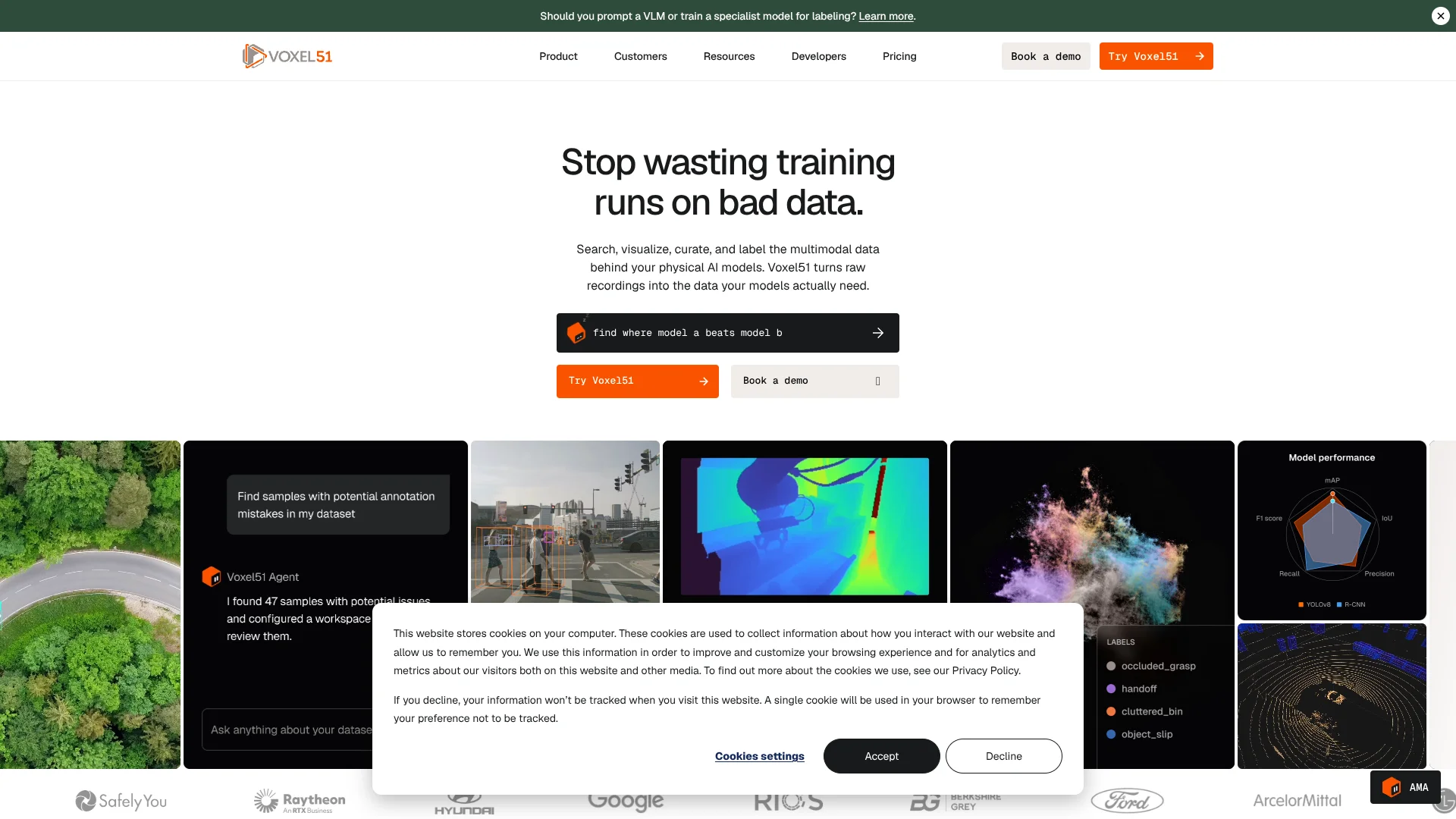
Inspect visual AI datasets to uncover the examples behind model failures.
Key Takeaways
- What it is
- Inspect visual AI datasets to uncover the examples behind model failures.
- Best for
- Multimodal episode viewer
- Dataset search and curation
- Model evaluation
- Rating
- 4.2/5
What is FiftyOne?
When a vision model misses a rare event, FiftyOne helps teams find the examples behind the failure and decide what data to improve next. It brings visual AI datasets into an interactive App and Python SDK for inspection, search, curation, annotation, and model evaluation. Teams can work with images, video, 3D point clouds, and synchronized sensor recordings.
For robotics and autonomous systems, the multimodal viewer plays camera feeds, LiDAR, and timestamped sensor streams together on one timeline, letting a team inspect the moments around an event in context.
FiftyOne is a strong fit for computer vision and physical AI teams that need to improve models by refining their data. The open-source version is designed for local, single-user work, while larger-scale team collaboration calls for Voxel51’s hosted or enterprise offering.
Who is Using FiftyOne?
Computer vision engineer
Model failure analysis helps pinpoint samples to review before another training iteration.
Robotics perception engineer
Synchronized episode playback brings camera and sensor evidence together when investigating robot behavior.
Data curator
Search, filters, embeddings, and quality checks help build more targeted training datasets.
Annotation lead
Configurable review stages and annotator metrics help track labeling quality and workflow progress.
Uncommon Use Cases
Inspect LeRobot episodes with synchronized camera and state/action streams; review MCAP recordings to find sensor events across a fleet.
Key Features
Rating Breakdown
Pricing Plans
Team
- FiftyOne open source is free
Growth
Custom
Which FiftyOne plan should you pick?
Start with Free to explore the hosted workflow within its limits, then consider Team or Enterprise when your team needs more capacity, collaboration, or deployment controls.
Free
Good for individuals evaluating hosted dataset search and analysis within the listed storage, dataset, inference, and compute caps.
Team
Good for teams that need shared work, more seats, and managed or self-hosted deployment options.
Enterprise
Good for organizations that need greater scale, on-premise or air-gapped deployment options, and premium support.
FiftyOne Use Cases
Find model failure examples
Sample-level evaluation and search bring underperforming classes and failure patterns into view.
Outcome: A focused set of examples to investigate and use in model iteration.
Find useful training data
Similarity search, embeddings, and dataset filters help locate relevant samples and hard cases.
Outcome: A more targeted dataset for training or annotation.
Review multimodal recordings
Camera feeds, LiDAR, and sensor streams play together so teams can investigate the same moment in context.
Outcome: A clearer view of what happened during an episode.
Check and improve labels
Automated QA and model-assisted review help identify labels that need human attention.
Outcome: Labels reviewed against the team's annotation guidelines.
Connect annotation work
FiftyOne can send data to supported annotation backends such as CVAT and bring labels back into the dataset.
Outcome: Annotation work linked to the dataset used for curation and evaluation.
Workflow Ideas with FiftyOne
Find and review model failures
- 1Load a dataset and its model predictions into FiftyOne.
- 2Evaluate the model and filter for low-confidence or incorrect examples.
- 3Review failure patterns and select useful samples for another training round.
Build a focused annotation batch
- 1Search and filter the dataset for the scenarios that need labels.
- 2Prioritize samples with active learning or similarity-based exploration.
- 3Send the selected data to a supported annotation backend and review returned labels.
Investigate a robotics episode
- 1Load a multimodal dataset containing the recording's supported streams.
- 2Open an episode and play its camera and sensor data together on the timeline.
- 3Tag relevant time ranges and filter for similar events across the dataset.
How FiftyOne fits into your stack
Interactive App
The FiftyOne App runs in a web browser and displays datasets, labels, predictions, and supported multimodal recordings for visual review.
Python and notebooks
The Python SDK lets developers load datasets, query samples, evaluate models, and use the App from supported notebook environments.
Annotation tools
Documented integrations include CVAT and Label Studio for sending samples to annotation and bringing labels back.
Models and vector search
Integrations include Hugging Face Transformers, Ultralytics, PyTorch Hub, Qdrant, Milvus, and PostgreSQL Pgvector.
Team and deployment infrastructure
Voxel51 offers managed and self-hosted deployment options, with enterprise plans supporting team collaboration and additional security controls.
Pros
- +Failure-focused review: Teams can inspect individual samples and model errors rather than relying on dataset-wide scores.
- +Sensor context: Synchronized timelines keep camera, LiDAR, and other supported streams together during episode review.
- +Open-source entry point: The FiftyOne toolkit is available for local dataset exploration and model evaluation.
- +Extensible workflows: Python, plugins, and named integrations connect dataset work with existing ML and annotation tools.
Cons
- −Technical setup: The open-source route requires installing and working with the Python toolkit.
- −Sales-led paid tiers: Team and Enterprise prices are not listed as fixed dollar amounts on the pricing page.
Limitations & when to consider alternatives
Known limitations
- Free hosted plan caps. The Free plan is limited per tenant to 3 datasets, 10,000 samples per dataset, 20GB of hosted storage, 30,000 model inference requests per month, and 30 hours of compute per month.
- Open-source deployment scope. The open-source offering is described as single-user on a local machine; multi-user collaboration and larger deployments are part of Voxel51 Enterprise.
Look elsewhere when
- You need a production pipeline orchestrator for predefined jobs and dependencies; Voxel51 Agent is designed for iterative data and model development and does not replace tools such as Airflow.
How to Use FiftyOne
- 1
Choose an entry point
Try the hosted Free plan for a capped cloud workspace, or install the open-source FiftyOne toolkit for local work.
- 2
Bring in a dataset
Import supported media and labels, or connect through a documented dataset or cloud-storage workflow.
- 3
Inspect the data
Open the App to review samples, labels, metadata, and model predictions visually.
- 4
Search for useful examples
Filter by metadata or labels, or use similarity and natural-language search where available, to find edge cases and related samples.
- 5
Evaluate and curate
Compare predictions with labels, investigate failure patterns, and keep the samples that matter for the next iteration.
- 6
Extend the workflow
Connect tools such as CVAT or Label Studio, or use the SDK and plugins to add dataset operations.
Who is FiftyOne For?
Robotics teams
Synchronized multimodal playback helps teams review robot episodes alongside camera, point-cloud, and sensor data.
Autonomous systems teams
Search and evaluation tools help locate edge cases and inspect model behavior across driving or sensor datasets.
Manufacturing teams
Dataset curation and model analysis support visual inspection and defect-detection workflows.
Healthcare and life sciences
Support for medical imaging datasets gives teams a place to inspect visual data and model predictions.
Computer vision researchers
The open-source SDK and App support hands-on exploration of datasets, labels, and model results.
Frequently Asked Questions
Is FiftyOne free?
Yes. The open-source FiftyOne toolkit is available for local use, and Voxel51 also lists a hosted Free plan with per-tenant dataset, storage, inference, and compute limits.
What does the hosted Free plan include?
The pricing page lists 3 datasets, 10,000 samples per dataset, 20GB of hosted storage, 30,000 model inference requests per month, and 30 hours of compute per month.
How much do Team and Enterprise cost?
The official pricing page directs buyers to contact sales for both plans and does not publish fixed dollar prices.
Can FiftyOne work with robotics and sensor data?
Yes. FiftyOne supports multimodal datasets and synchronized playback for supported recordings, including MCAP and LeRobot formats.
Does FiftyOne connect to annotation and ML tools?
Yes. Official integrations include tools such as CVAT, Label Studio, Hugging Face Transformers, Ultralytics, and vector search databases.
Community reviews
Be the first to share your experience.
Sign in to leave a review for FiftyOne.
FiftyOne Alternatives
Looking for alternatives to FiftyOne? Here are similar tools in the same category: