Fame Clips
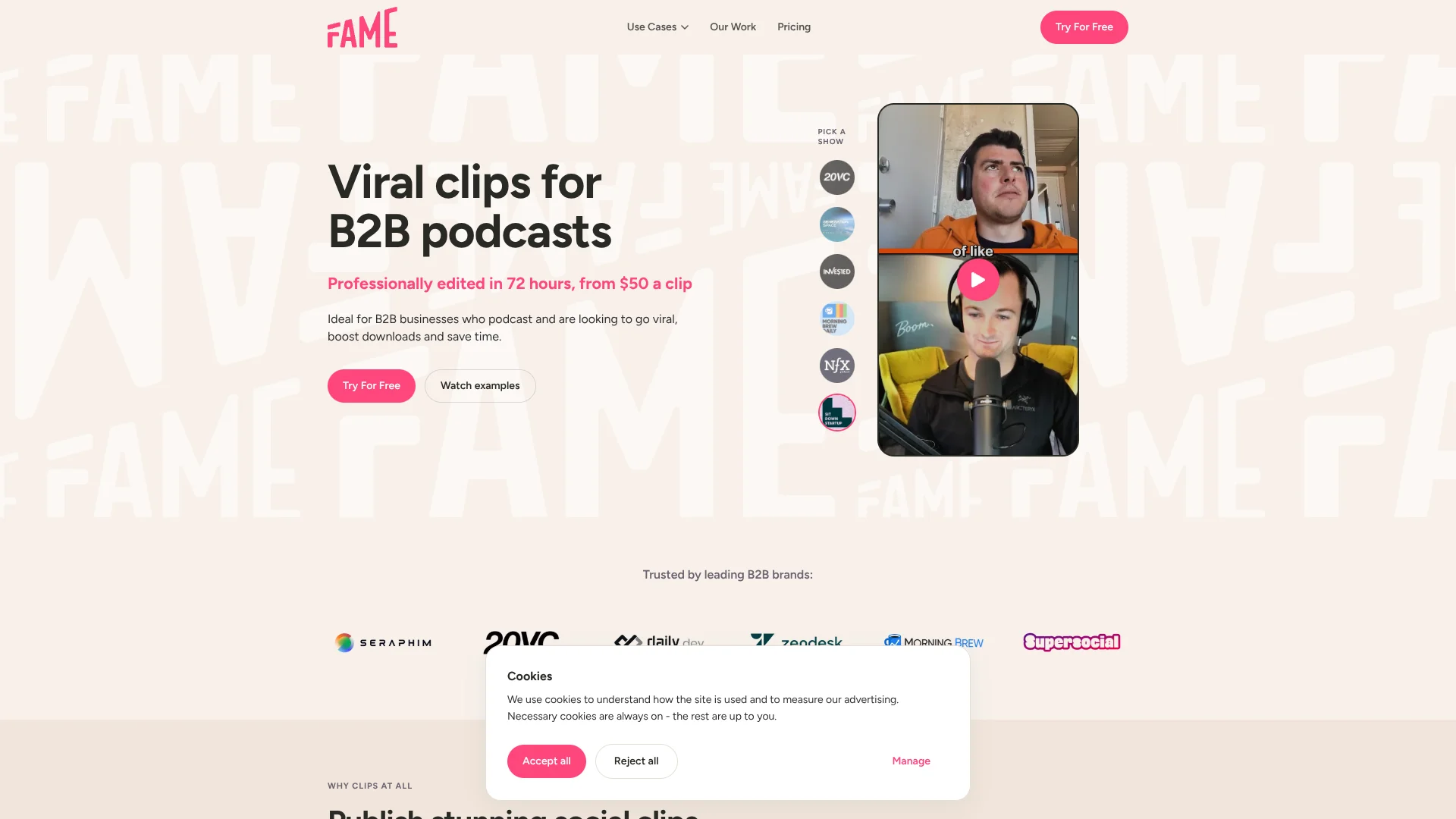
Turn B2B podcast episodes into editor-picked social clips with custom B-roll.
Key Takeaways
- What it is
- Turn B2B podcast episodes into editor-picked social clips with custom B-roll.
- Pricing
- $700 per month · $1,000 per month · $2,350 per month · $100 · $500 · $1,250 · $4,700 · $11,250
- Best for
- AI-assisted moment detection
- Human review
- Personalized B-roll
- Rating
- 4.2/5
What is Fame Clips?
Fame Clips turns B2B podcast recordings into short social videos, with editors selecting moments and shaping clips for social platforms. It is built for podcast teams that want finished clips without assigning someone to edit every episode. Video podcasts and audio-only shows are both supported, and the service says clips are typically delivered within 72 hours.
For audio-only episodes, Fame Clips pairs the speaker’s audio with personalized, scene-matched B-roll, rather than relying on a plain waveform video. Its process combines AI-assisted moment detection with editing and human review before delivery.
Podcast producers, B2B marketing teams, and agencies with recurring episodes are the clearest fit. The service delivers edited clips, but its fully managed social posting option is listed as coming soon, so teams still need a way to publish the videos.
Who is Using Fame Clips?
Podcast Producer
A producer can send recorded episodes for editing and request changes through Fame Clips Studio.
B2B Content Marketer
Branded clips give a marketing team more social content from each podcast episode.
Social Media Manager
Platform-ready vertical or square edits provide clips to schedule across social channels.
Agency Account Manager
An account manager can oversee clip orders and brand kits for multiple clients in the dashboard.
Uncommon Use Cases
Turning X Spaces highlights into short social videos; creating visual clips from audio-only interviews with personalized B-roll.
Key Features
Rating Breakdown
Pricing Plans
Business
$700 per month
- 15 clips per month
- $46 per clip
- Suitable for 1 episode per week
- 72-hour turnaround
- Email and chat support
- Month-to-month commitment; credits do not roll over
Professional
$1,000 per month
- 25 clips per month
- $40 per clip
- Suitable for 1 to 2 episodes per week
- 72-hour turnaround
- Priority support
- Month-to-month commitment; credits do not roll over
Ultimate
$2,350 per month
- 60 clips per month
- $39 per clip
- Suitable for 2 to 3 episodes per week
- 72-hour turnaround
- Priority support
- Month-to-month commitment; credits do not roll over
2 Clips
$100
- $50 per clip
- Prepaid package with no expiration
10 Clips
$500
- $50 per clip
- Prepaid package with no expiration
25 Clips
$1,250
- $50 per clip
- Prepaid package with no expiration
100 Clips
$4,700
- $47 per clip
- Prepaid package with no expiration
250 Clips
$11,250
- $45 per clip
- Prepaid package with no expiration
Which Fame Clips plan should you pick?
Start with the free first clip to assess the editing; choose a prepaid package for irregular needs or a monthly subscription when your clip volume is steady.
Business
Good for a show producing about one episode per week and needing 15 clips per month.
Professional
Good for teams producing one to two episodes per week and needing 25 clips per month.
Ultimate
Good for shows producing two to three episodes per week and needing 60 clips per month.
Prepaid clip packages
Good for teams with changing clip needs that want credits without an expiration date.
Fame Clips Use Cases
Repurpose a video podcast
A recorded episode becomes short clips shaped around engaging moments and social video formats.
Outcome: Edited clips delivered, typically within 72 hours.
Give an audio podcast a visual format
Personalized B-roll adds scene-matched visuals to clips made from audio-only episodes.
Outcome: Short videos based on audio episodes.
Create clips from X Spaces
Highlights from an X Space can be turned into social-ready video content.
Outcome: Short-form clips for social channels.
Keep client clips on-brand
Agency teams can manage multiple brand kits while tracking client clip orders.
Outcome: Clips tailored to each client's brand.
Workflow Ideas with Fame Clips
Repurpose a weekly podcast
- 1Submit an episode recording or paste a link.
- 2Set the brand style and any speaker or content preferences.
- 3Review the delivered clips and request edits if needed.
Turn an audio interview into video
- 1Send the audio episode to Fame Clips.
- 2Specify brand guidance and any important guests or moments.
- 3Review the clips with personalized B-roll before publishing.
Handle clips for multiple clients
- 1Set up each client's brand kit in the agency dashboard.
- 2Submit and track clip orders for each client.
- 3Review and pass approved clips to the client for posting.
How Fame Clips fits into your stack
Podcast recordings
Fame Clips starts with an uploaded episode recording or a link. It works with video and audio-only podcast content.
Brand assets
Colors, fonts, logos, and calls to action guide the visual treatment of delivered clips.
Social publishing
The service prepares clips for social platforms, while your team handles publishing.
Agency client work
Agencies can manage orders and multiple client brand kits through the online dashboard.
Pros
- +Audio-only support: Personalized B-roll gives audio recordings a visual format beyond a waveform.
- +Human quality checks: Editors review clips before they reach your team.
- +Revision requests: Unlimited revisions are included, with a stated 24-hour turnaround.
- +Prepaid clip packs: Purchased credits do not expire, so irregular publishing schedules can use clips at their own pace.
Cons
- −Service-led editing: You send in recordings and wait for edited work rather than making clips yourself in an editor.
- −Recurring cost: Monthly subscriptions start at $700, which may be a lot for a show that needs only a few clips.
- −Publishing is separate: The service returns clips, so your team still needs to post them.
Limitations & when to consider alternatives
Known limitations
- Large or complex orders may take longer. The stated 72-hour turnaround can take longer in some cases, including orders of more than 10 clips or those with custom instructions.
- Subscription credits do not roll over. Unused monthly credits do not carry into the next billing period.
- Prepaid packages cannot be canceled. The fulfillment policy says prepaid packages cannot be canceled and subscriptions or packages are not refundable.
- Managed posting is not available yet. The pricing page lists fully managed social posting as coming soon and says an application is required.
Look elsewhere when
- You need a self-service editor to cut and style clips yourself.
- Your team needs clips automatically published to social accounts now.
- You need a documented developer API or native mobile app.
How to Use Fame Clips
- 1
Choose a clip package
Pick a monthly subscription for predictable volume or a prepaid package if your editing needs vary.
- 2
Submit an episode
Upload a recording or paste a link so the team can start editing.
- 3
Share your brand guidance
Provide the colors, fonts, logos, calls to action, and speaker details you want reflected in the clips.
- 4
Review the delivered clips
Check the edits and use the revision option in Fame Clips Studio to request changes.
- 5
Publish the finished videos
Schedule or post the clips through your own social media workflow; fully managed posting is listed as coming soon.
Who is Fame Clips For?
B2B podcast teams
Recurring shows can turn each episode into social clips without handling the editing in-house.
Podcast agencies
Agencies can order clips for multiple client brands through an online dashboard.
Podcast studios
Studios can add short-form editing to the content they deliver to clients.
B2B marketing teams
Teams can repurpose podcast conversations into branded social videos.
Frequently Asked Questions
Is there a free option?
The site offers a free first clip, but it does not list a free ongoing plan.
How fast are clips delivered?
The stated turnaround for short-form editing is 72 hours, including weekends. Larger orders or custom instructions may take longer.
Can I request changes to my clips?
Yes. Fame Clips says revision requests are unlimited and have a 24-hour turnaround, including weekends.
Do prepaid clips expire?
No. Prepaid clip packages have no expiration date. Monthly subscription credits do not roll over.
Can Fame Clips edit audio-only podcasts?
Yes. It can create clips from audio-only podcasts using personalized B-roll.
Community reviews
Be the first to share your experience.
Sign in to leave a review for Fame Clips.
Fame Clips Alternatives
Looking for alternatives to Fame Clips? Here are similar tools in the same category: