FaceSwap AI
Swap faces in photos and videos instantly.
Key Takeaways
- What it is
- Swap faces in photos and videos instantly.
- Pricing
- $9.99 per month · $19.99 per month · $49.99 per month
- Best for
- Instant Face Swapping
- Multiple Face Swap
- Video Face Swap
- Rating
- 4.6/5
What is FaceSwap AI?
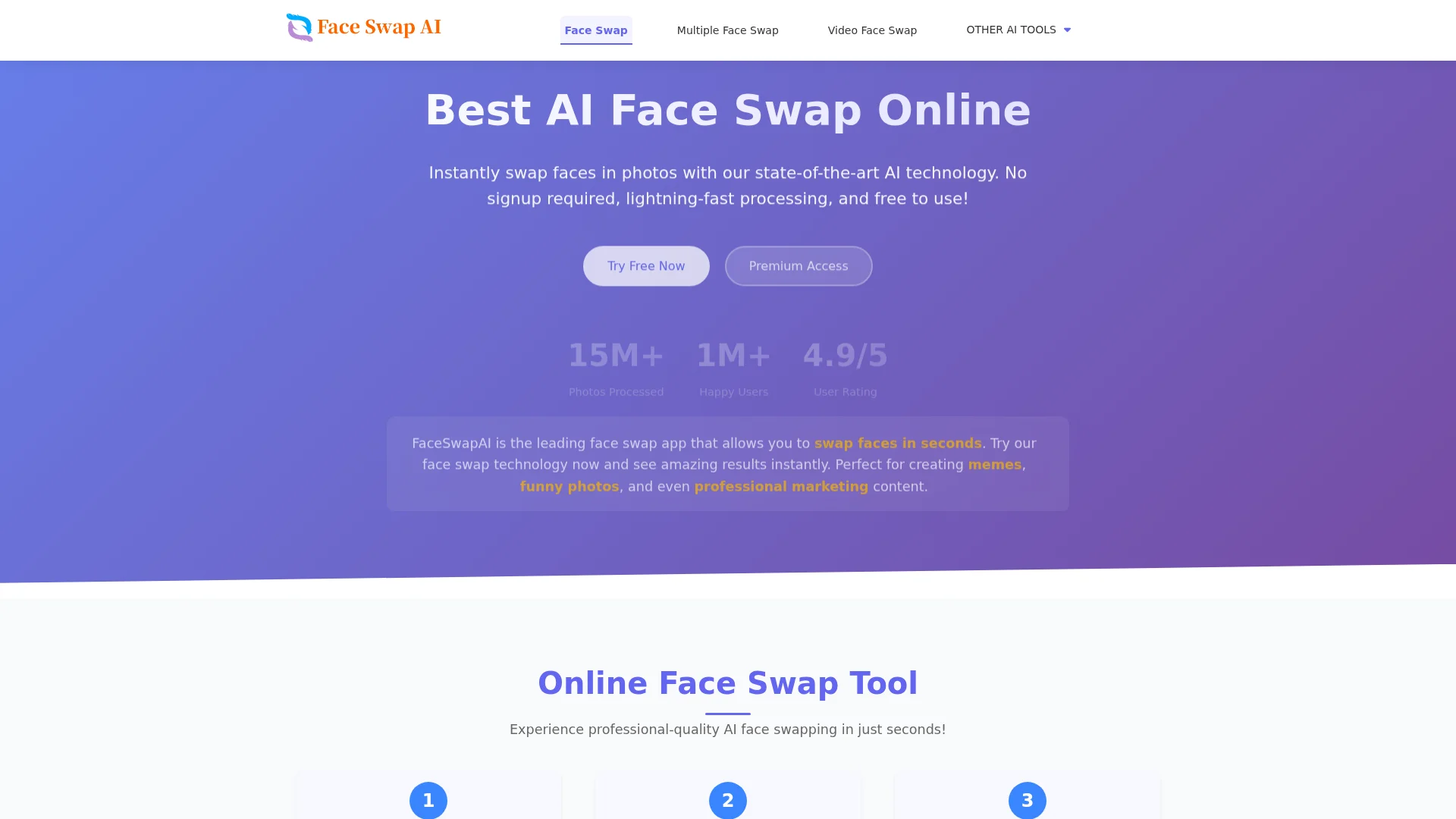
FaceSwap AI transforms the way we engage with digital imagery by offering cutting-edge face-swapping technology. It's designed for anyone from casual users looking to create memes and funny photos to professionals in need of high-quality marketing content. The tool simplifies the face-swapping process with lightning-fast processing and a user-friendly interface, making it accessible to all.
FaceSwap AI stands out with its superior quality and ultra-fast processing capabilities, making it ideal for both casual and professional use. The ability to swap faces in videos with natural results and the availability of a robust API for developers further distinguish it in the market.
FaceSwap AI offers a blend of innovation and practicality, making it a standout choice for anyone interested in digital face swapping. Whether you're a content creator, a marketer, or someone looking to have fun with photos, this tool provides quality, speed, and ease of use that are hard to beat.
Who is Using FaceSwap AI?
Content Creators
Crafting engaging visual content for social media and online platforms.
Professional Photographers
Enhancing creative projects with unique face swaps.
Digital Marketers
Creating captivating marketing materials quickly.
Educators
Utilizing the tool for interactive and engaging learning materials.
Uncommon Use Cases
Used by theater production teams for visual effects; Employed by historical societies for educational reconstructions.
Key Features
Rating Breakdown
Pricing Plans
Basic
$9.99 per month
- Includes 100 credits per month, basic face swap tools, single face swap at 1 credit, multiple face swap at 3 credits, standard processing speed, no priority support, and no advanced editing options
Pro
$19.99 per month
- Includes 300 credits per month, all face swap tools, single face swap at 1 credit, multiple face swap at 2 credits, video face swap at 10 credits per 10 seconds, faster processing speed, and priority support
Premium
$49.99 per month
- Includes 1000 credits per month, all face swap and editing tools, single face swap at 1 credit, multiple face swap at 1 credit, video face swap at 5 credits per 10 seconds, premium processing speed, and 24/7 VIP support
Which FaceSwap AI plan should you pick?
Start with First swap for a small watermark-free test, upgrade to Creator for regular creation, or choose Studio for larger projects and the lowest unit cost.
First swap
Good for first-time users who need 100 credits for a small paid face-swap test.
Starter
Good for users who need a first set of paid swaps with 200 credits.
Creator
Good for regular photo, video and GIF creation with 700 credits.
Studio
Good for larger projects that need 2,500 credits and the lowest unit cost.
FaceSwap AI Use Cases
Single photo face swap
Upload one source portrait and one target photo to replace the target identity.
Outcome: A downloadable swapped photo.
Group photo face swap
Select faces in a group photo and apply one source identity or distinct replacement portraits.
Outcome: A group image with selected identities replaced.
Video face swap
Upload an MP4, MOV, WebM or AVI clip and apply one source identity throughout the file.
Outcome: A processed face-swapped video.
GIF face swap
Upload an animated GIF and apply a source identity throughout the loop.
Outcome: A processed face-swapped GIF.
API-based face swap
Submit media through authenticated API endpoints and poll the task status until completion.
Outcome: A temporary result URL returned by the API.
Workflow Ideas with FaceSwap AI
Create a photo face swap
- 1Open the Photo Face Swap workflow
- 2Upload a source portrait and target photo
- 3Review the 3-credit charge and download the result
Swap faces in a group image
- 1Open Multiple Face Swap
- 2Select up to 10 target faces and upload replacement portraits
- 3Review the per-target credit cost and generate the group image
Integrate face swapping with the API
- 1Create an API key in a verified account
- 2Submit media with consent=true to the appropriate endpoint
- 3Poll the returned taskId until the result is completed
How FaceSwap AI fits into your stack
Browser
FaceSwapAI is a browser-based upload and processing tool for photos, group photos, videos, and GIFs. It works in Safari, Chrome, Edge, and desktop or mobile browsers without installation.
Automation and APIs
A documented server-side API provides versioned routes for image, video, GIF, and multiple-face swaps. Developers authenticate with bearer API keys, submit media, and poll task status.
Pros
- +User-Friendly Experience: Simple steps for face swapping make it accessible to all skill levels.
- +High-Quality Results: Delivers realistic face swaps with excellent facial expression matching and skin tone blending.
- +Rapid Processing: Get results in under 5 seconds, optimizing time for users.
- +Privacy Assurance: Images are processed securely and deleted after 24 hours, ensuring user privacy.
Cons
- −Initial Learning Curve: Users might need time to explore all features.
- −Limited Free Features: Premium features require a paid plan for full access.
Limitations & when to consider alternatives
Known limitations
- Browser-only access. The official product runs in desktop and mobile browsers and does not publish an official native app download.
- No live camera or video-call effects. Video Face Swap processes uploaded files and does not replace faces in FaceTime, live calls or camera feeds.
- Credit-based generation. Generation requires a verified account and credits, except for an eligible one-time watermarked photo trial.
- File and duration limits. Photos, videos and GIFs have published size, format and duration limits, including videos up to 100 MB and 600 seconds.
- Temporary task files. Task files are scheduled for deletion after 24 hours and may be removed earlier.
Look elsewhere when
- You need a native iOS or Android app.
- You need live camera or video-call face effects.
- You need webhook or batch API automation.
- You need custom model fine-tuning.
How to Use FaceSwap AI
- 1
Open the official browser app
Go directly to faceswapai.com in Safari, Chrome, Edge or another current browser.
- 2
Choose a workflow
Select Photo, Multiple Face, Video or GIF Face Swap according to the target media.
- 3
Prepare permitted media
Choose a clear source portrait and a target file you are allowed to edit.
- 4
Sign in and verify email
Generation requires a verified account and confirmation that you have consent to use every face.
- 5
Review credits and limits
Check the displayed credit requirement, file limit and output policy before submitting.
- 6
Generate and download
Submit the task, wait for processing, then download the result before scheduled deletion.
Who is FaceSwap AI For?
Creative and entertainment users
The product is positioned for creative and entertainment use, including memes, photos, videos and GIFs.
Content creators
Creators can make paid, watermark-free photo, group-photo, video and GIF face swaps using one-time credit packs.
Developers
Developers can integrate image, video, GIF and multiple-face swaps through the documented versioned API.
Frequently Asked Questions
What can I face swap with FaceSwapAI?
FaceSwapAI supports single photos, selected faces in group photos, uploaded video clips and animated GIFs.
Do I need an account or an app?
Browsing public pages does not require an account, but generation requires sign-in, verified email and consent. The product runs in desktop and mobile browsers without an app installation.
How are AI face swap credits calculated?
Paid photo swaps cost 3 credits, multiple-face swaps cost 3 credits per selected target, and video or GIF swaps cost 1 credit per measured second with a 3-credit minimum.
Is there a free trial?
Eligible verified accounts may use one watermarked photo trial. Paid credit results do not include the trial watermark or account email.
What file formats and limits are supported?
Photos support common formats including JPG, PNG, WebP, GIF, BMP, HEIC and HEIF up to 30 MB. Videos support MP4, MOV, WebM and AVI up to 100 MB and 600 seconds; GIFs support up to 30 MB and 30 seconds.
How long are uploaded files kept?
Task files are scheduled for deletion after 24 hours and may be removed earlier.
Community reviews
Be the first to share your experience.
Sign in to leave a review for FaceSwap AI.
FaceSwap AI Alternatives
Looking for alternatives to FaceSwap AI? Here are similar tools in the same category: